
Configure Billing Report Discount
This tutorial guides you through configuring billing discount brackets used in billing reports. Discount percentages can be applied based on specific billing amount ranges.
Video Tutorial
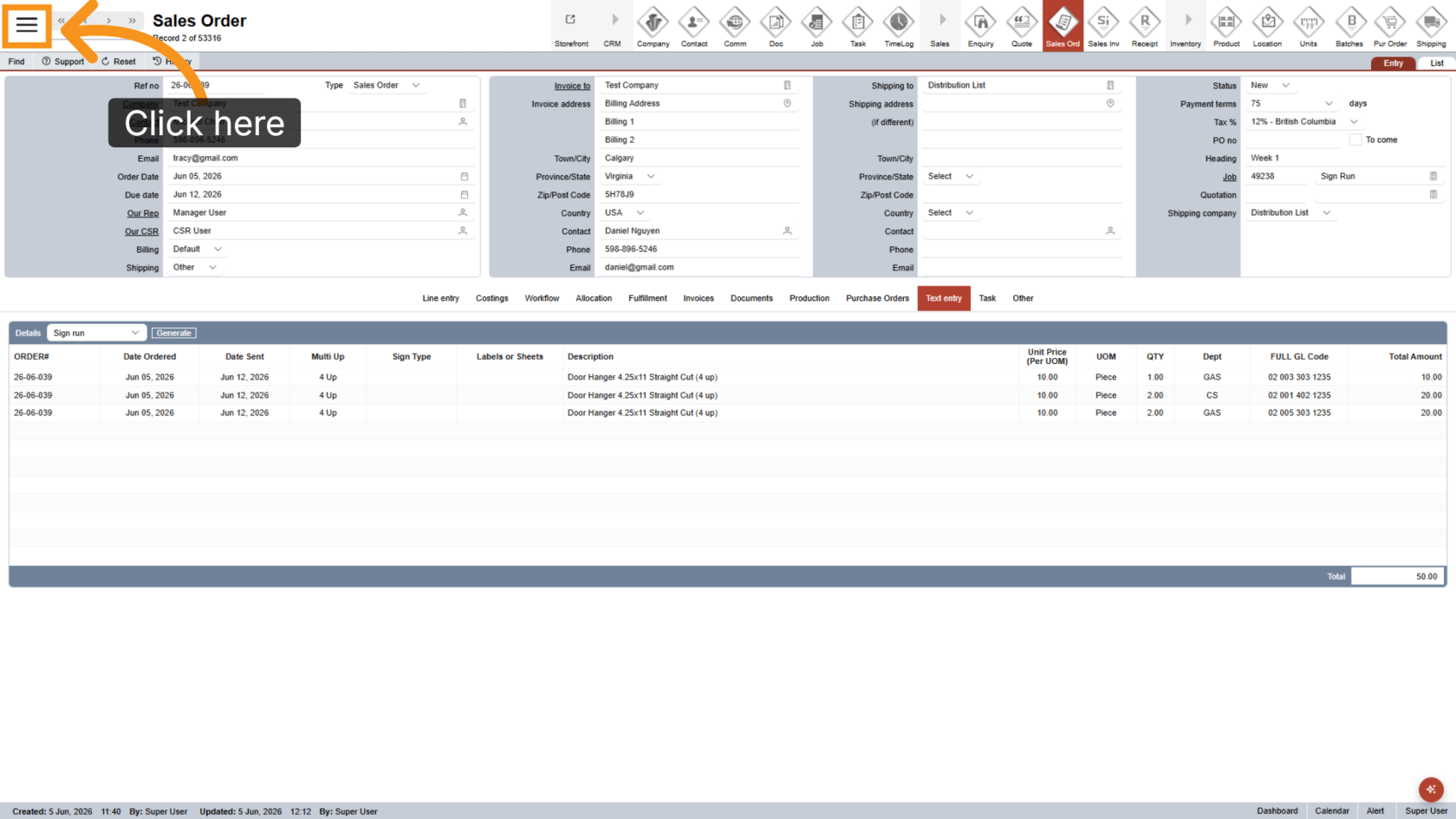
1. Open Main Menu
Click the  main navigation menu to access system options.
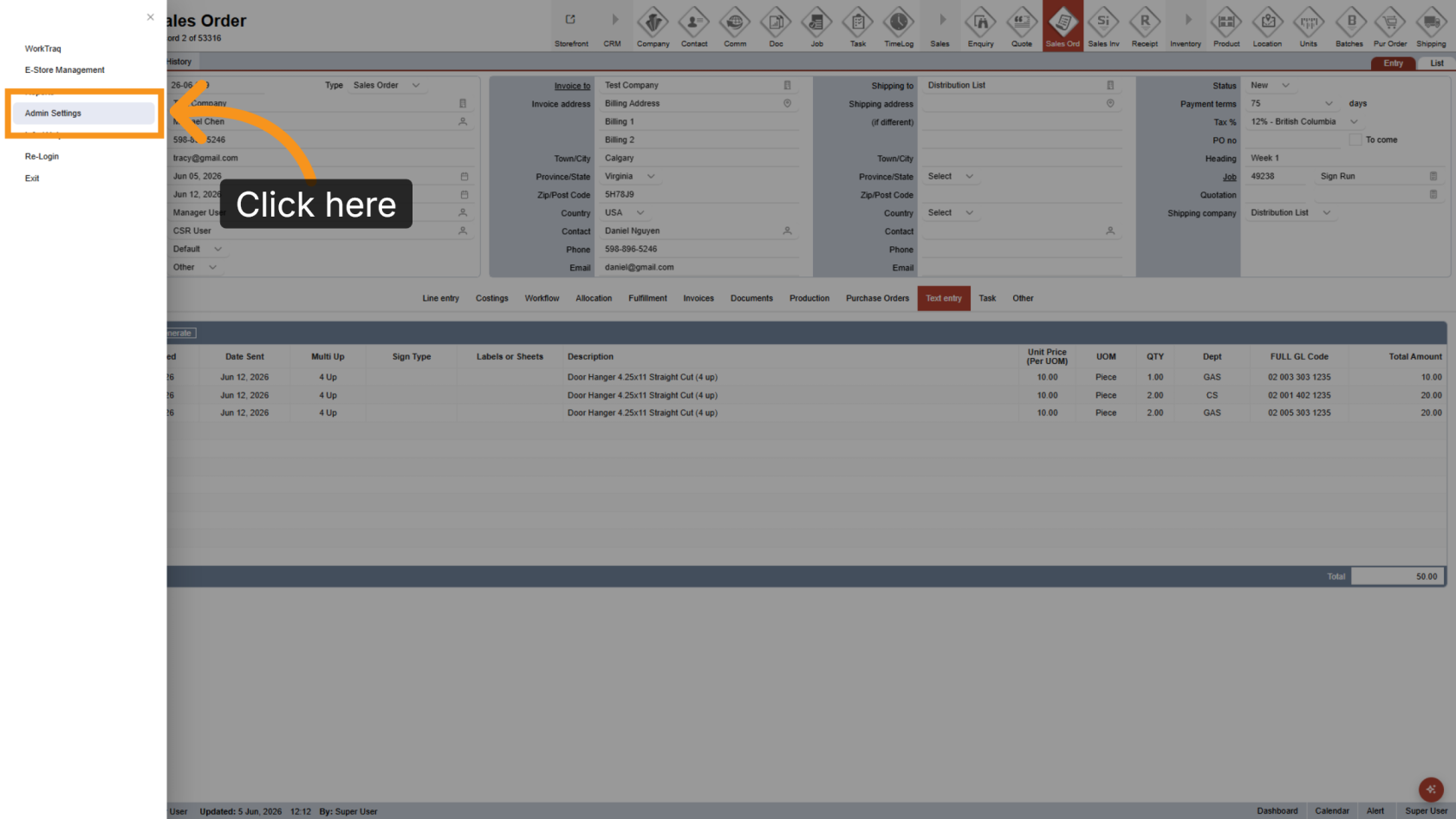
2. Go to Admin Settings
Click Admin Settings to open the administration panel.
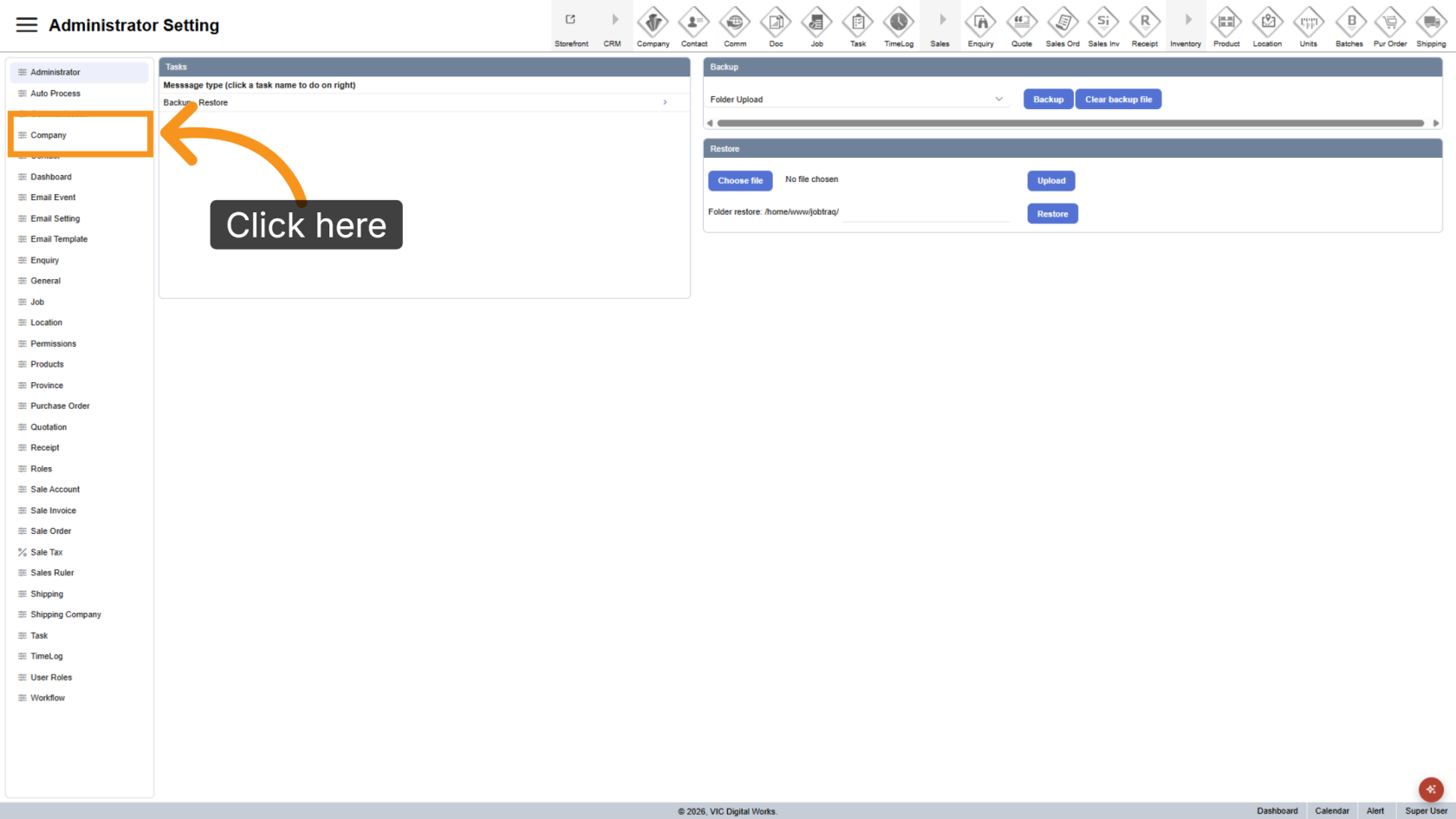
3. Navigate to Company Section
Click Company to view the company management options.
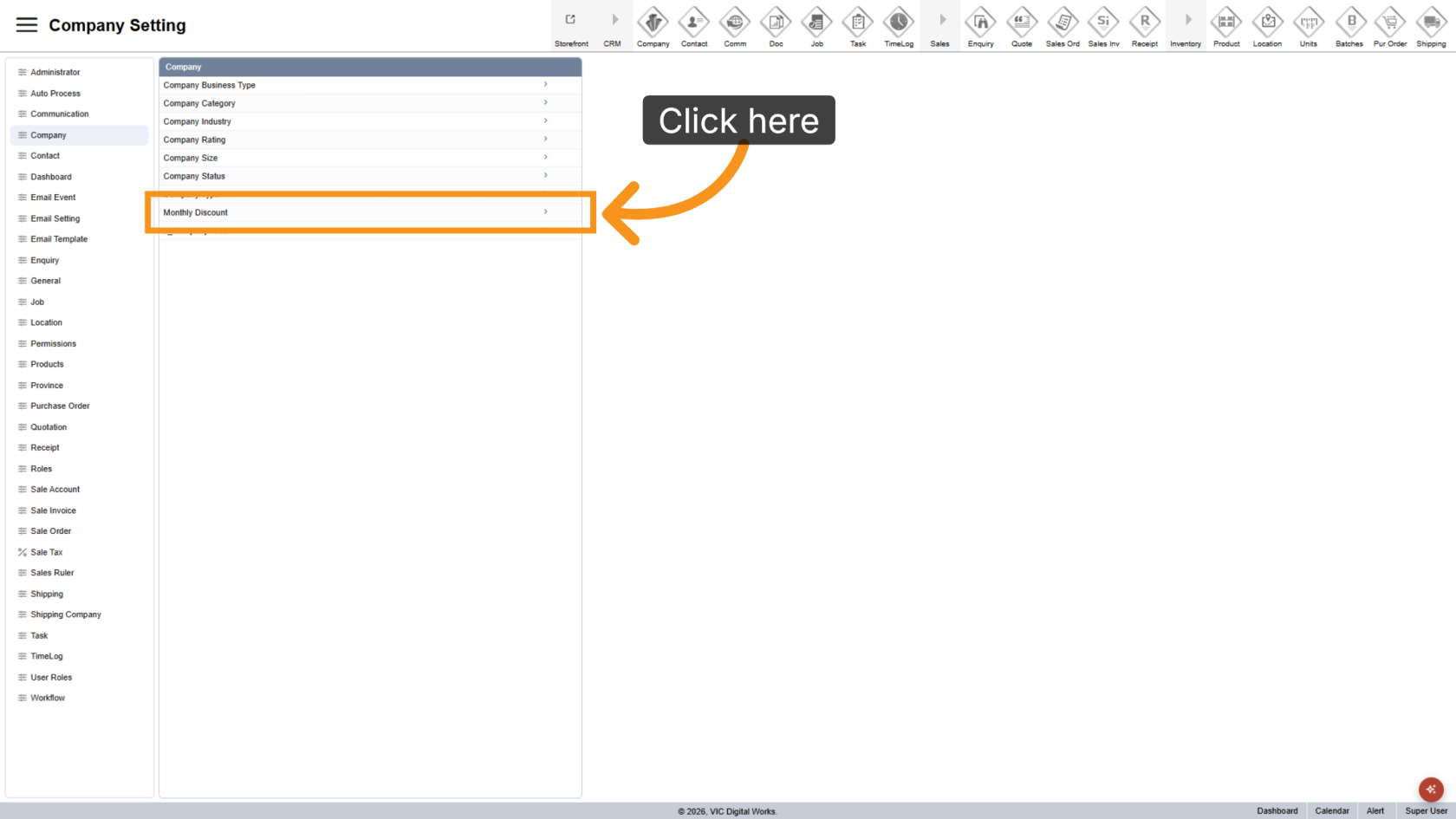
4. Open Monthly Discount
Click Monthly Discount to manage billing discount brackets.
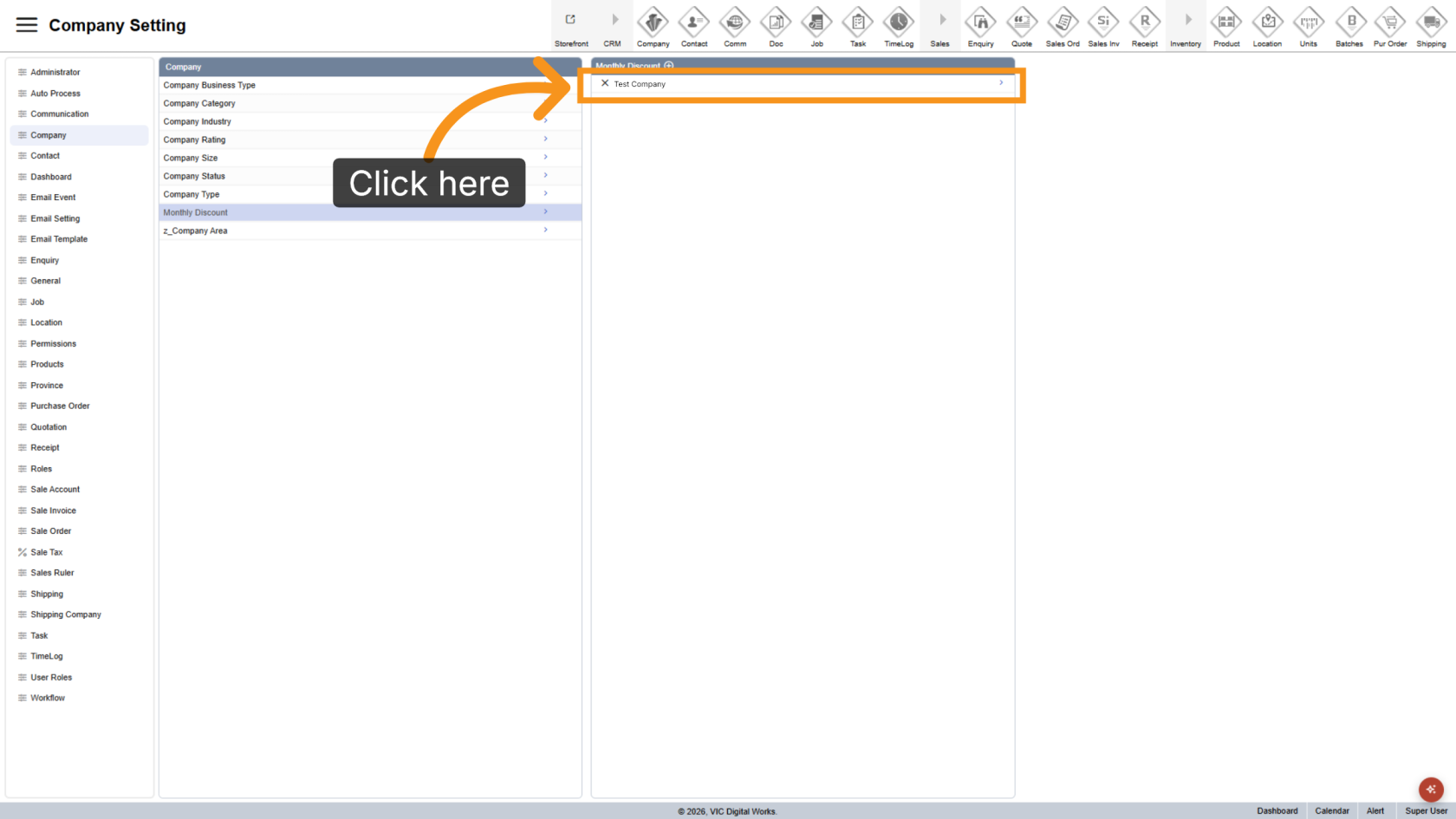
5. Select Company
Select the company you want to configure discount settings for.
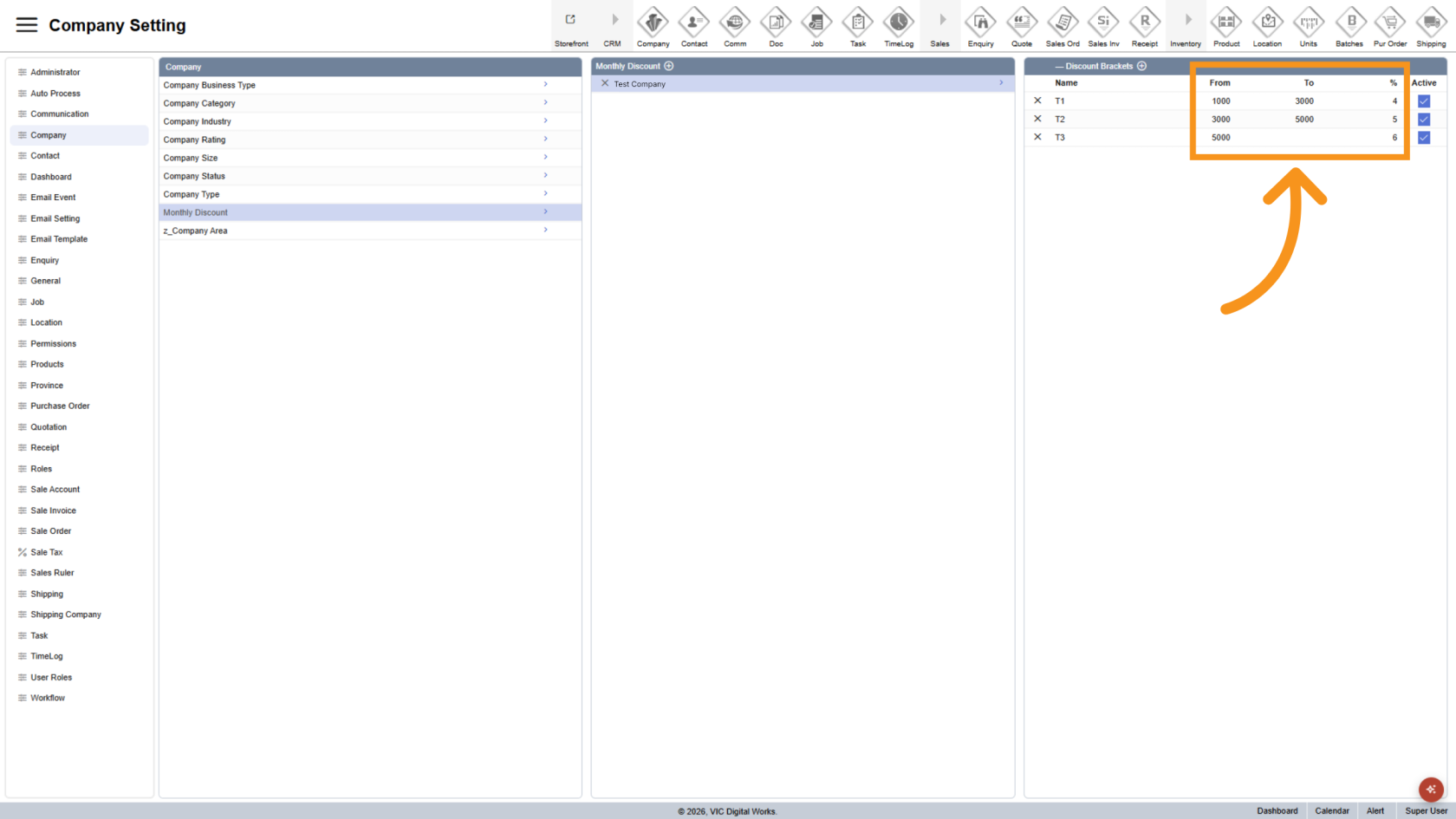
6. Update Discount Values
Enter the billing amount range and the discount percentage to apply. The discount percentage will be applied when the billing amount falls within the specified range.
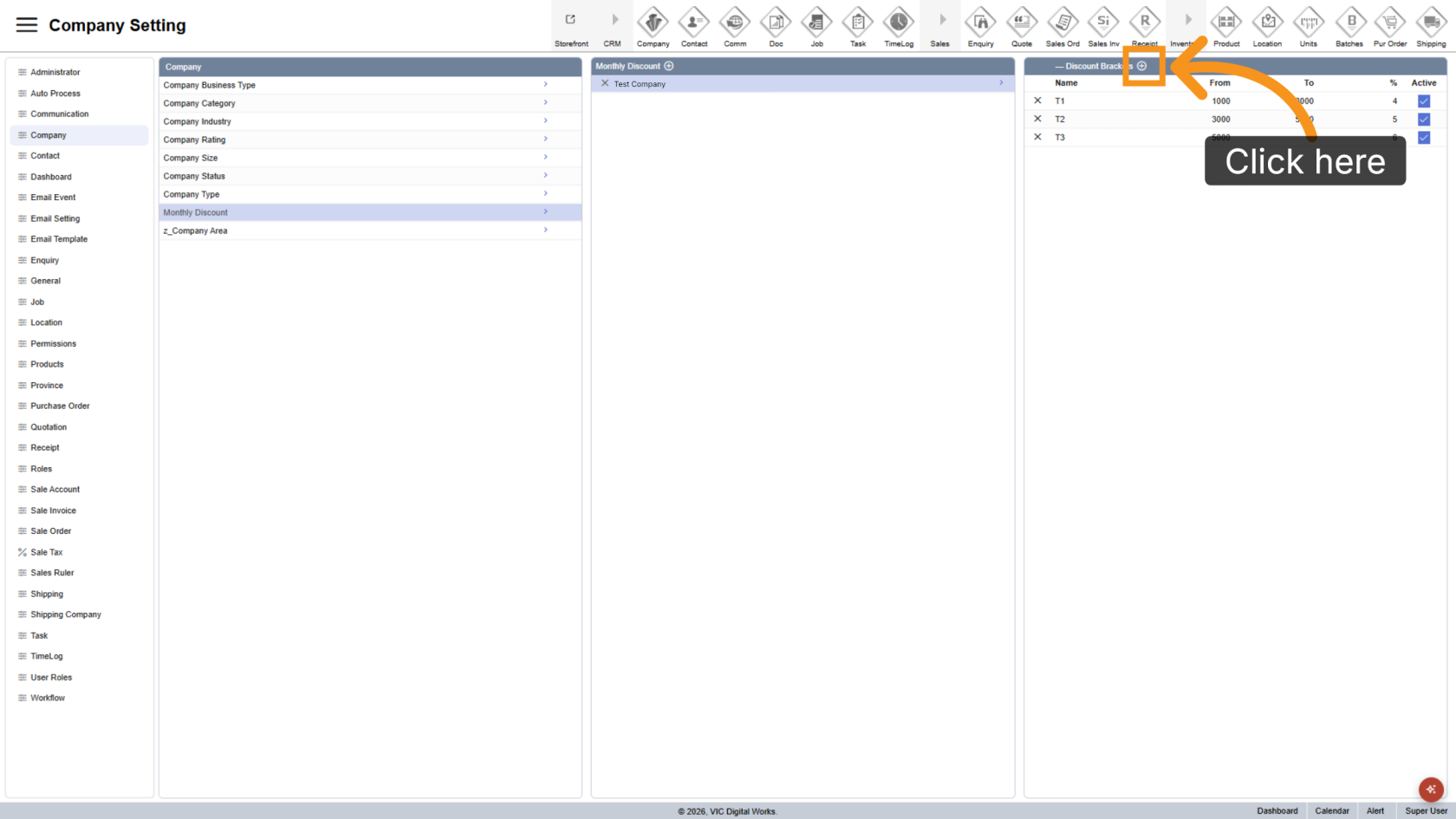
7. Add Additional Discount Brackets
Click the  plus icon to add additional discount ranges as needed.
You have successfully configured billing discount brackets. Review all ranges and discount percentages to ensure accurate discount calculations in billing reports.