
VIC Menu On App
Getting Started with VIC Menu App

This tutorial shows you how to download and install VIC Menu, sign in with your business account, and get started with the main P-O-SPOS screen.
Video Tutorial
1. Google Play Search
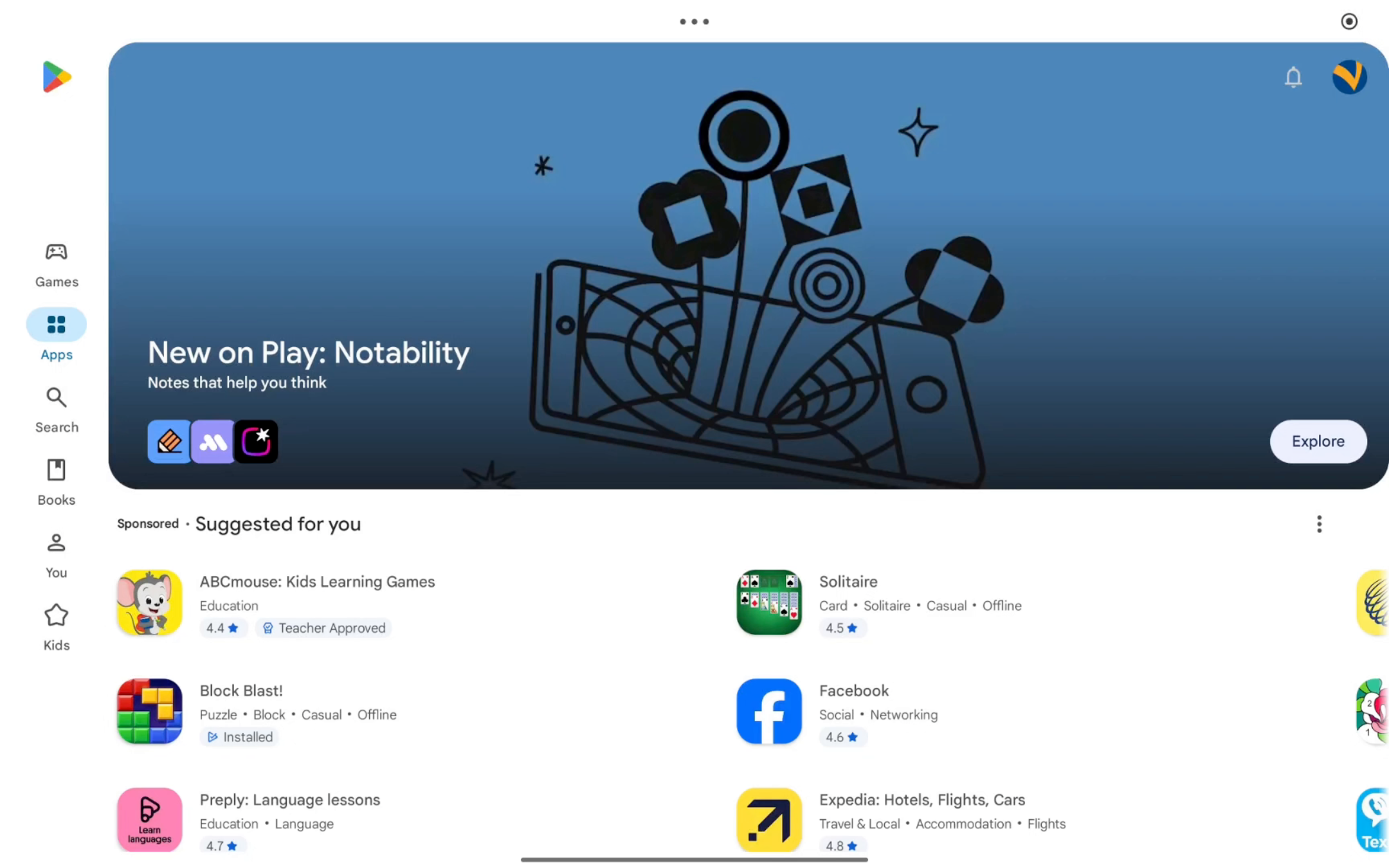
Open the Google Play Store and search for VIC Menu.
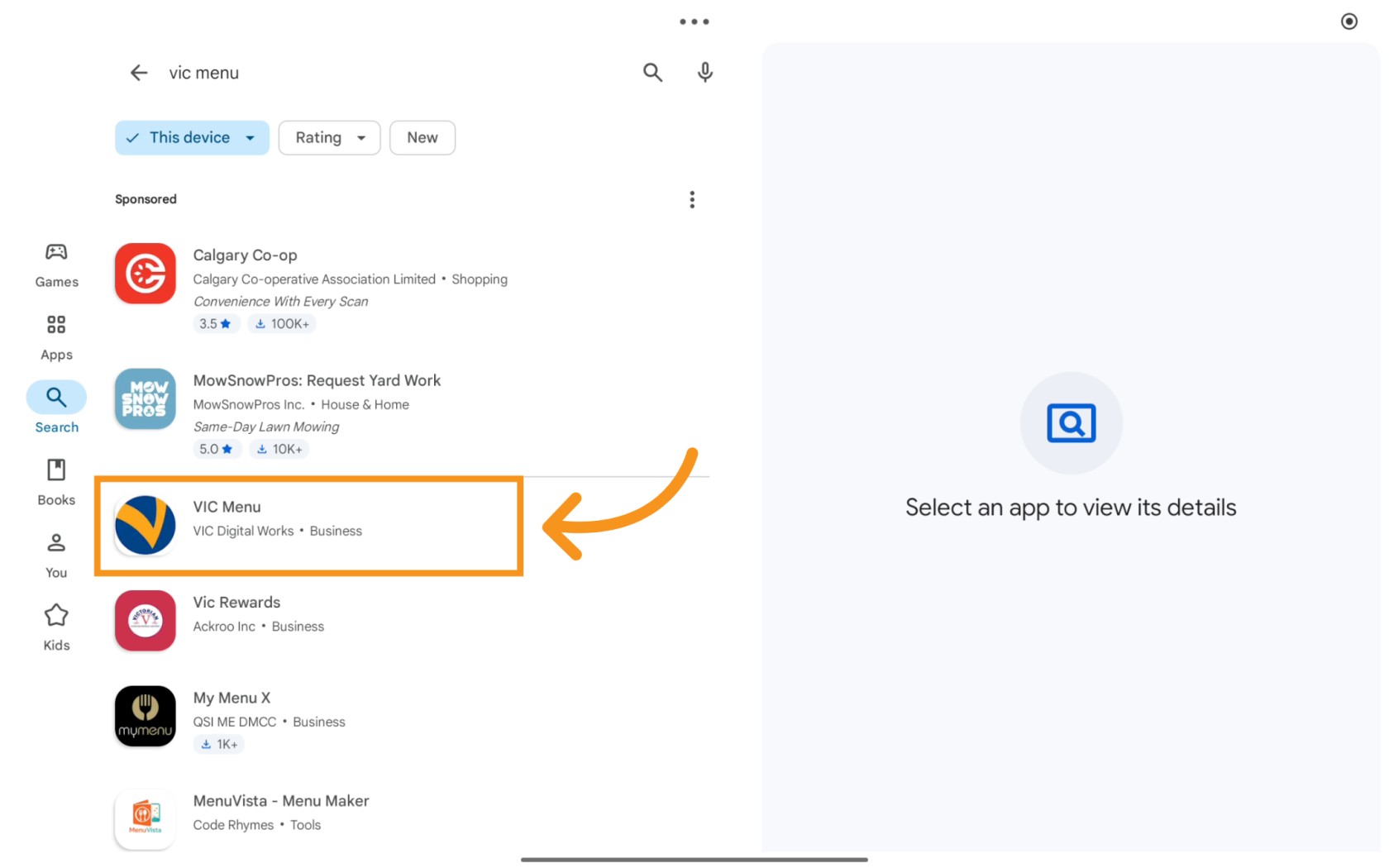
2. Select VIC Menu
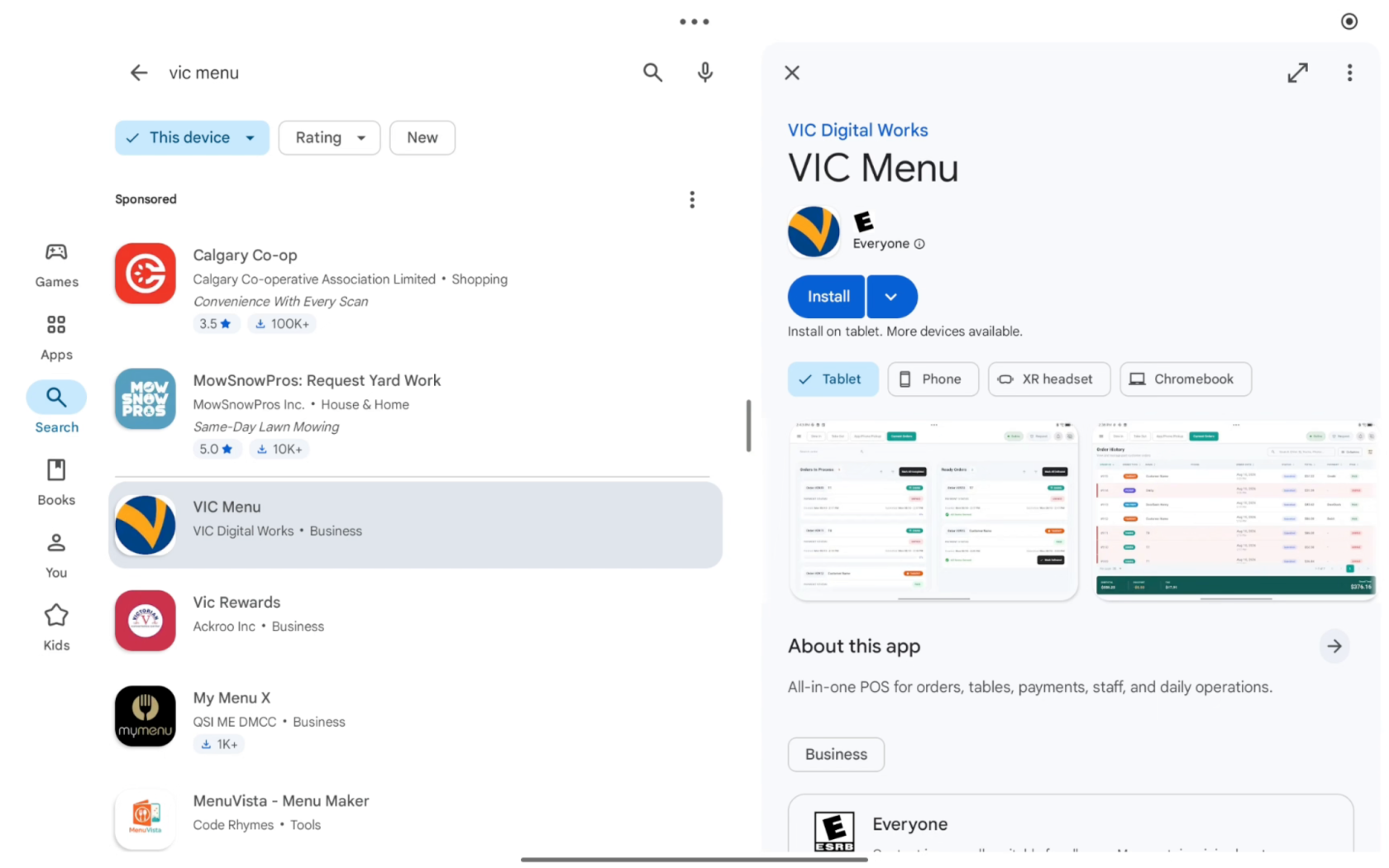
3. Install the app
Tap Install, then open the app.
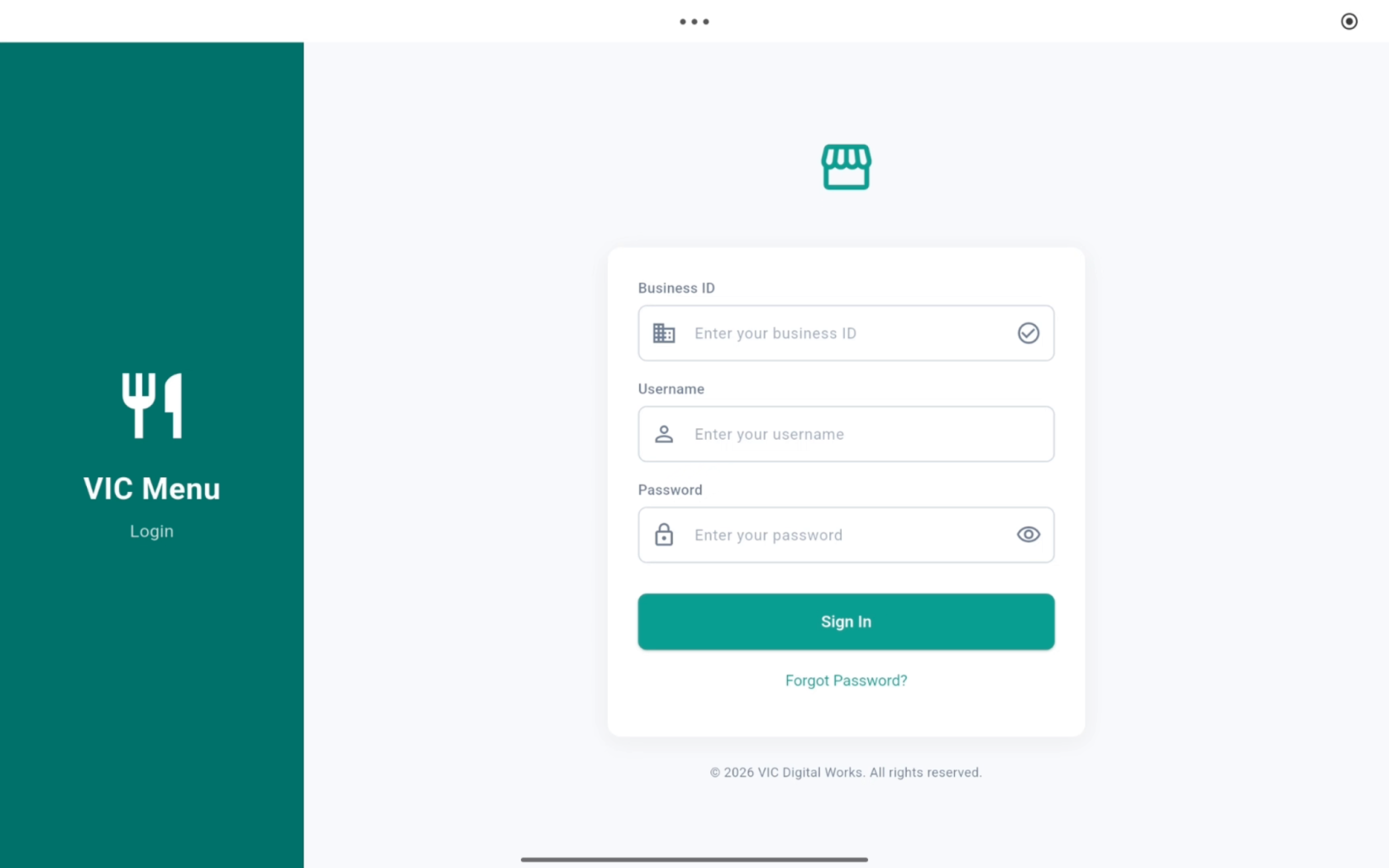
4. Sign In
Enter the Business ID, username, and password provided to you, then sign in
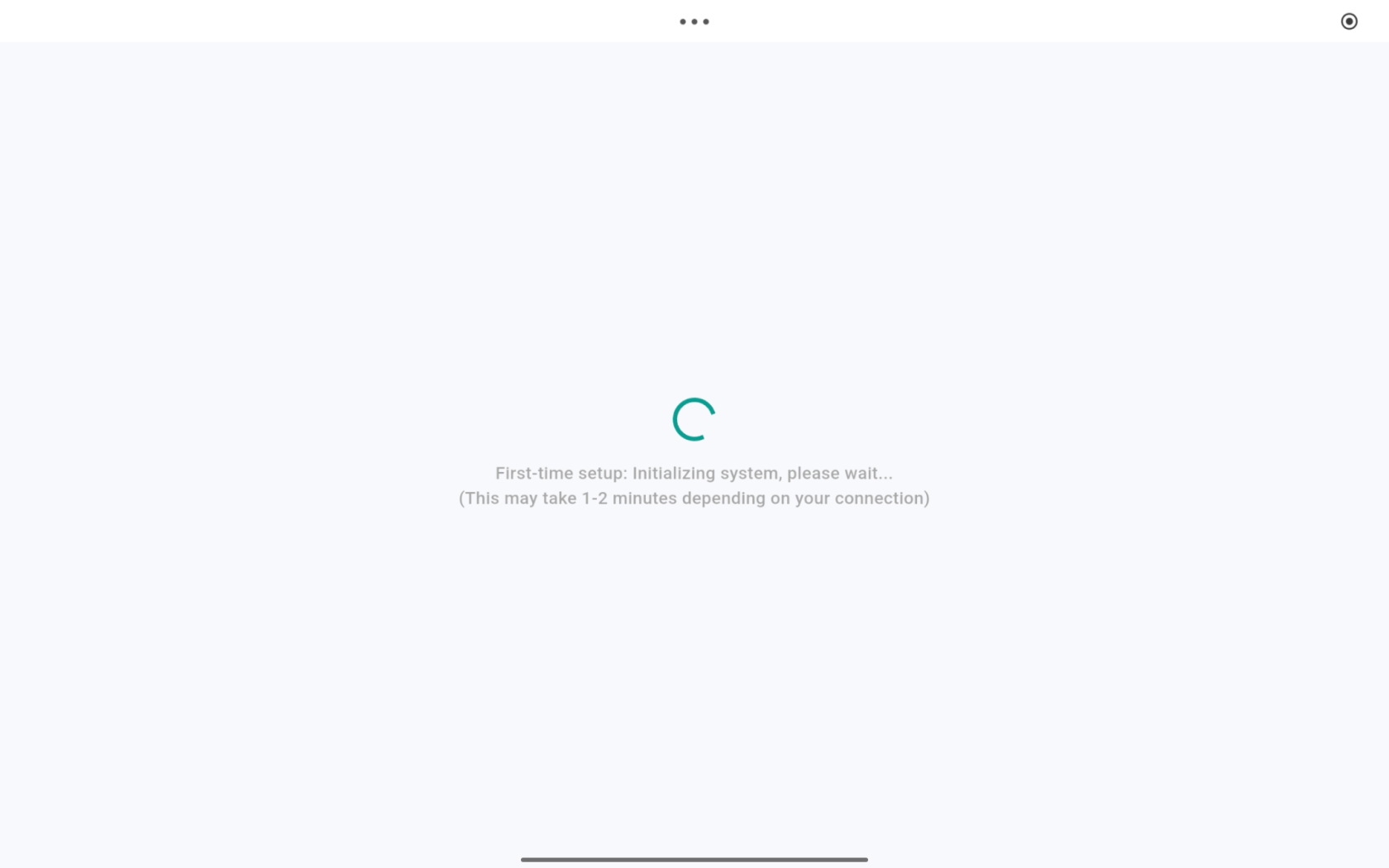
5. Initial Setup
Please wait while VIC Menu completes the initial setup.
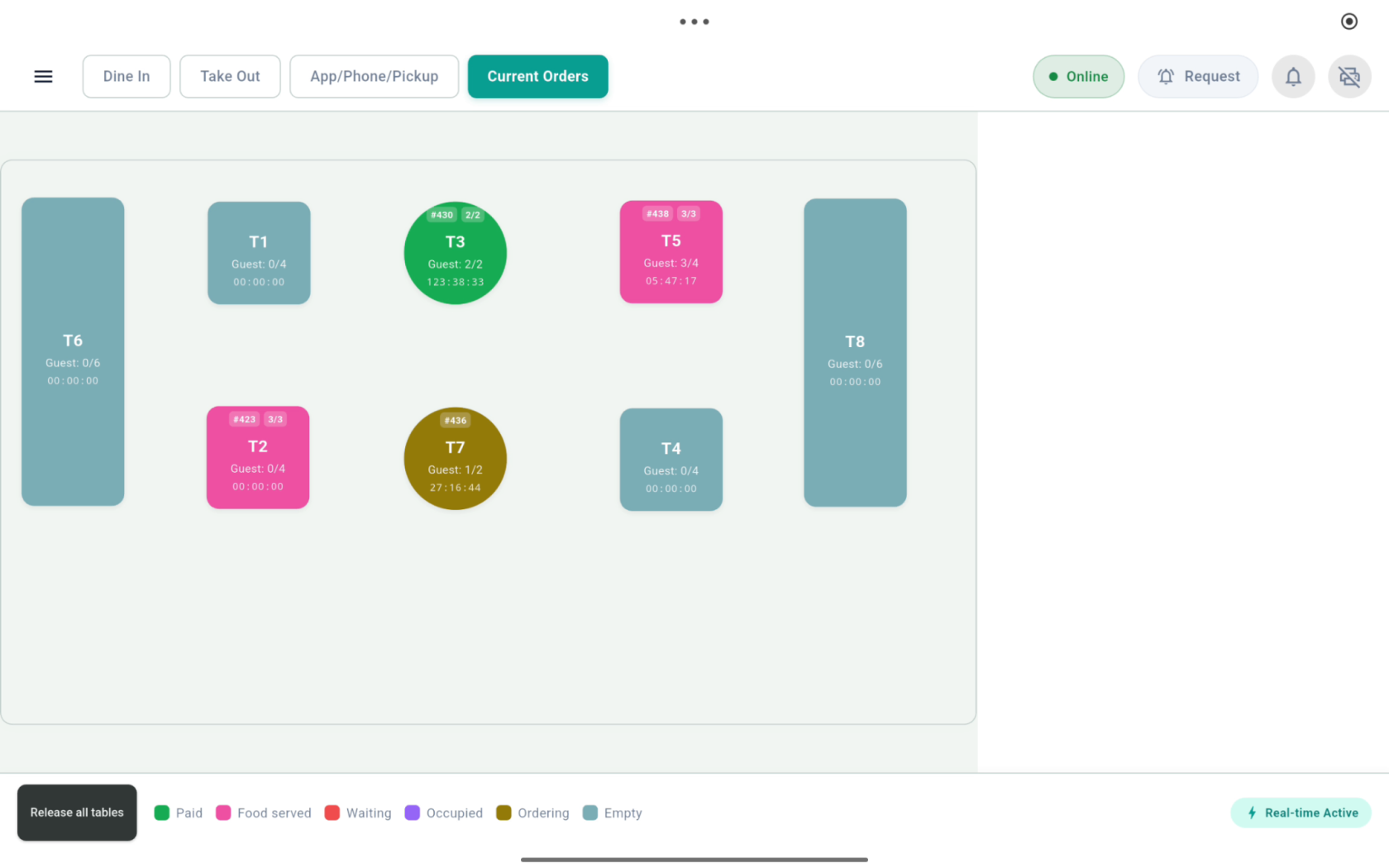
6. Main Screen
For dine-in restaurants, the table layout appears.
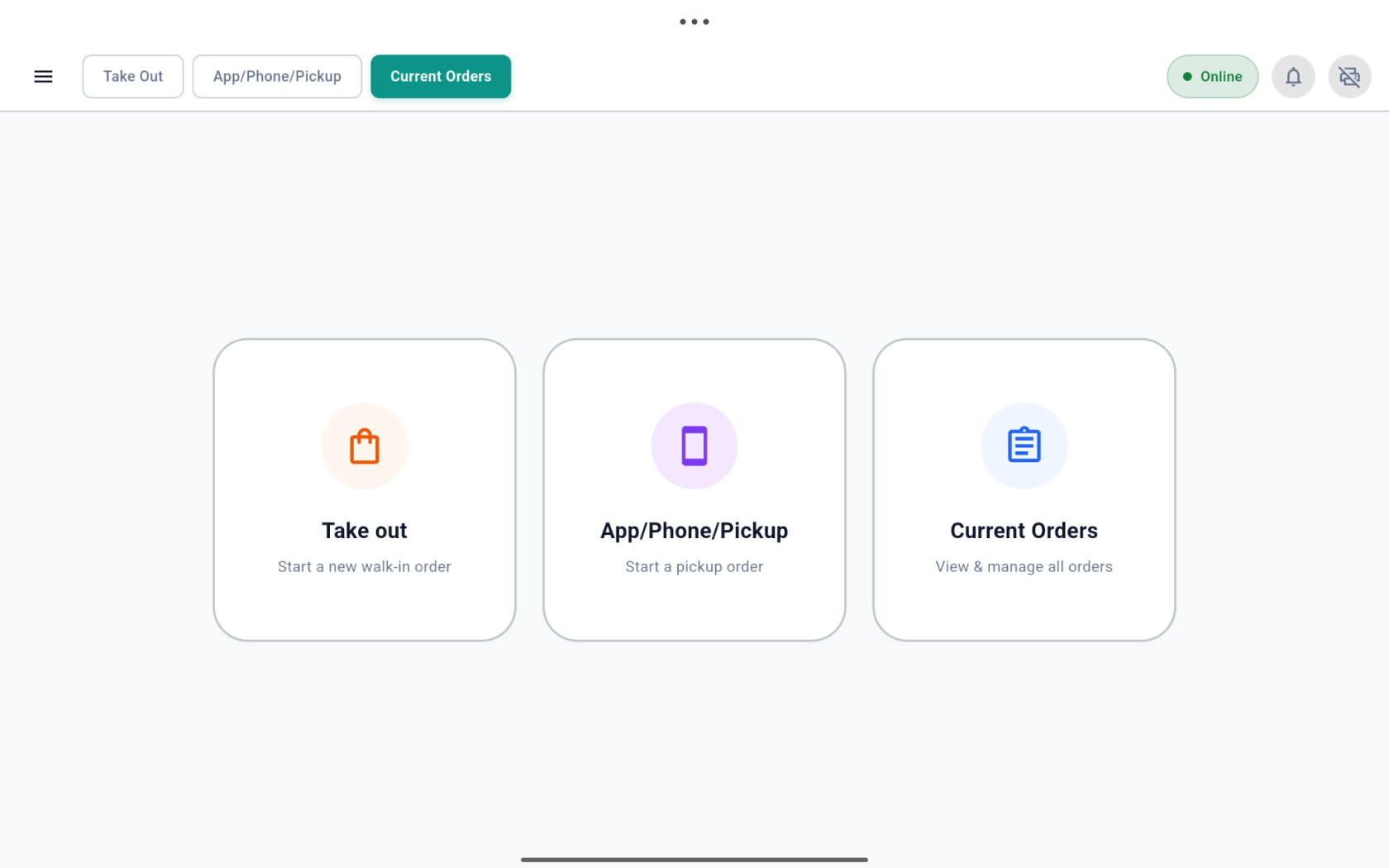
7. Main Screen
For counter-service restaurants, the order type screen appears.
You’re all set! VIC Menu is now installed and ready to use.