
New Page
This tutorial walks you through view and understand related items in the WorkTraq application, helping you keep everything organized and connected with ease.
Video Tutorial
1. Access Product Module
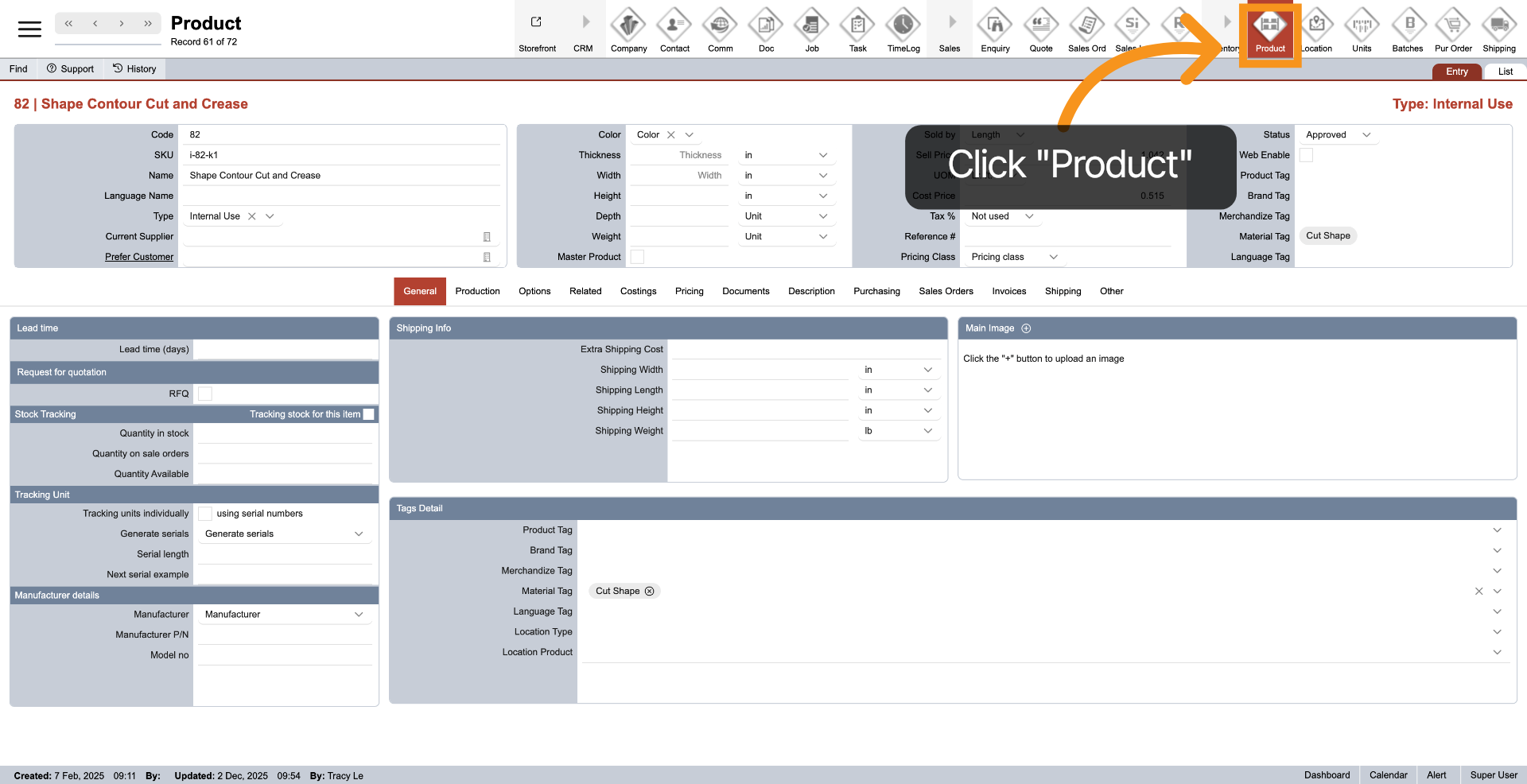
Click the Product on the main top menu to view and manage product-specific information and settings.
2. Open Related Items Section
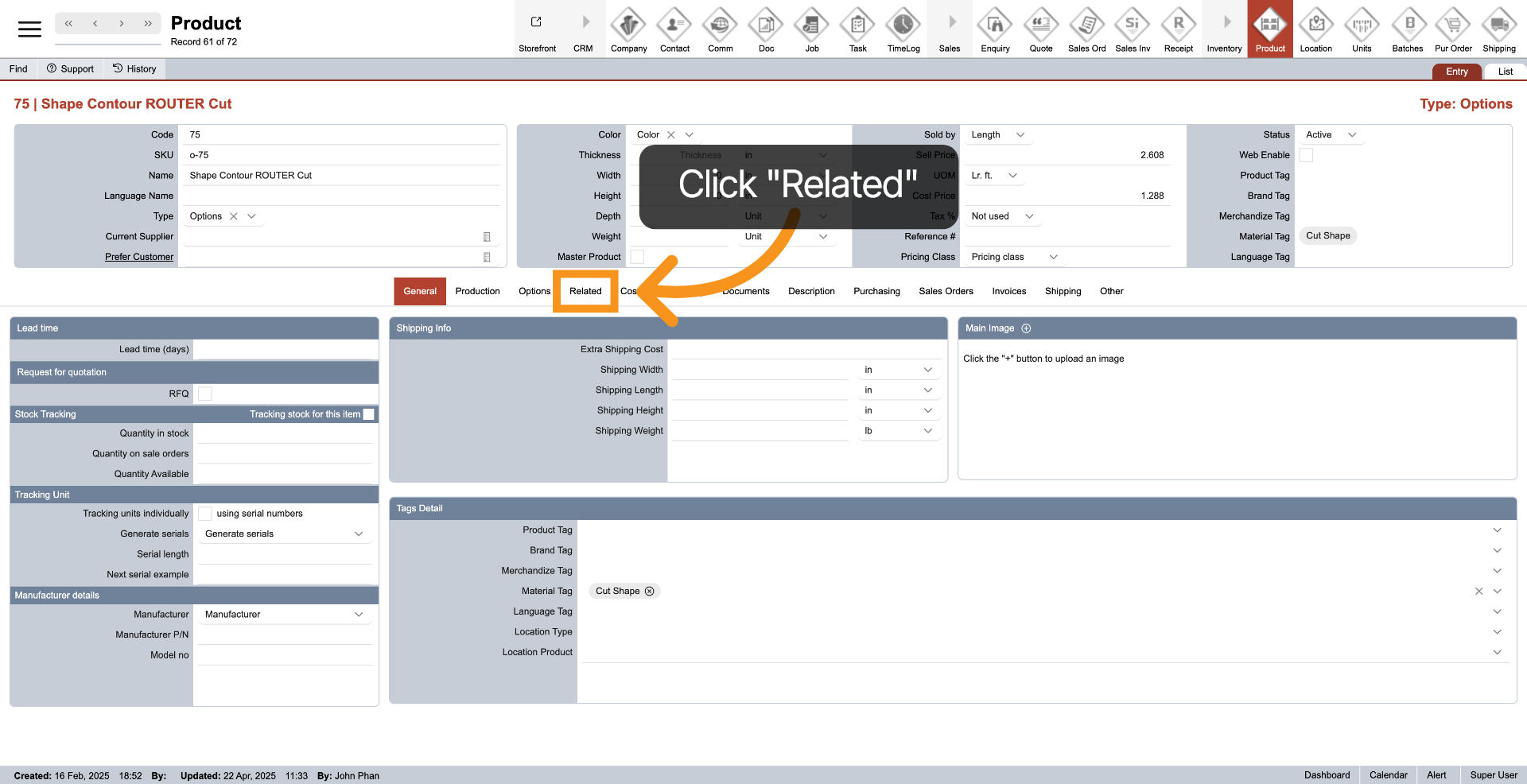
3. Product Option
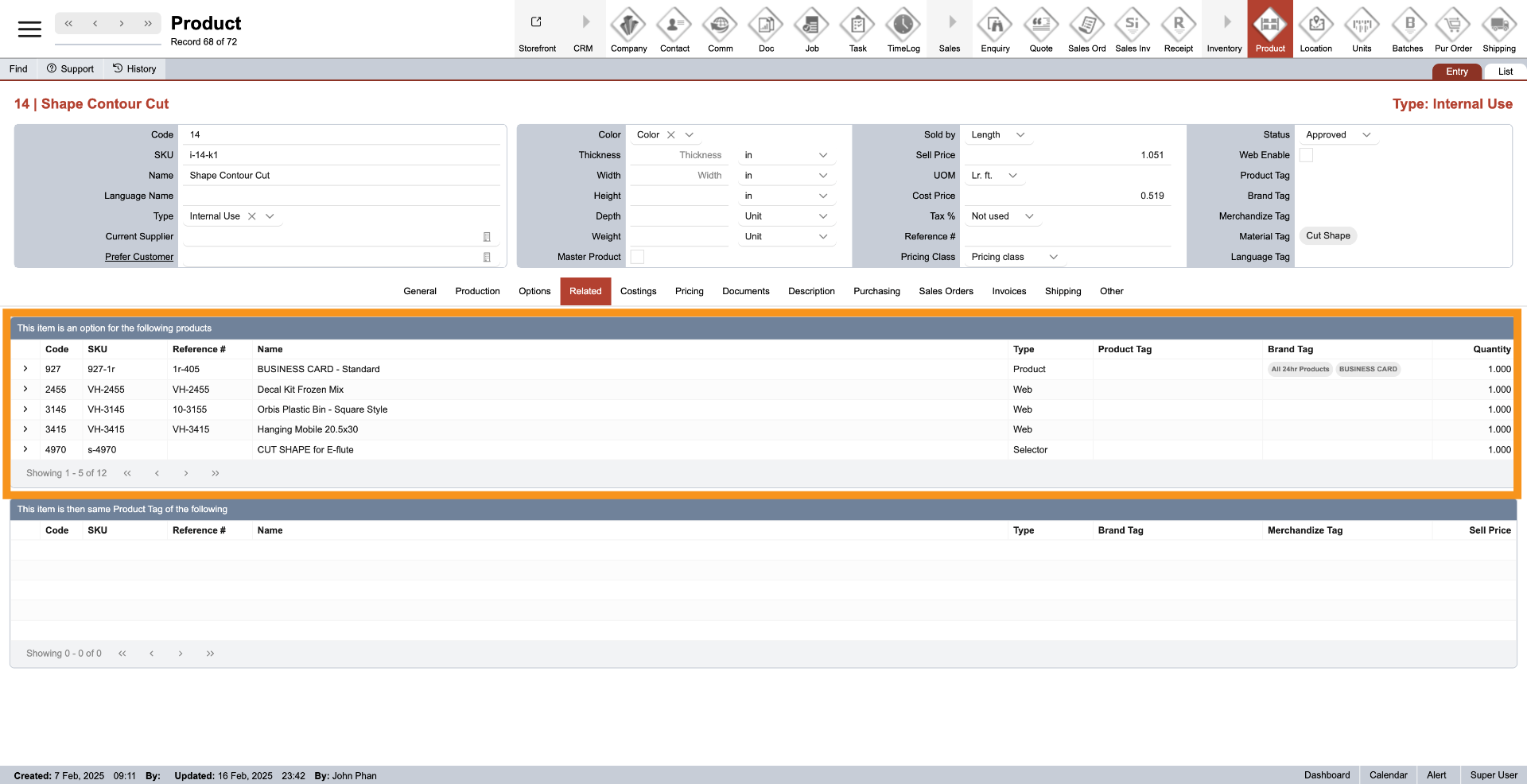
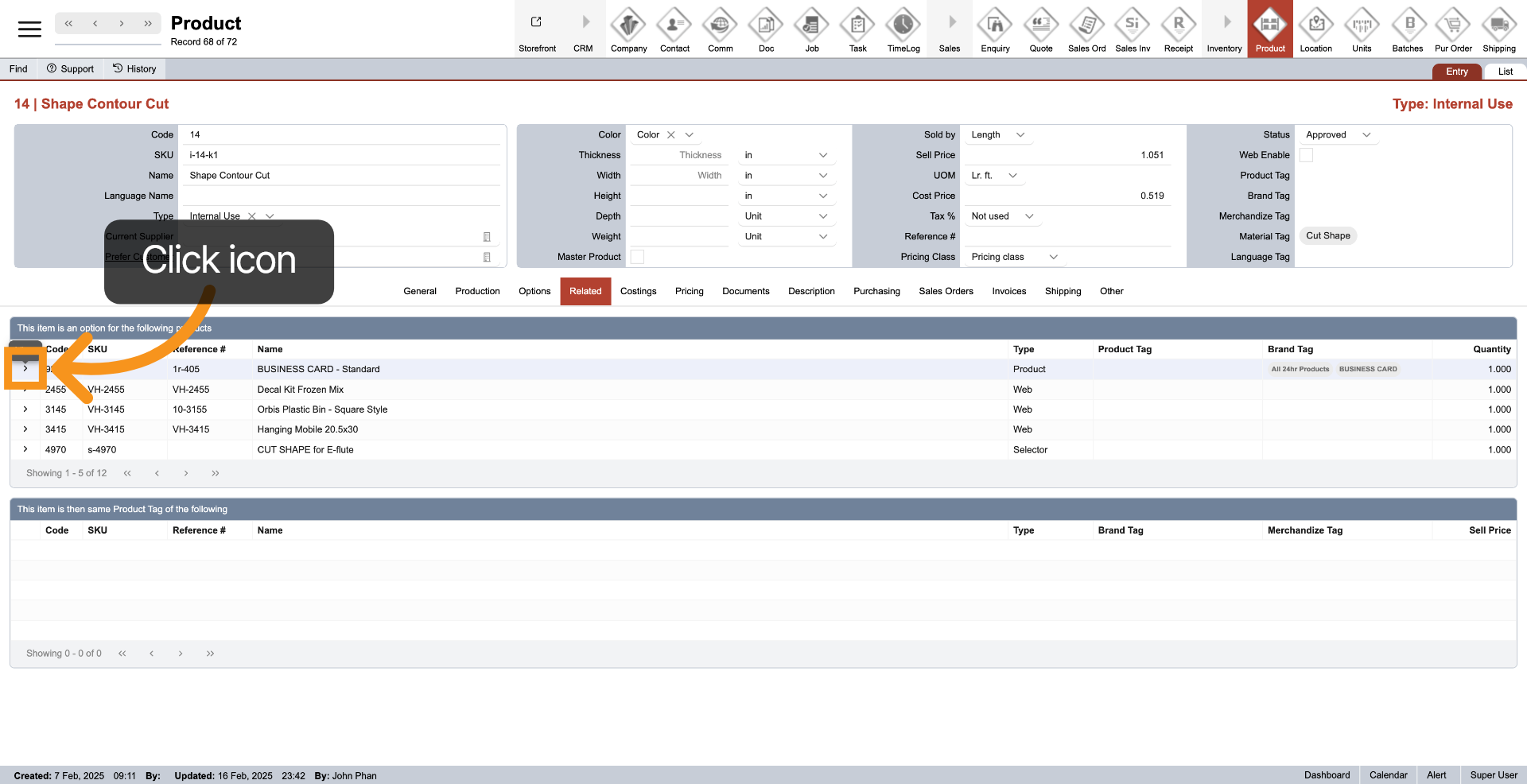
The top table displays all products where the current product is used as an option.
4. Product Tag Association
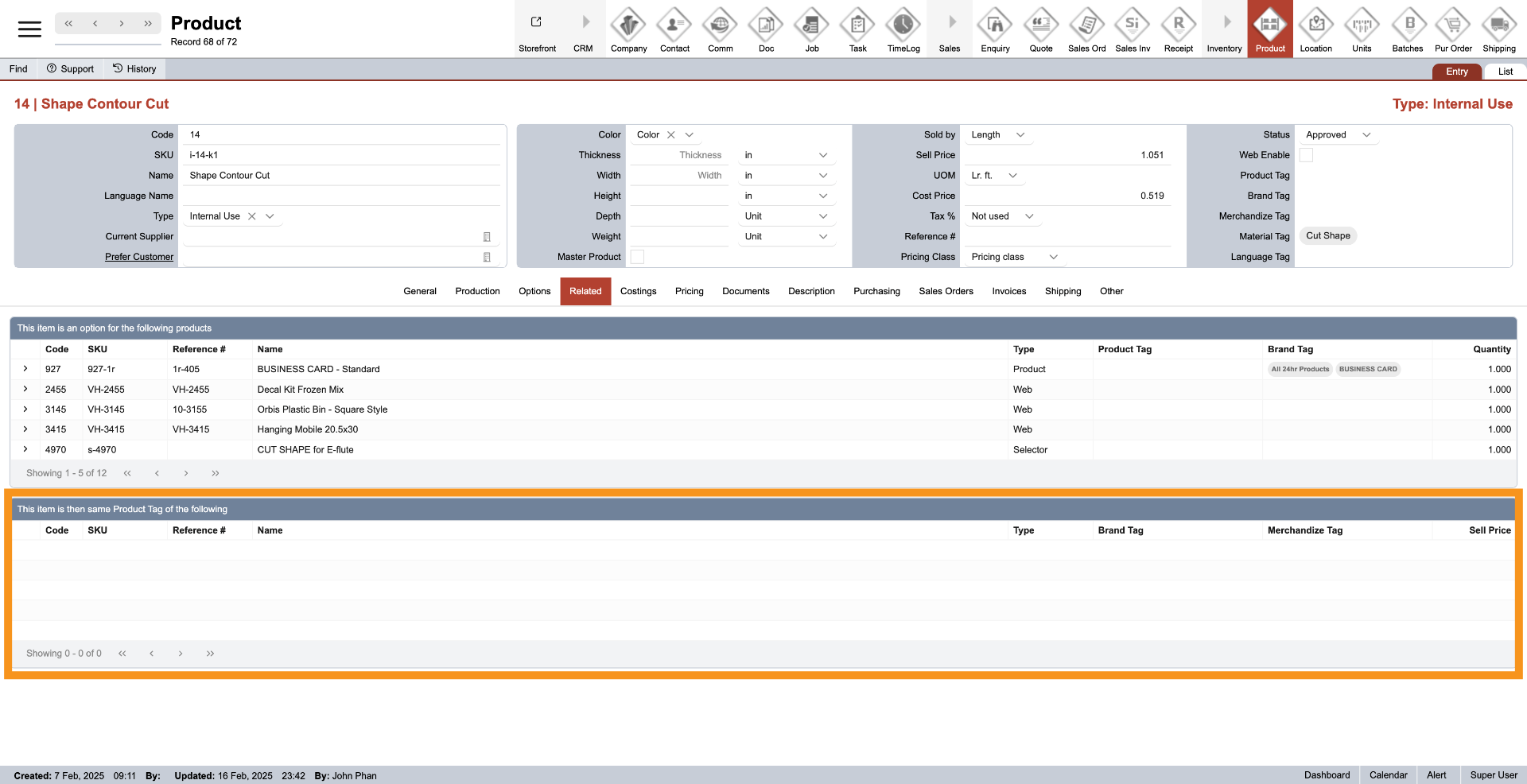
The table below shows products that share the same product tag, allowing you to view tag-based product relationships.
5. Quick Navigation
Click the arrow icon next to the product to quickly navigate and view the full details of the product.
You’ve successfully learned how to view and understand related items within the WorkTraq application. This helps ensure accurate product associations and provides a clear overview of related product details to support your workflow.