
Sale Order Workflow
This guide explains how to review and manage the Sales Order workflow in the WorkTraq application.
Video Tutorial
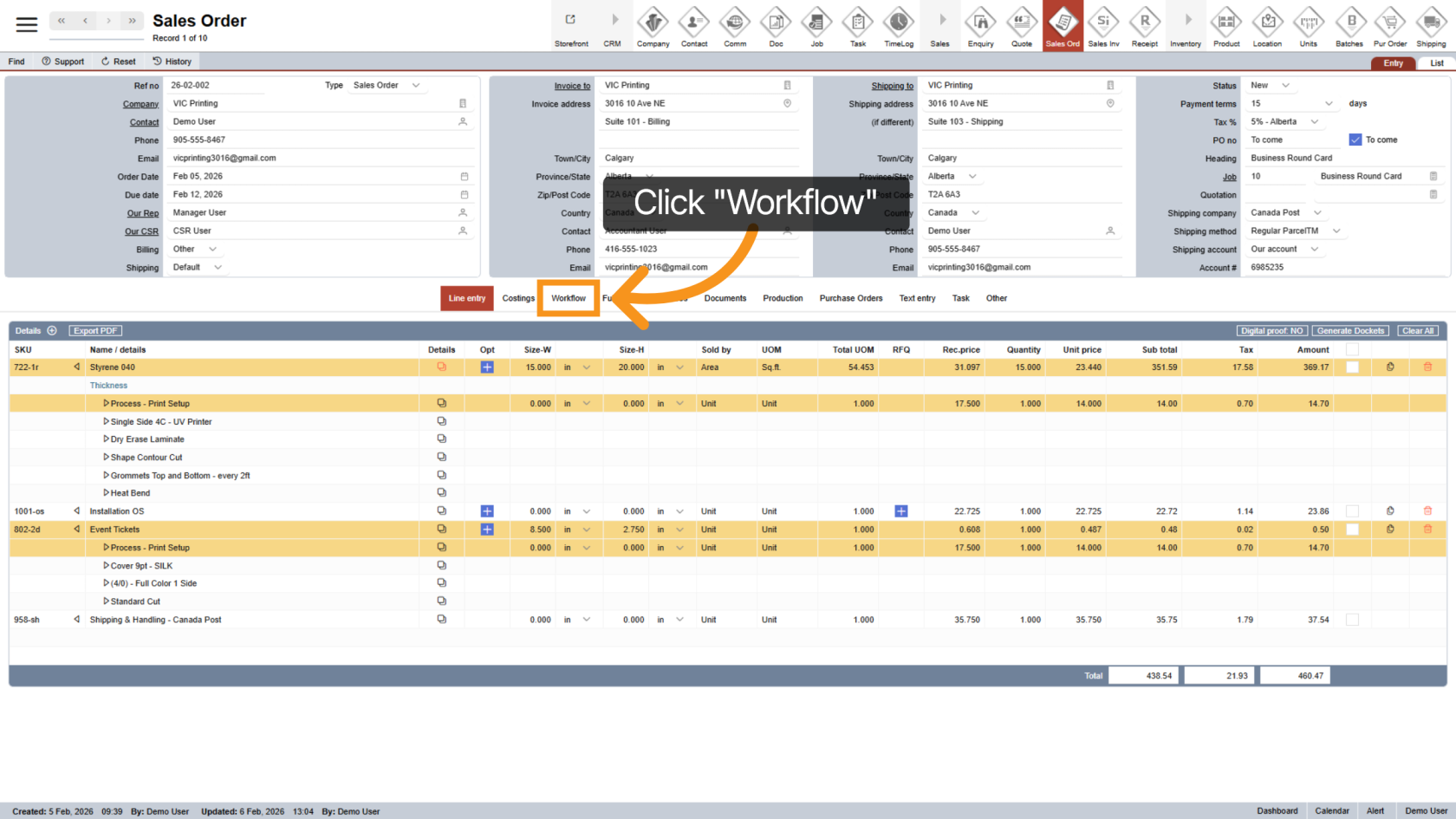
1. Open the Workflow Section
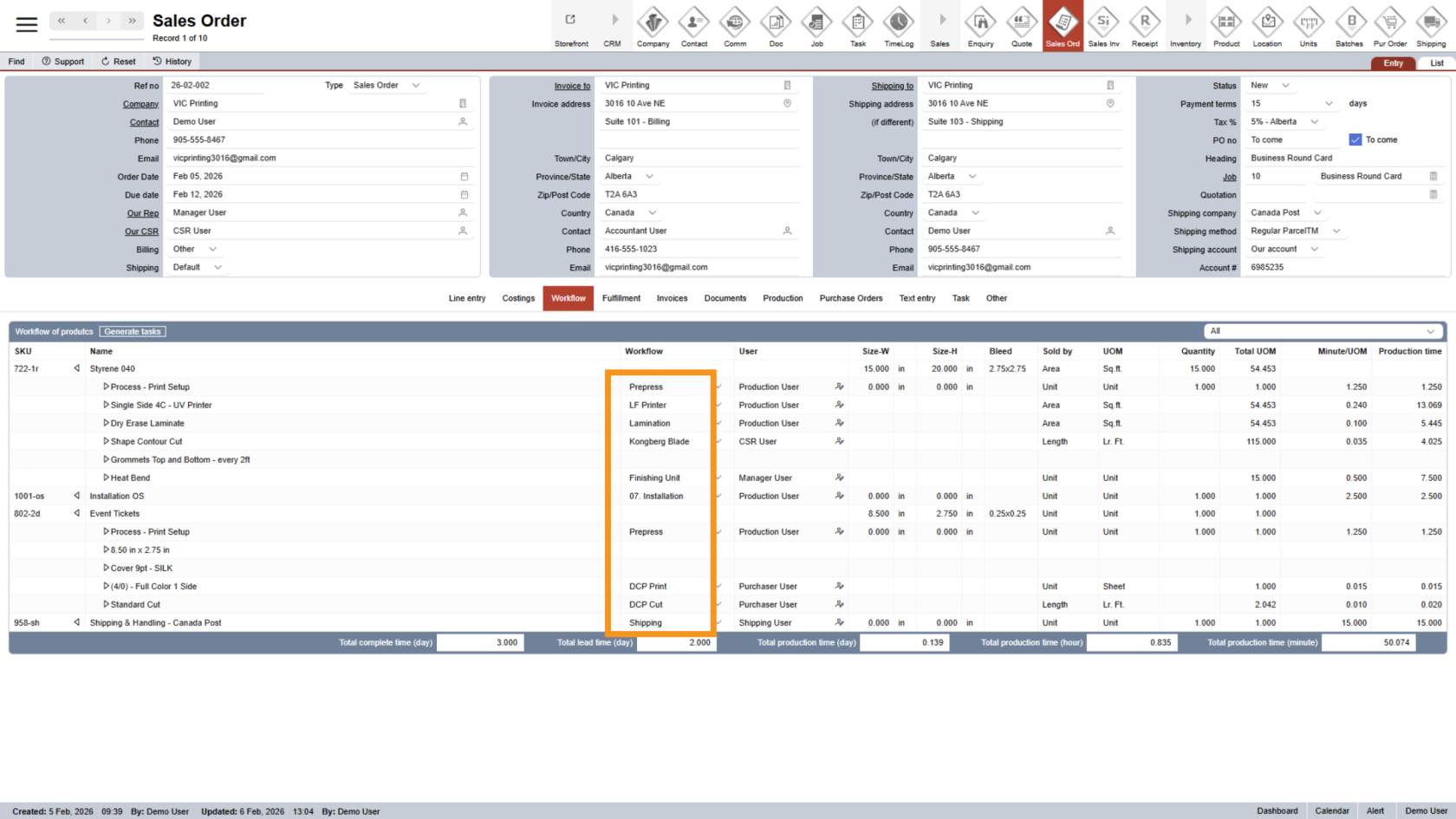
2. Review Workflow Steps
The Workflow column shows all workflow steps (assets) required to produce this sales order.
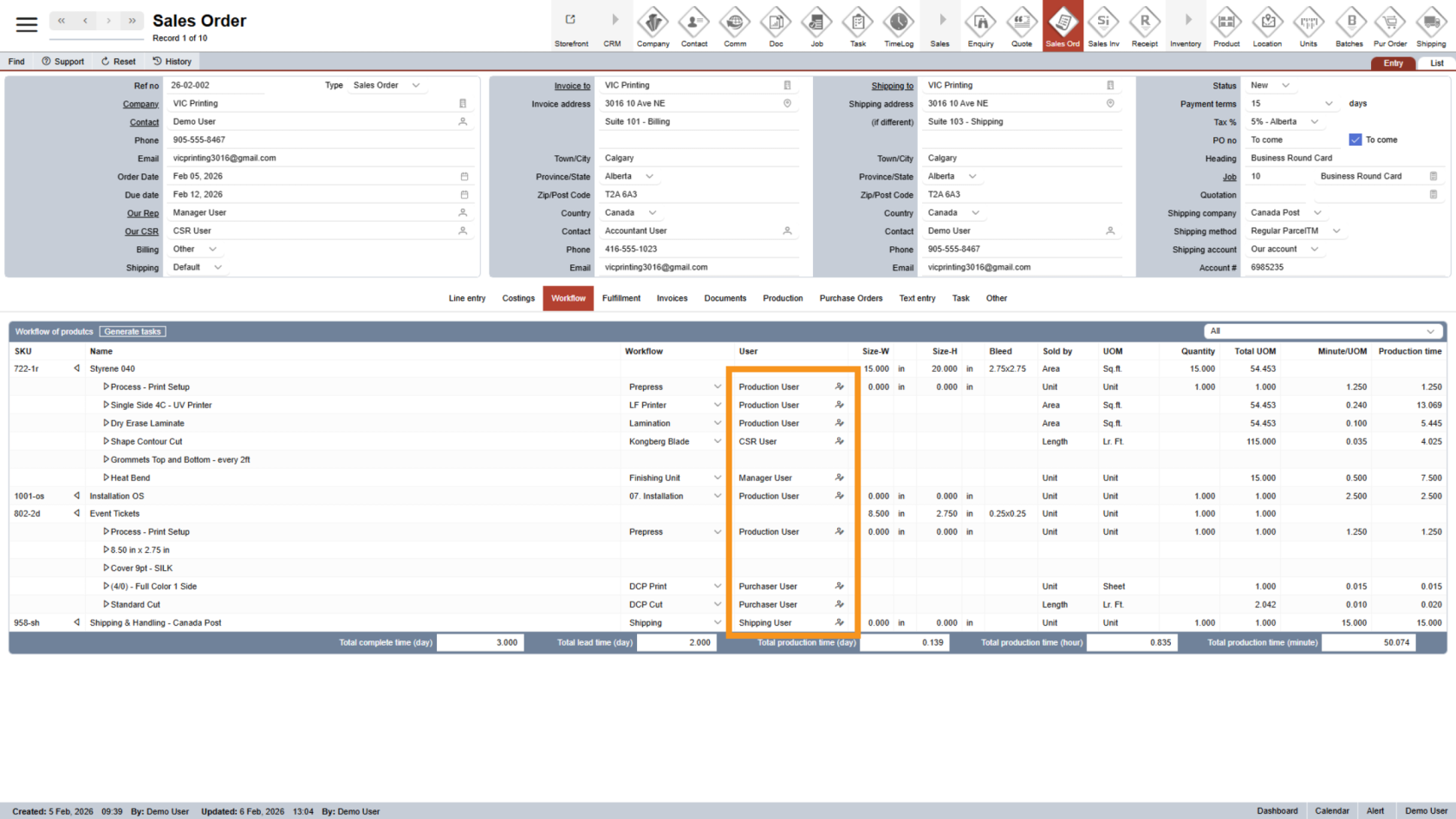
3. View Assigned Users
The User column displays all staff members involved in producing the sales order.
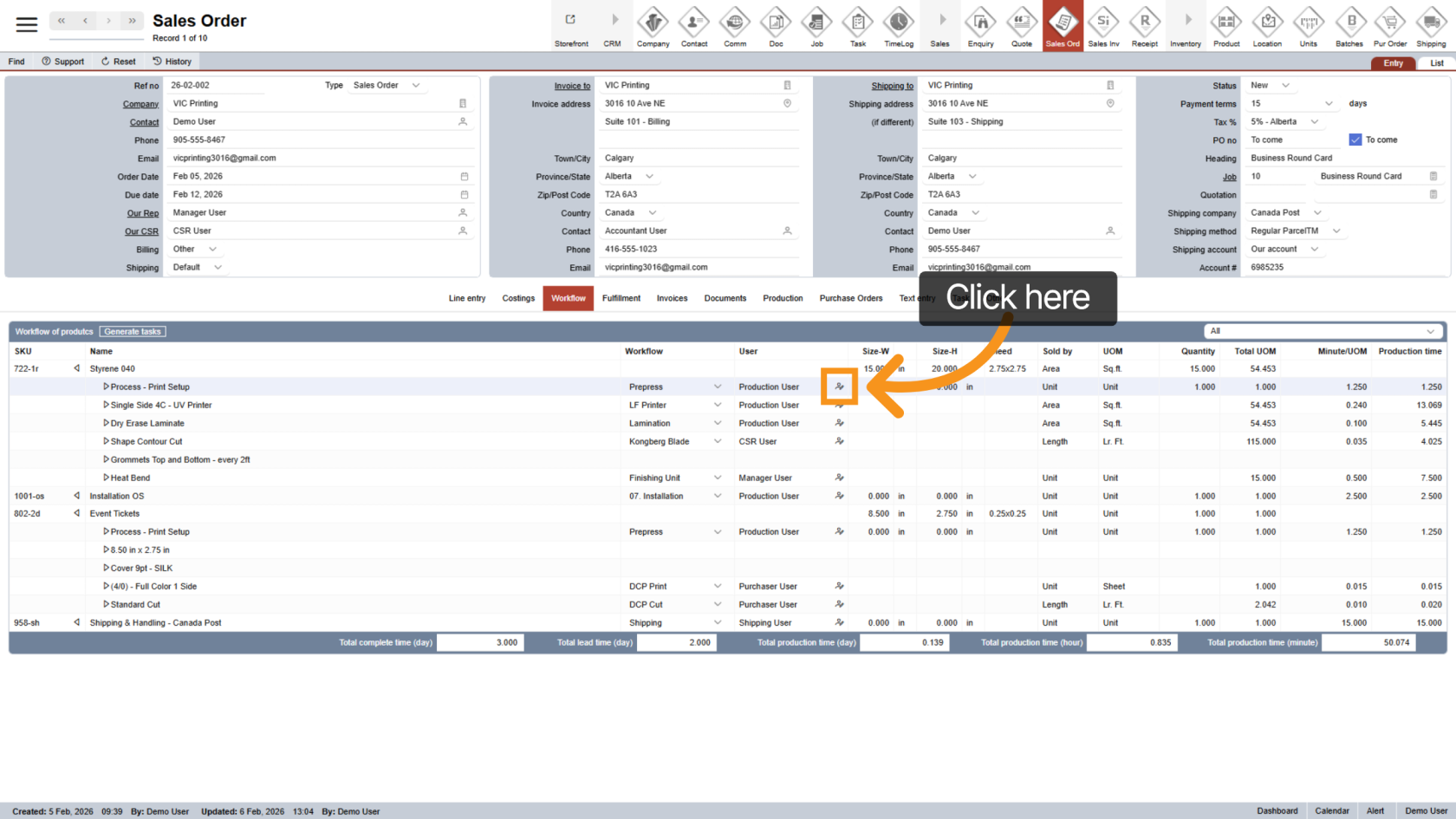
4. Change Responsible User
Click the  user icon to change the person responsible for a workflow step.
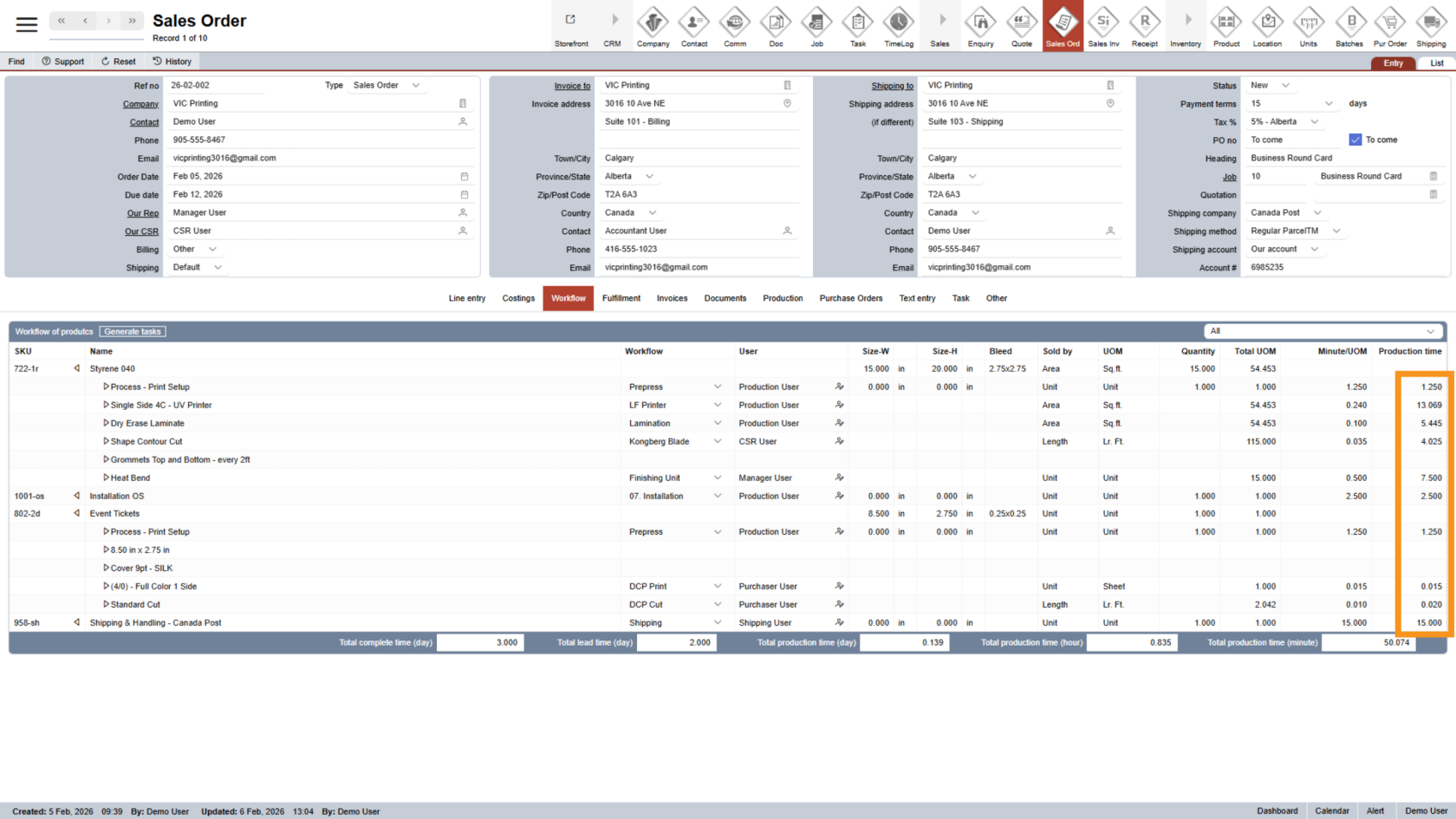
5. Review Production Time
WorkTraq automatically calculates the production time for each workflow step and option.
6. Check Workflow Summary
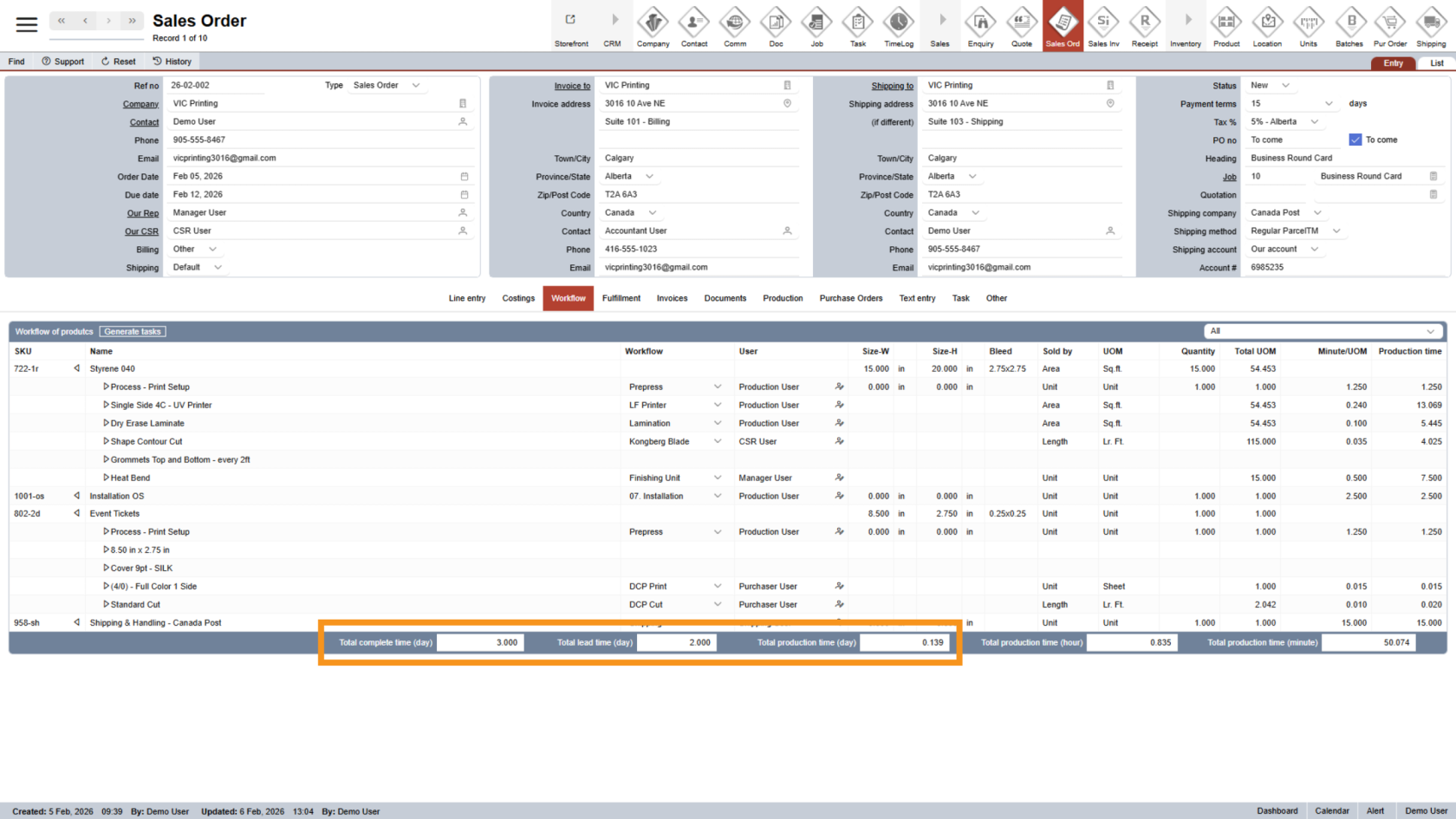
At the bottom of the page, you will find a summary of:
- Total production time in days
- Total lead time in days
- Total completed time in days.
This information assists the sales staff in understanding when the job will be completed and allows for accurate adjustments to the due date.
You have successfully reviewed the Sales Order workflow in WorkTraq. This helps organize production steps, assign responsibilities, and estimate timelines for smoother job management. Please review all sales order information before moving on to the next step.step Digital Proof.