
Category Workspace
This tutorial explains how to manage categories in the E-Store.
Video Tutorial
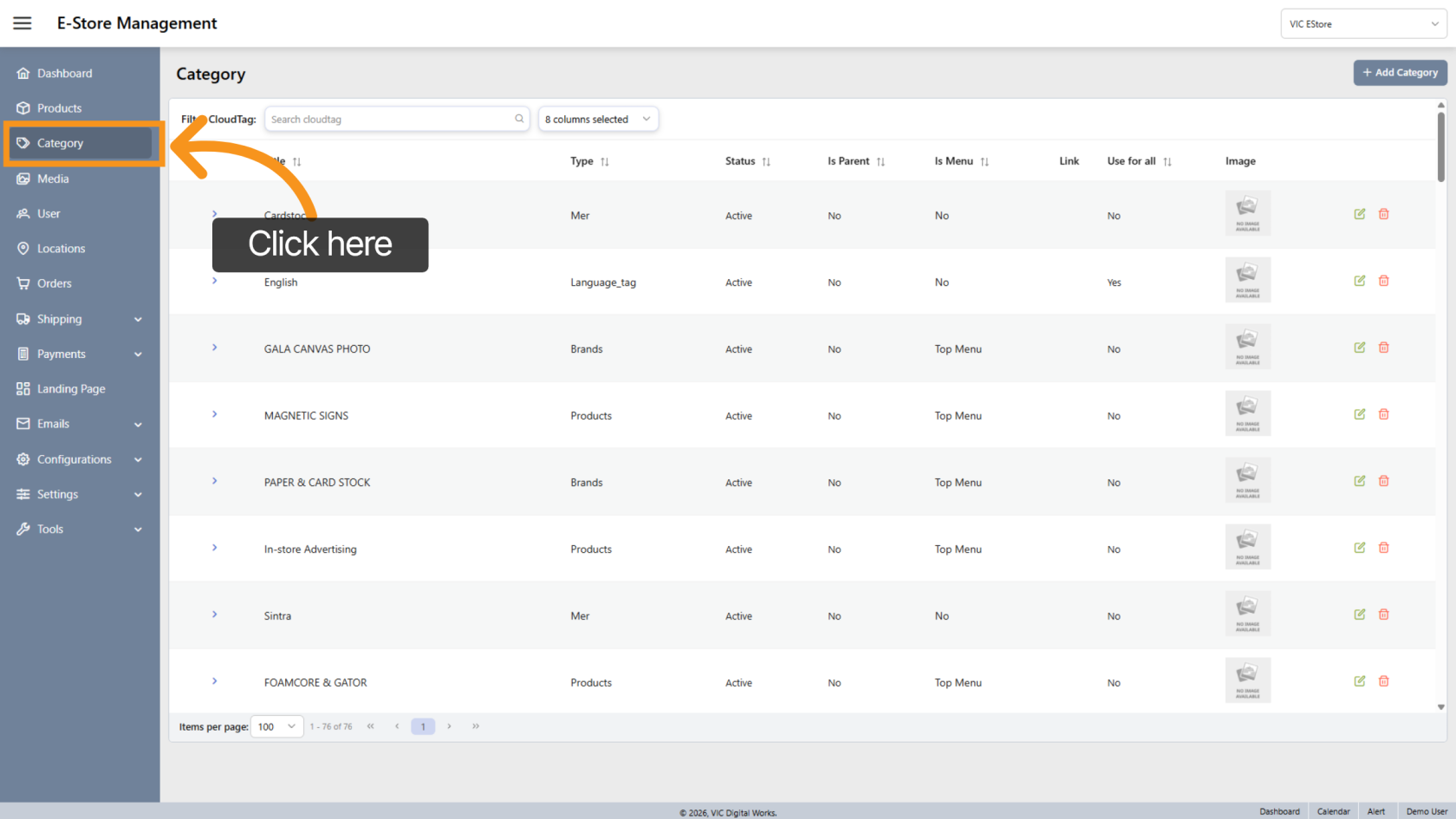
1. Open Category Section
Click Category in the sidebar to open the category management area.
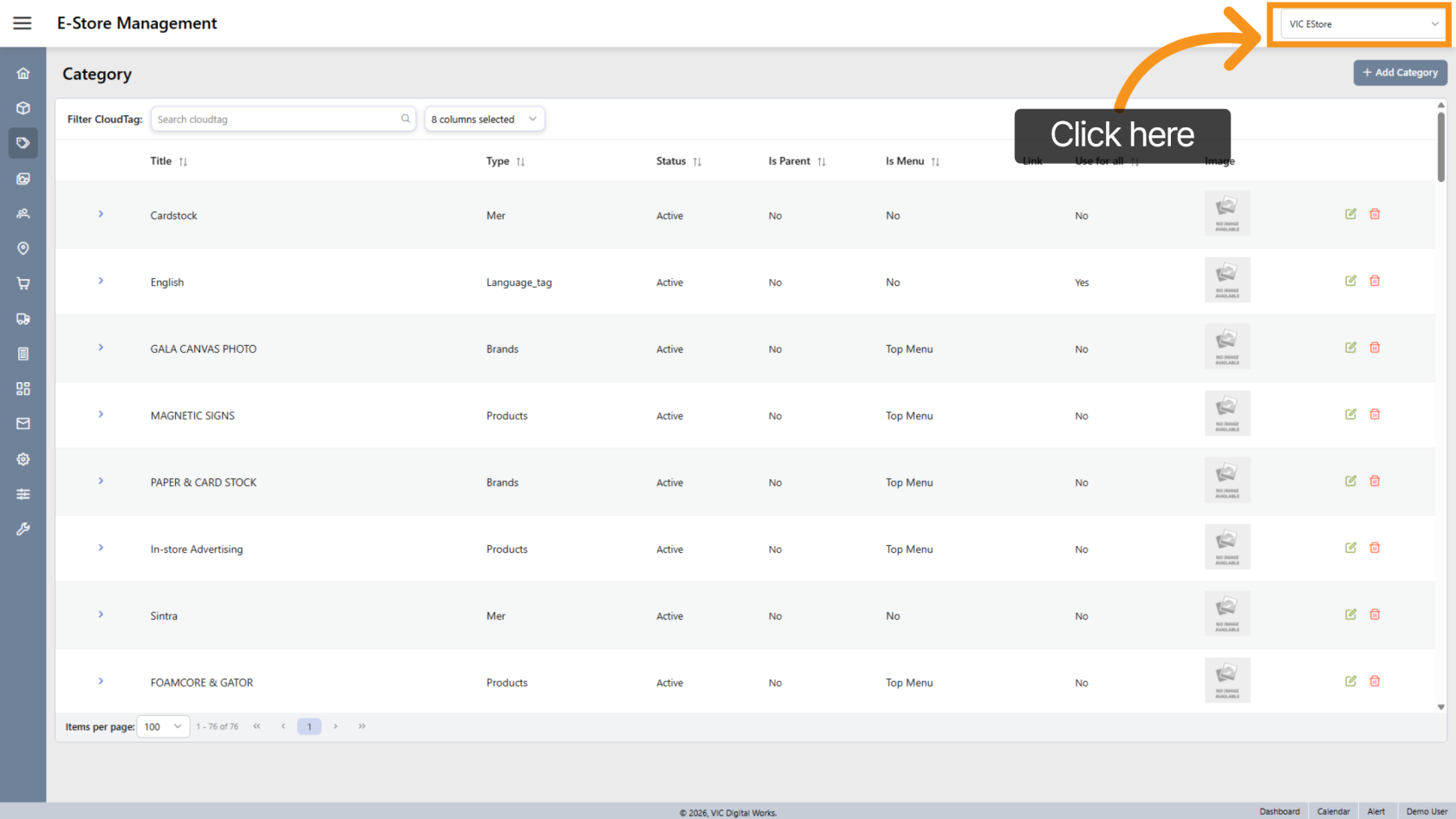
2. Select Company Store
At the top, choose the appropriate company store.
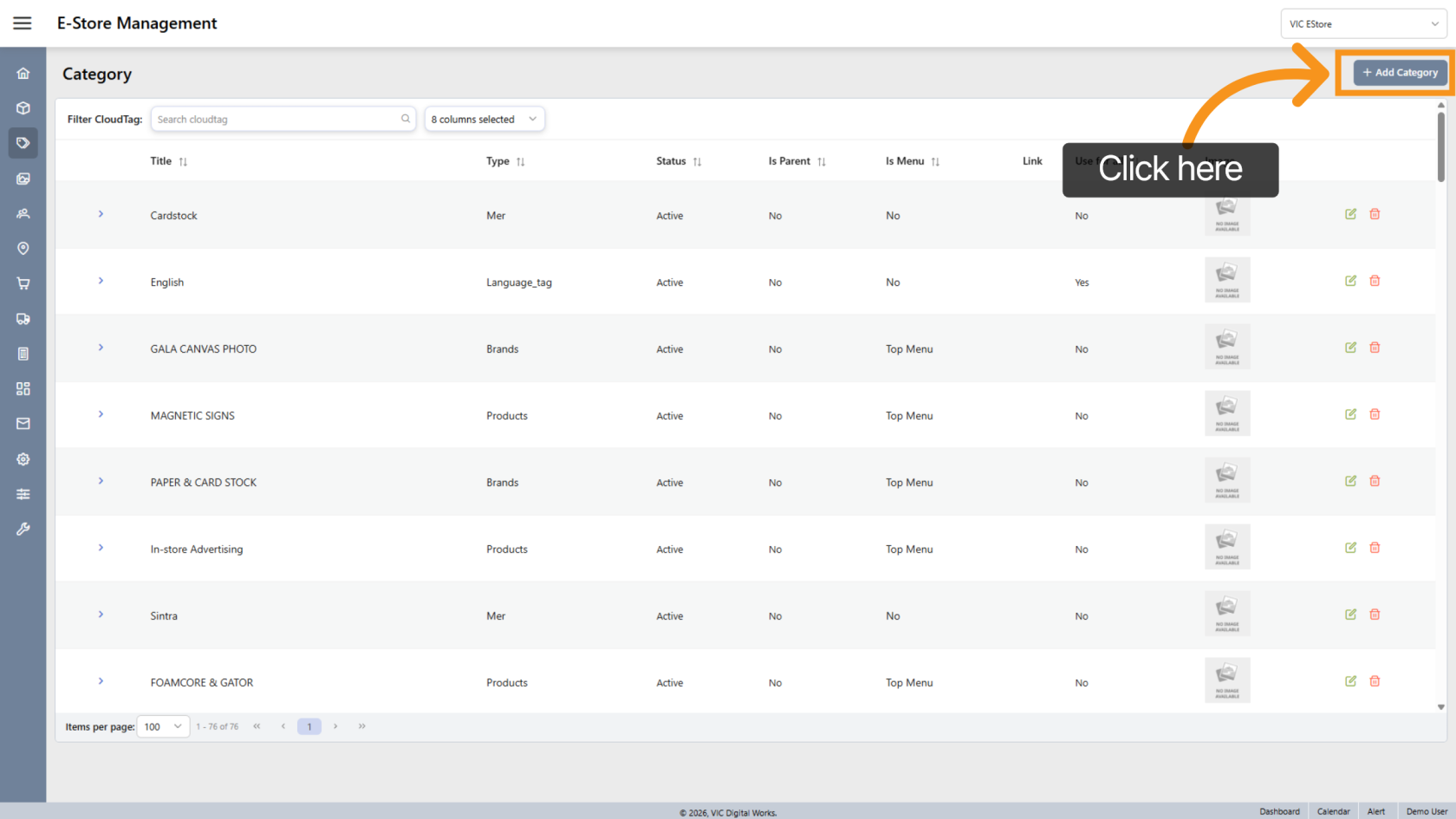
3. Add a Category
Click "Add Category" to create a new category. (Click here to see how to create a category.)
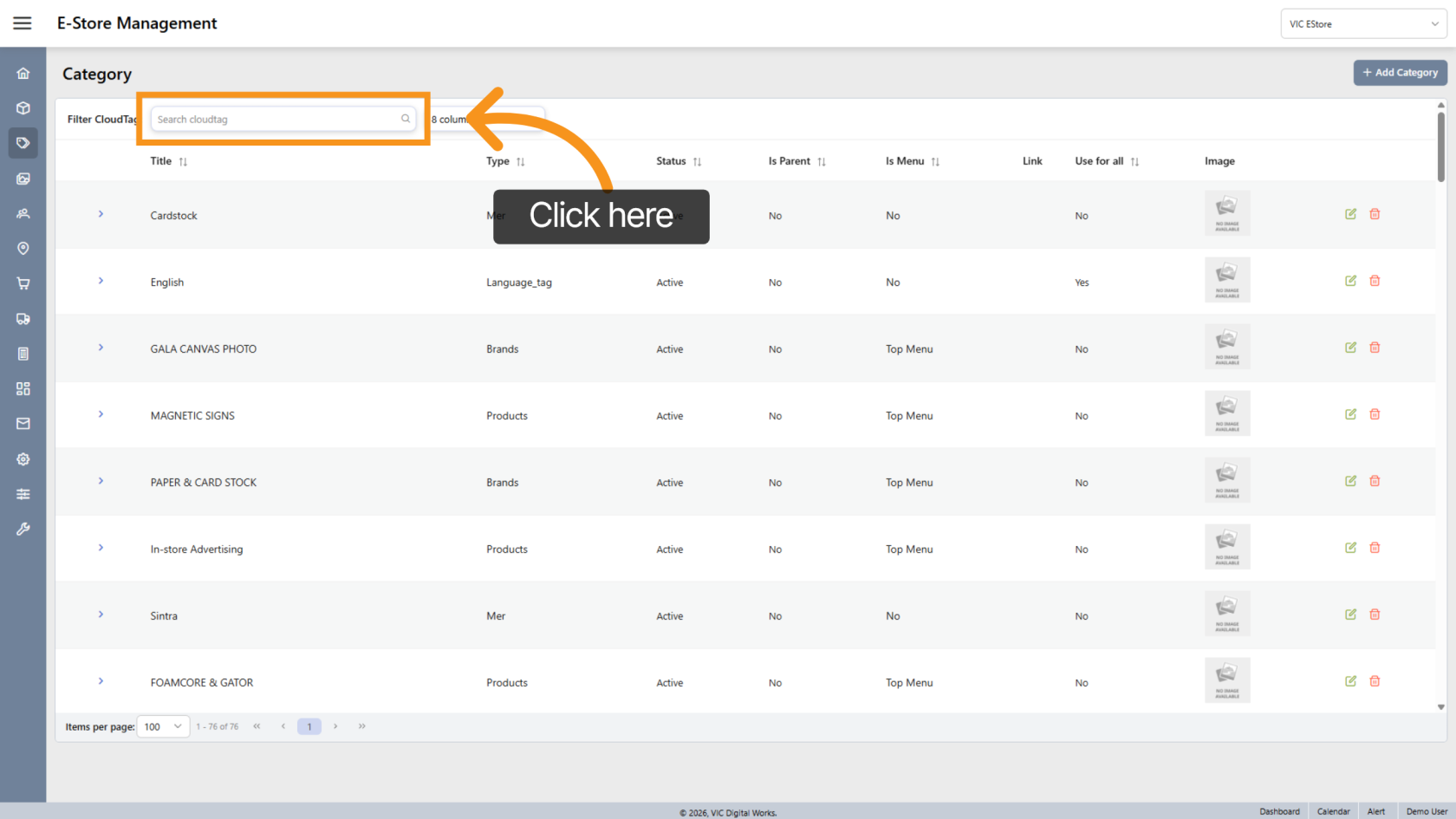
4. Search Category
Enter the category name in the Search field to find an existing category.
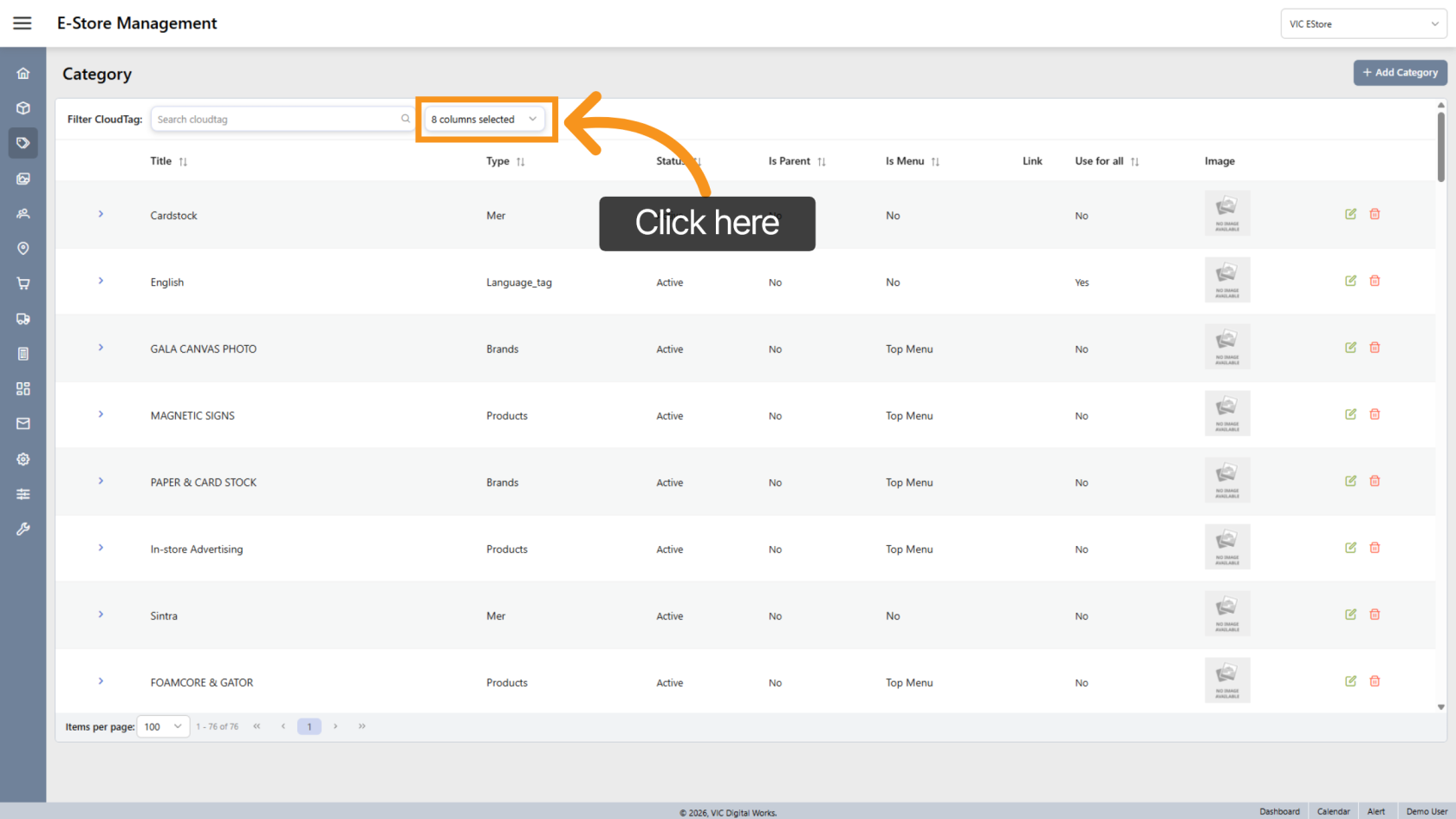
5. Customize List View
Click the  arrow to custom category list view
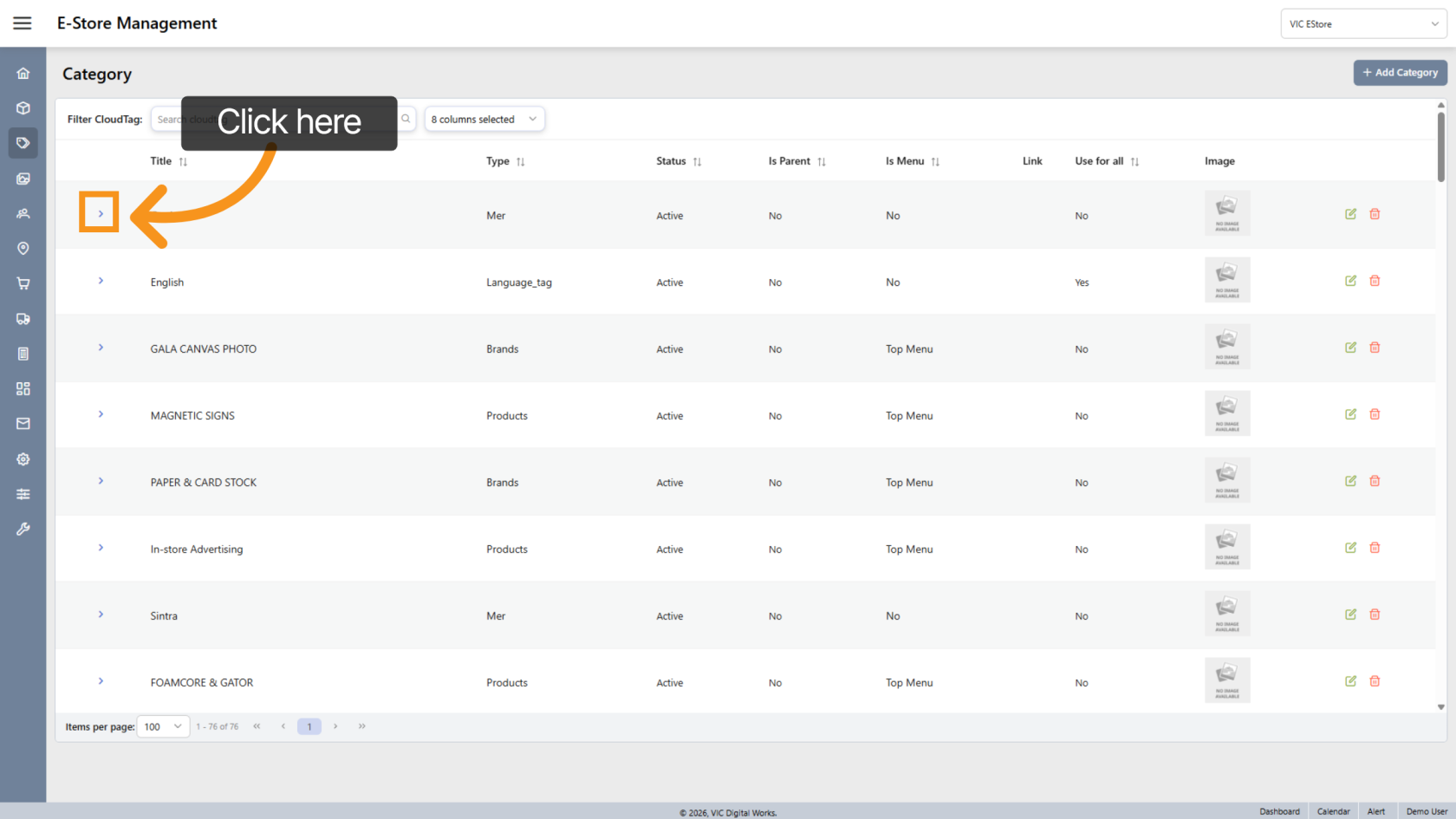
6. View Category
Click the  arrow icon next to a category to open and view its details.
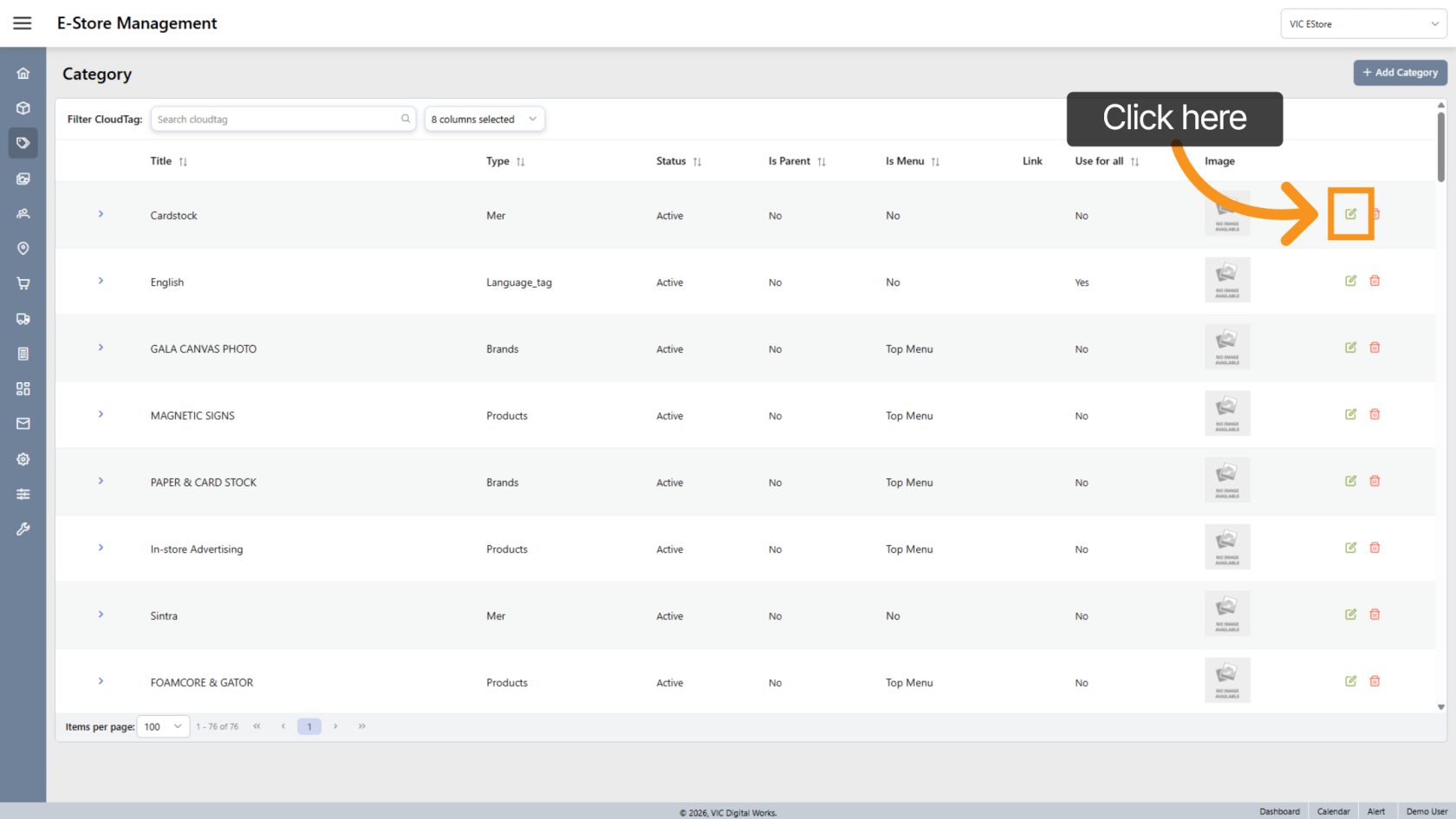
7. Edit Category
Click the  edit icon to modify the category.
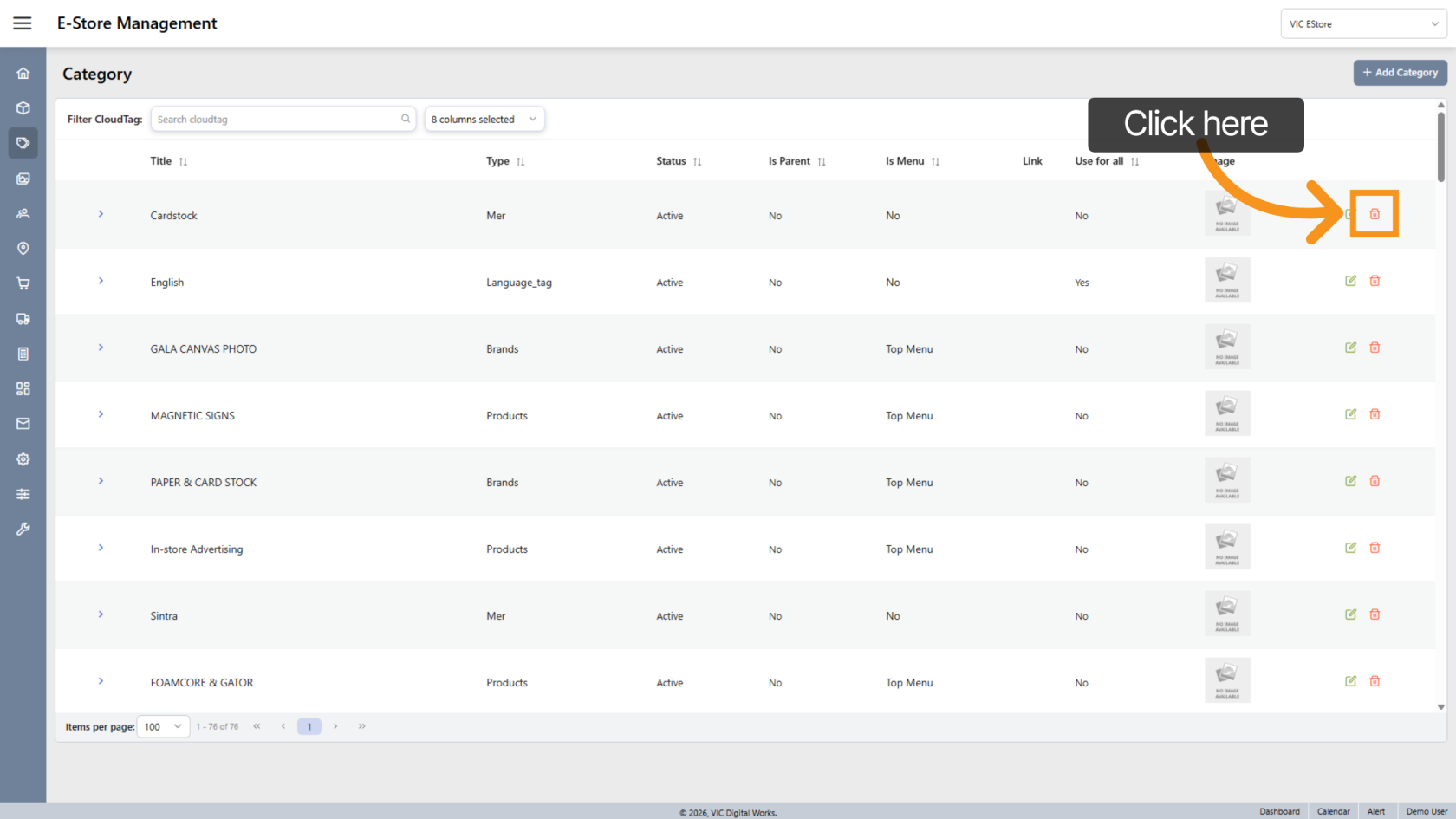
8. Delete Category
Click the  delete icon to remove the category.
You have successfully managed categories in the E-Store workspace.