
Update Share Dashboard
This tutorial shows you how to update an existing shared dashboard. Only users with the Super Admin role can perform this action. After the update, users will see the latest version after refreshing their browser.
Video Tutorial
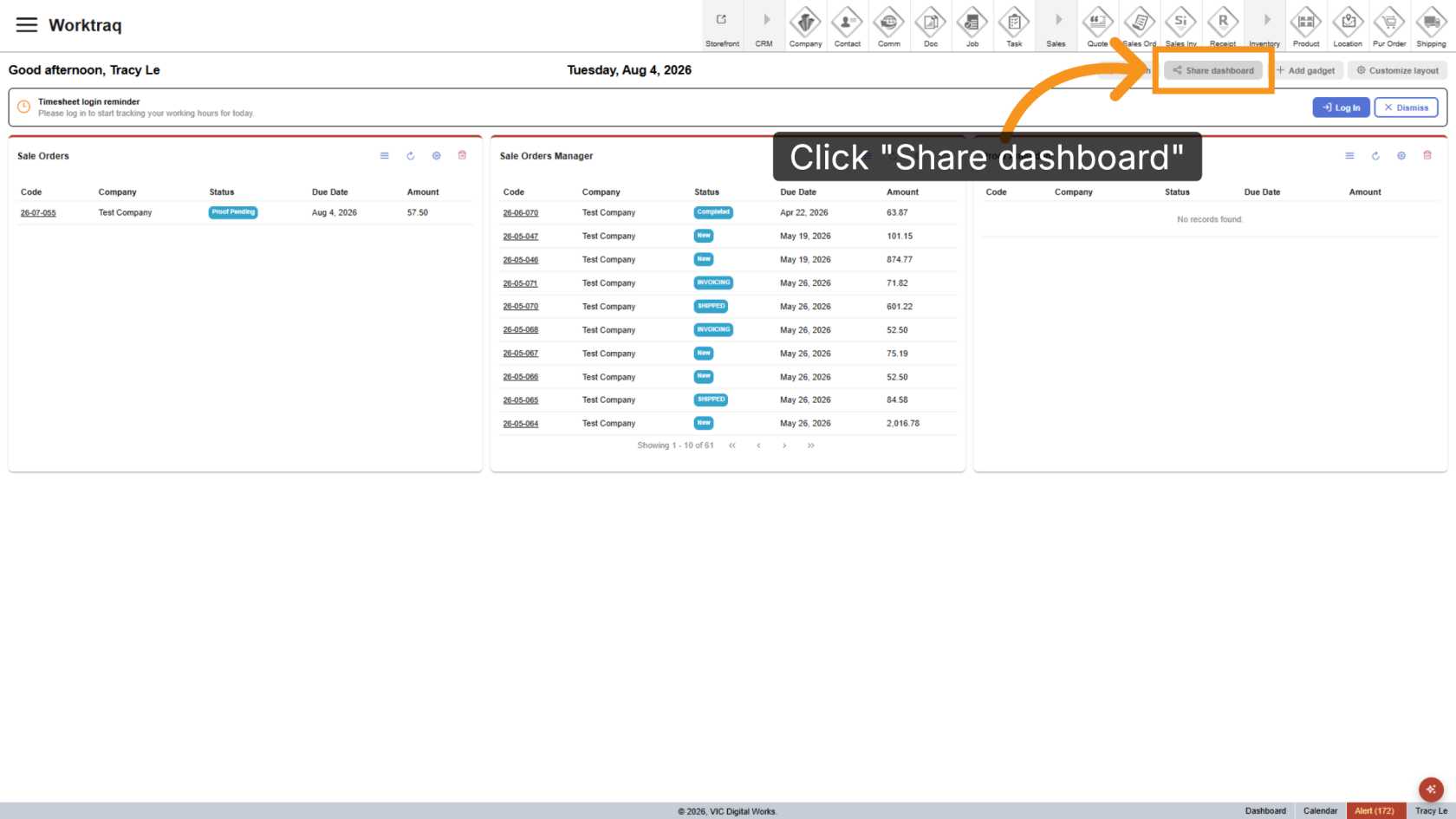
1. Open Share Dashboard
After customizing the layout and gadgets, click Share Dashboard. Your current configuration will be used to update the selected shared dashboard.
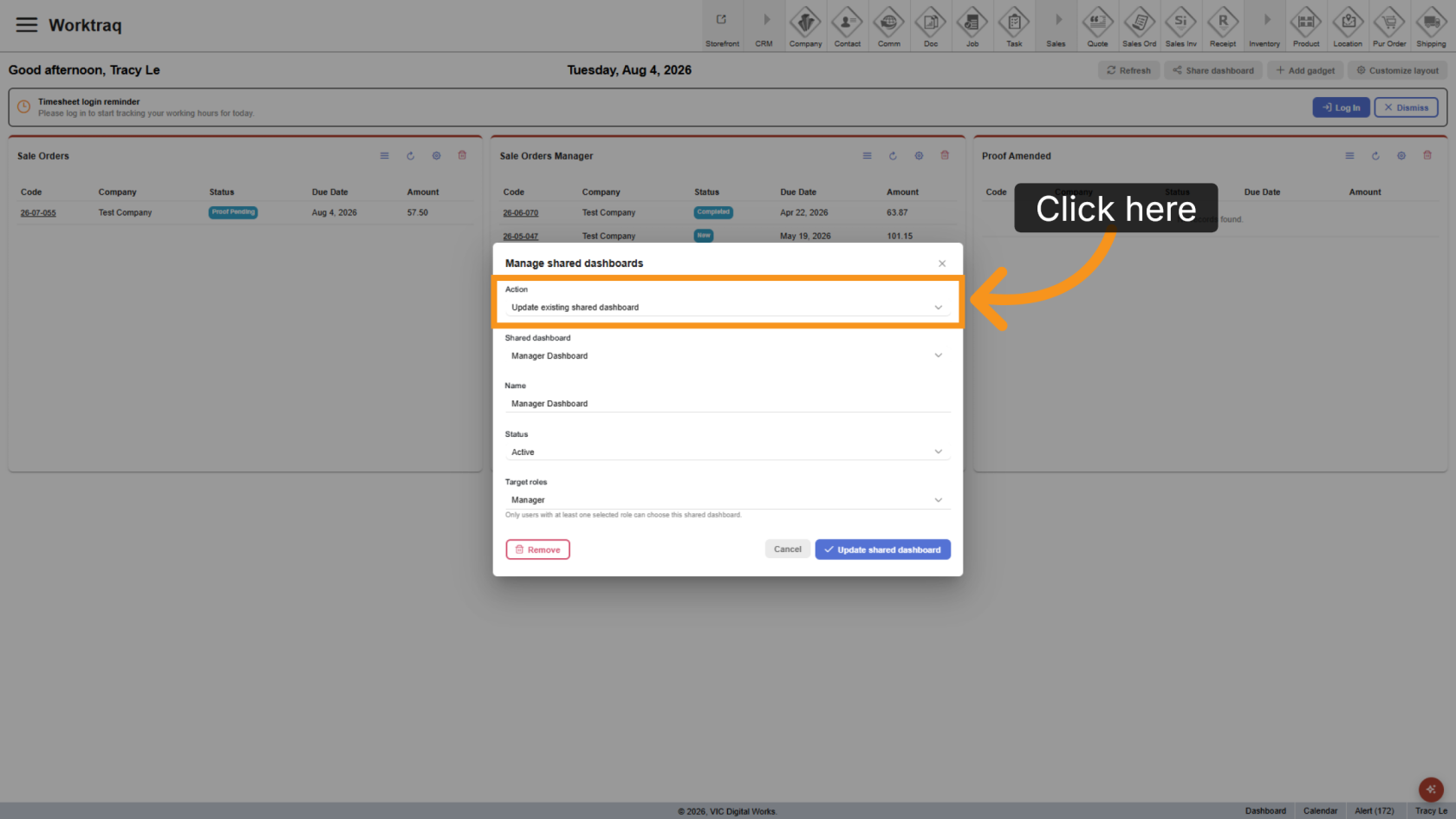
2. Select Update Option
Select Update Existing Shared Dashboard.
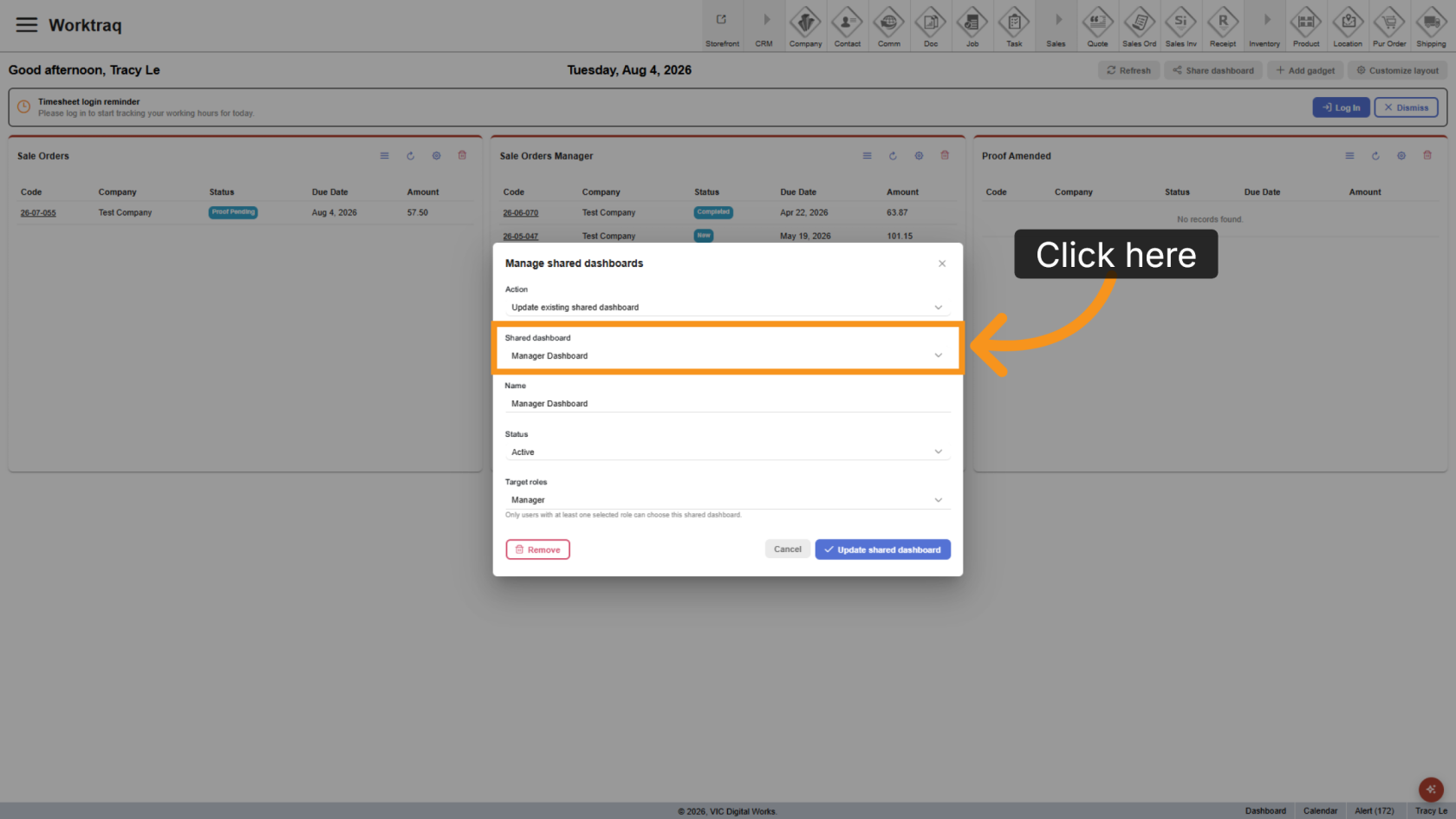
3. Select Shared Dashboard
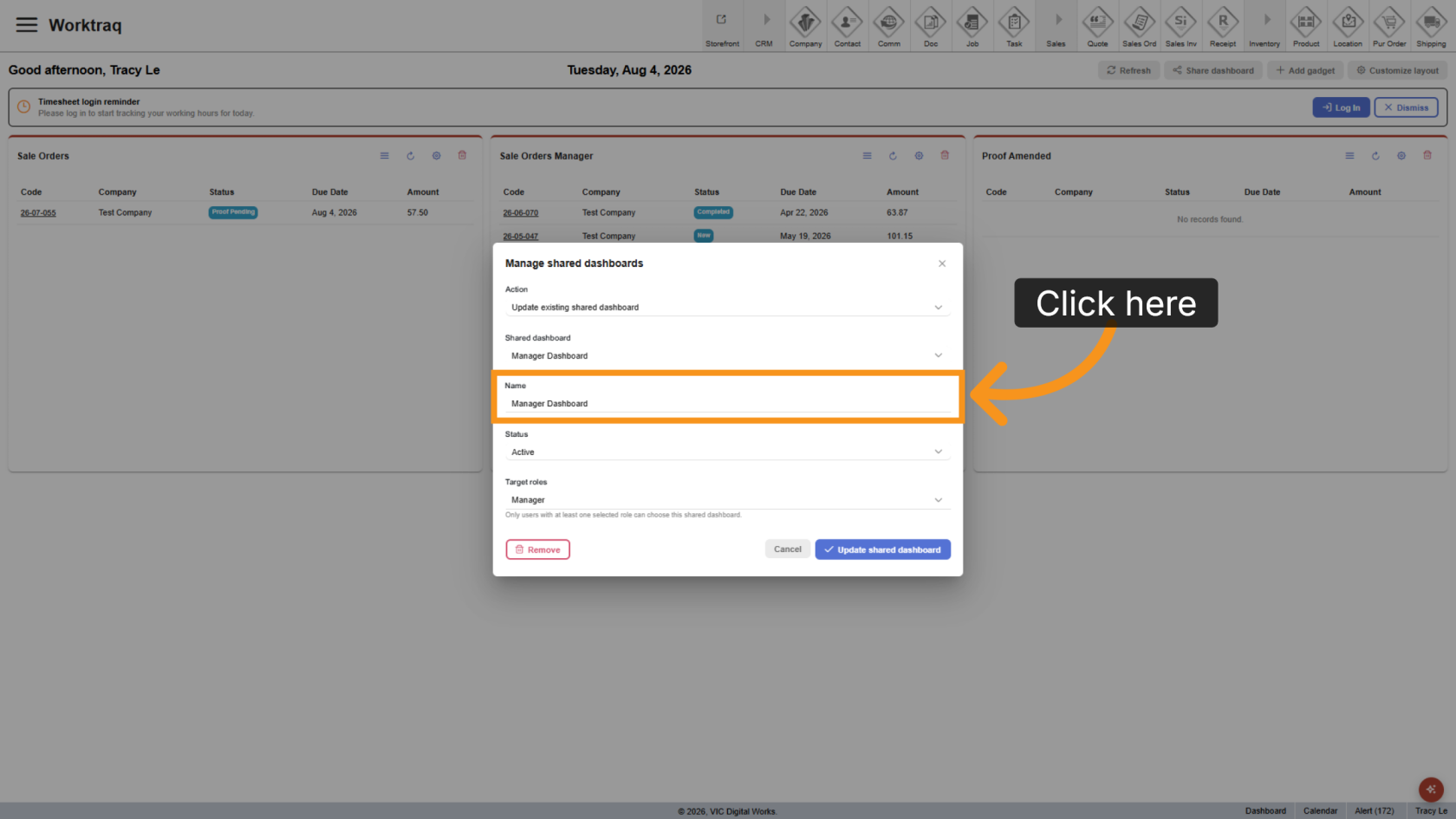
4. Update Name
Update the dashboard name if needed.
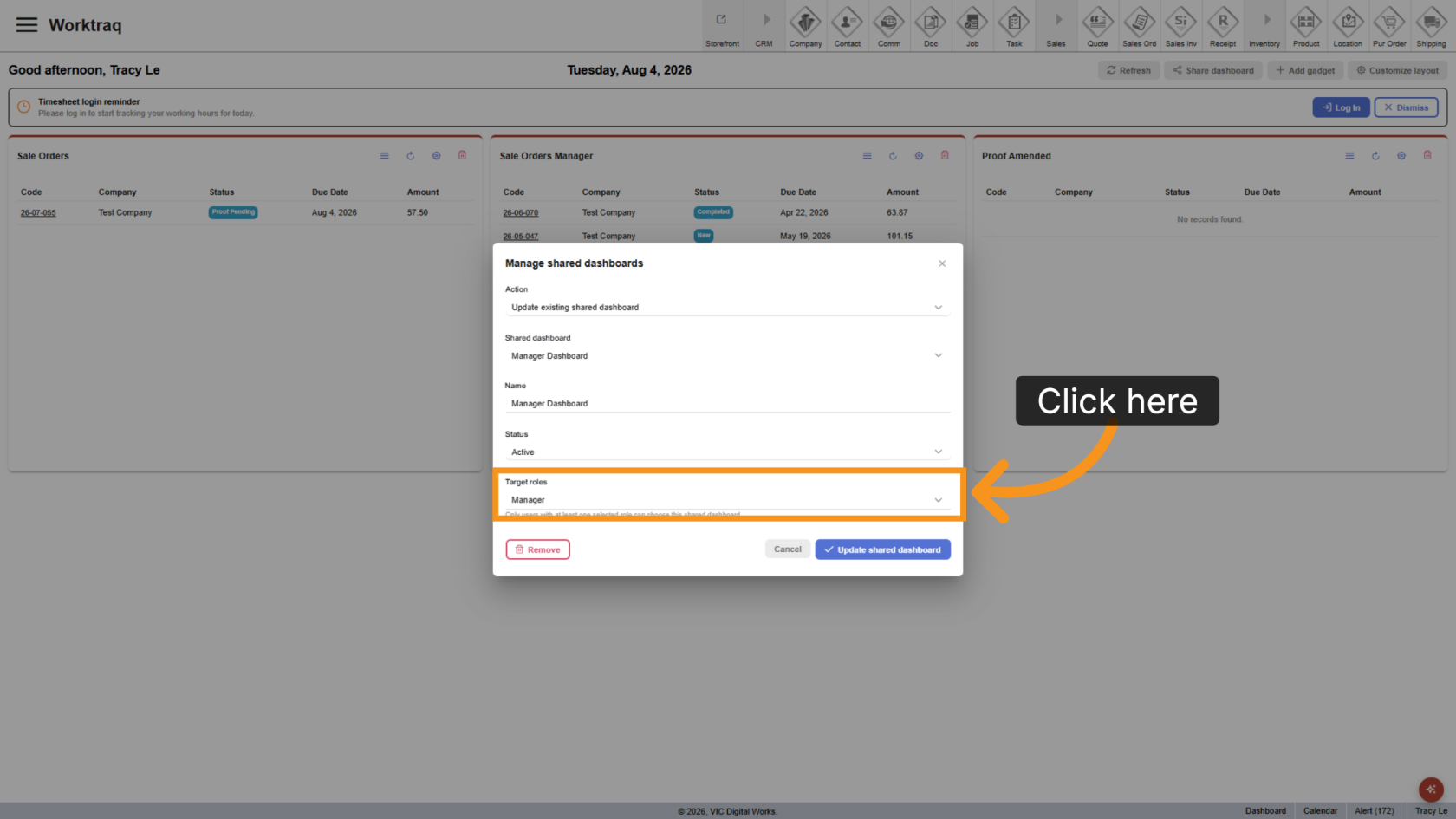
5. Update Roles
Update the roles that can access the shared dashboard, if needed.
6. Save Changes
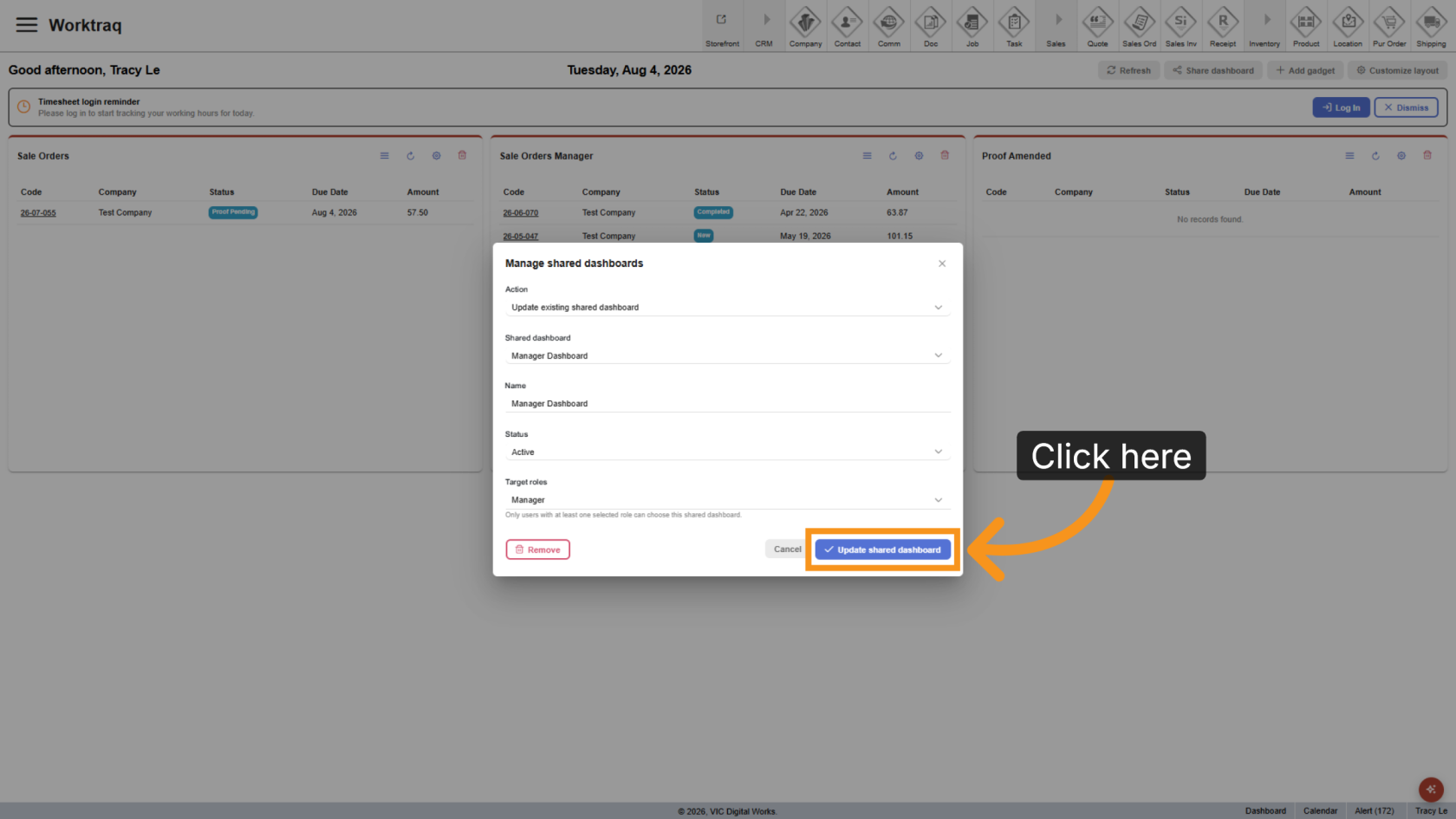
You have successfully updated a shared dashboard in the WorkTraq App.