
Complete Purchase Order number
This tutorial explains how to enter a Purchase Order (PO) number when requested.
Video Tutorial
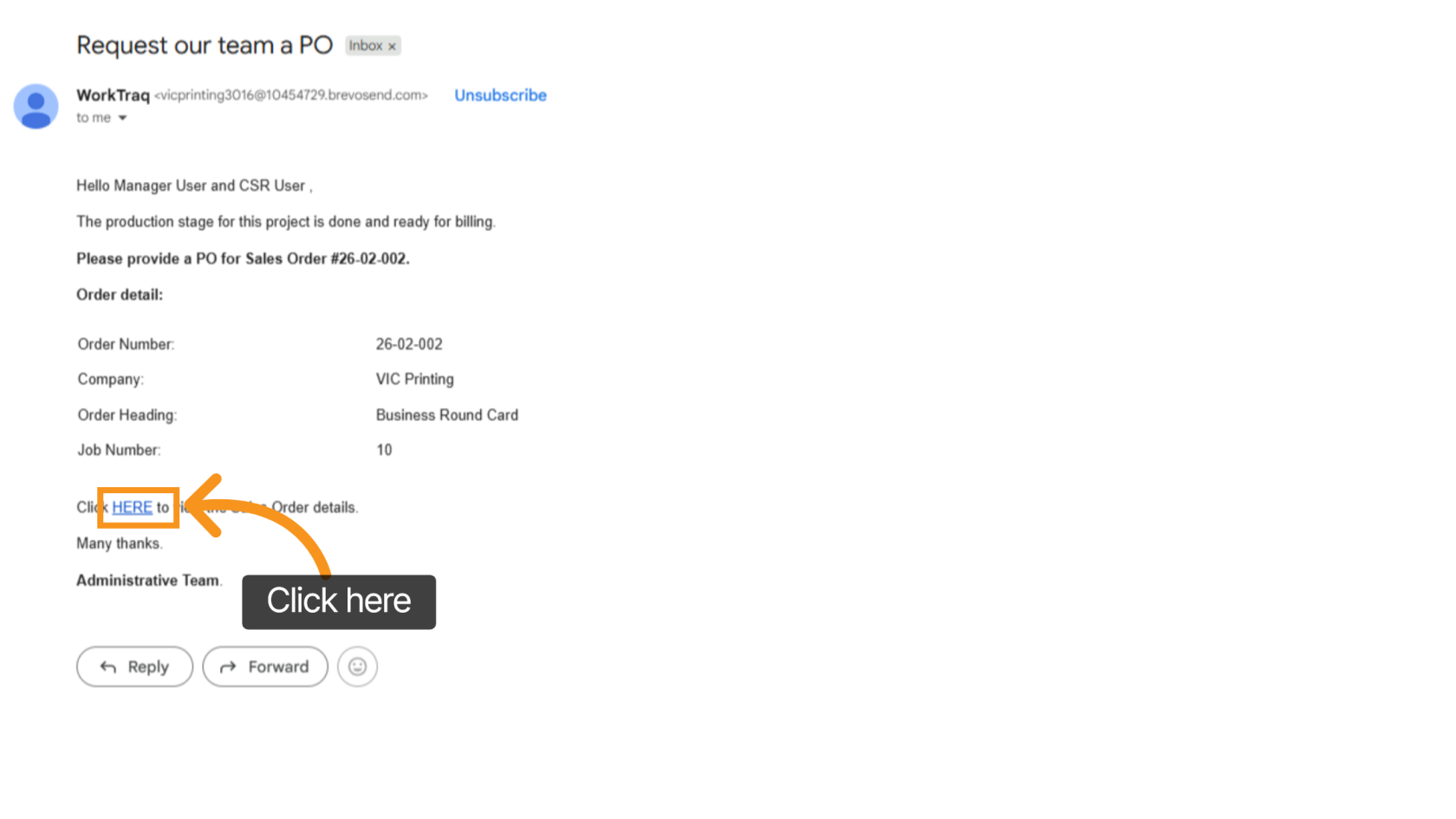
1. Receive Email Request
The REP or CSR will receive an email requesting the PO number. Click the link in the email to open the related sales order.
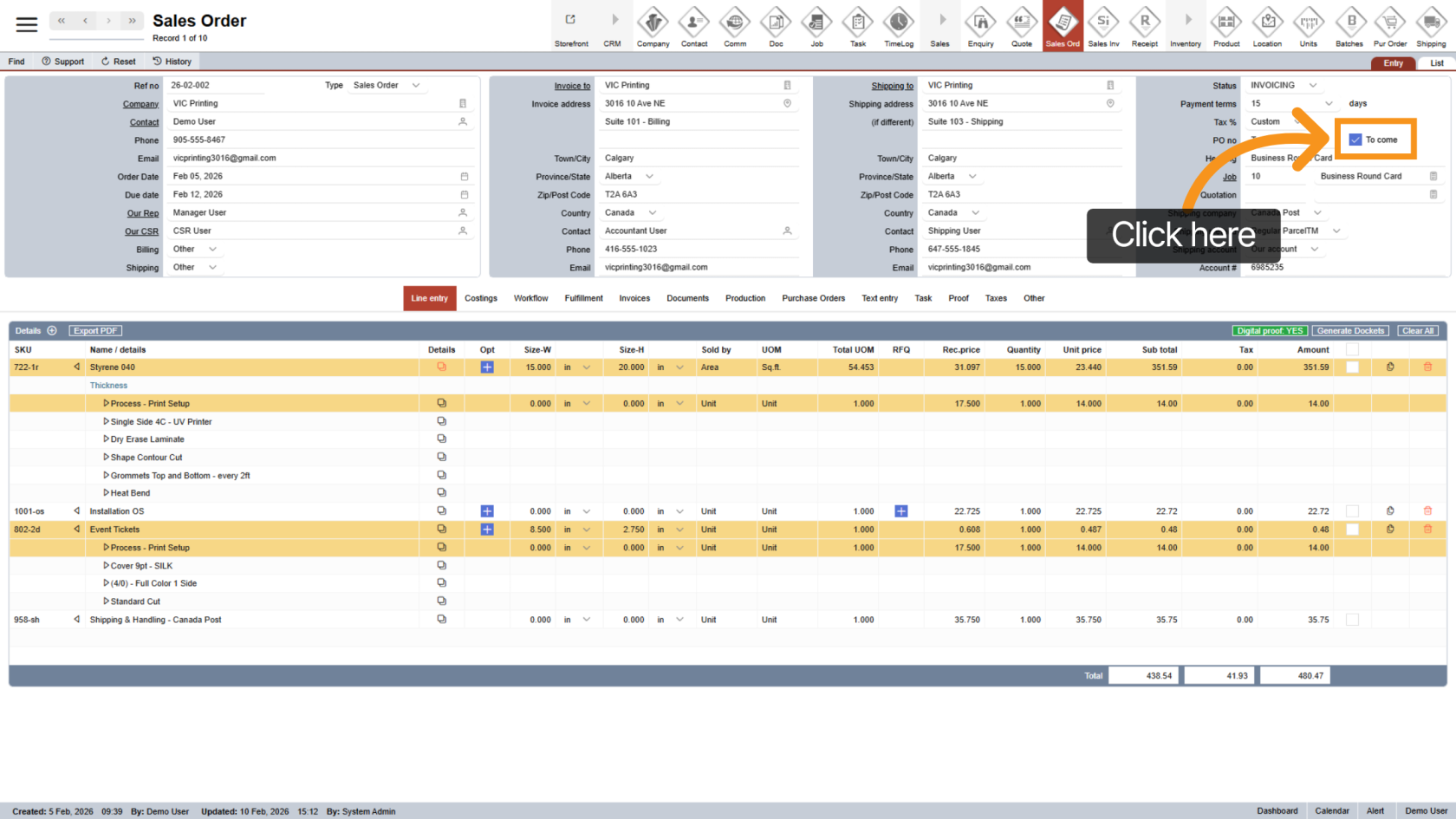
2. Uncheck “To Come”
Locate the To Come option and uncheck it. This will unlock the PO number field so you can enter the information.
3. Enter PO Number
Enter the correct Purchase Order number in the PO field.
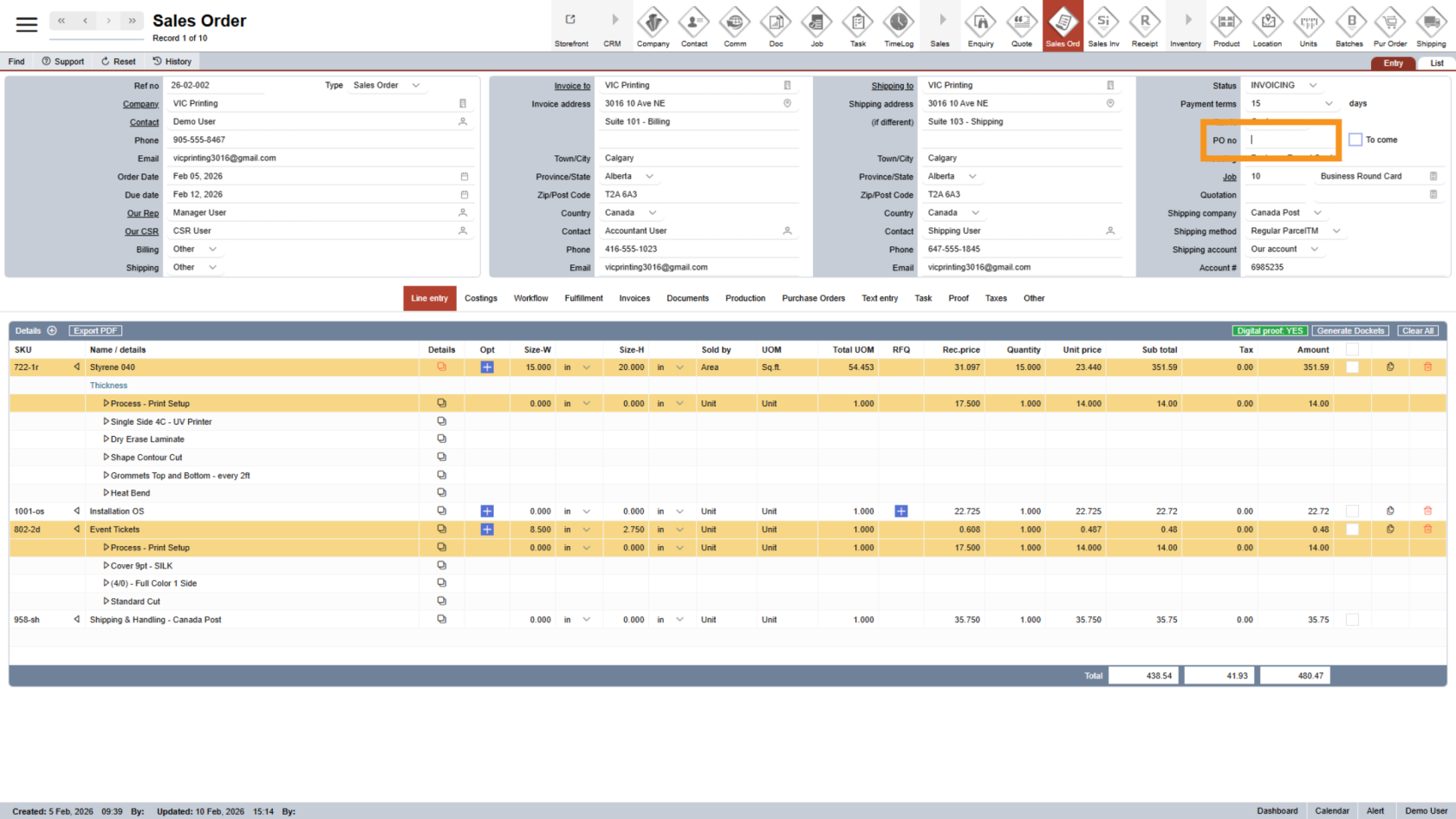
You have successfully completed the Purchase Order entry.