
LEO-BOOKING INTRODUCTION
Configure and Navigate Salon Dashboard Features in Leo-booking
Welcome to VIC Digital Works Leo-Booking.Leo-Booking is an all-in-one salon management platform designed to help nail salon owners run their businesses efficiently. Easily manage appointments, communicate with clients, support your staff, and track your salon’s performance—all from one simple and powerful system.
Go to leo-booking.com
1. Introduction
we will walk you through the main interface and the essential features you will use during daily operations.
2. Explore Core Salon Features
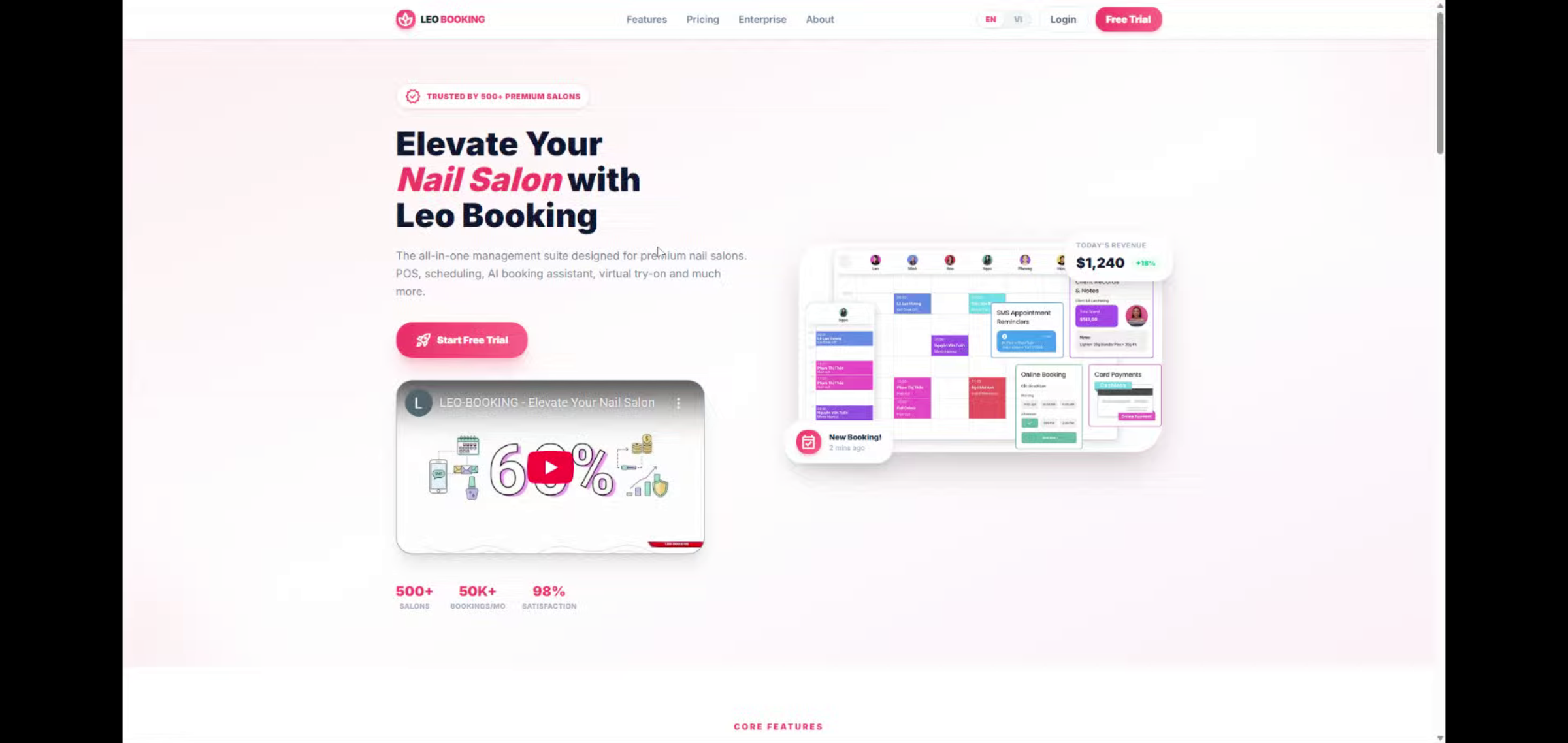
Leo-Booking is a powerful all-in-one platform built to help nail salon owners manage and grow their businesses. From smart appointment scheduling and client database, SMS marketing, Loyalty /rewards, Gift card deposits and business reports, everything you need to run your salon smoothly is available in one easy-to-use system.
3. Special feature - Nails Virtual design
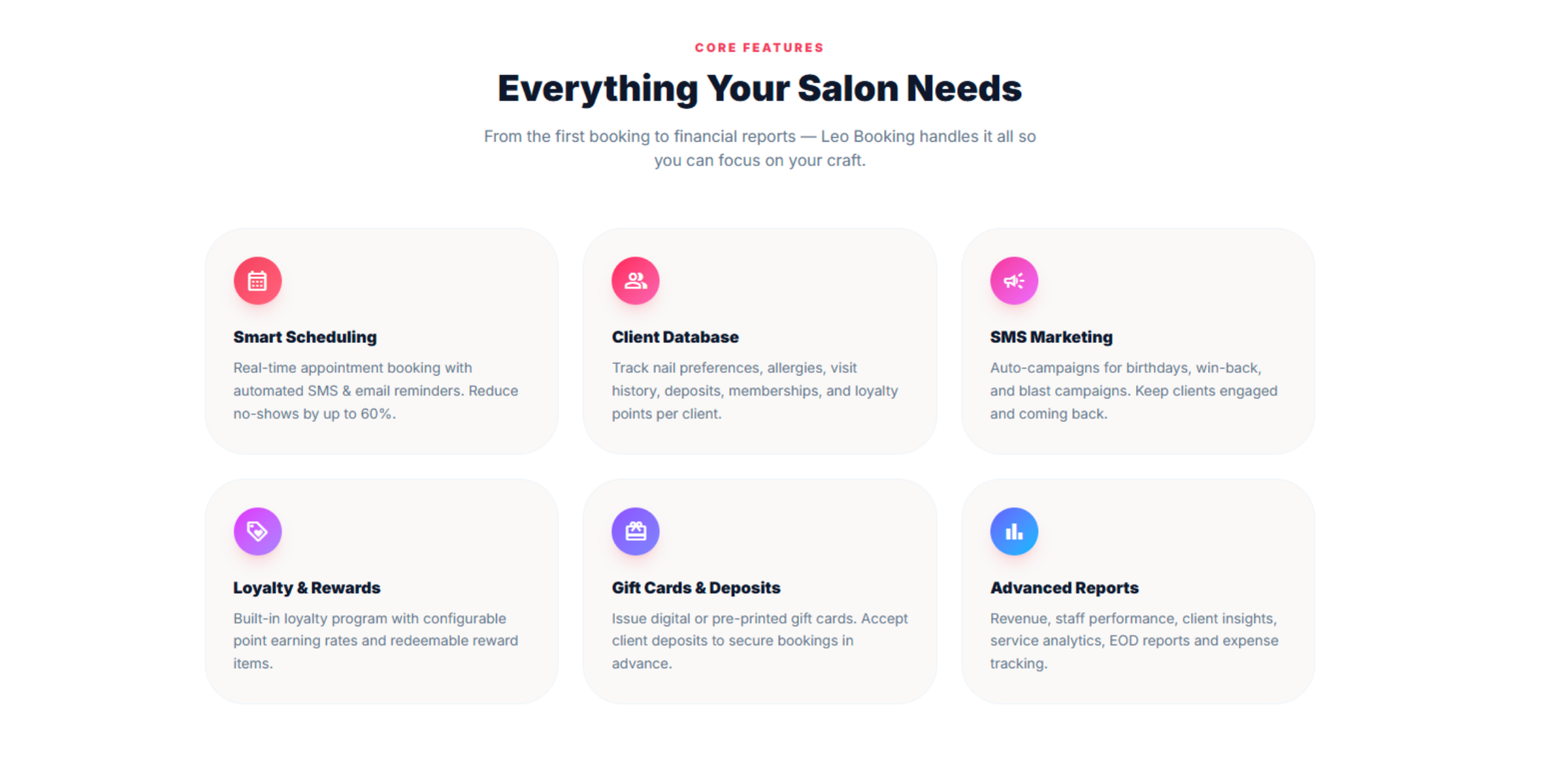
This new AI-powered virtual design application helps customers discover and choose from a wide range of designs that suit them, creating excitement and attracting more clients to your salon.
4. Pricing
Choose from a variety of pricing plans designed to fit your needs. Enjoy competitive pricing, powerful features, and 24/7 support from VIC’s professional technical team.
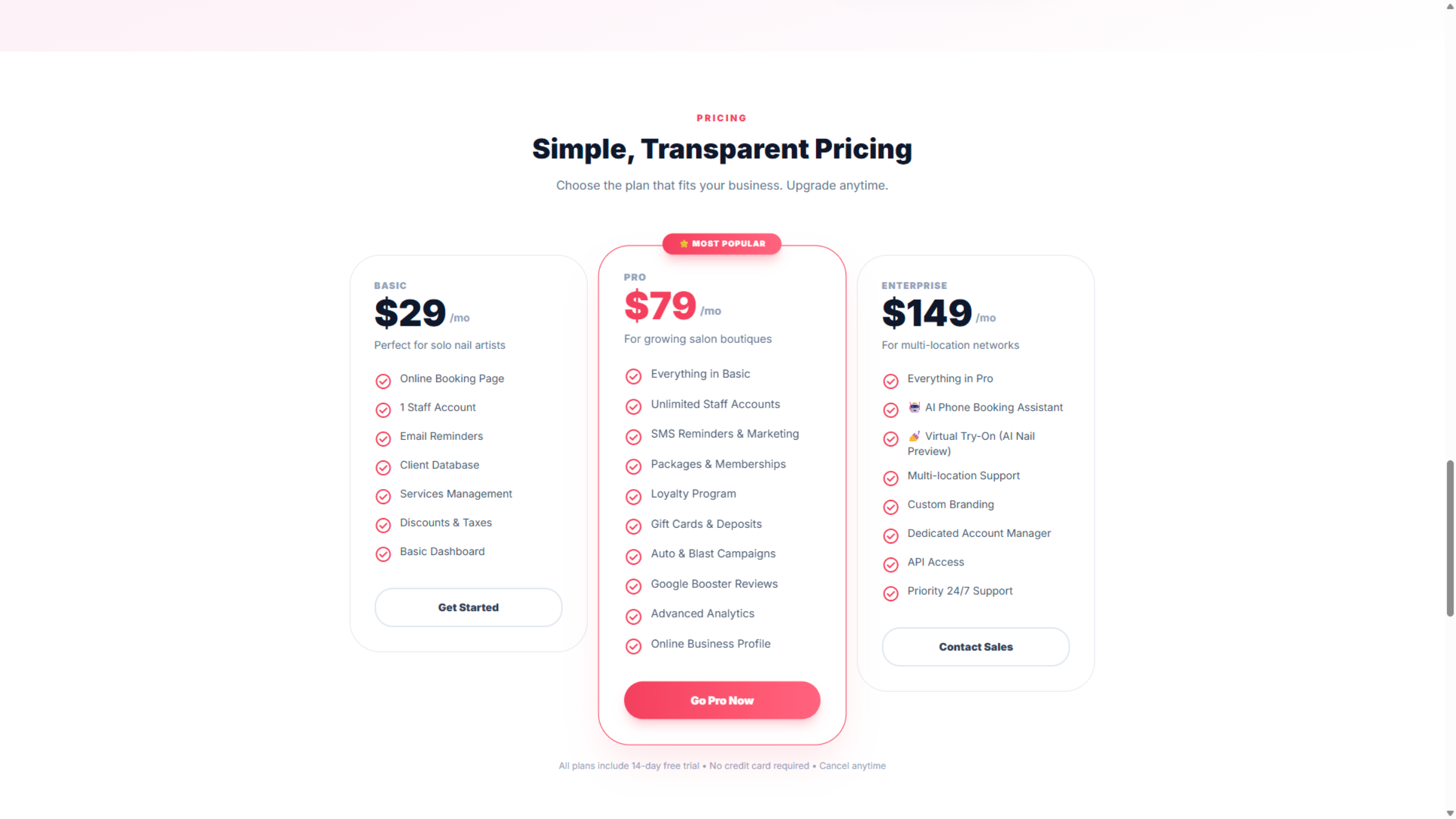
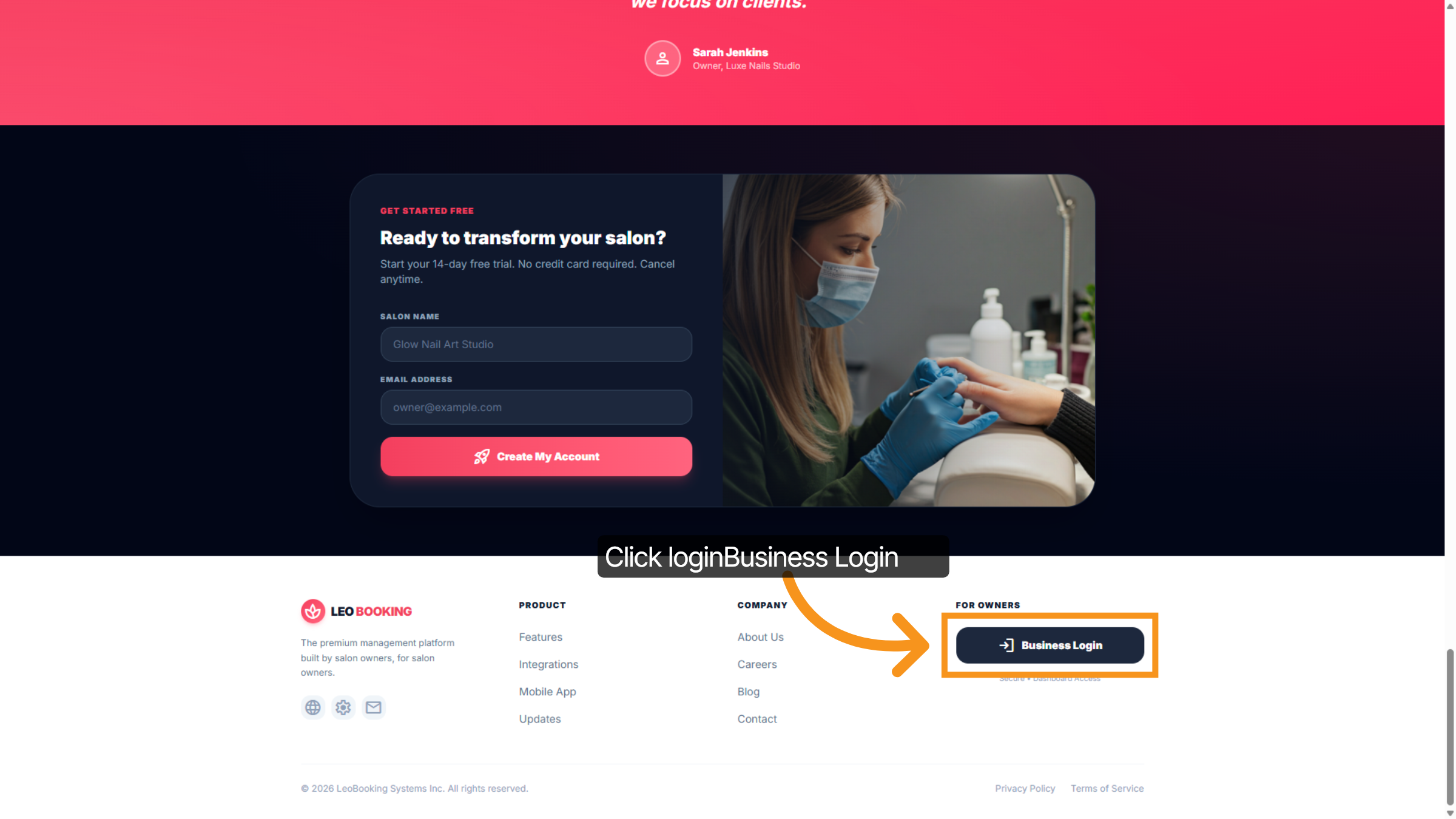
5. Access Business Login
Click the loginBusiness Login button to access your account.
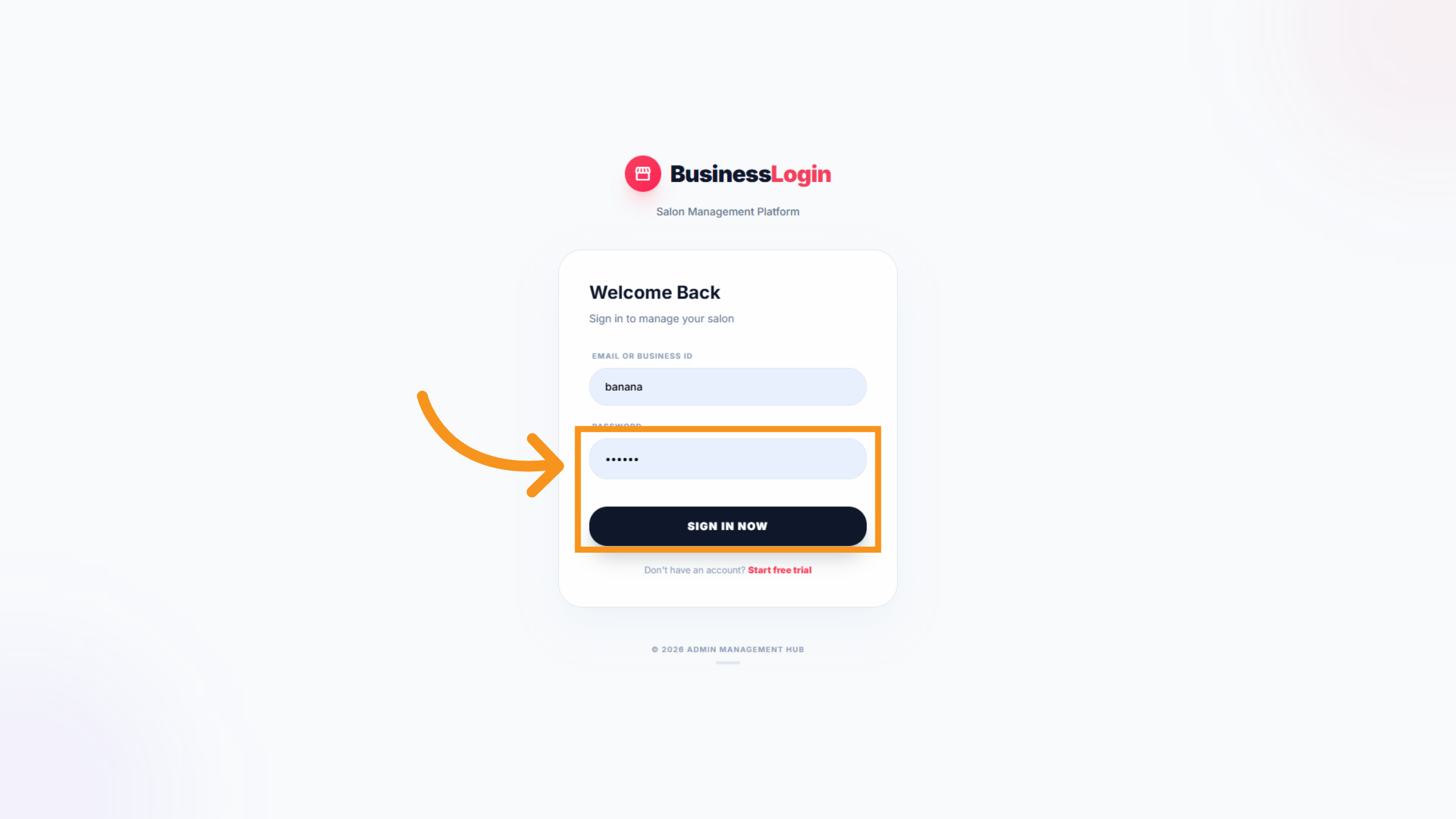
6. Enter Your Password and Sign In
Please enter your password in the designated field to proceed with logging into the management system.
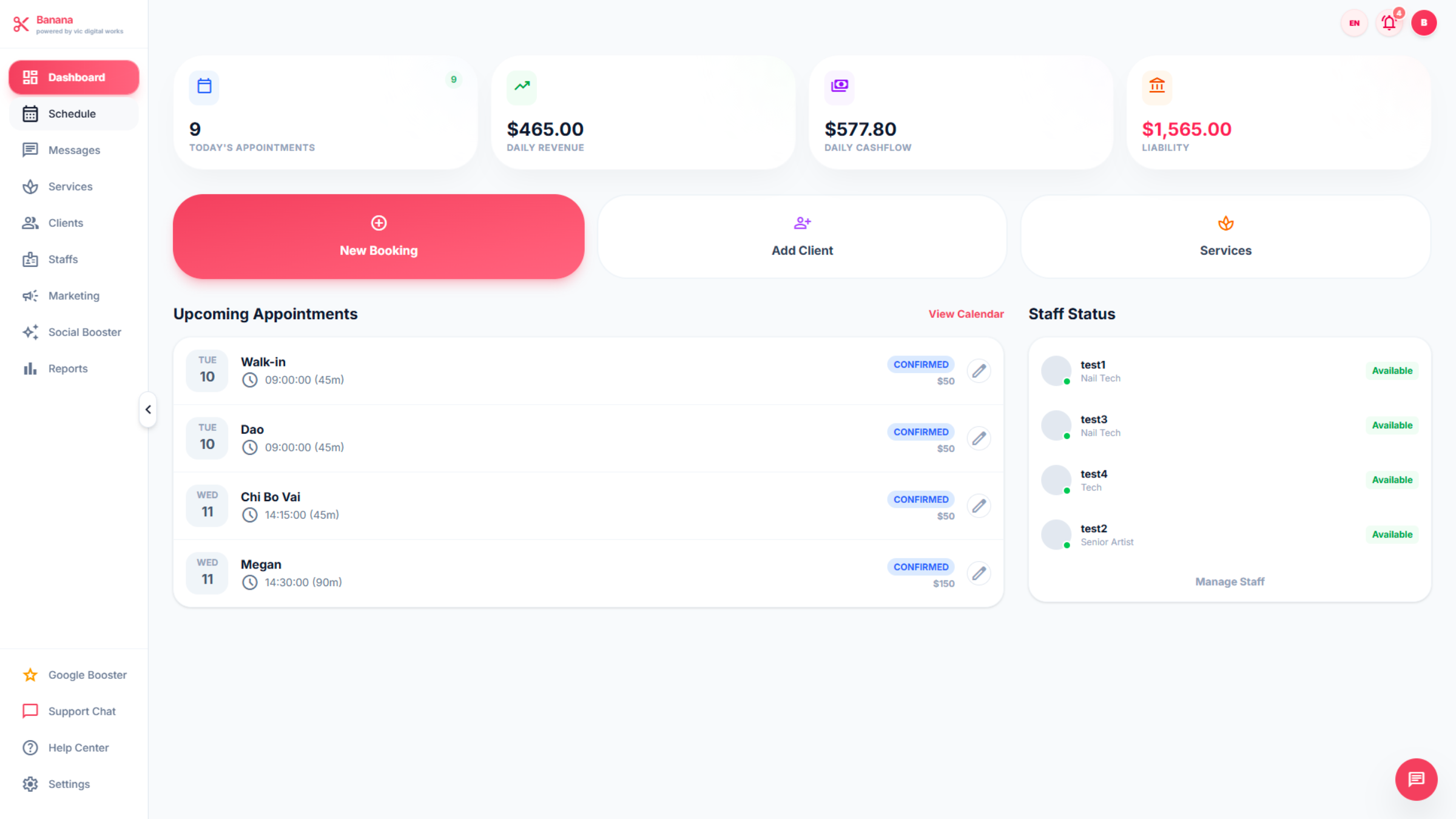
7. Explore the Leo-booking manage system
After logging in, you will see the main Dashboad screen. The left sidebar contains the main navigation dashboard, including: Schedule, Messages, Service, Clients, Staffs, Marketing, Social Booster, Reports. An additional conversation bar between Nails Salon owners and Vic technicians: Google Booster, Support Chat, Help Center, Settings. We will review each section throughout this video.
8. Schedule
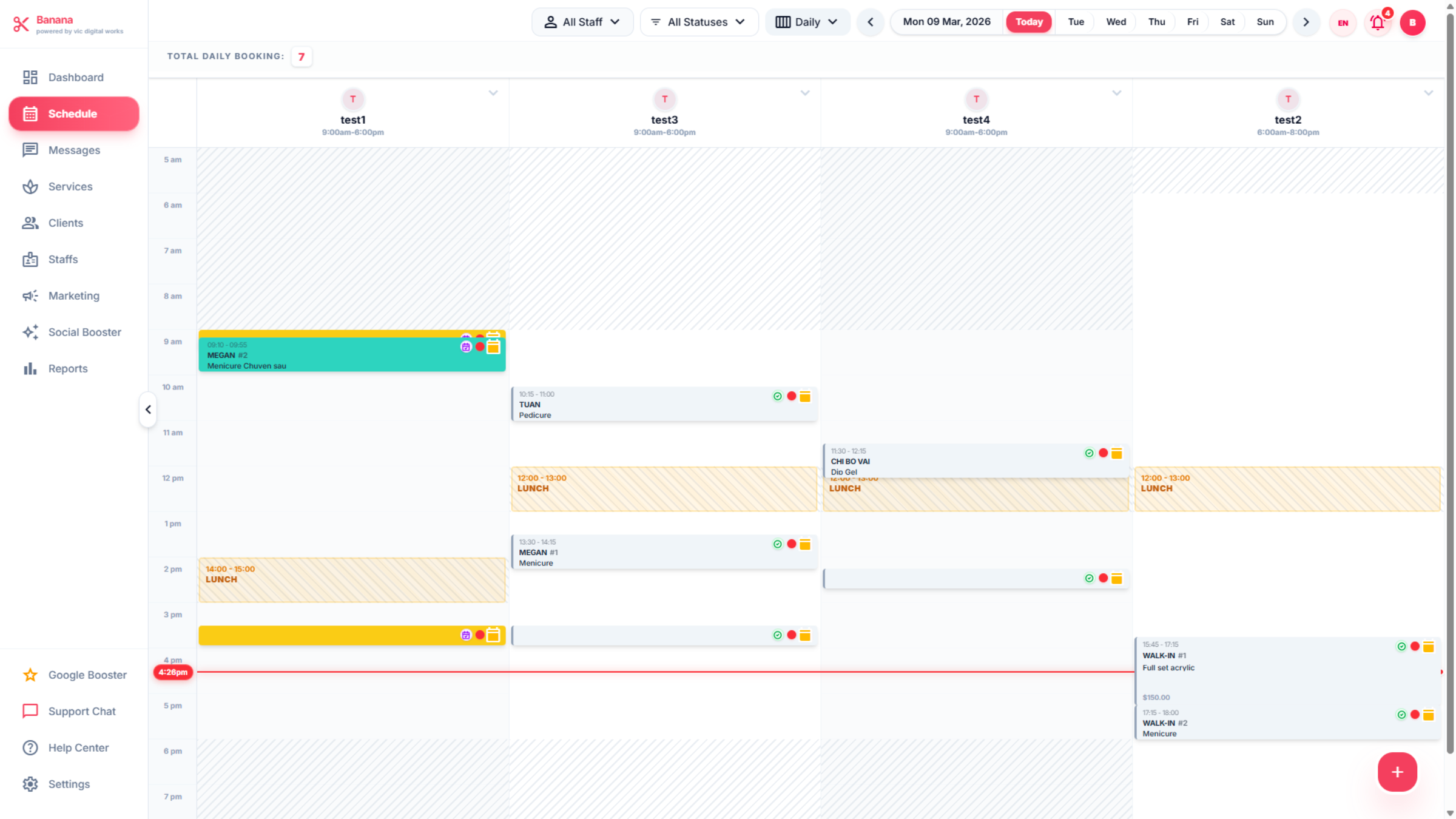
Schedule Manage customer bookings and technician appointments efficiently. Smart scheduling lets you assign services based on each technician’s expertise to meet customer expectations.
9. Messages
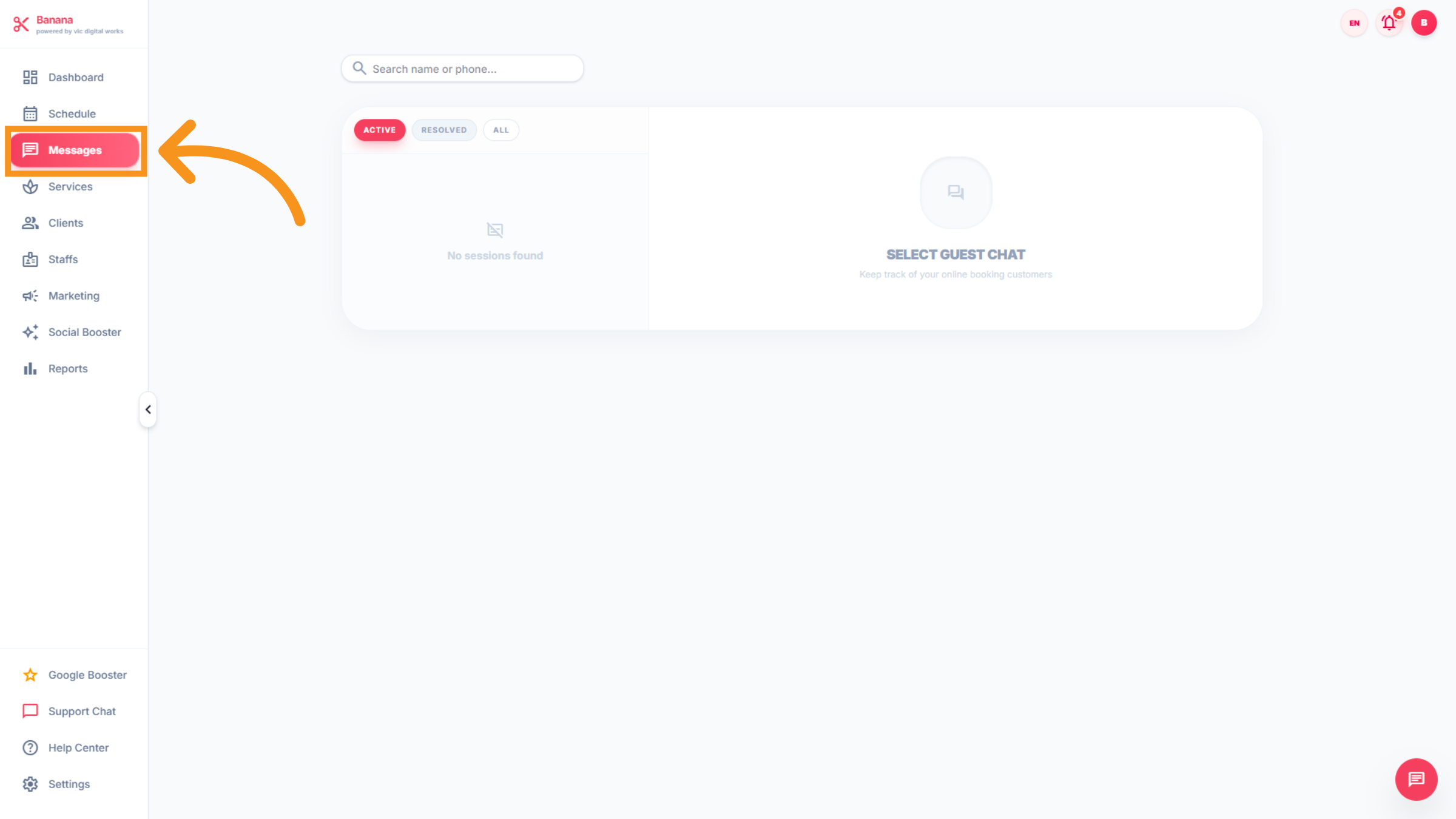
Message is the feature where customers and nail salons can exchange information, including appointment bookings.
10. SEVICES
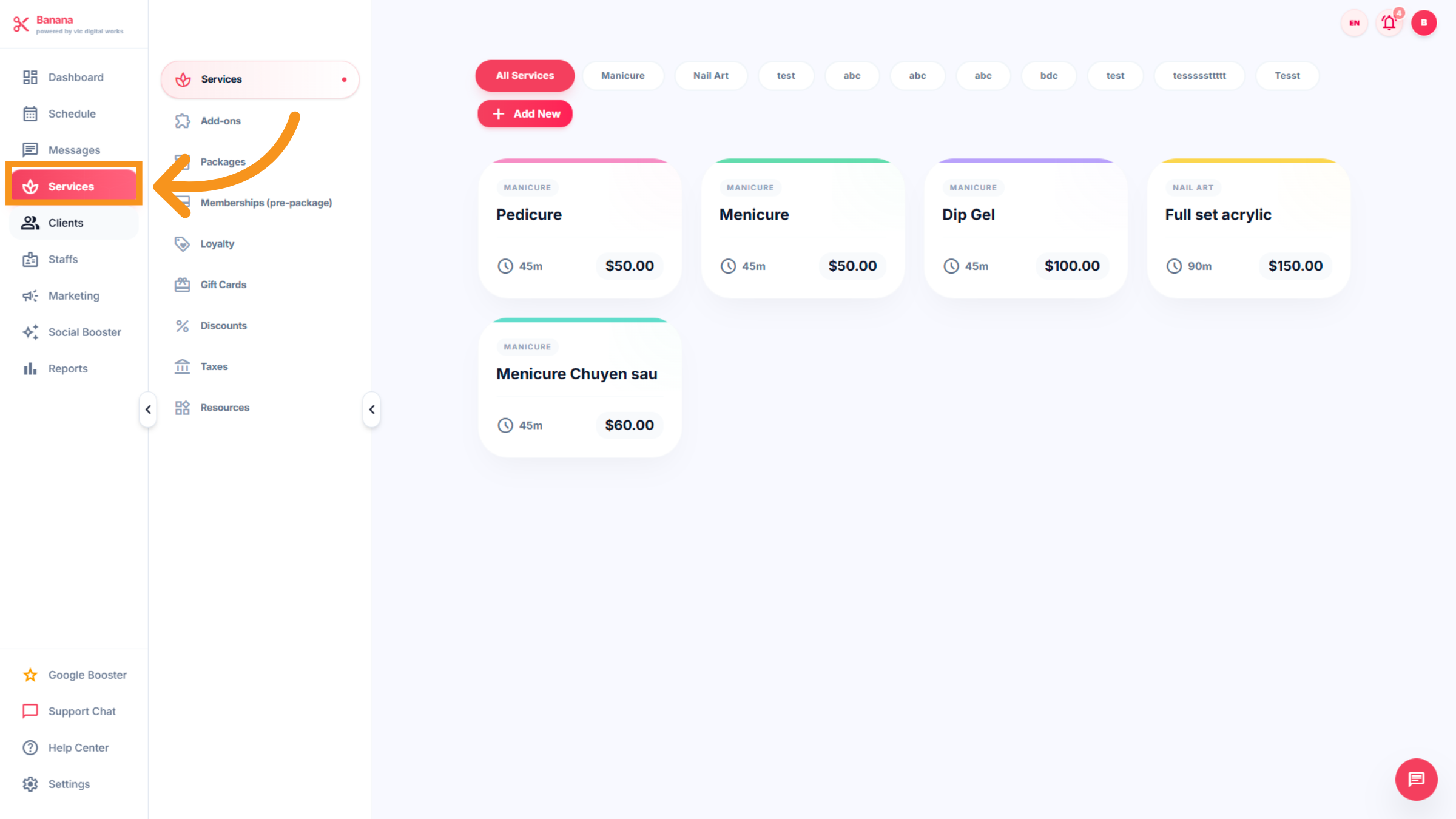
The “Service” feature displays the nail salon’s services, including names, descriptions, and pricing.
11. CLIENTS
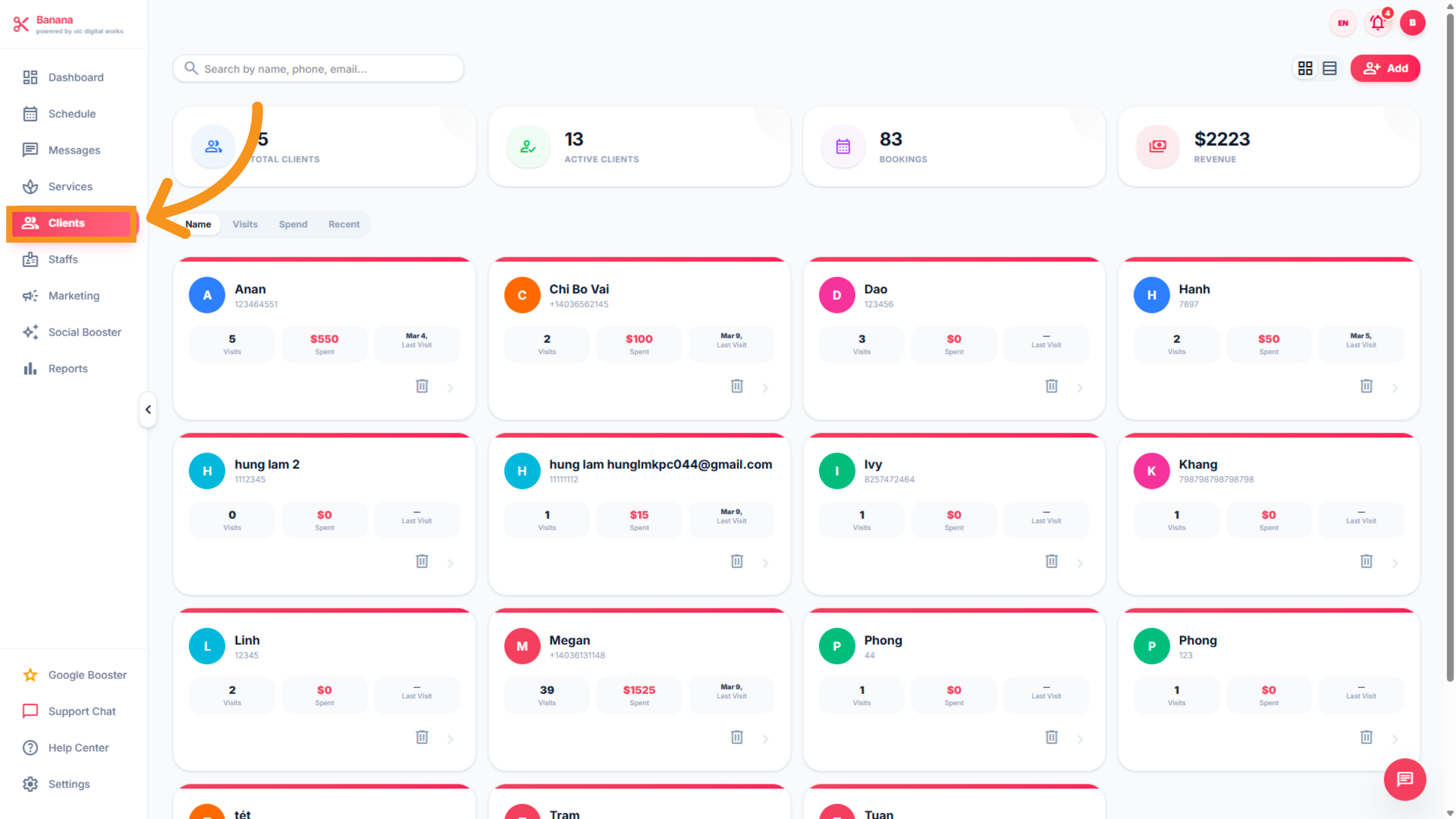
Clients: This feature keeps track of customer information and the services they have used or are currently using.
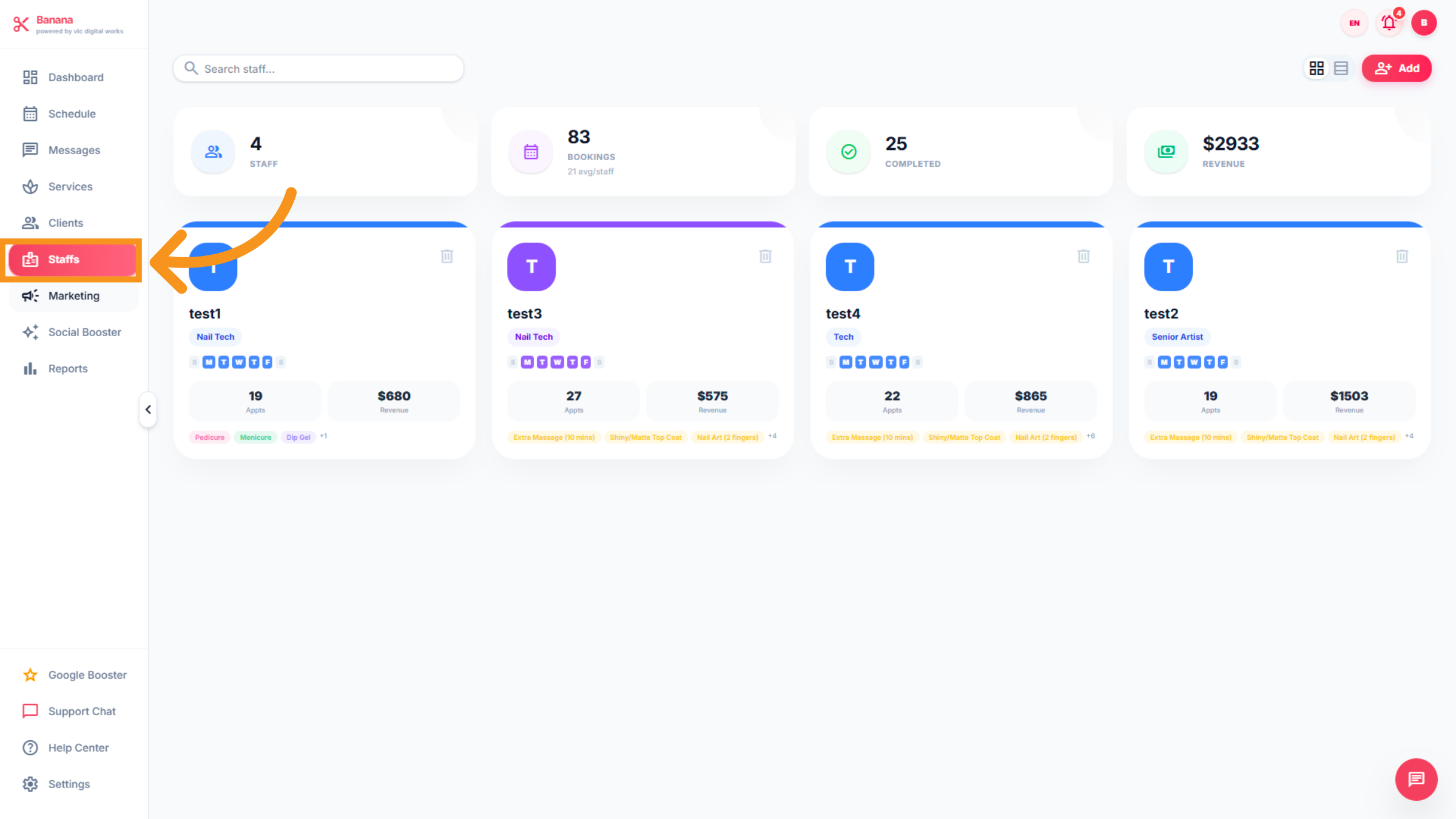
12. STAFFS
This feature allows you to manage all salon staff efficiently. You can add staff profiles, assign services based on each technician’s skills, organize schedules, track performance, and monitor workloads to ensure smooth operations and excellent customer service.
13. Marketing
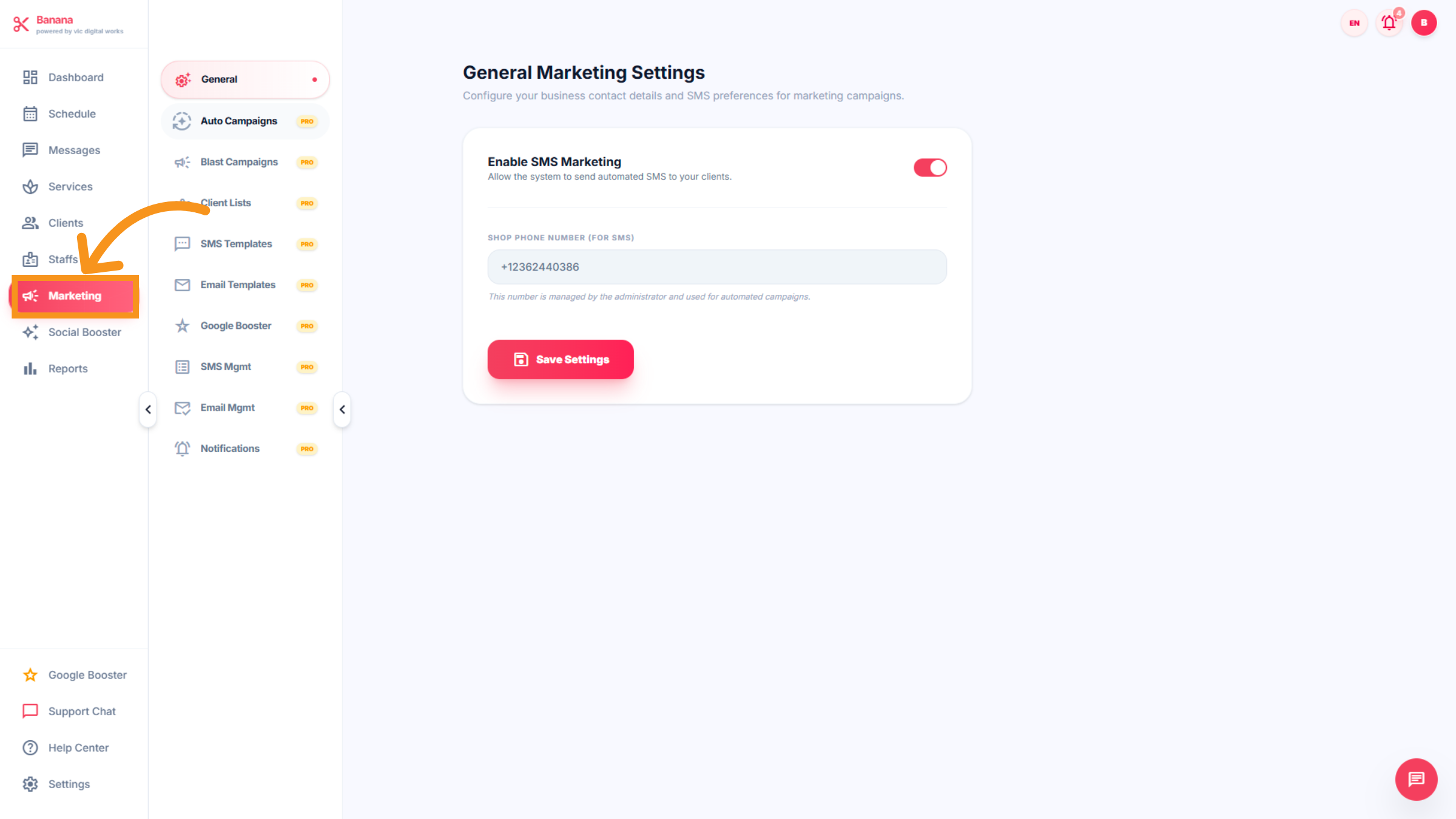
Promote your salon with built-in marketing tools. Launch campaigns, create loyalty programs, and send promotions or special offers to attract new clients and encourage repeat visits. Includes : General Marketing ,Auto Campaigns,Blast Campaign, Clients lists,SMS Templates, Google booster, SMS Mgmt,Email Mgmt, Motifications.
14. Social Booster
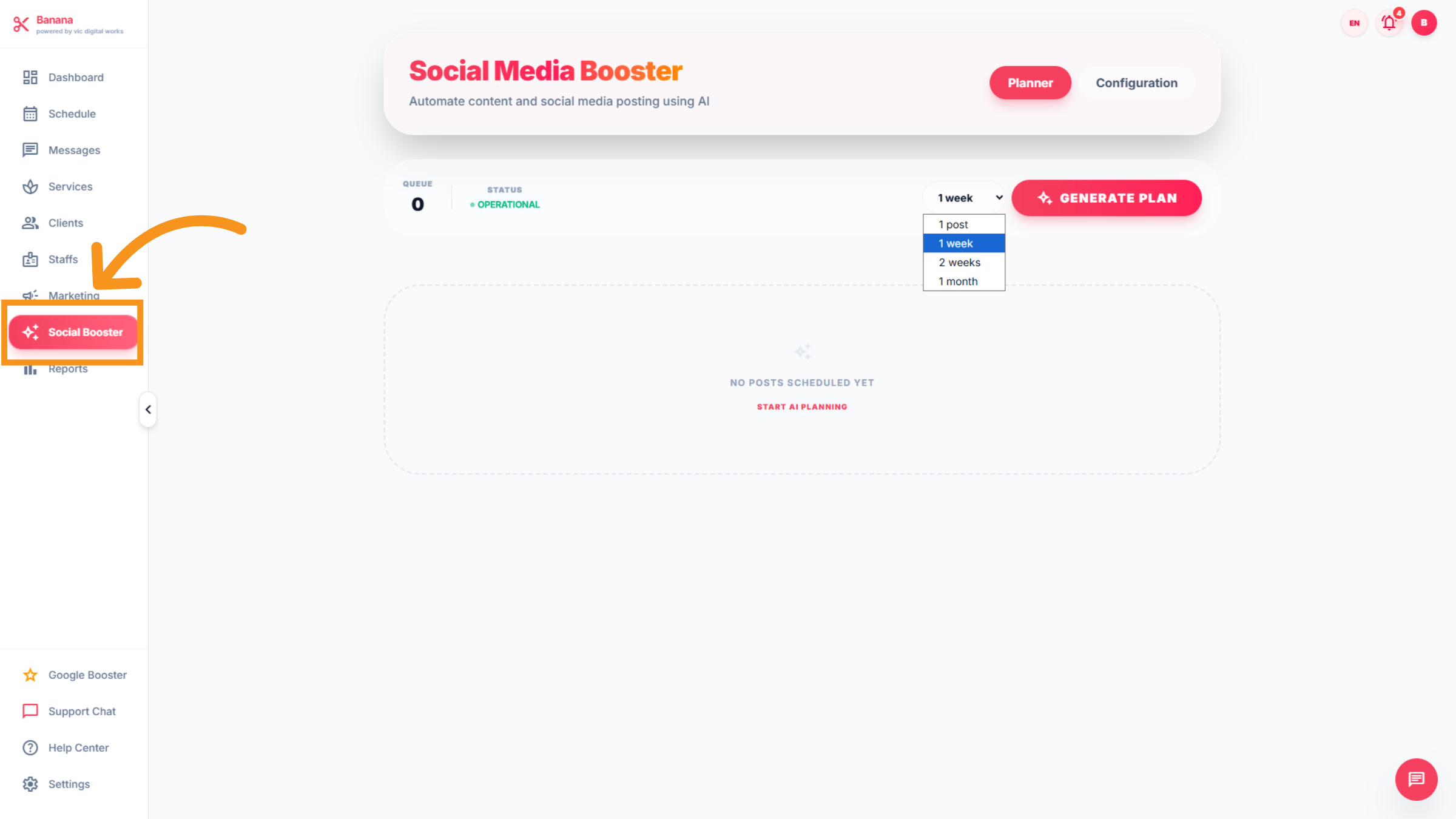
Use AI to plan and publish content on your social media channels, showcasing promotions and services to boost visibility and attract more clients.
15. Reports
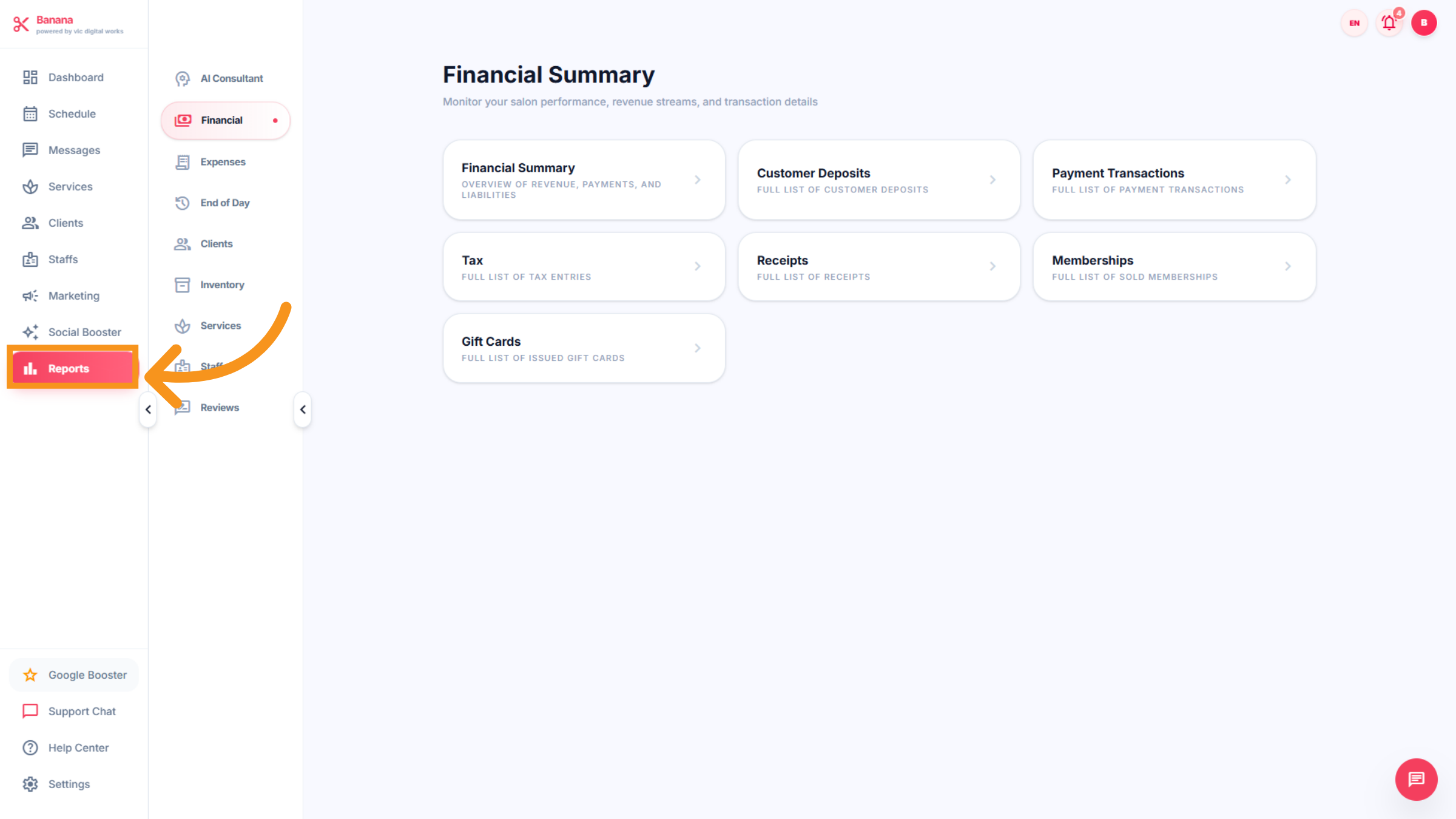
Access detailed analytics and reports on appointments, revenue, services, and staff performance. Use these insights to make informed business decisions and optimize overall salon efficiency. This feature inludes : AI consultant,Financial,Expresses,End of day,Clients,Inventory,Sevives,staff, reviews
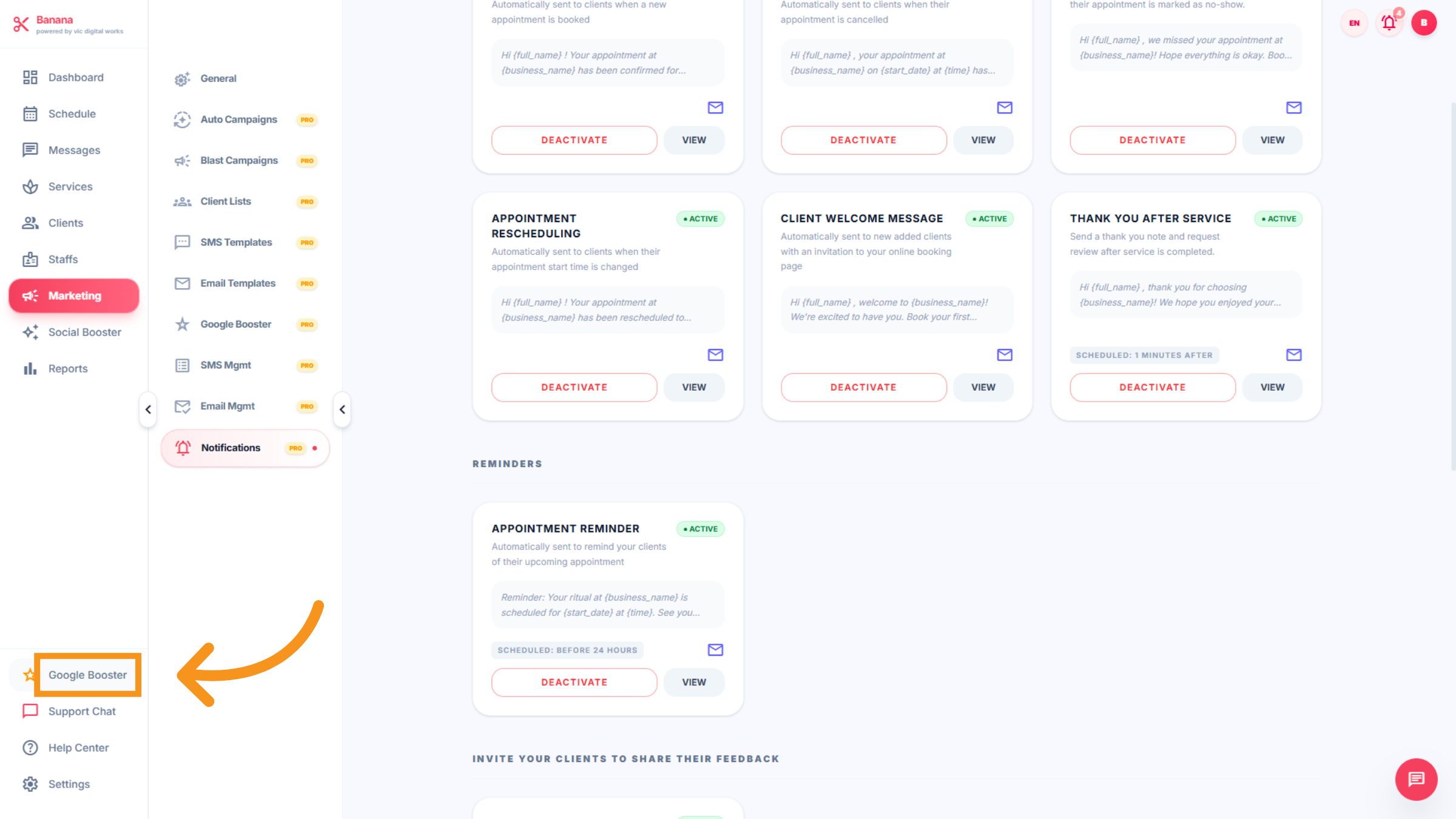
16. Google Booster
Enhance your salon’s visibility on Google with automated tools that optimize your online presence and help you manage customer reviews.
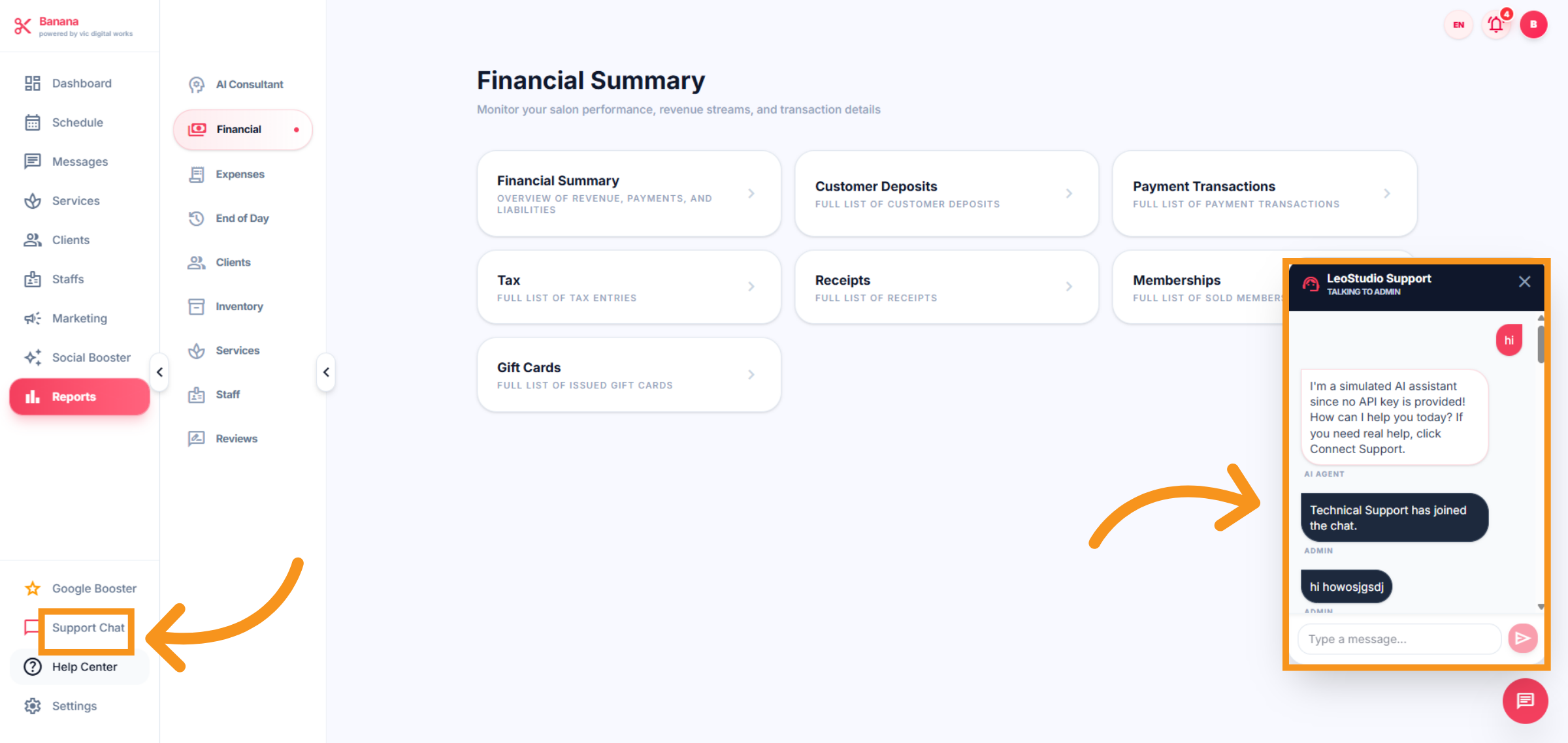
17. SUPPORT Chat
Connect directly with VIC’s technical support team through an in-app chat. Get real-time assistance for setup, troubleshooting, and software questions, ensuring your salon runs smoothly without interruptions.
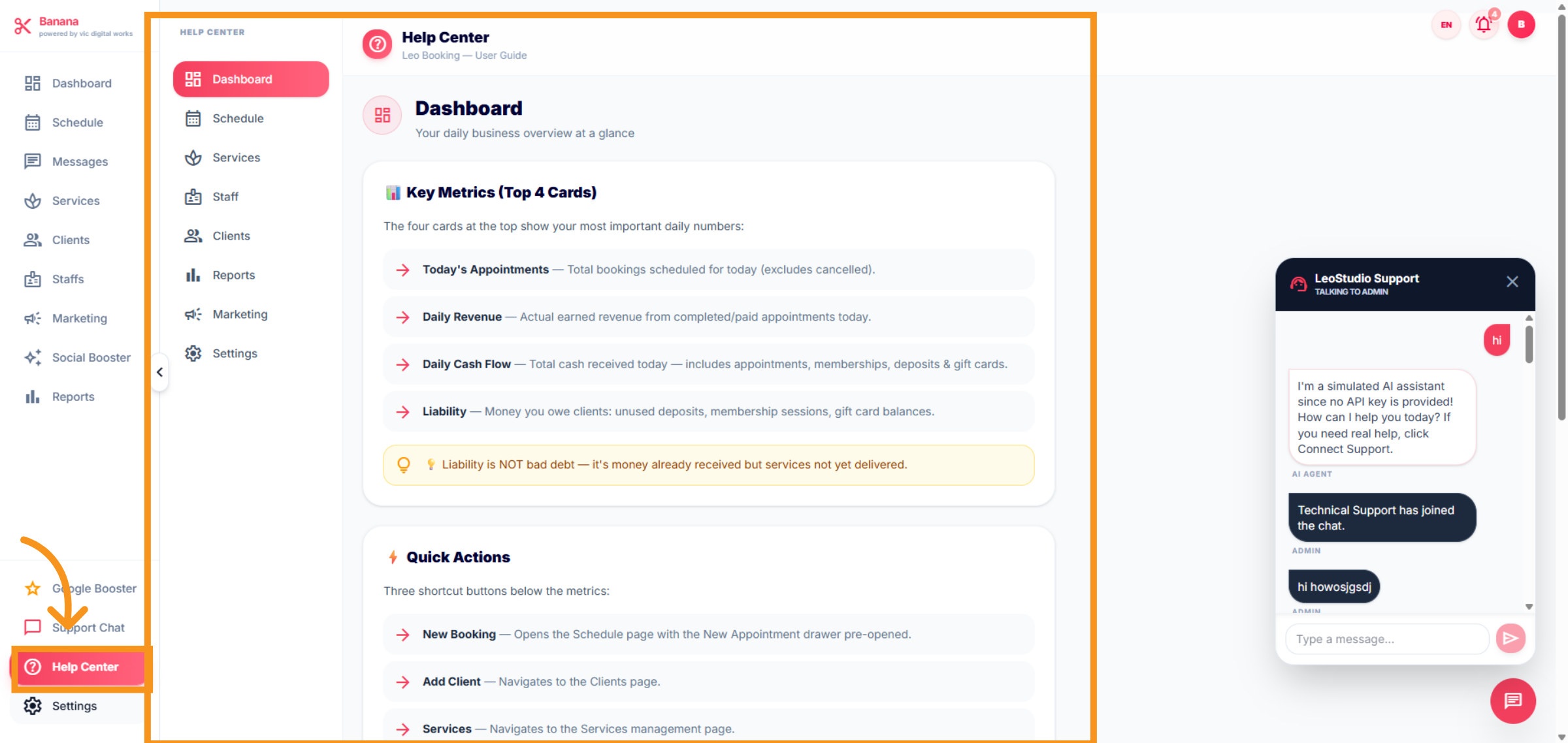
18. HELP CENTER
The Help Center guides users on how to use all the features of the dashboard, including: Schedule, Messages, Services, Clients, Staff, Marketing, Social Media Booster, and Reports. It provides step-by-step instructions, tutorials, and tips to ensure salon owners can make full use of the software.
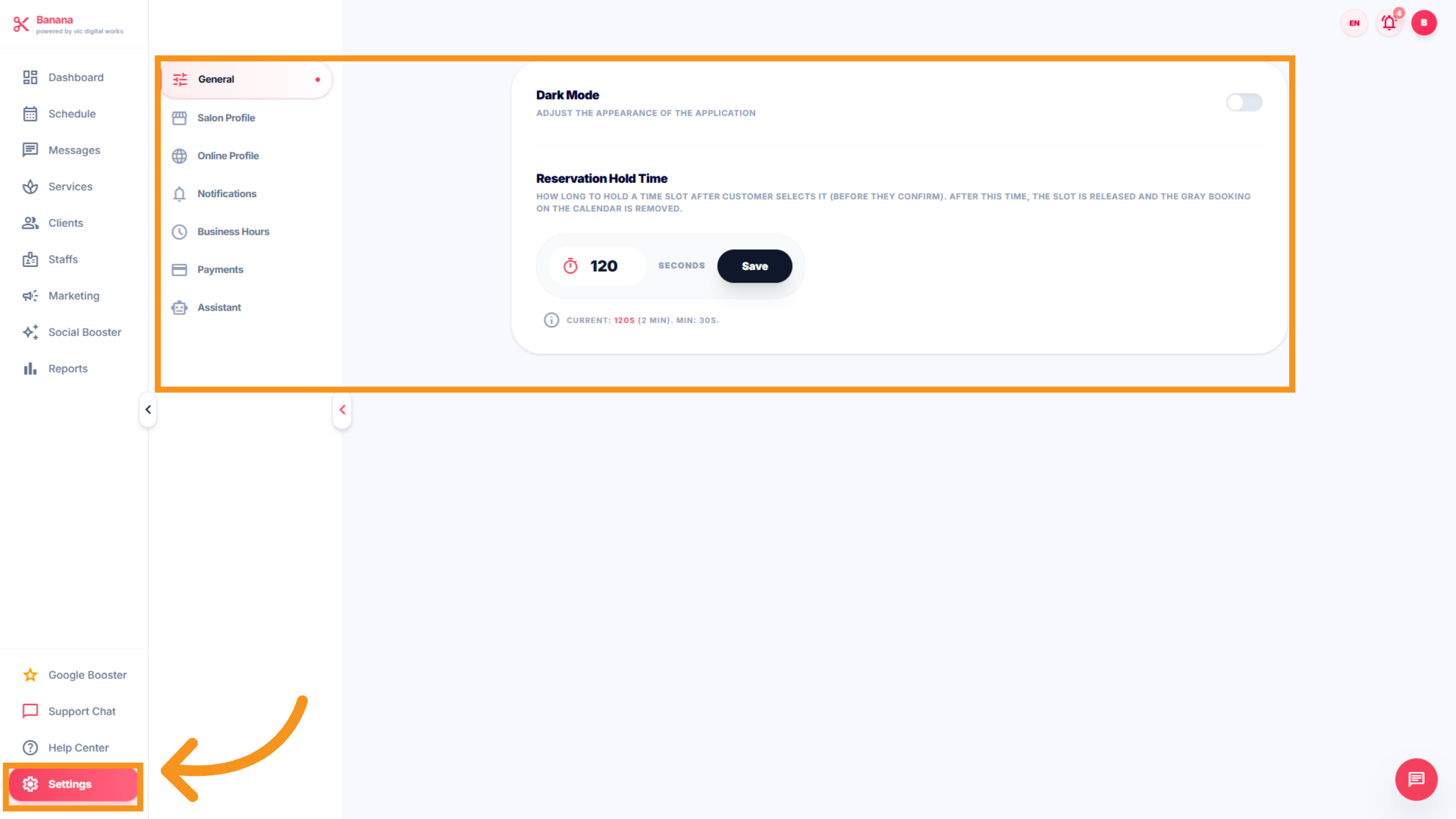
19. Settings
Setting : Customize your Nails salon operations with flexible settings. Salon profile, Online profile, Business hours, notifications,payments and other configurations to fit your salon’s unique workflow.
You have successfully navigated and configured key features within the Salon Dashboard of Leo-booking. This includes managing schedules, messages, marketing campaigns, staff, reports, and settings to optimize your salon's operations.