
Configure Separate Sign Run Stores
This tutorial guides you through configuring stores that should be billed separately in Sign Run reports.
Video Tutorial
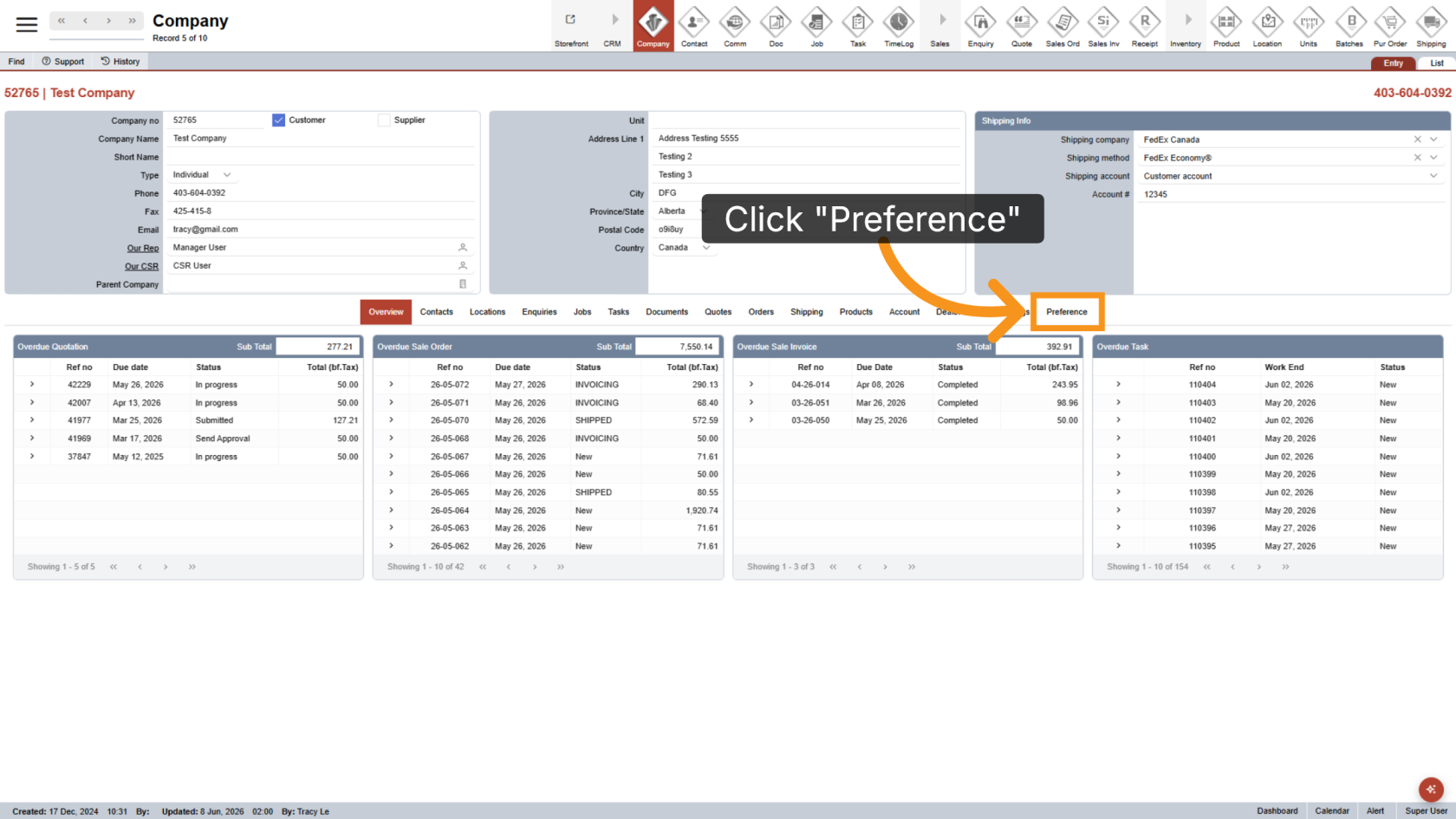
1. Open the Preferences Section
Open the company you want to configure, then click Preference to access the company preference settings.
2. Add Sign Run Codes
In the Sign Run Codes field, enter the Cost Centre Codes for stores that should be calculated separately in the Sign Run report. If entering multiple stores, separate each code with a comma.
The Cost Centre Code is typically the second segment of the full GL code.
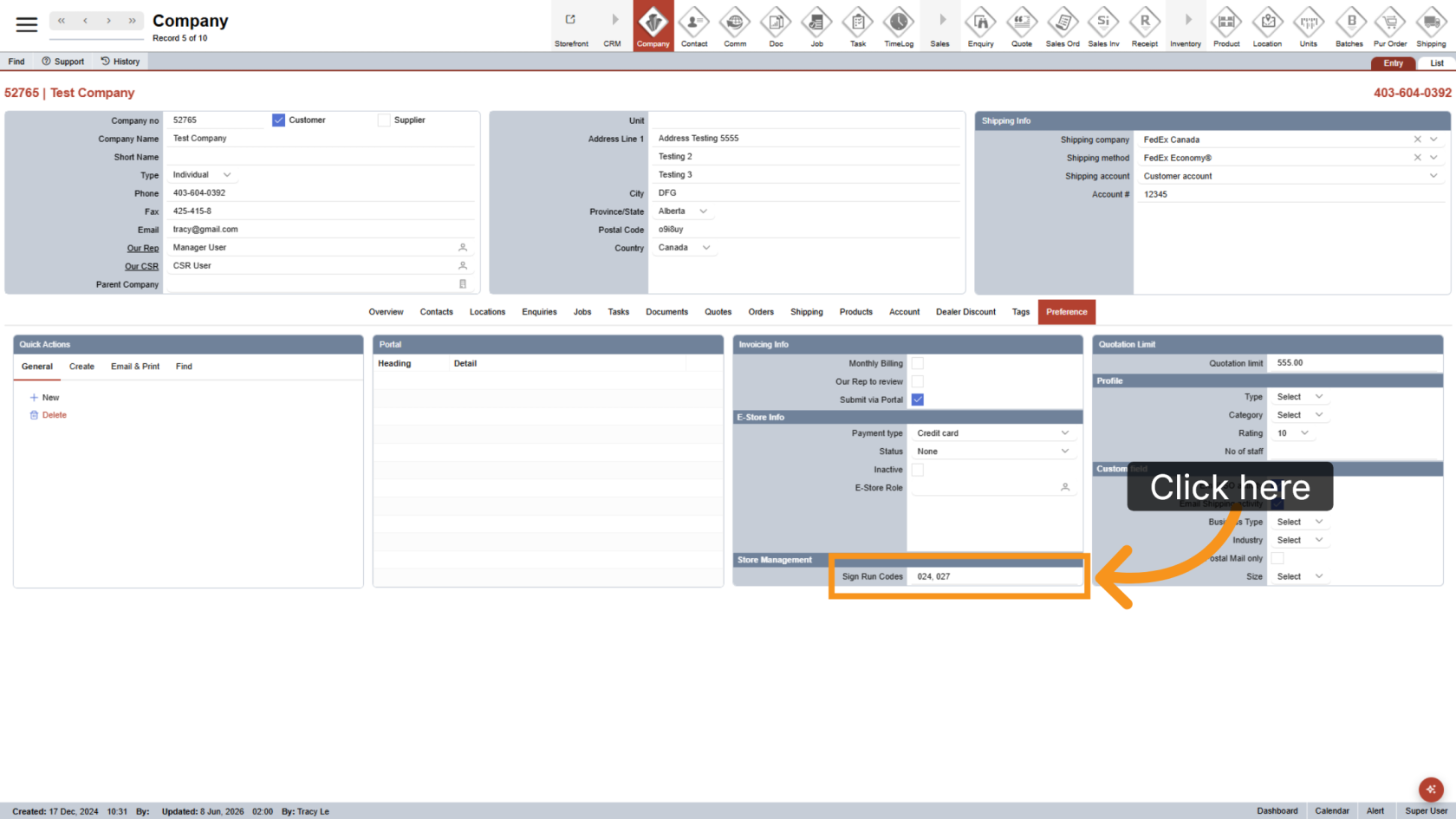
You have successfully configured separate store codes for Sign Run reports. Review the codes to ensure the correct stores are billed and reported separately.