
Order Reports by Due Today
This guide will help you quickly view and download sale order reports due today in the Worktraq system.
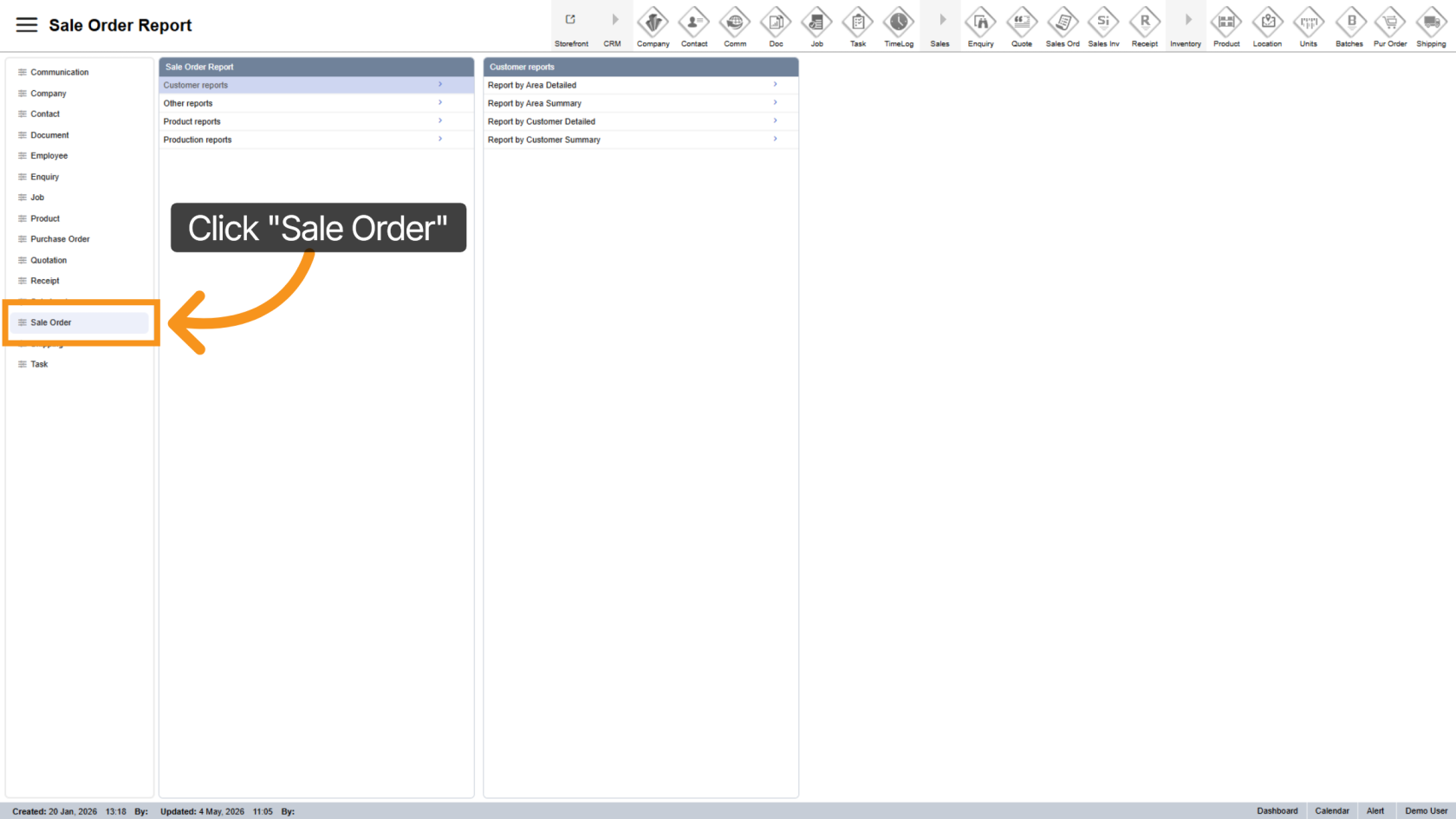
1. Open Sales Order
2. Go to Production Reports
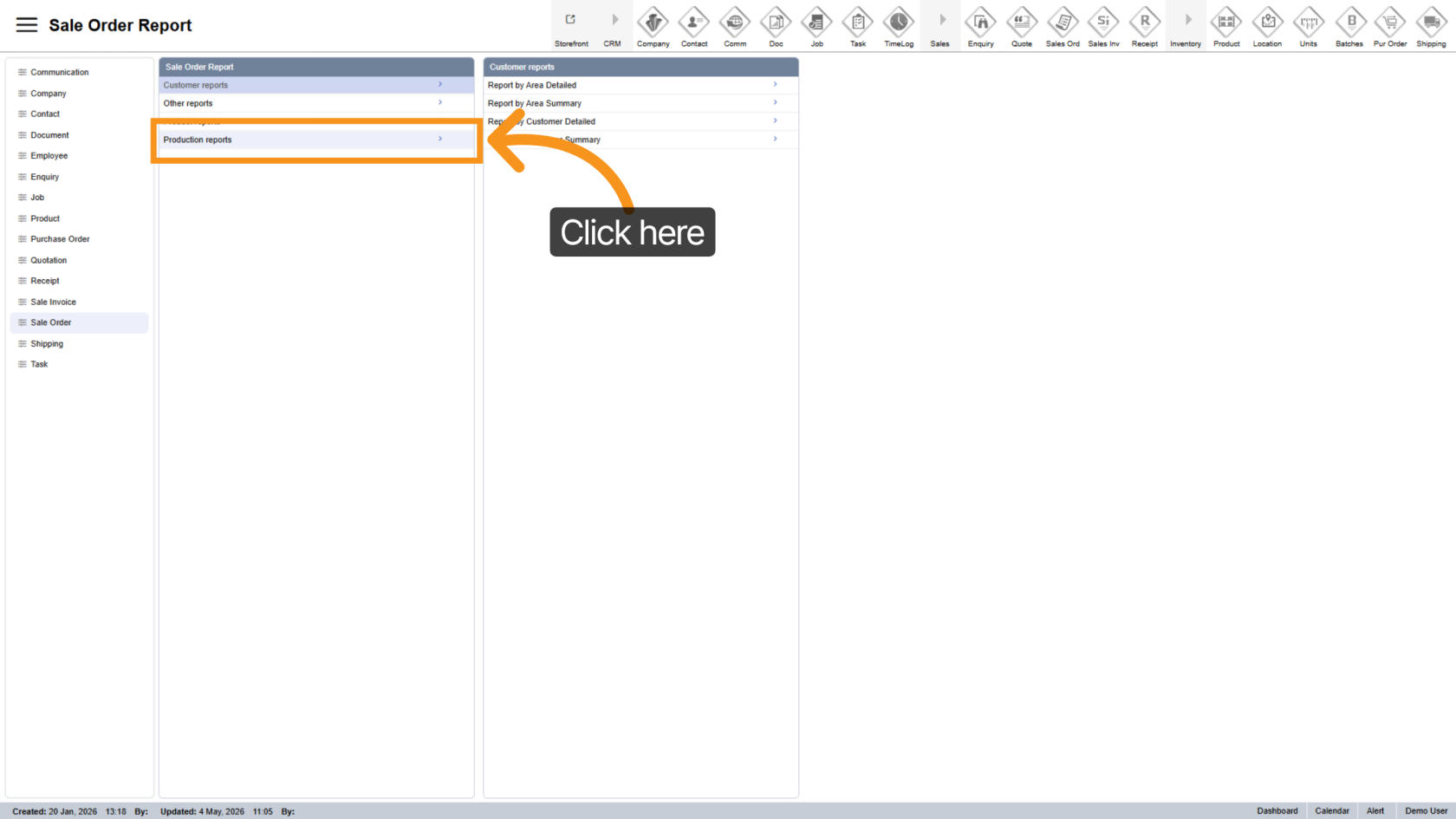
Click "Production Reports" to see available reports.
3. Choose Due Today Report
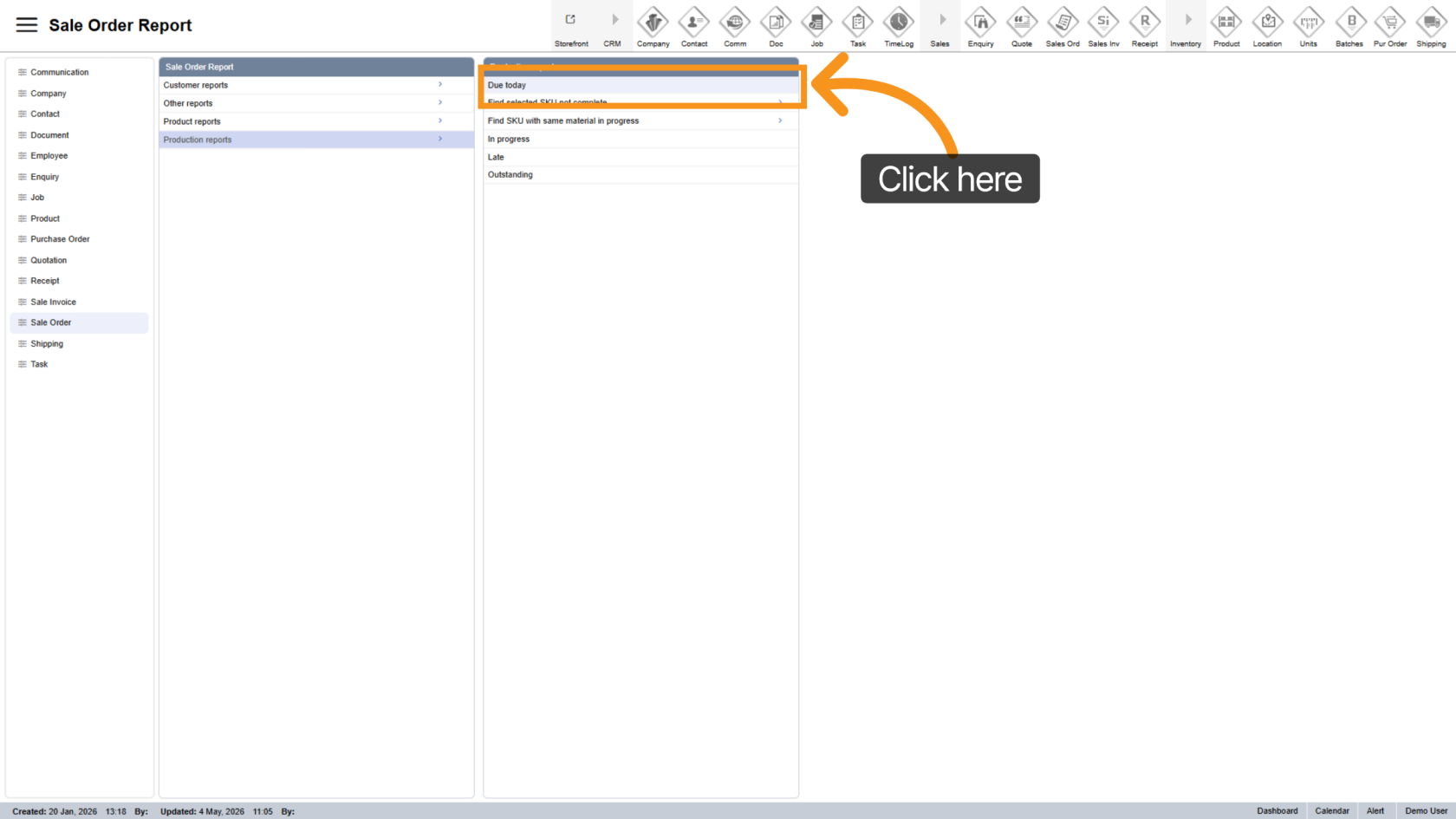
Click "Due Today" to see orders due today.
4. Export Report
- Excel
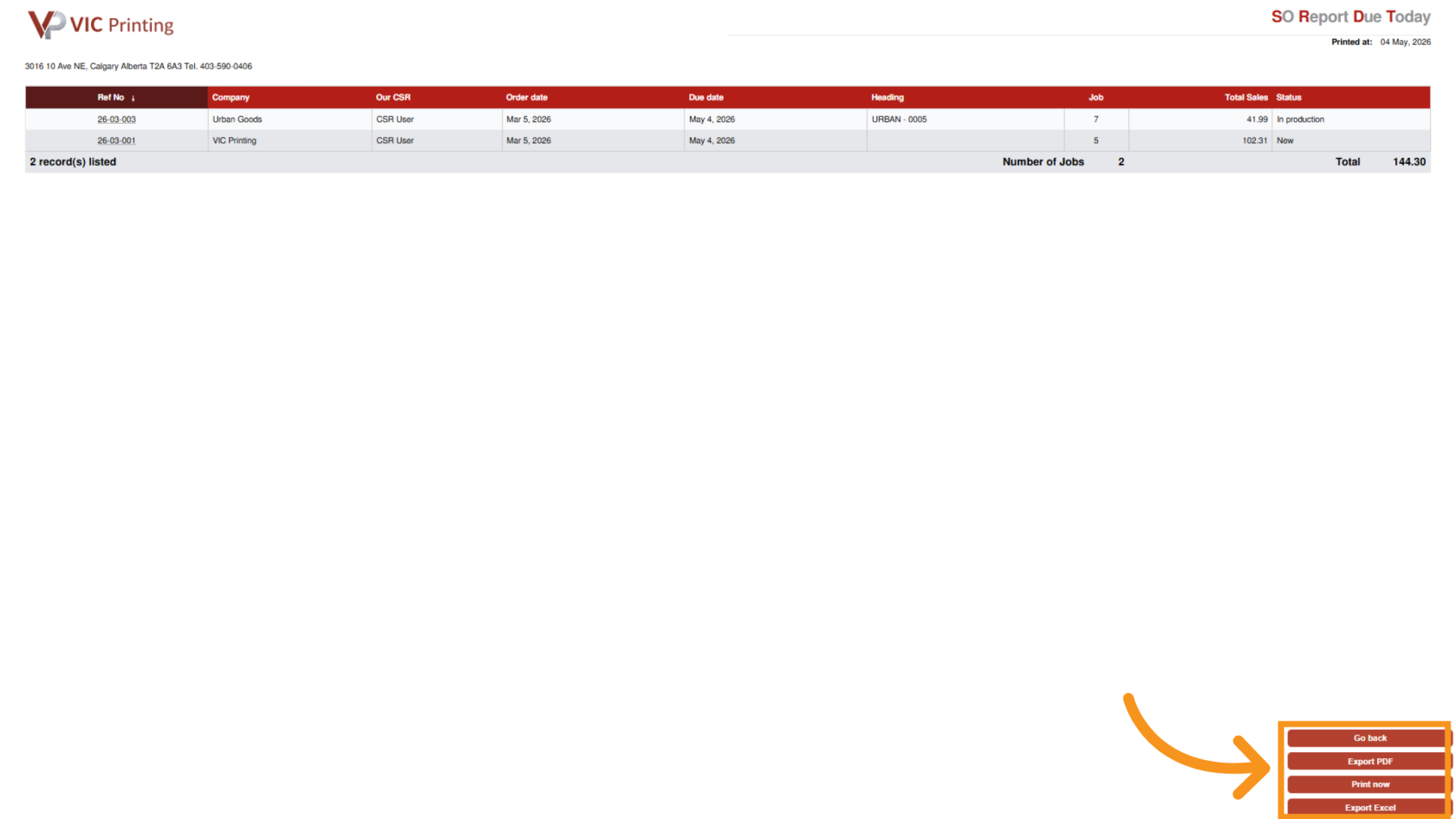
You have successfully generated a sale order report. You can now review orders due today and use this information to manage your work and deadlines.