
Order Reports – In Progress
This guide shows you how to view and download sales order reports that are currently in progress within the Worktraq system.
Video Tutorial
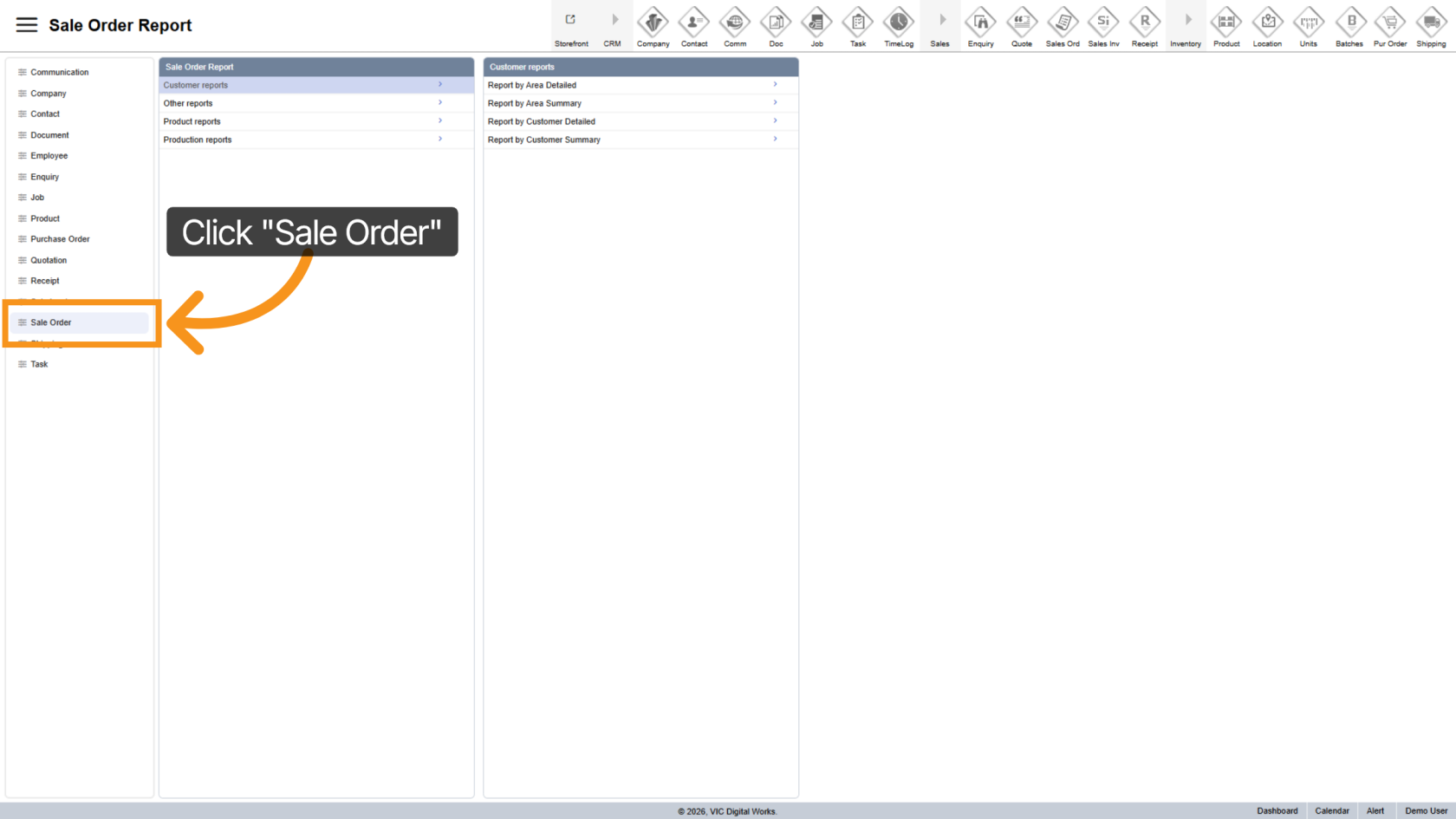
1. Open Sales Order
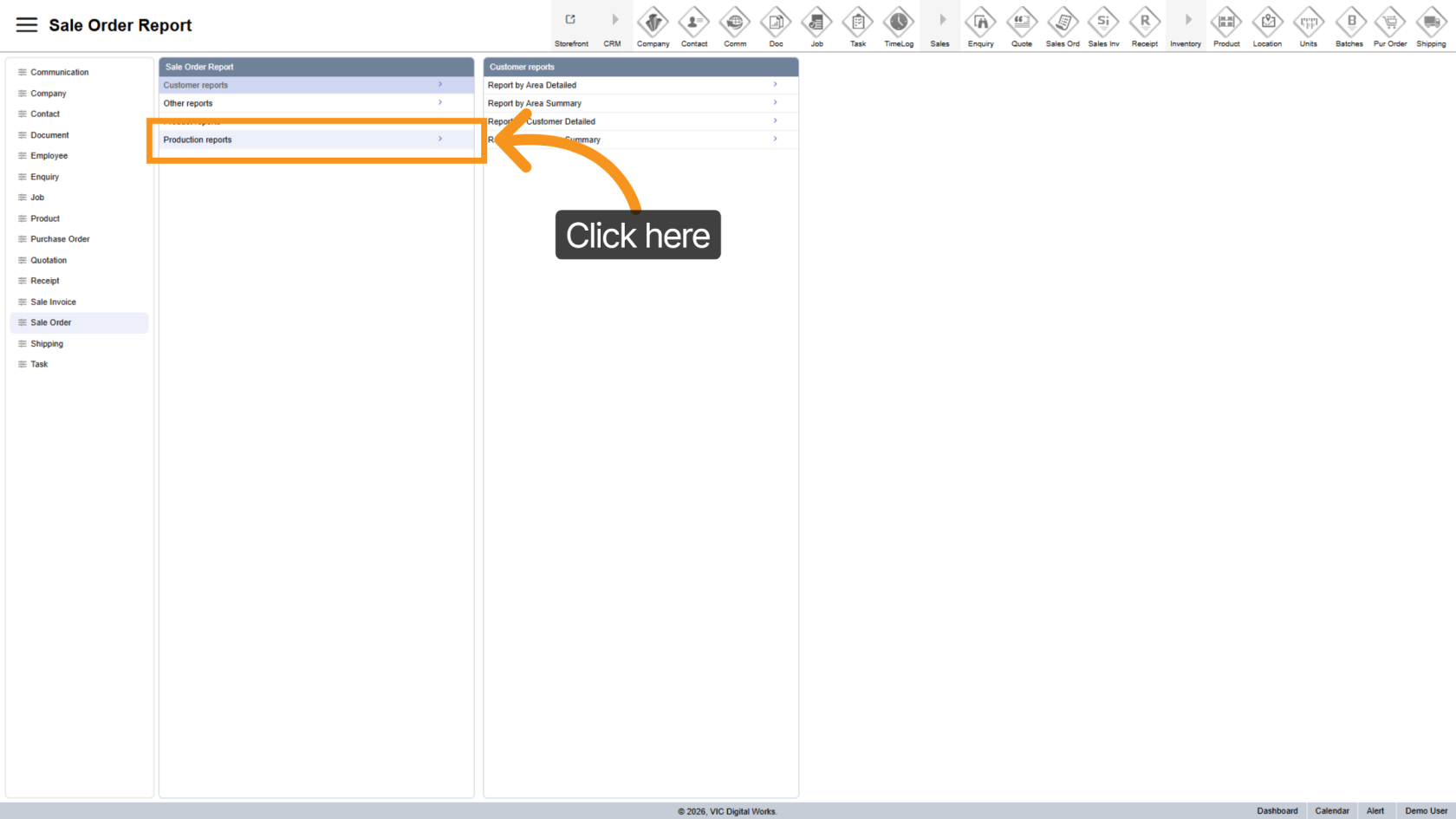
2. Go to Production Reports
Click "Production Reports" to see available reports.
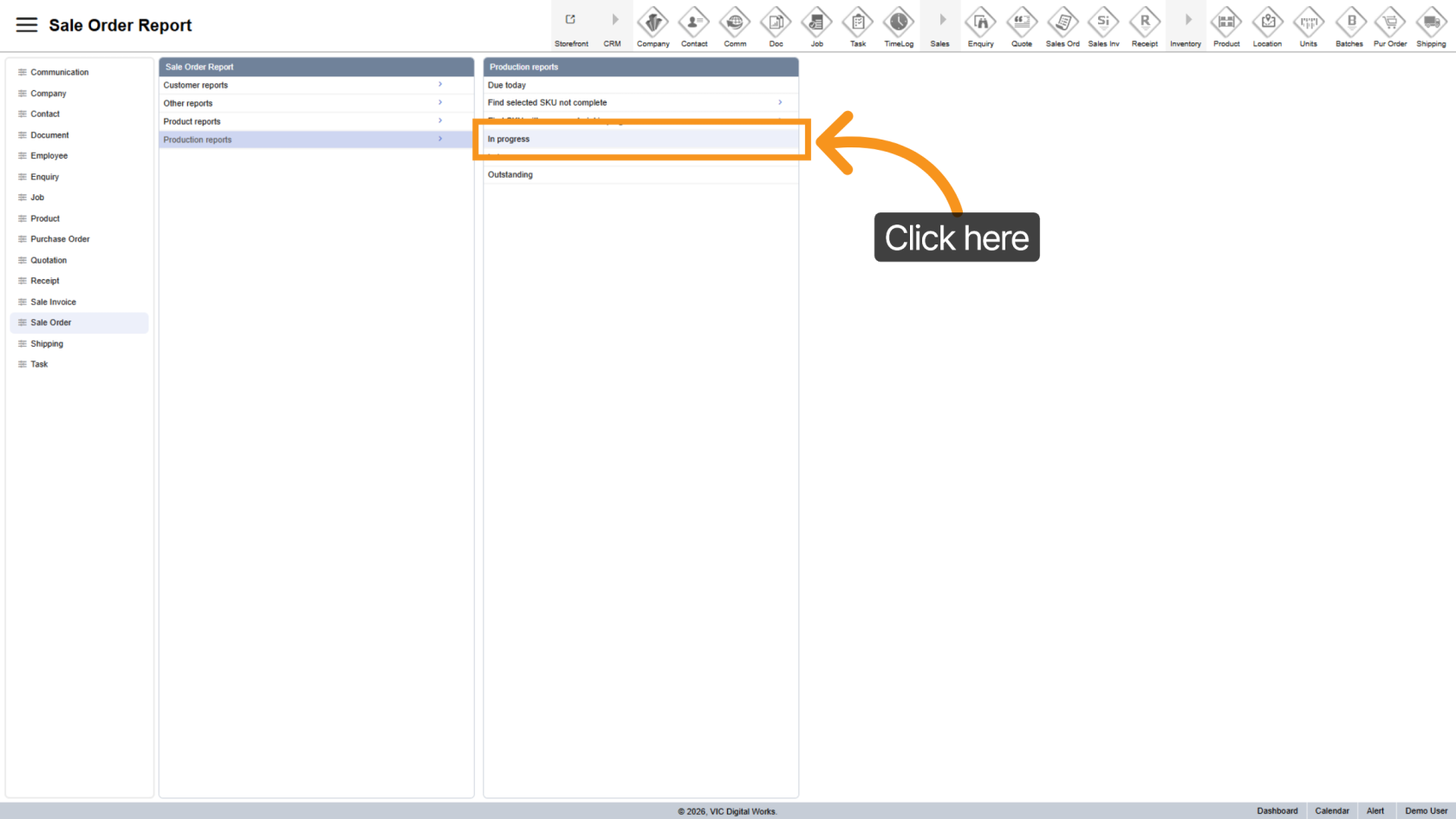
3. Choose In Progress Report
Choose "In Progress" to display orders that are currently in New status.
4. Export Report
- Excel
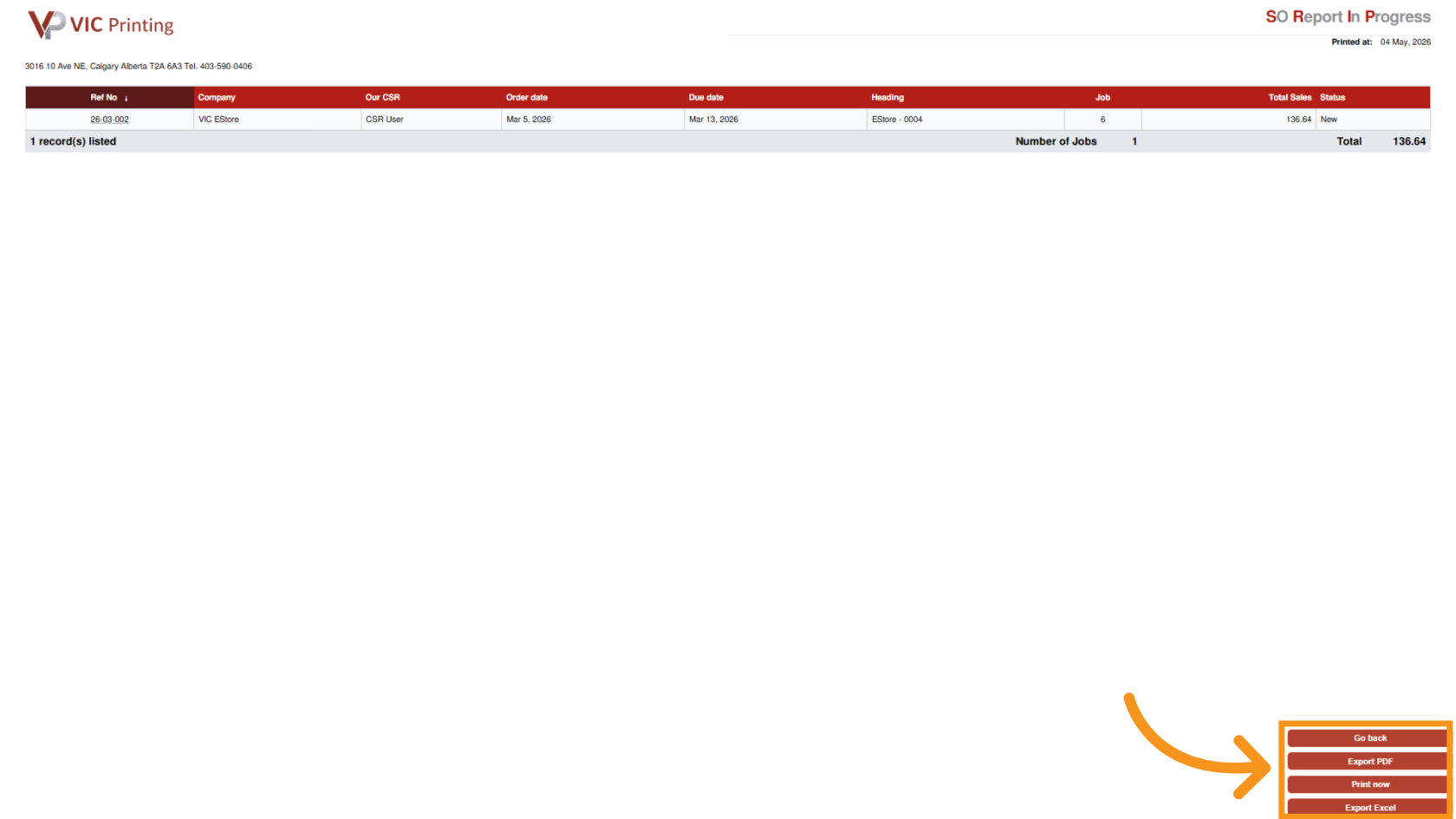
You’ve now successfully generated a sales order report and can review all orders in progress.