
Config Company
This tutorial guides you through configuring company settings for an E-Store. These settings link the E-Store to a WorkTraq company and define how order numbers are identified.
Video Tutorial
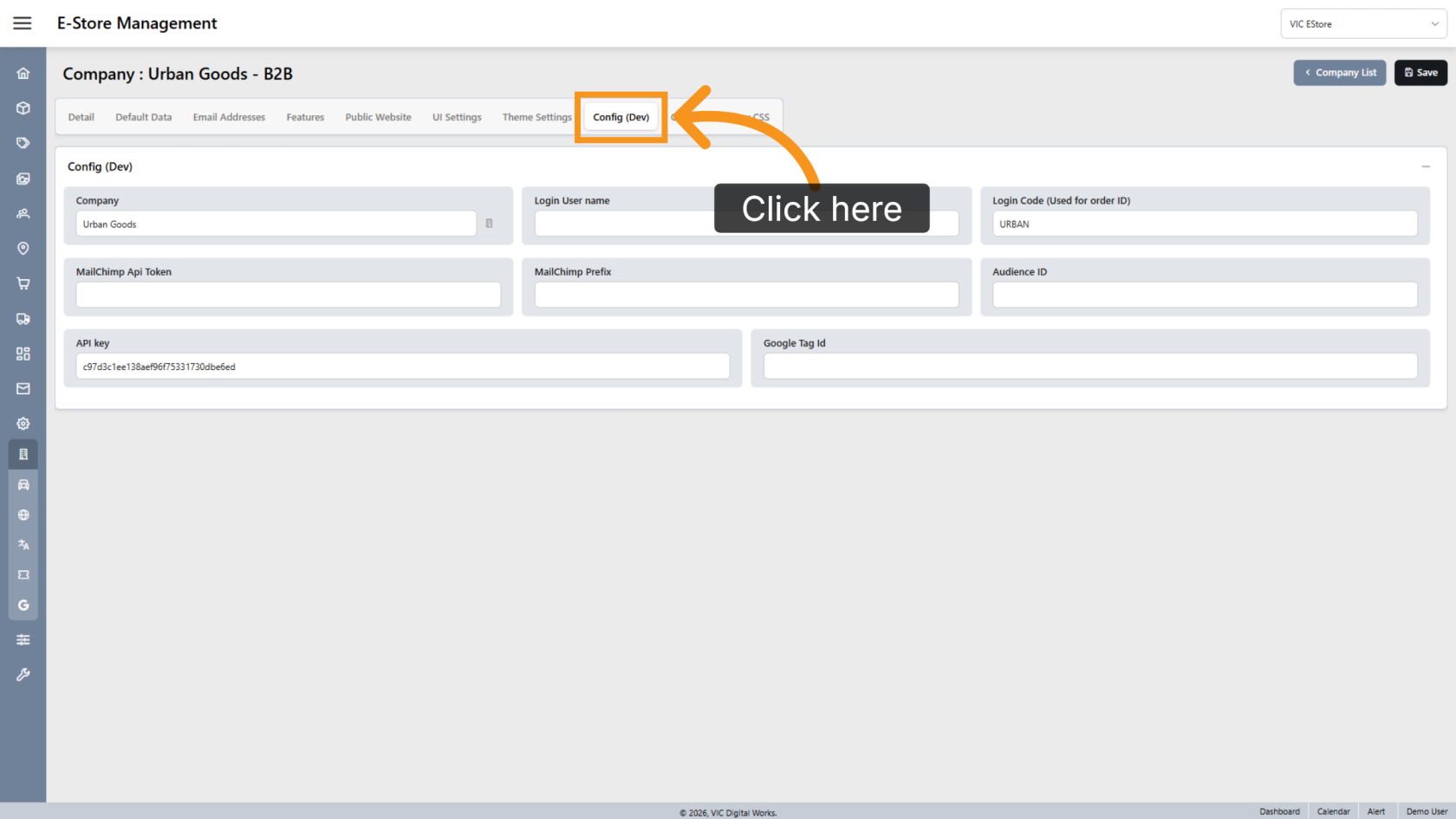
1. Open Config Settings
Within the selected company, click Config (Dev).
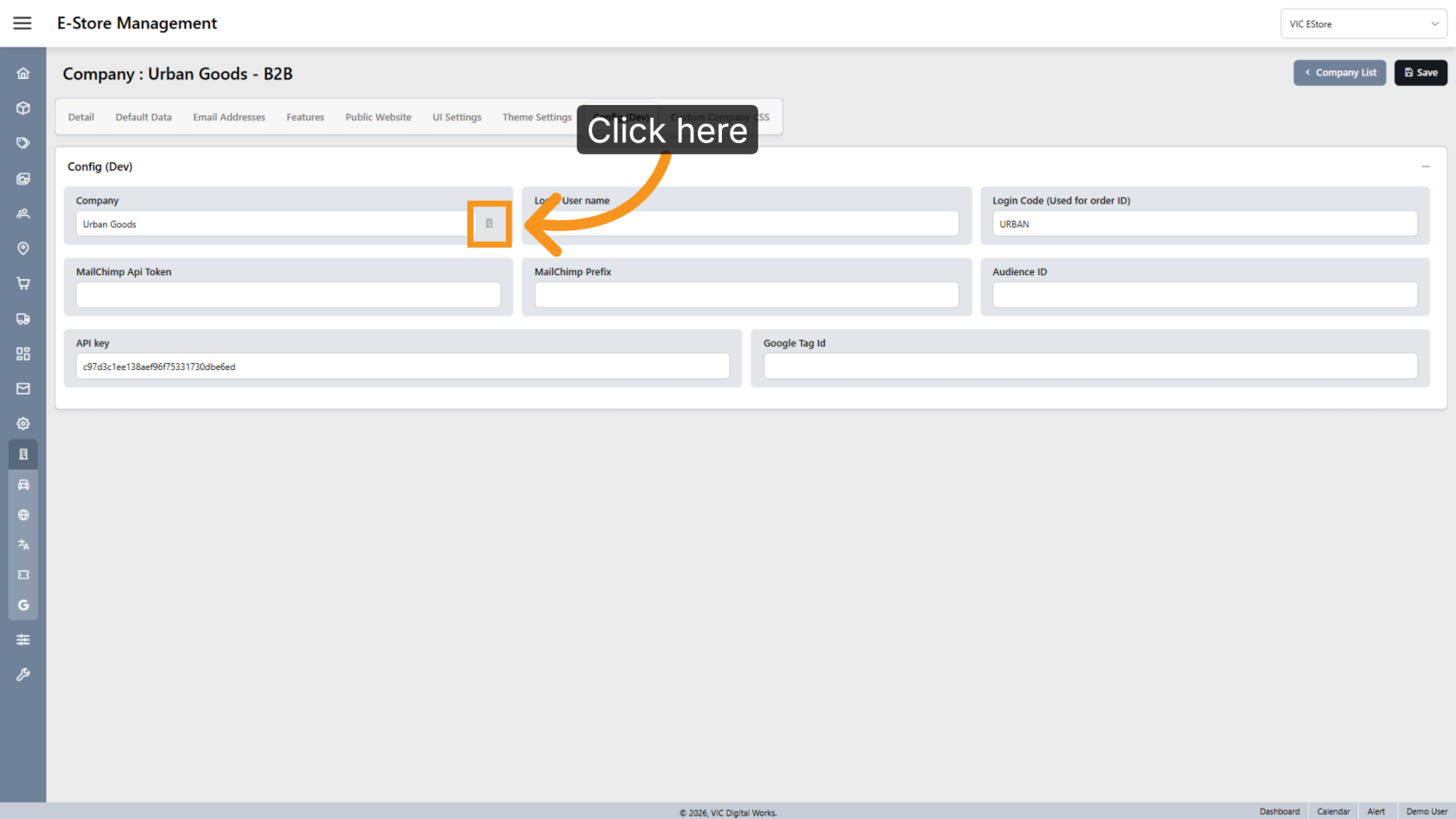
2. Link the WorkTraq Company
Click the  company icon and select the WorkTraq company associated with this E-Store. This allows the system to create Sales Orders in the correct company.
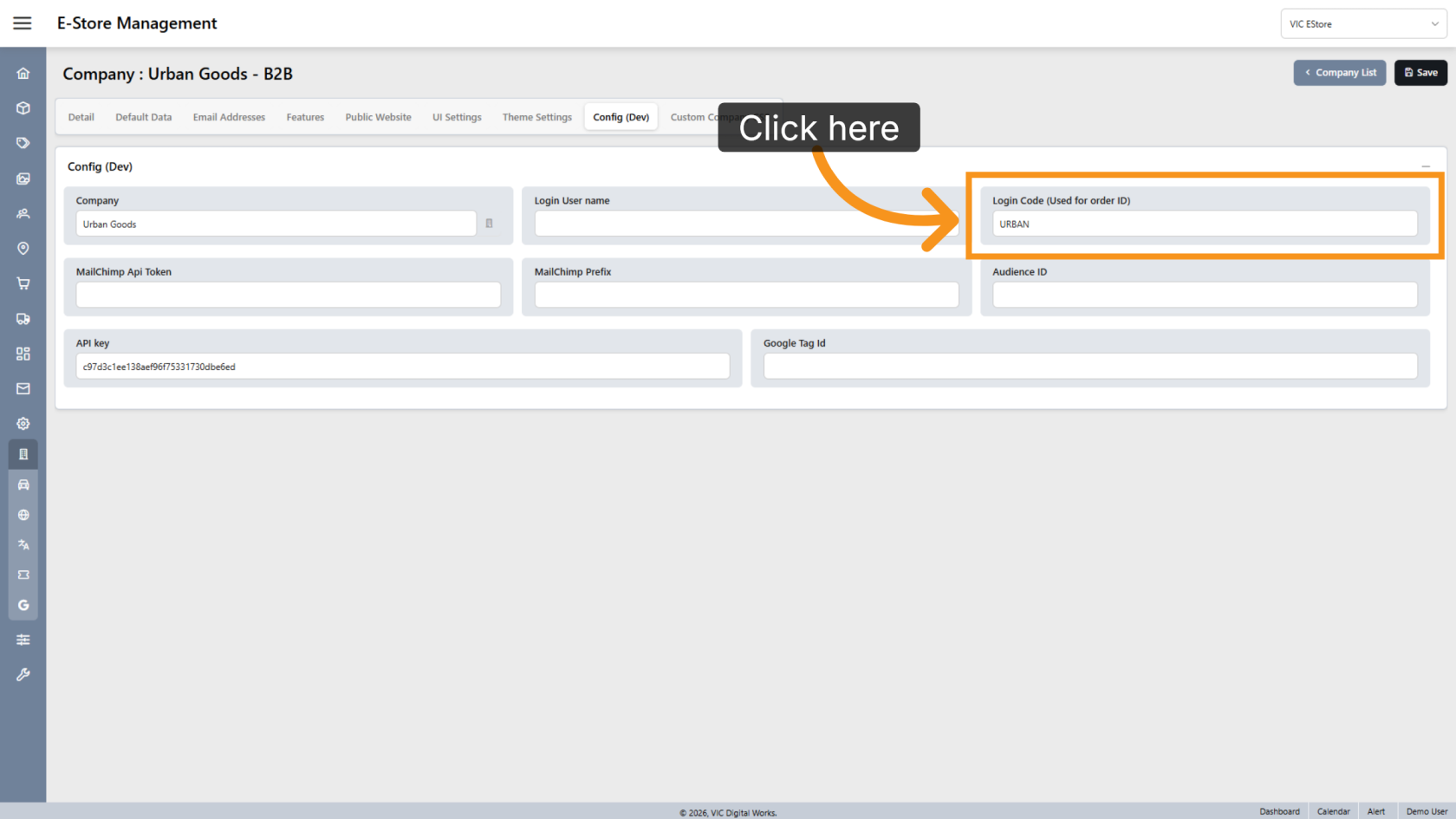
3. Configure the Login Code
Enter the code that should be added before the order number. This prefix helps identify which E-Store an order originated from.
You have successfully configured the company settings for the E-Store. Review the company link and login code to ensure orders are processed and identified correctly.