
Track Working Hour
This tutorial explains how to track your working hours in WorkTraq.
Video Tutorial
1. Open the Dashboard
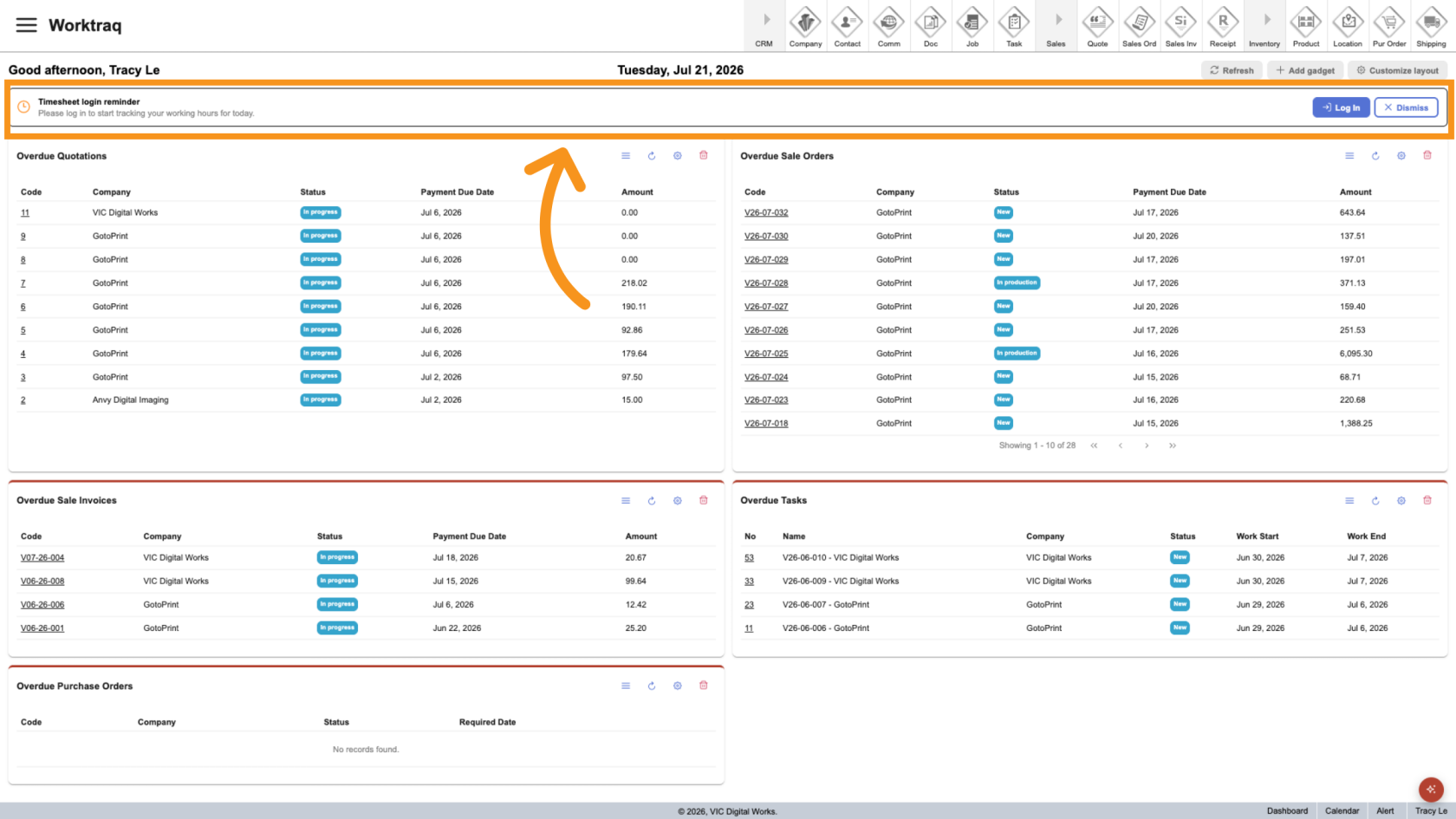
After signing in, you will be taken to the Dashboard. The Working Hours bar is displayed at the top of the page, where you can clock in and out.
Note: If you do not see the Working Hours bar, skip to Step 6 to access it from the user menu.
2. Hide the Working Hours Bar (Optional)
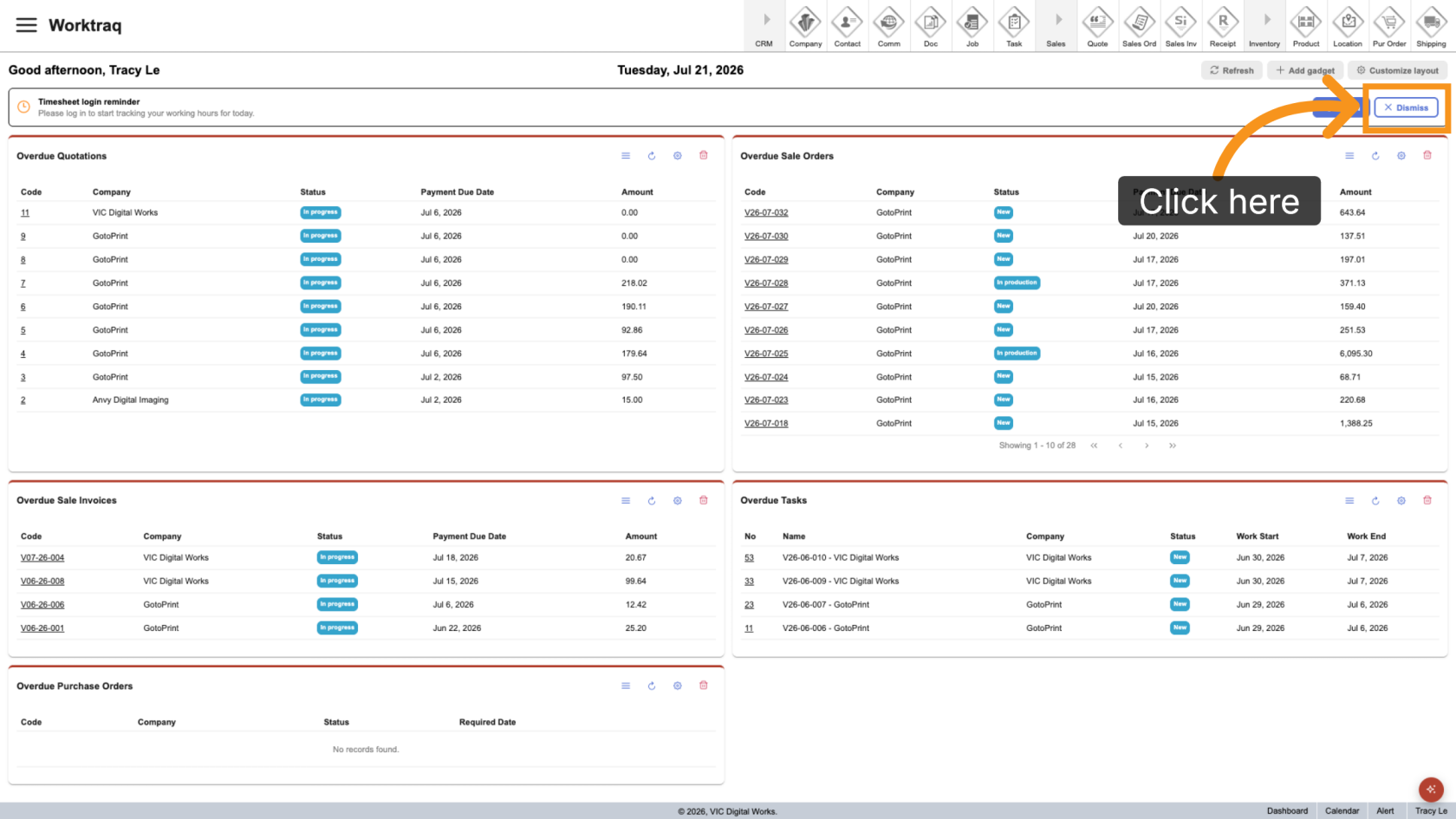
If you do not want to see the Working Hours bar, click Dismiss. The bar will be hidden for the rest of the day.
3. Clock In
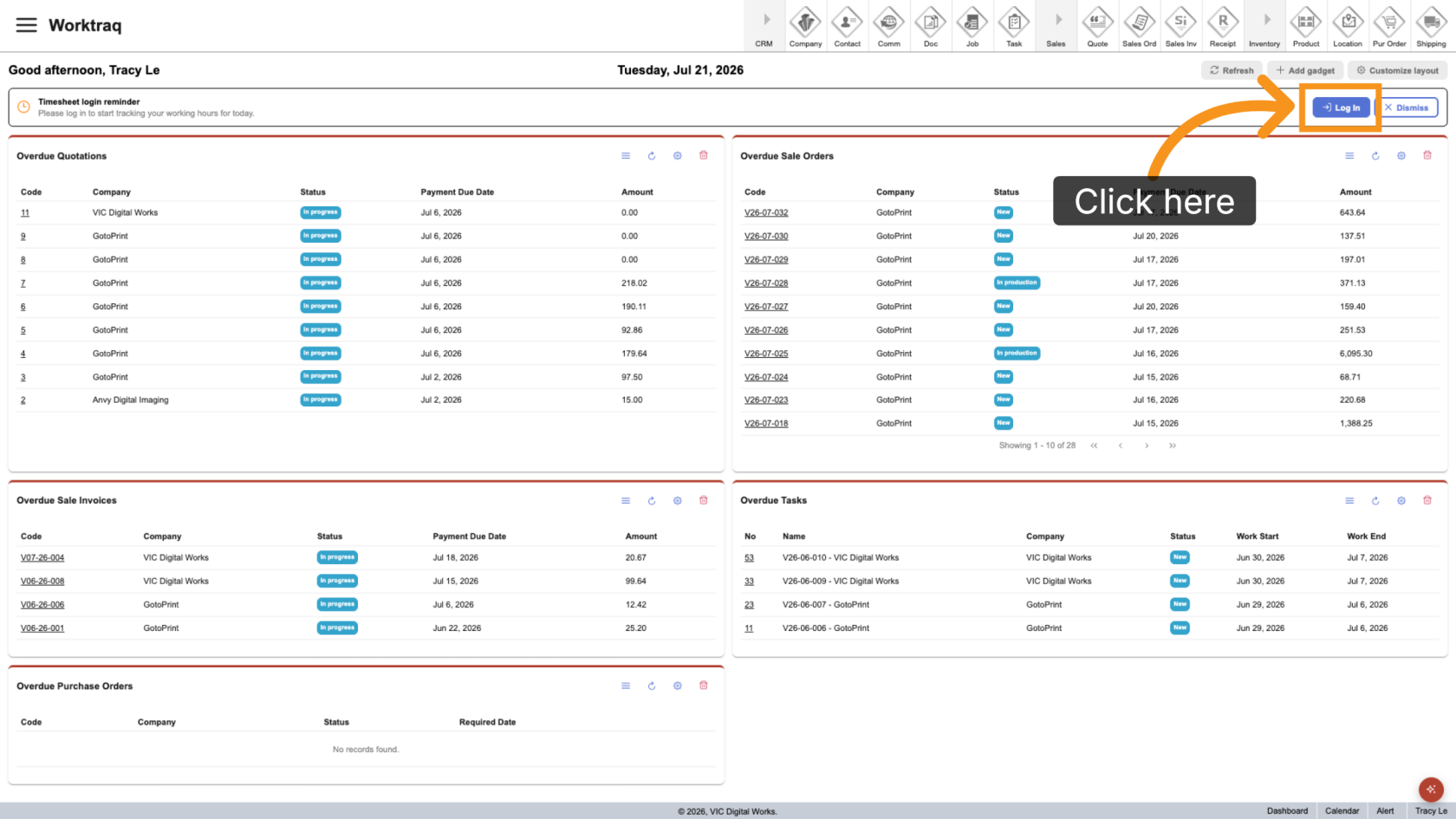
Click Log In to start tracking your working hours.
4. Confirm Your Start Time
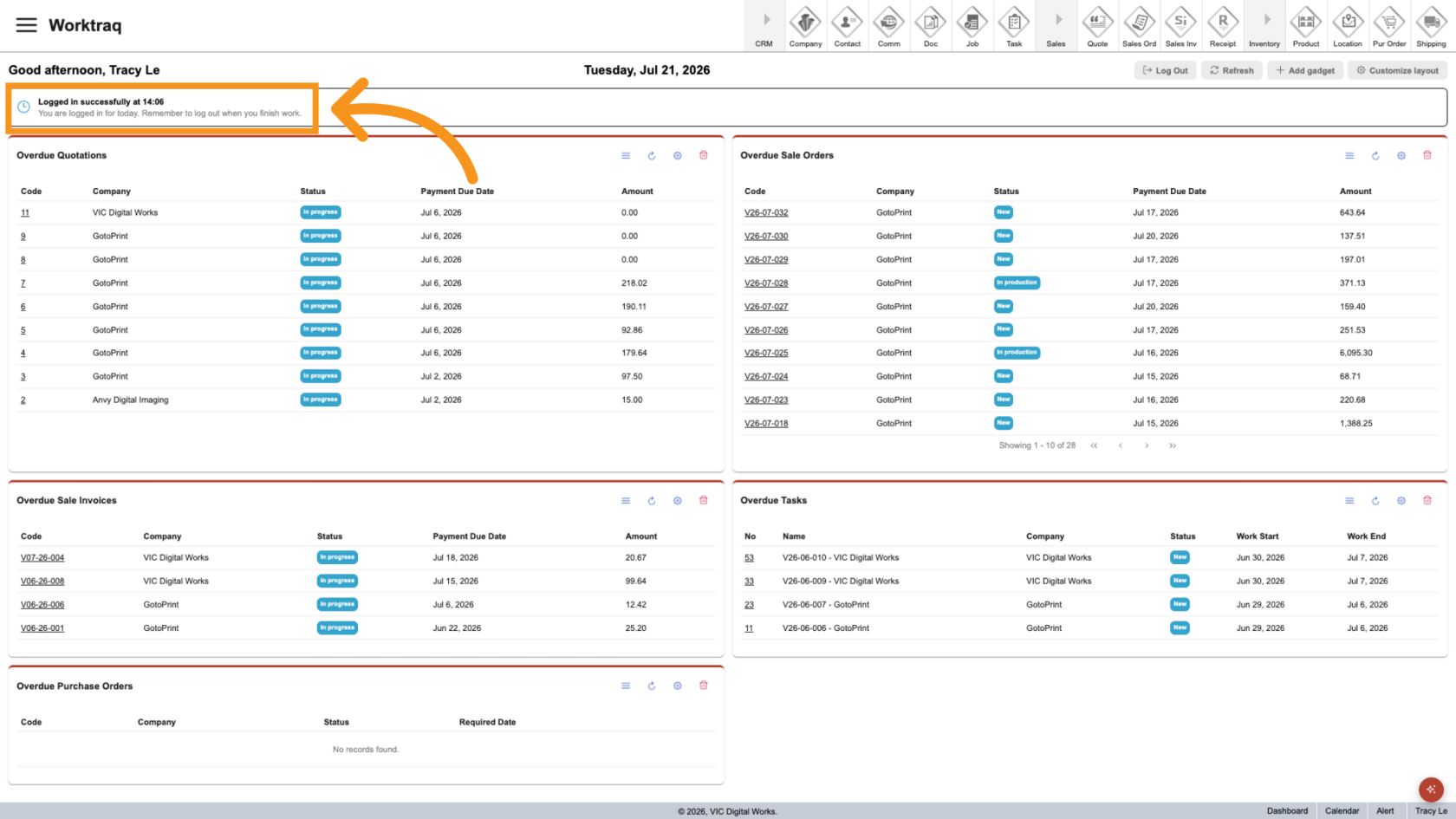
After you clock in, your start time is recorded and displayed in the Working Hours bar.
5. Clock Out
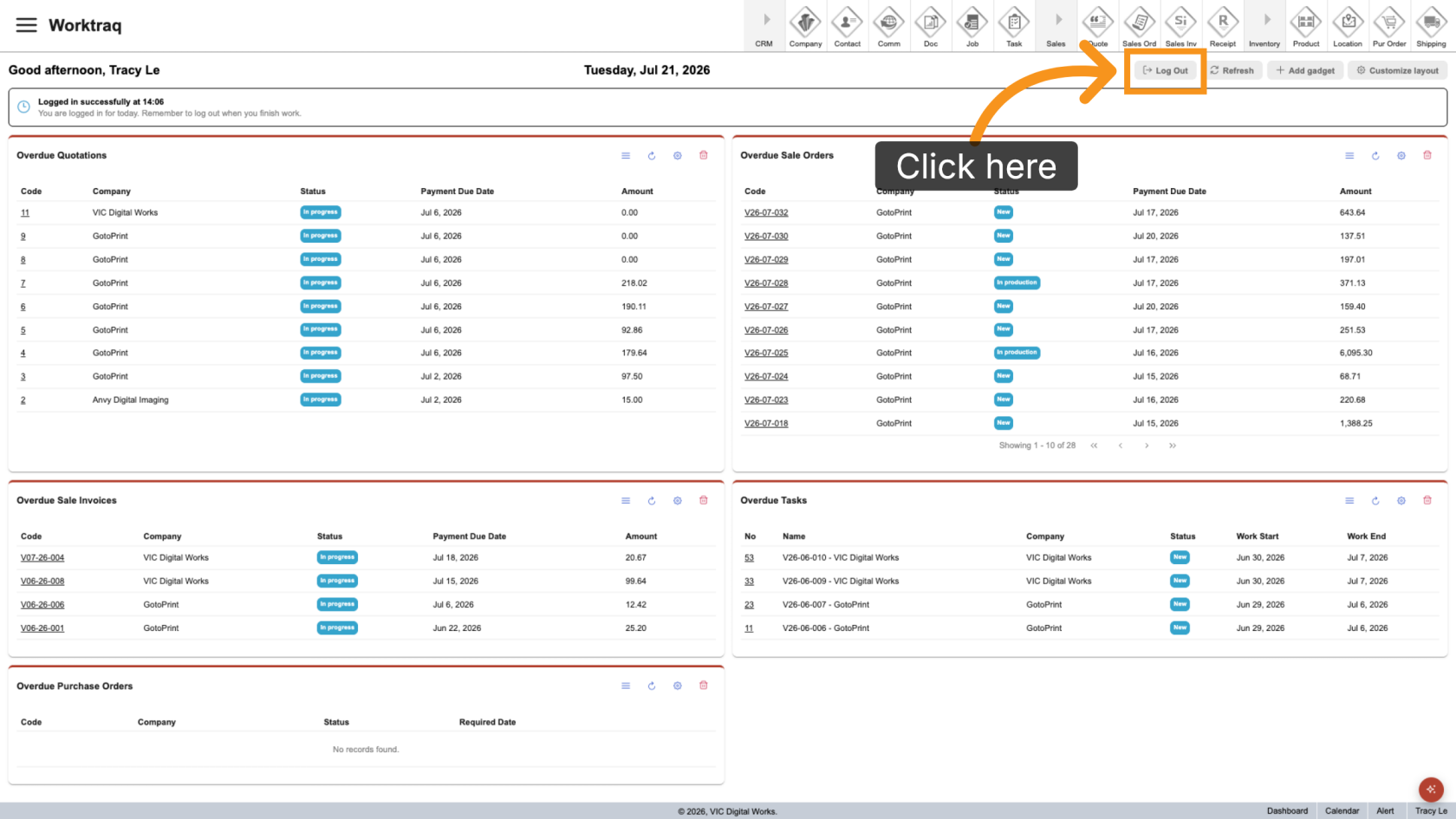
When you finish work for the day, click Log Out in the Working Hours bar to stop tracking your working hours.
6. Open the User Menu
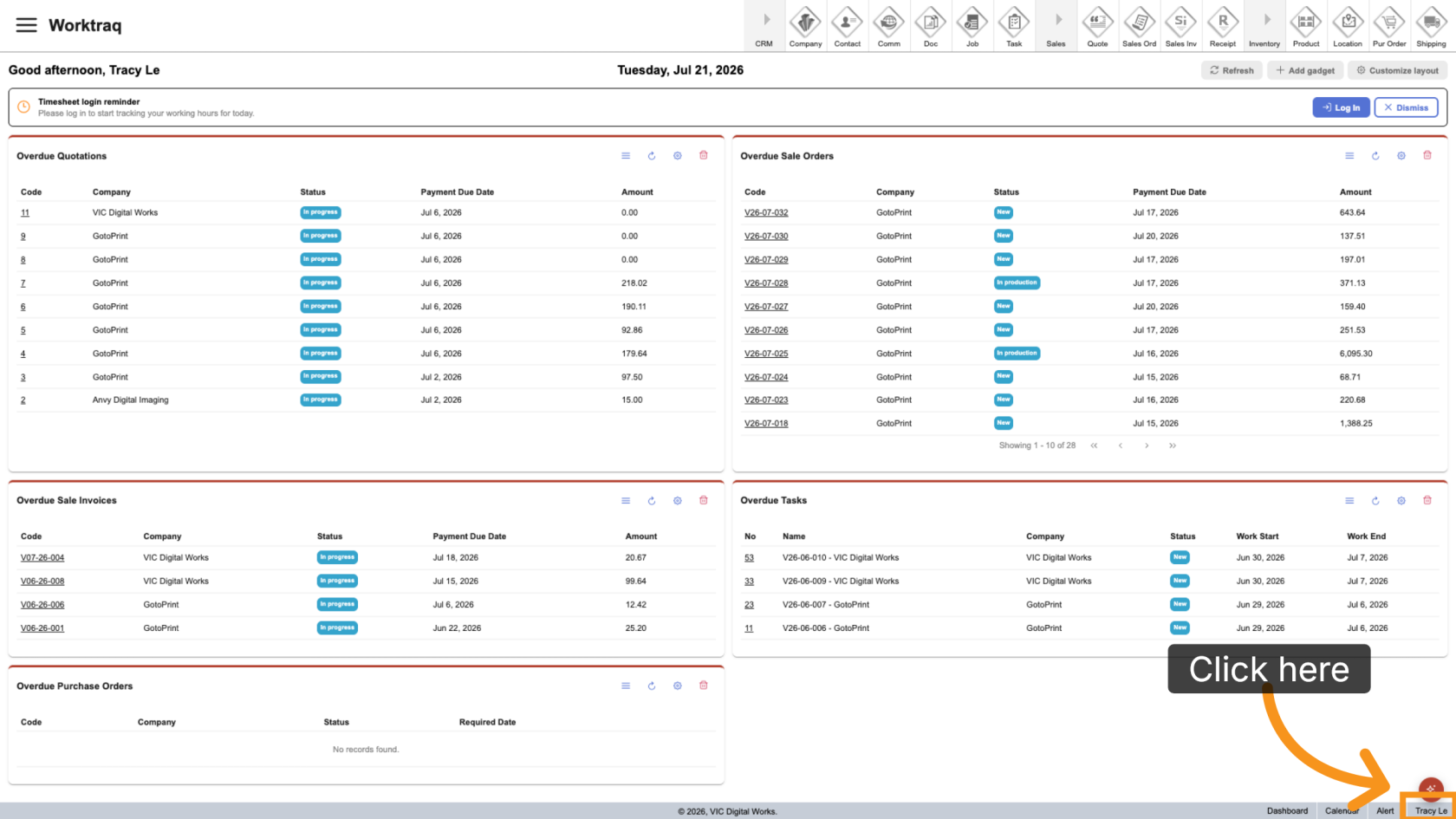
If the Working Hours bar is not visible, click your username in the bottom-right corner of the screen.
7. Open Working & Holiday
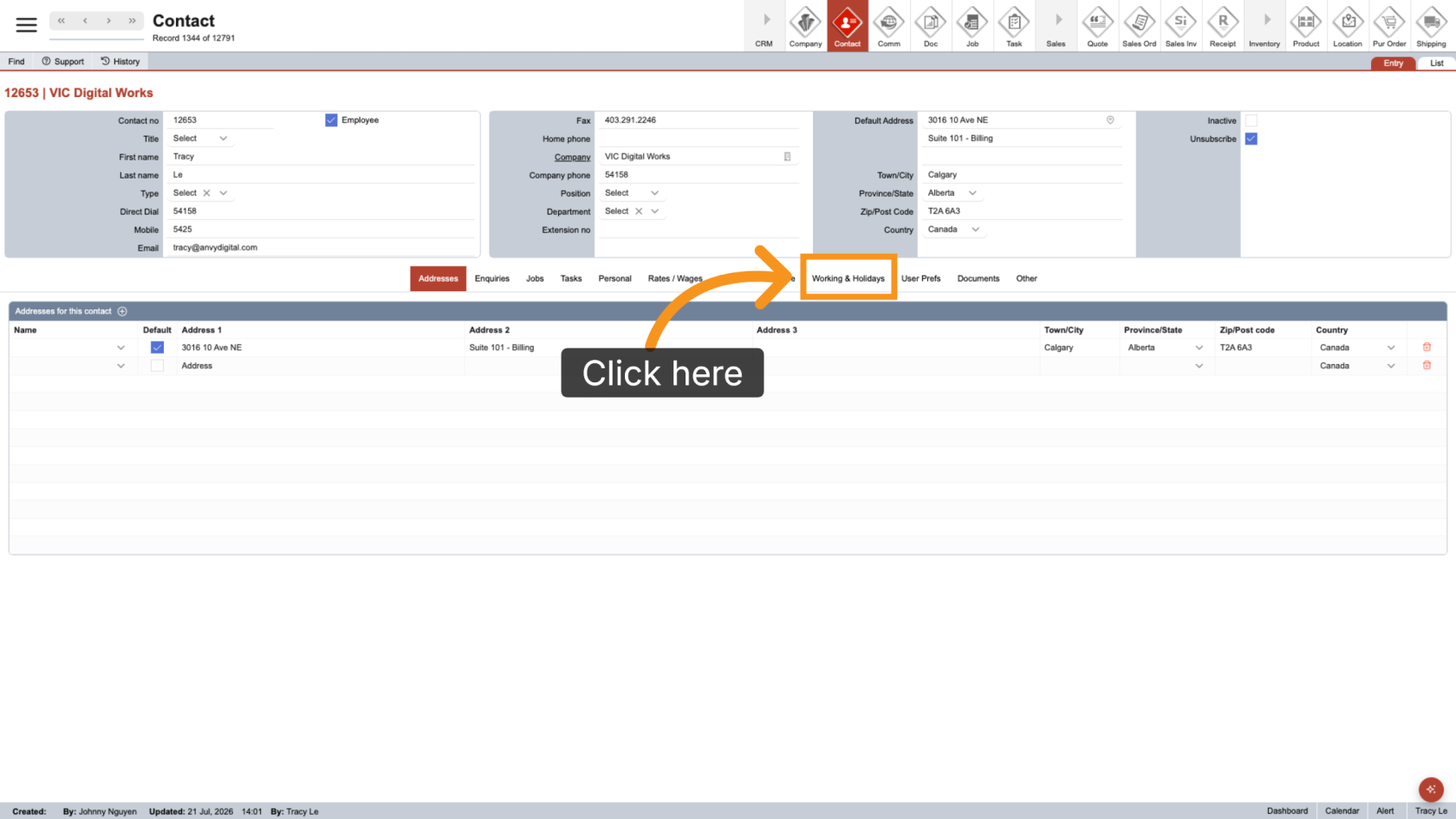
Select the Working & Holiday tab.
8. Track Your Working Hours
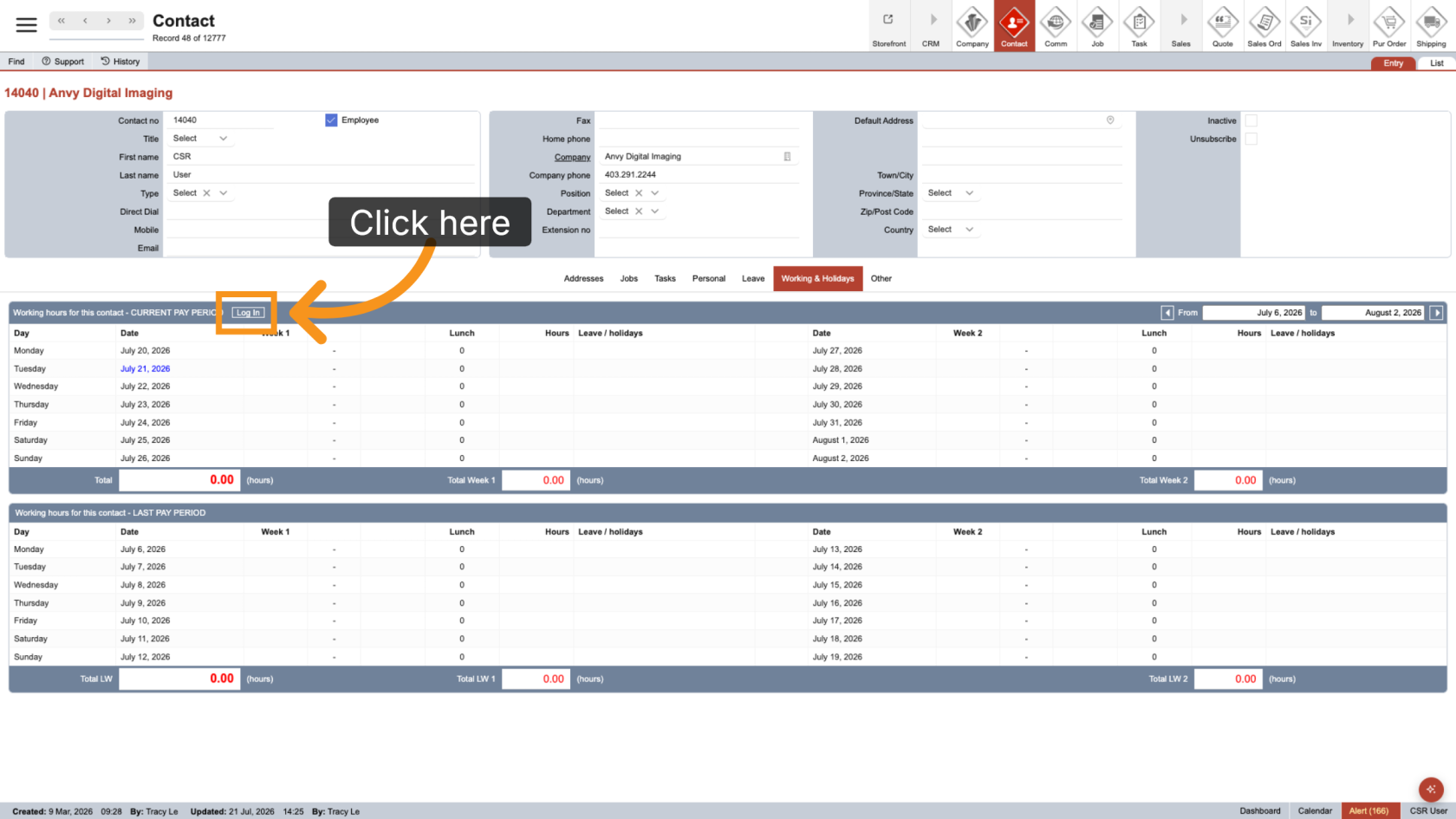
Use the Log In or Log Out buttons in the table header to start or stop tracking your working hours.
You have successfully tracked your working hours.