
Company Account Reports
This tutorial explains how to access and review Company Account Reports in the WorkTraq system.
Video Tutorial
1. Access Company Section
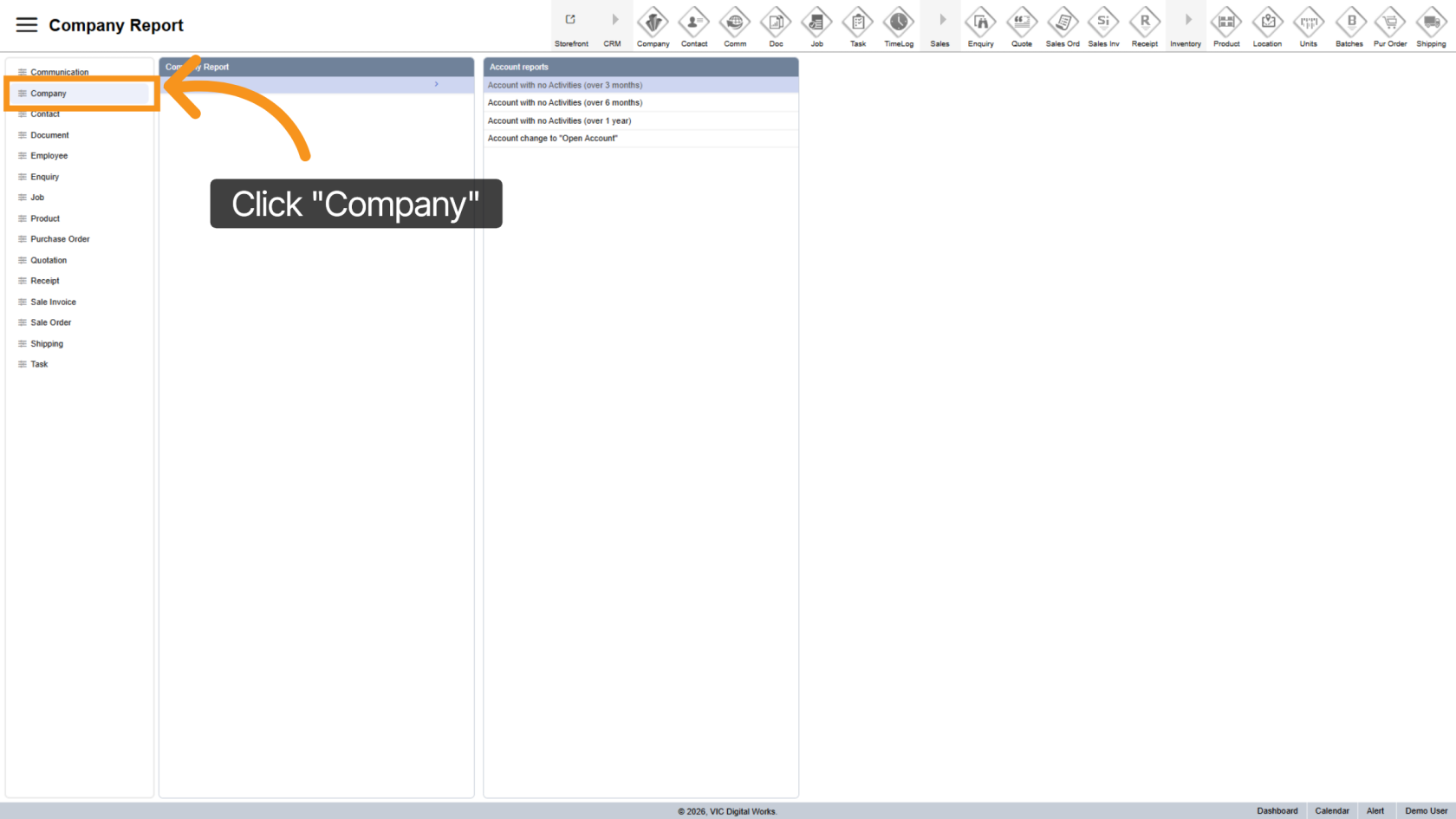
Click "Company" in the side menu to open the company management section.
2. Open Account Reports
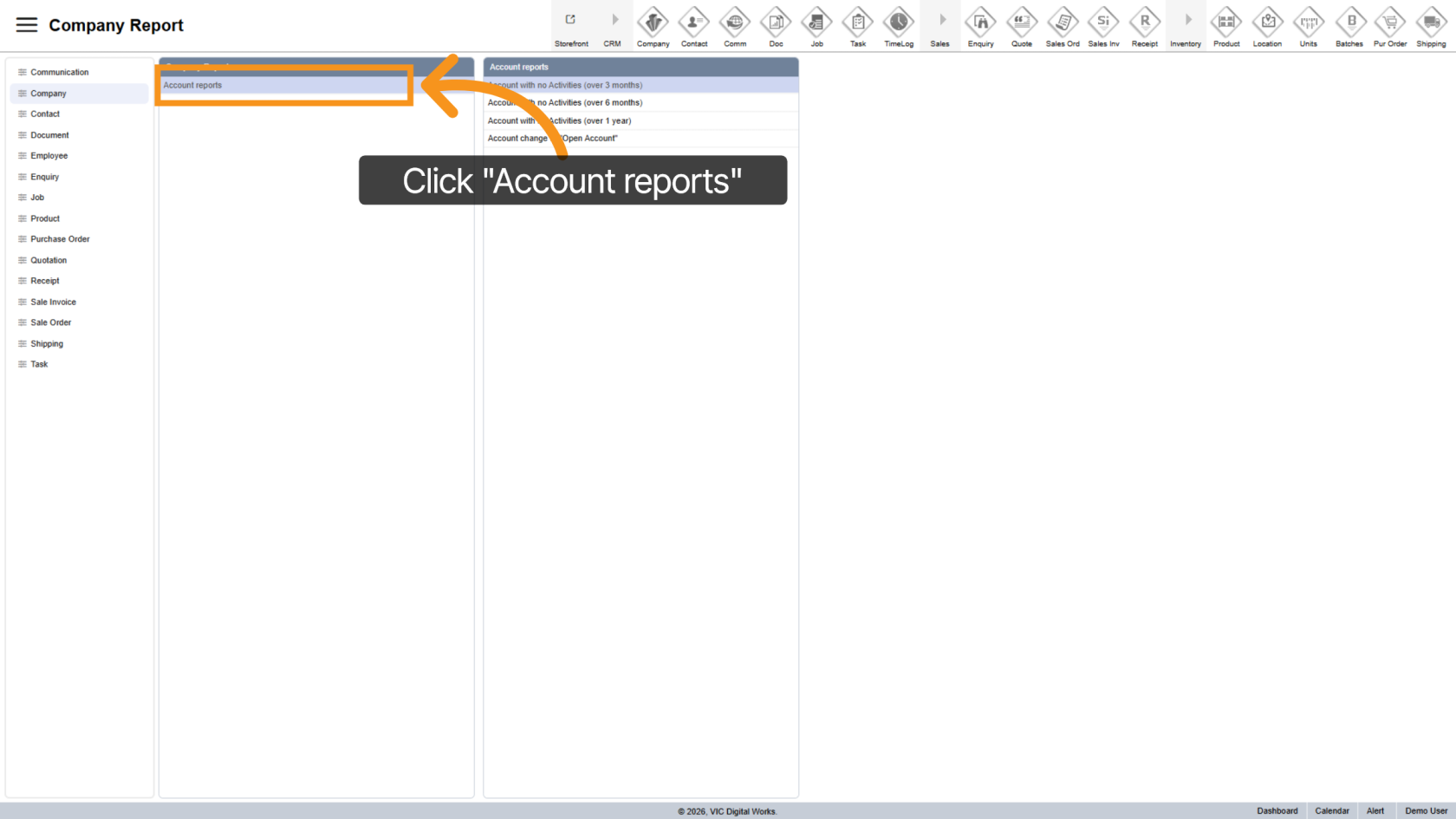
Click "Account Reports" to view reports related to company account activities.
3. No Activity in 3 Months
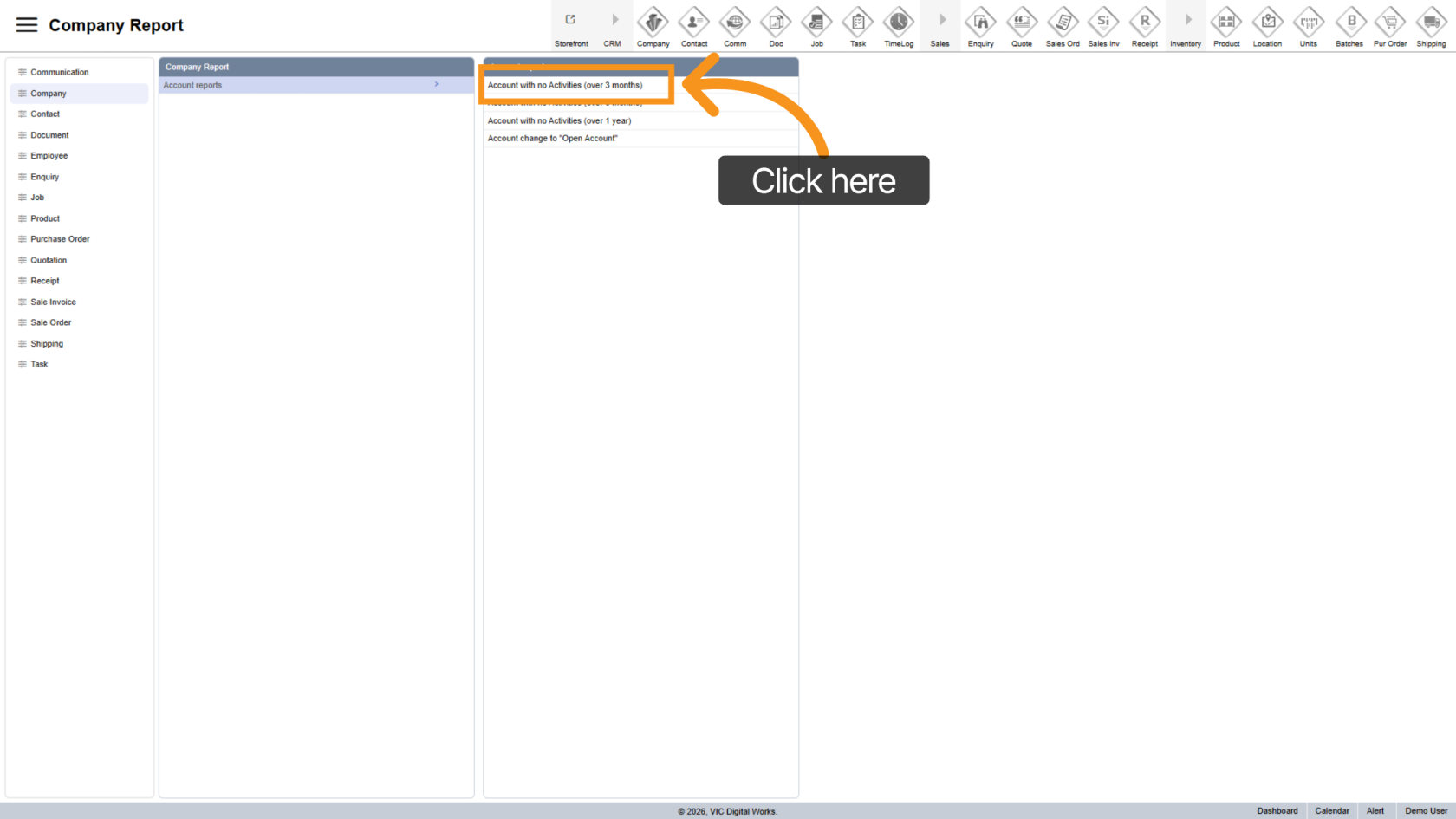
This report shows all companies that have not had any quotations or sales orders in the past 3 months.
4. No Activity in 6 Months
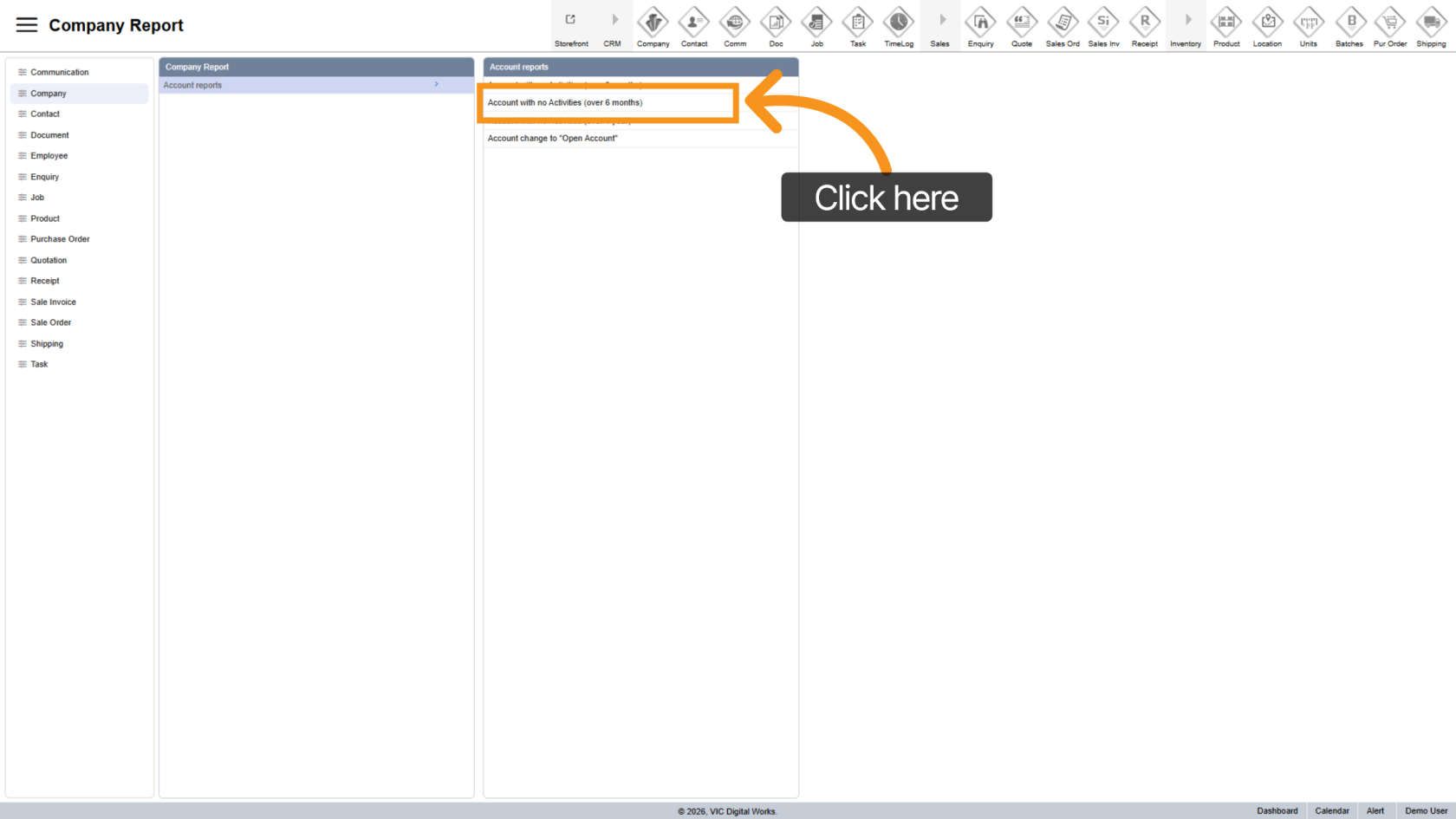
This report displays companies that have not had any quotations or sales orders in the past 6 months.
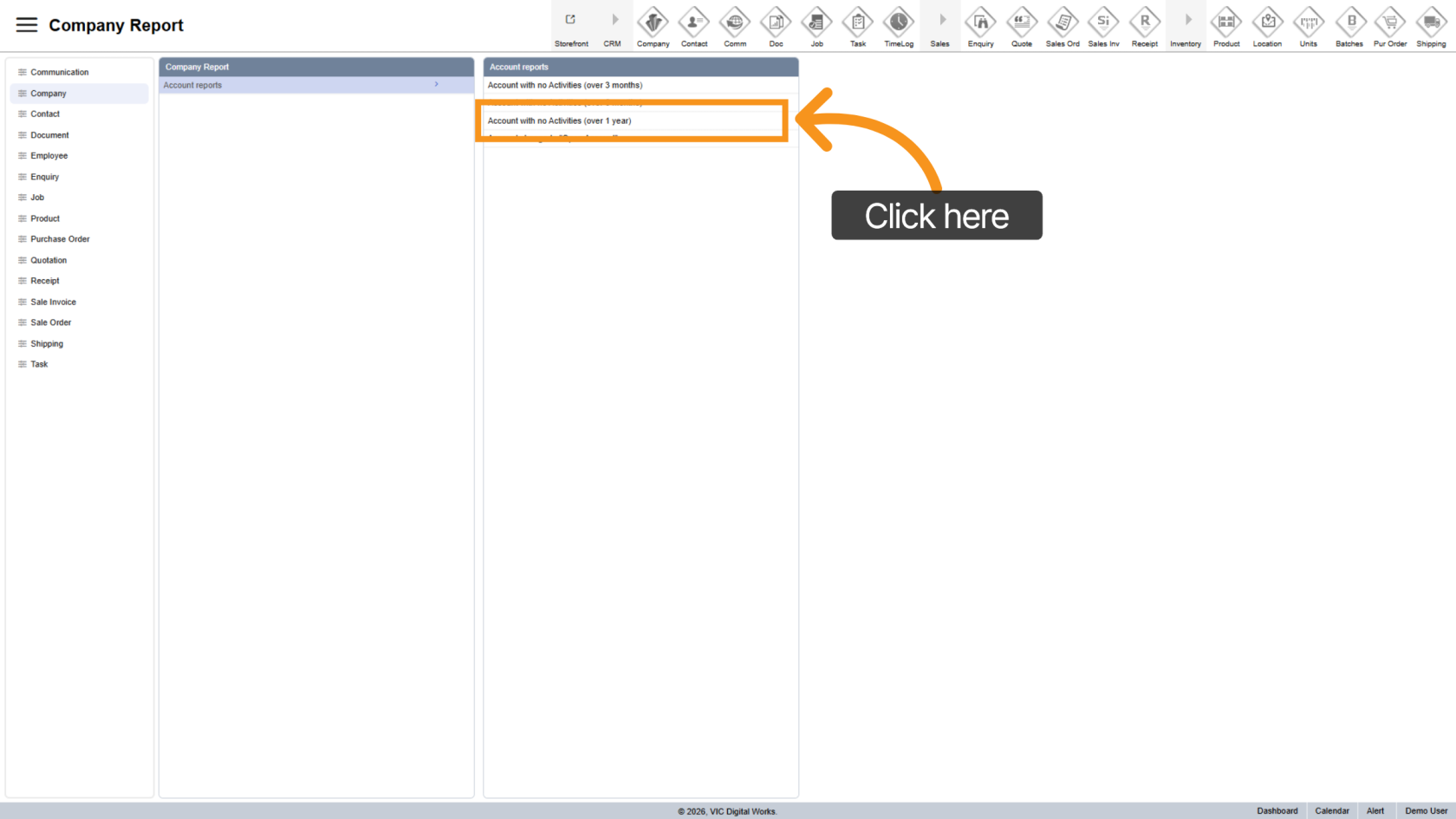
5. No Activity in 1 Year
This report lists companies that have not had any quotations or sales orders in the past year.
6. Open Account
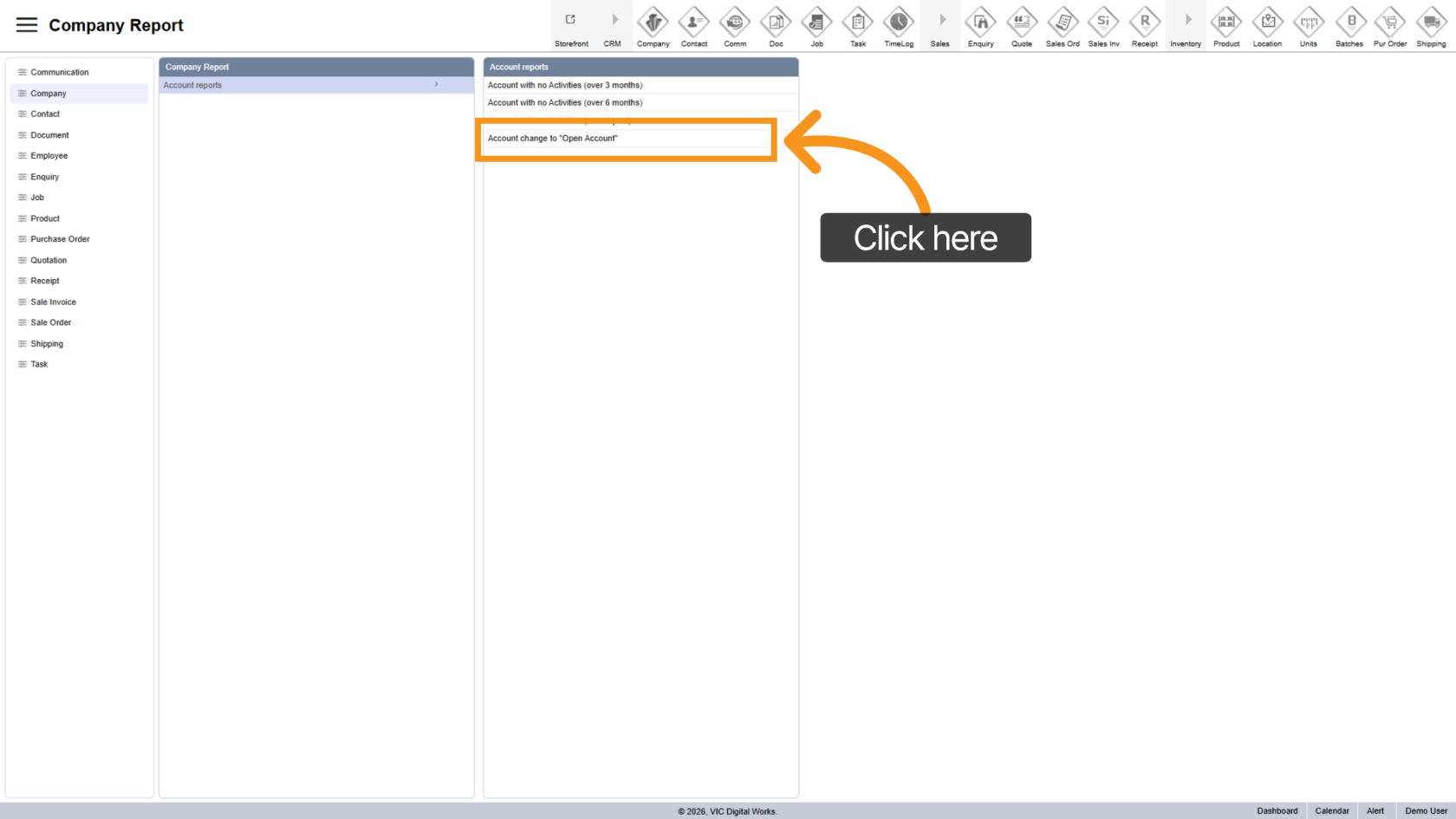
Open Accounts are companies that have not had any quotations or sales orders for a defined period (for example, 8 or 9 months, depending on system settings).
These accounts can be reassigned, allowing another Sales Representative (Rep) or Customer Service Representative (CSR) to take responsibility for them.
Selecting this option will display all open accounts available in the system.
You have now learned how to access and review Company Account Reports in WorkTraq. These reports help identify inactive accounts and support better account management and sales follow-up.