
Open Reports
This tutorial shows how to access the reporting workspace in the Worktraq App, navigate report categories, and generate reports using available filters and tools.
Video Tutorial
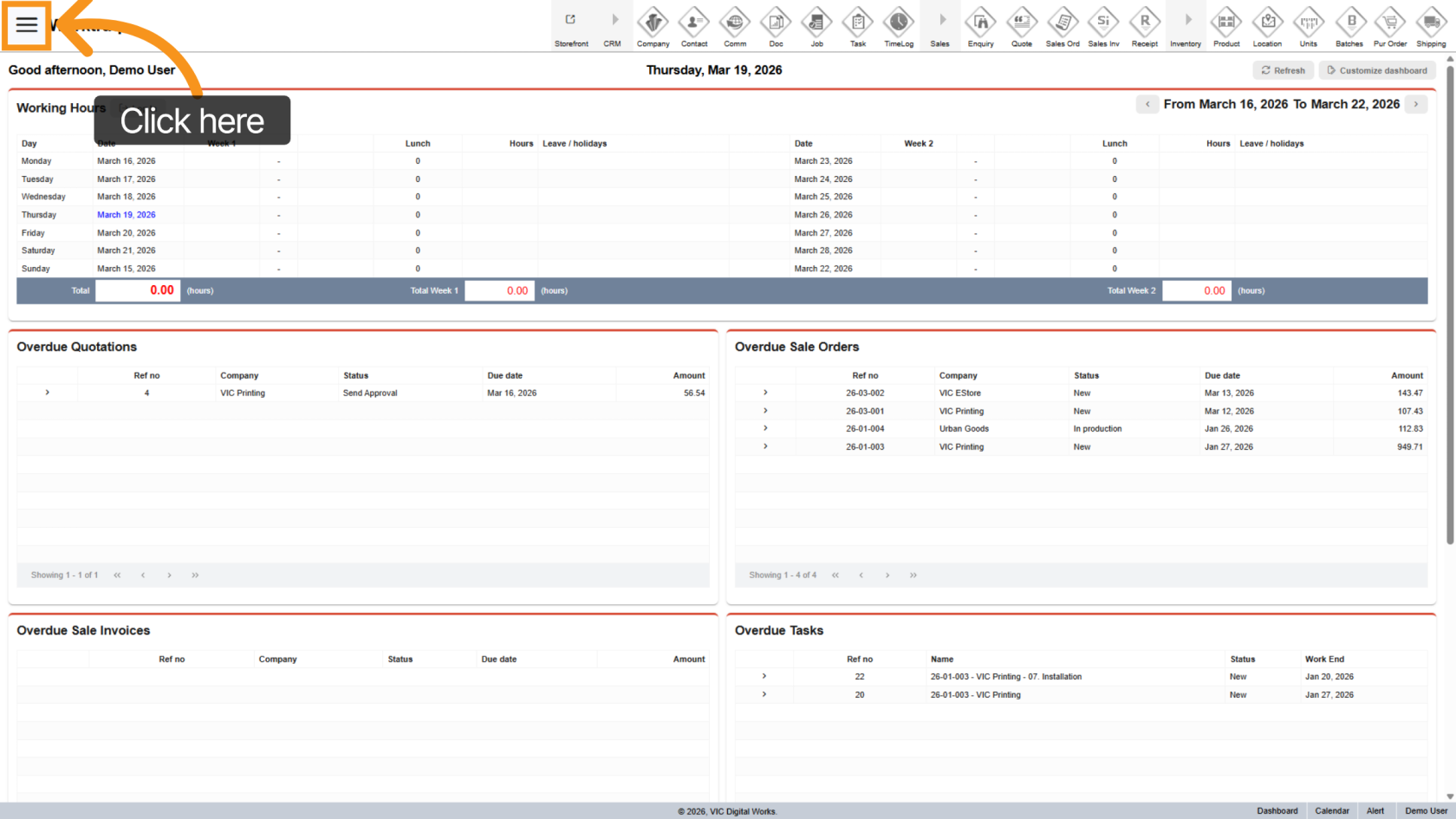
1. Go to Reports Section
Use the  left menu to navigate to the Reports section.
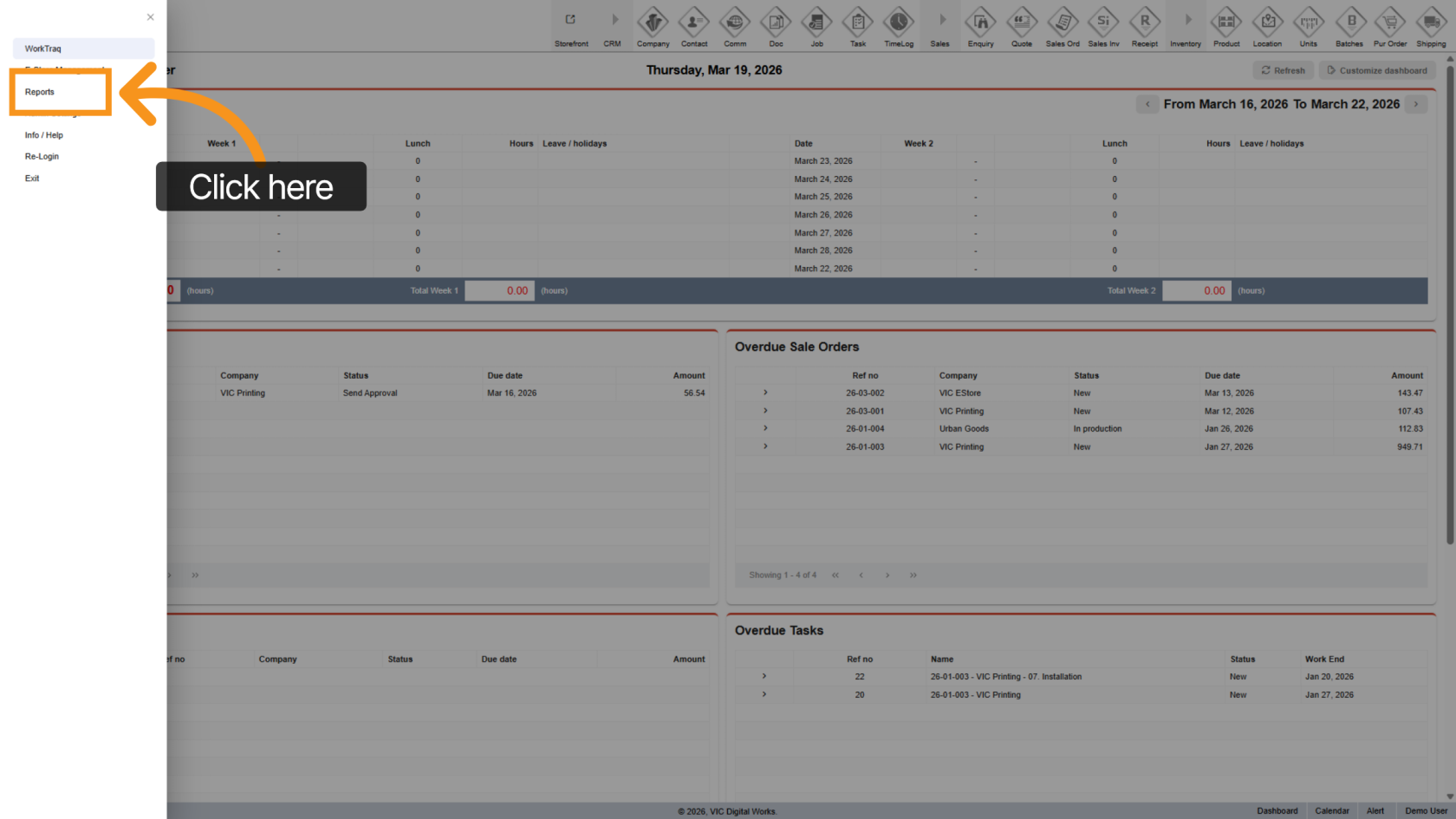
2. Open Reports Menu
Click "Reports" to view available report categories.
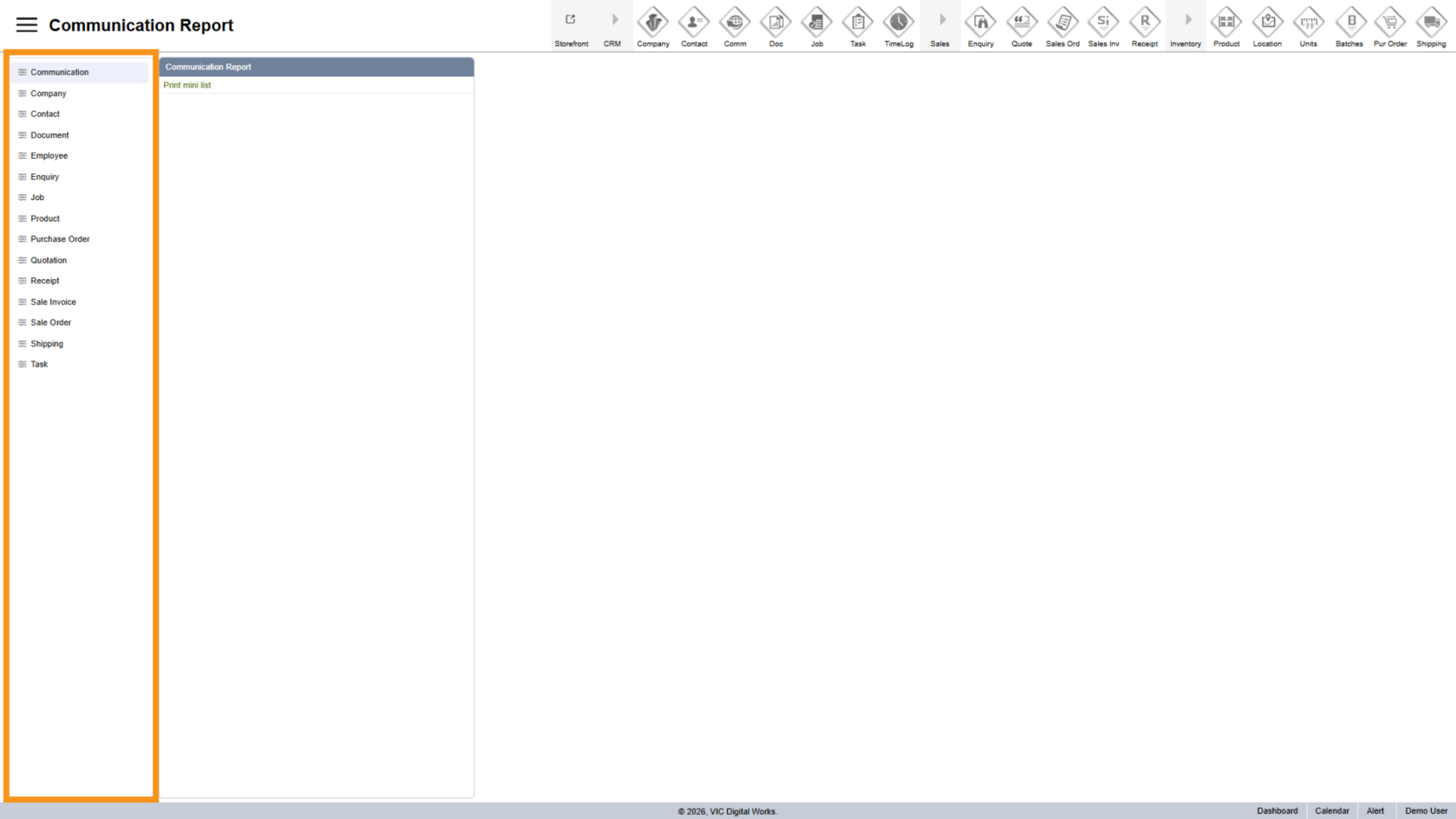
3. View Categories Panel
4. Select Report Group
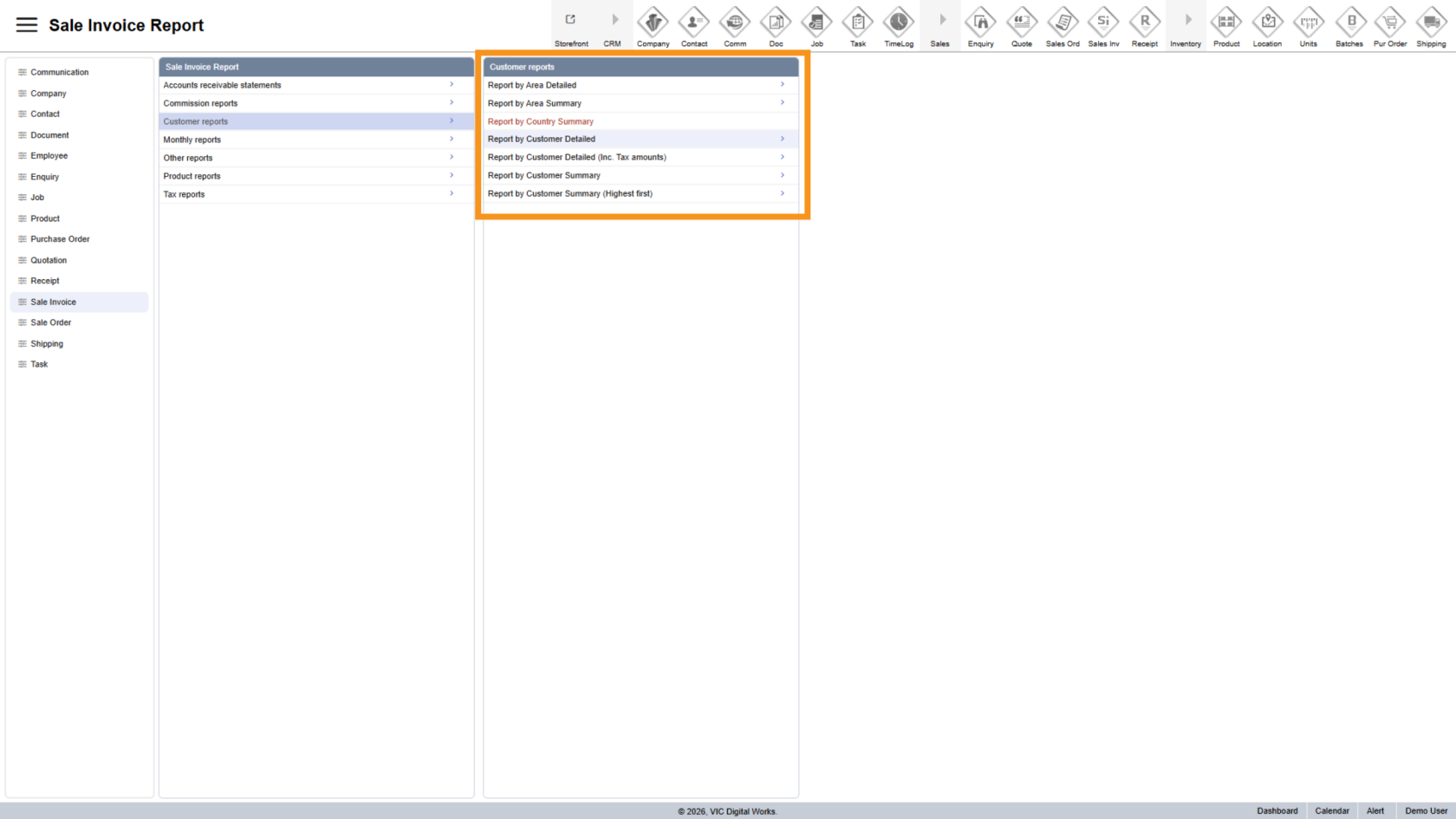
Choose a category to view related report groups on the right.
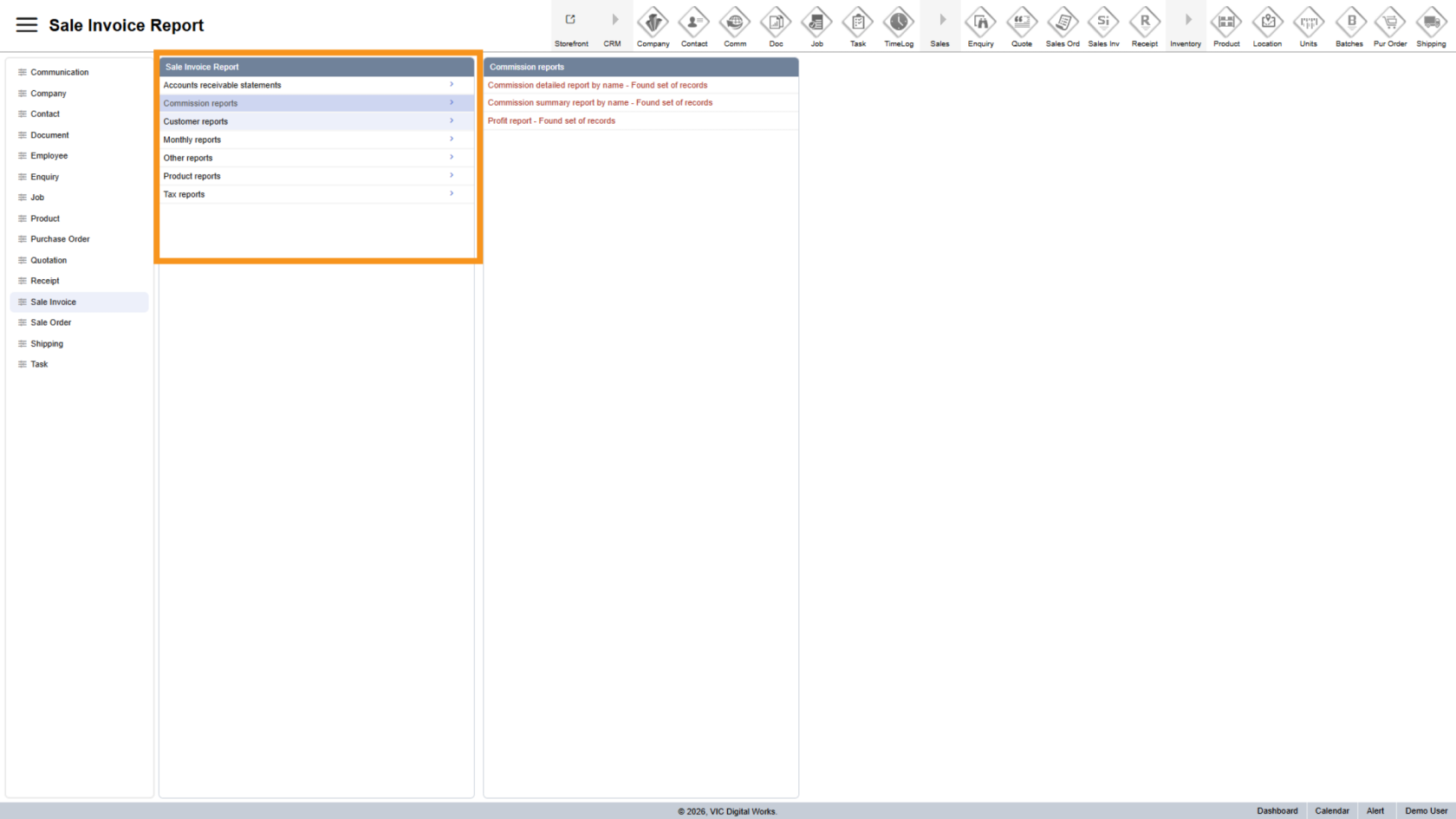
5. Choose Report Type
Select a report from the group to see available options.
6. Apply Filters
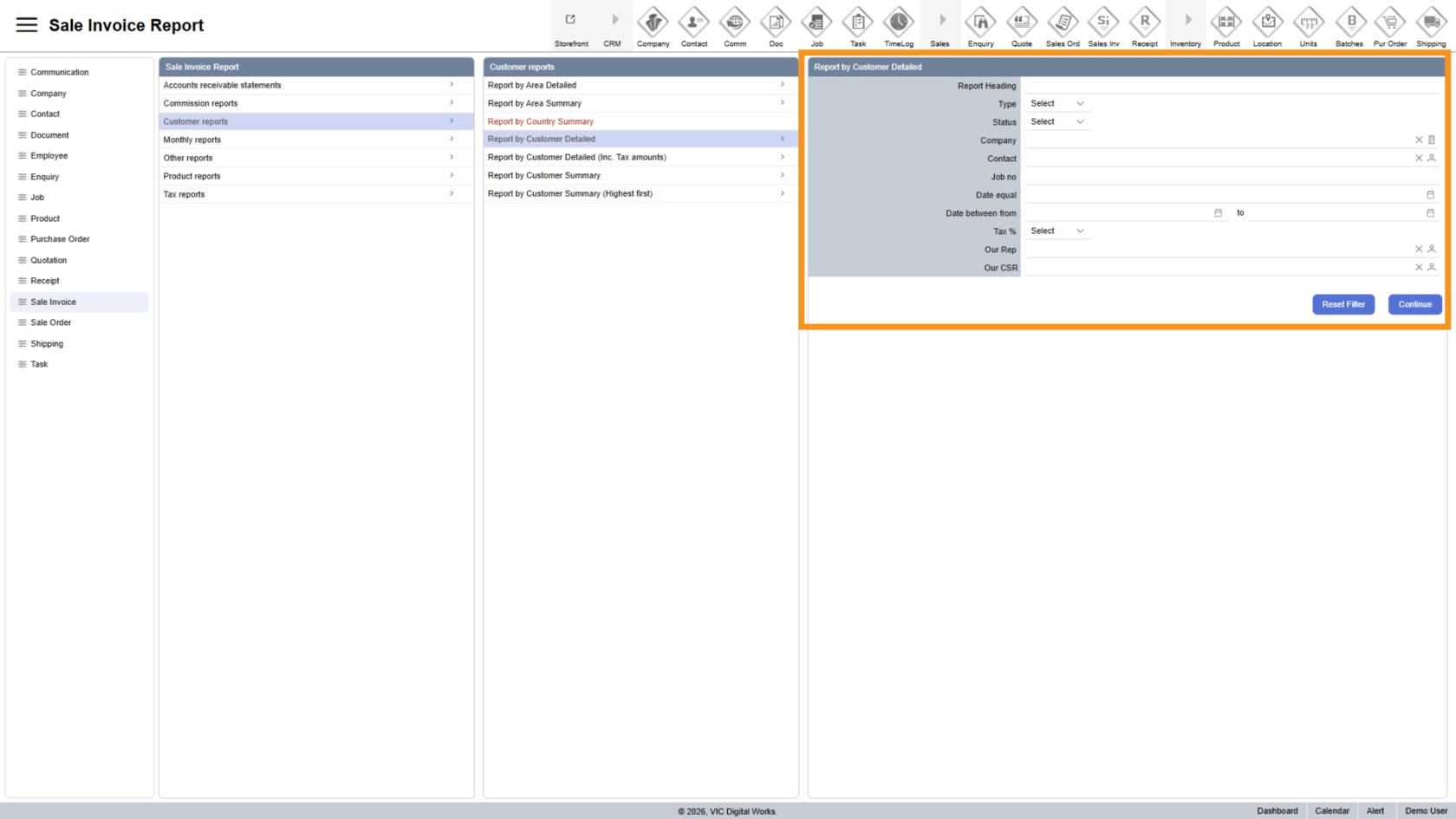
The filter form appears on the right. Set your conditions to customize the report.
You can combine multiple fields for more precise results.
7. Reset Filters
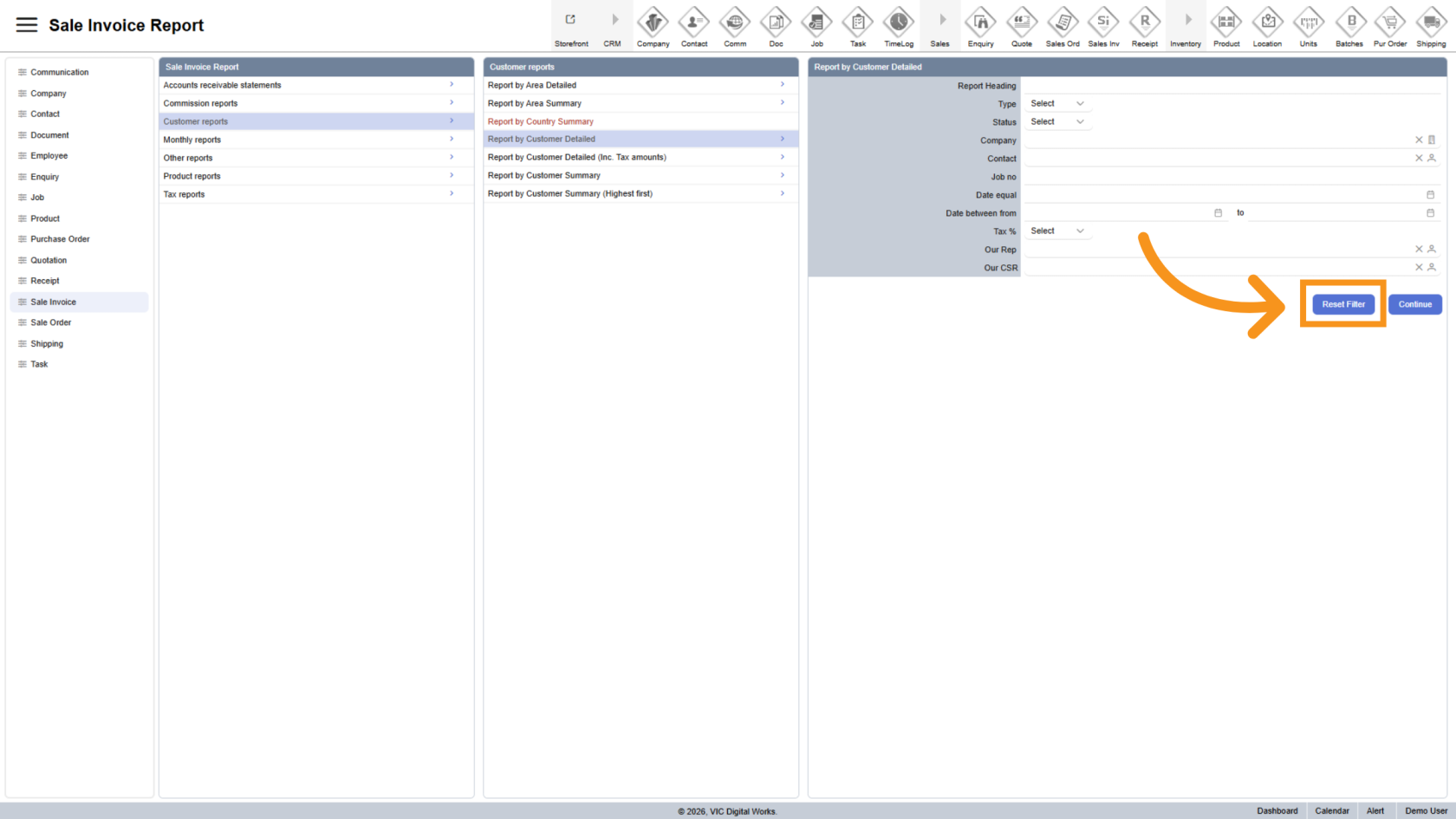
Click "Reset Filter" to clear all selected conditions.
8. Generate Report
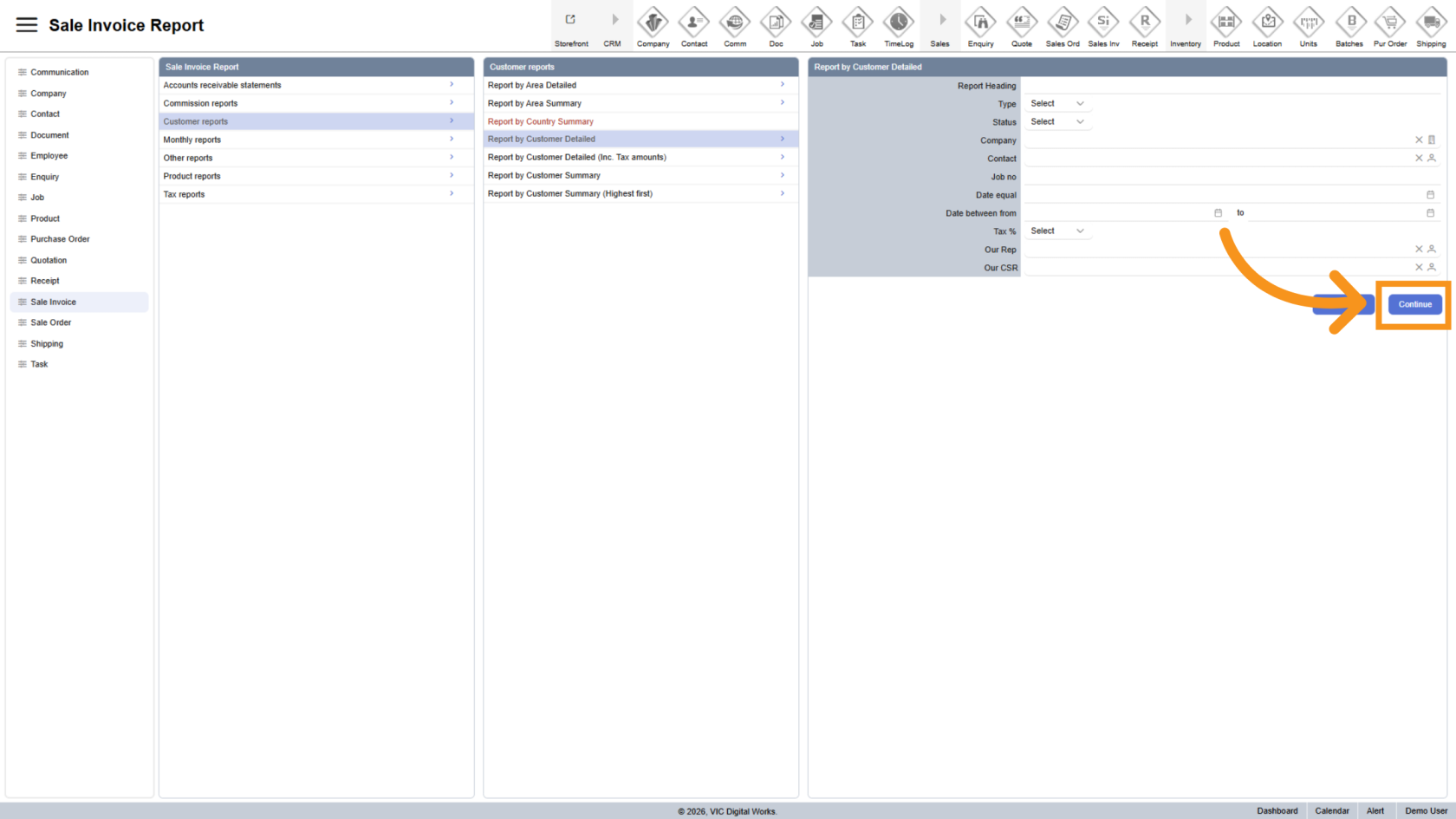
Click "Continue" to generate the report based on your filters.
You have successfully accessed the reporting workspace in Worktraq. Use it to generate, review, and export reports for better visibility and decision-making.