
Job Outstanding Report
This tutorial shows you how to generate an outstanding job report in the Worktraq App, helping you identify all incomplete jobs within a selected time period.
Video Tutorial
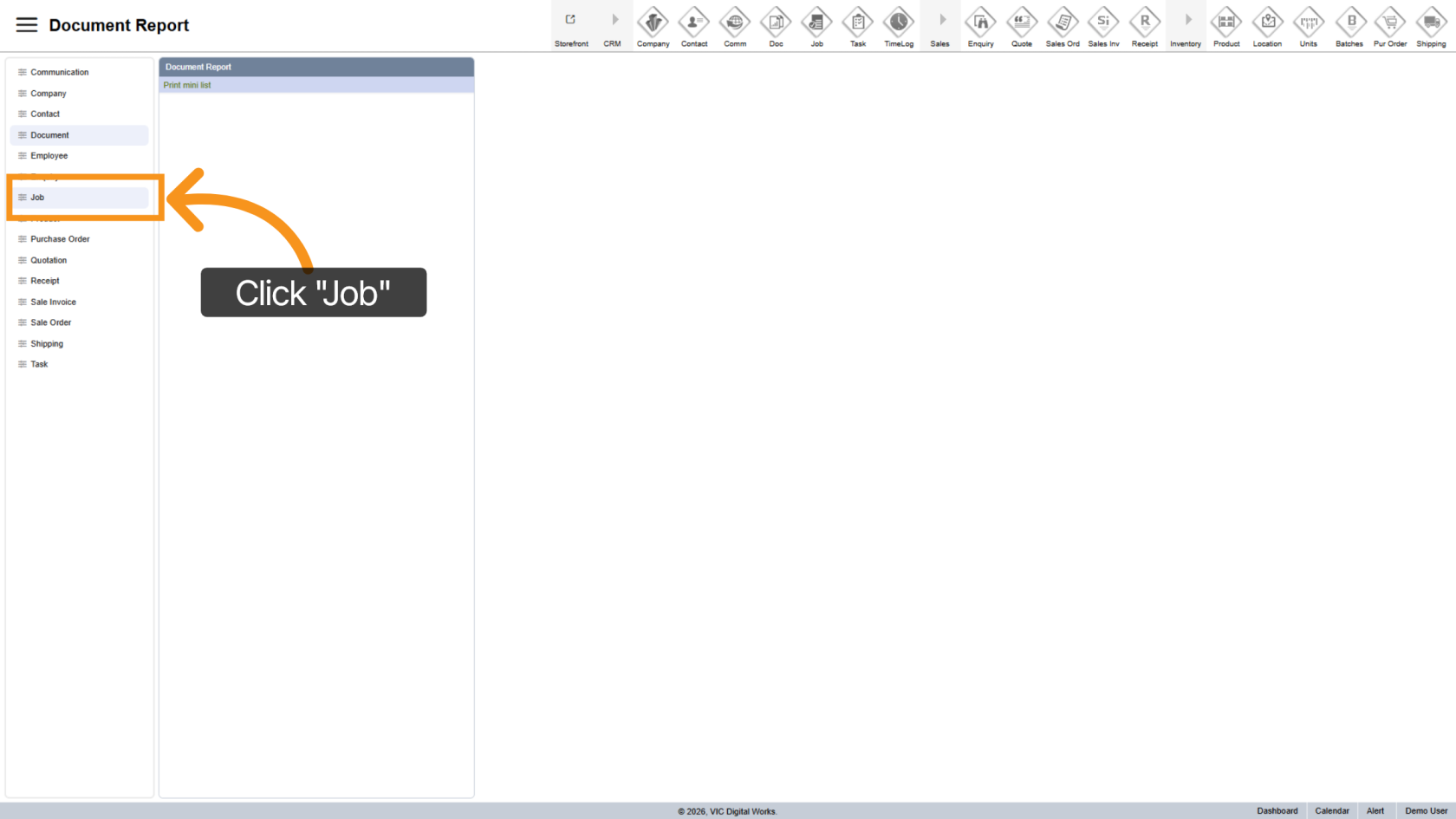
1. Open Job Reports Section
Click "Job" to access the job reporting area.
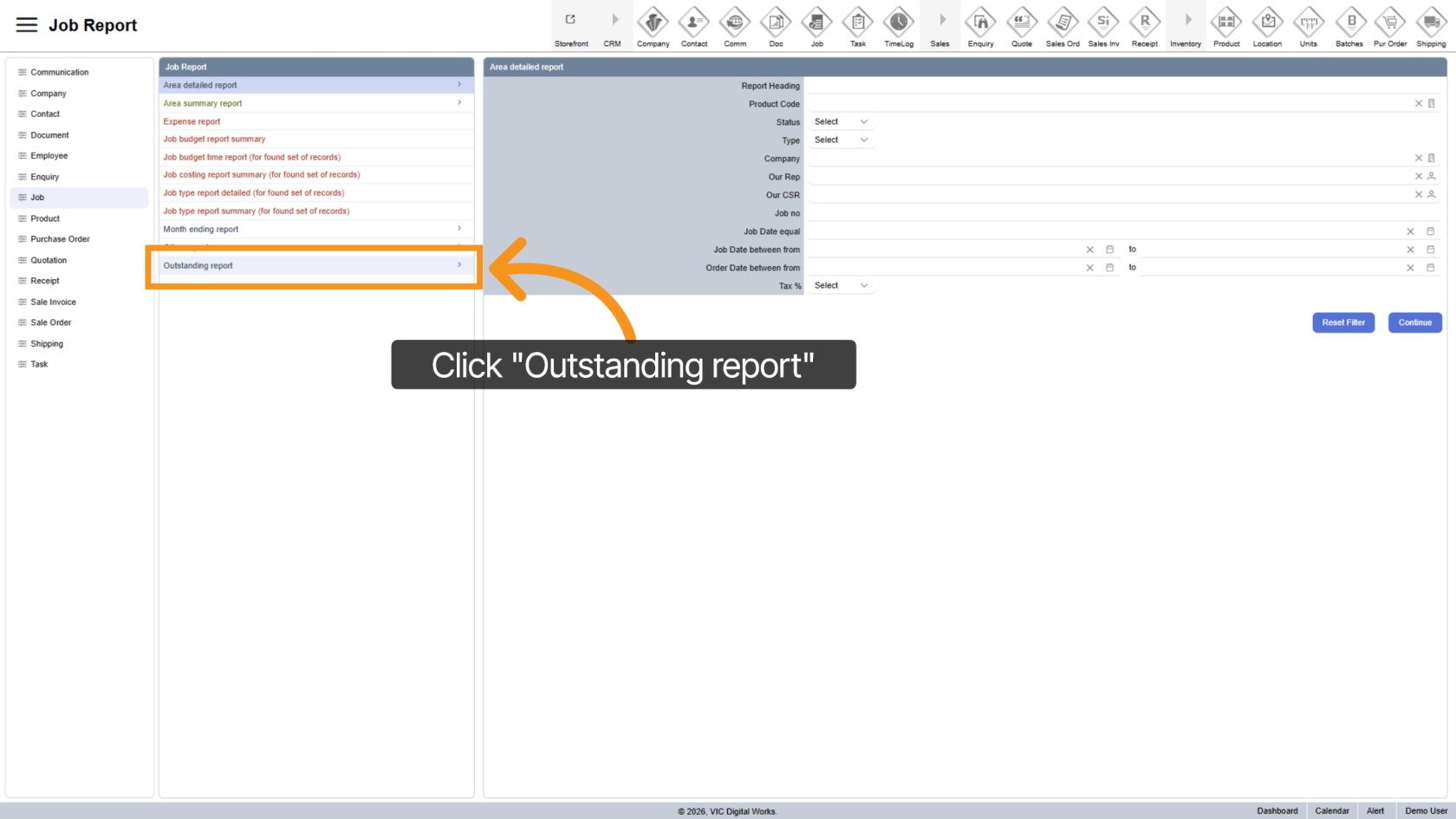
2. Select Outstanding Report
Choose "Outstanding Report" to view jobs that are still in progress.
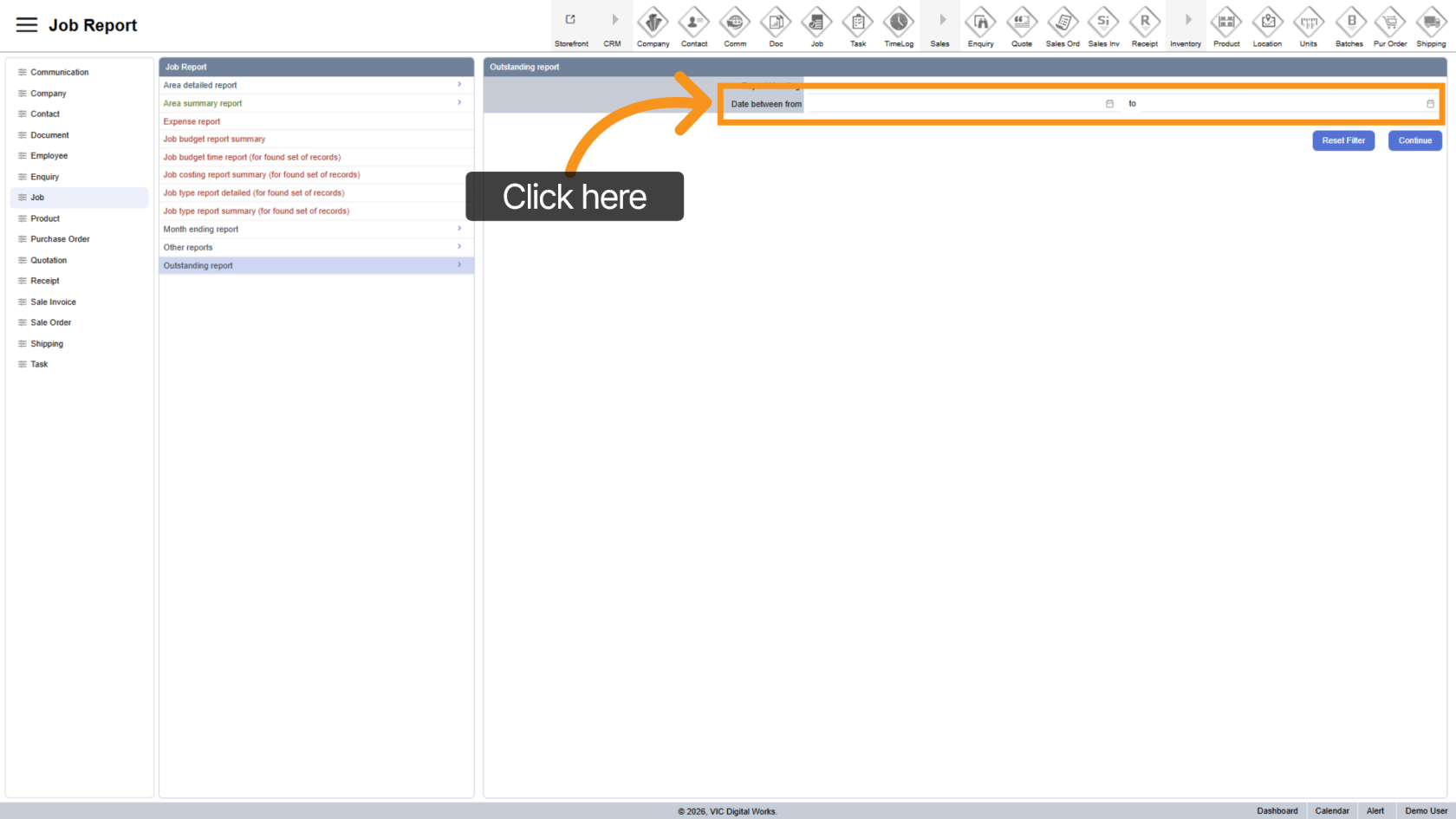
3. Select Date Range
Pick the start and end dates for the report period.
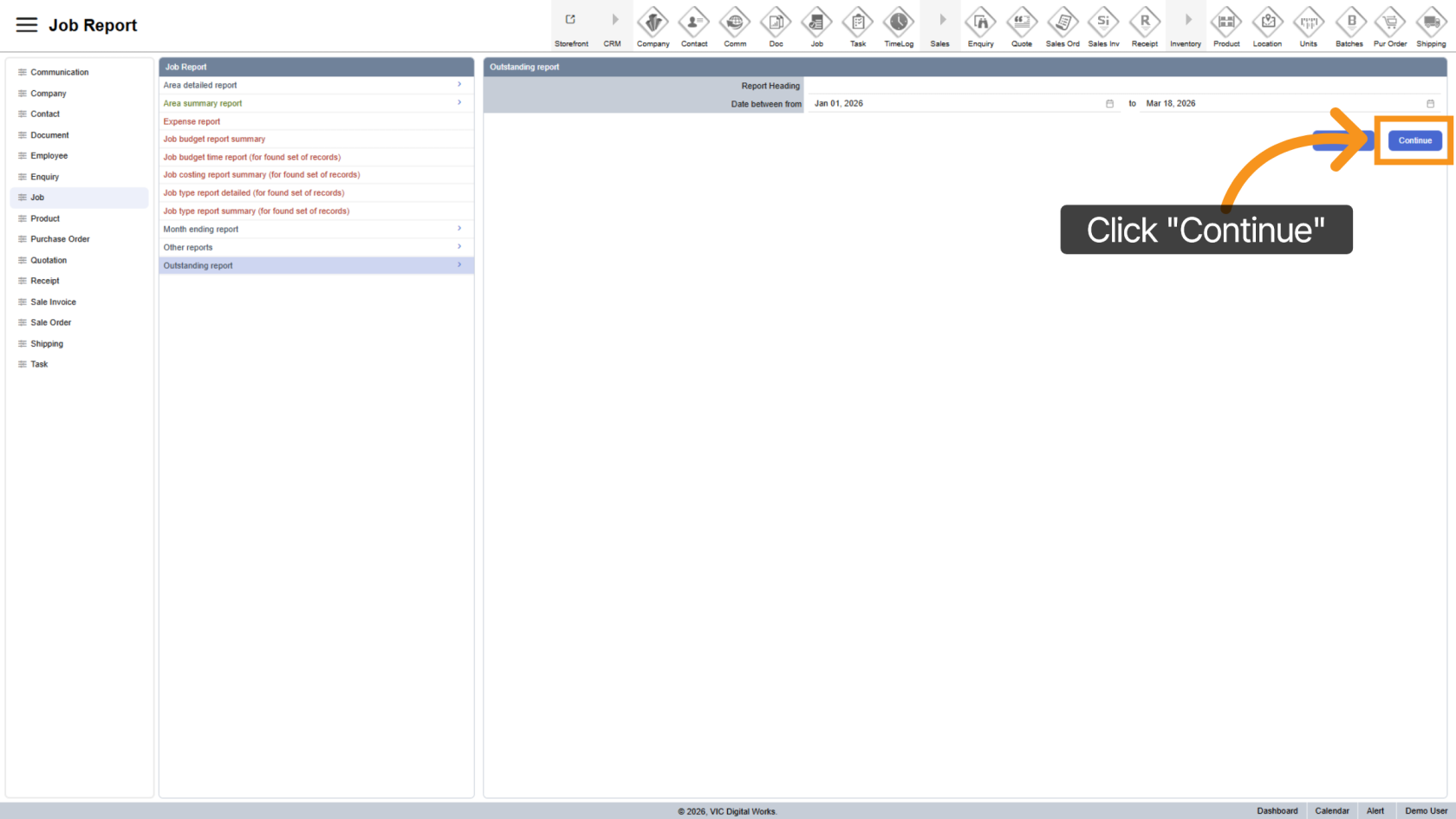
4. Generate Report
Click "Continue" to generate the report based on selected filters.
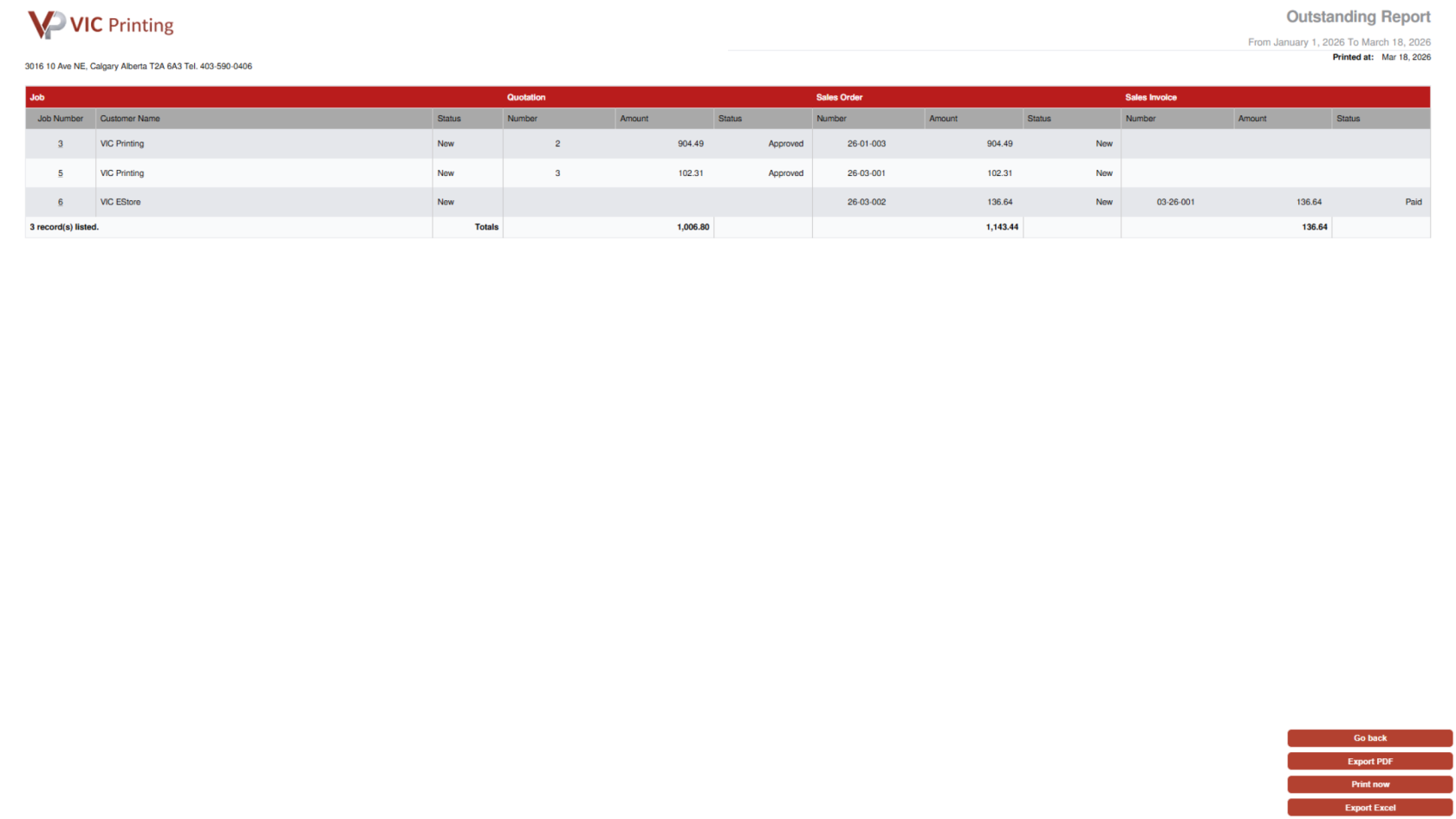
5. Review Outstanding Jobs
The report displays all jobs with status other than Completed.
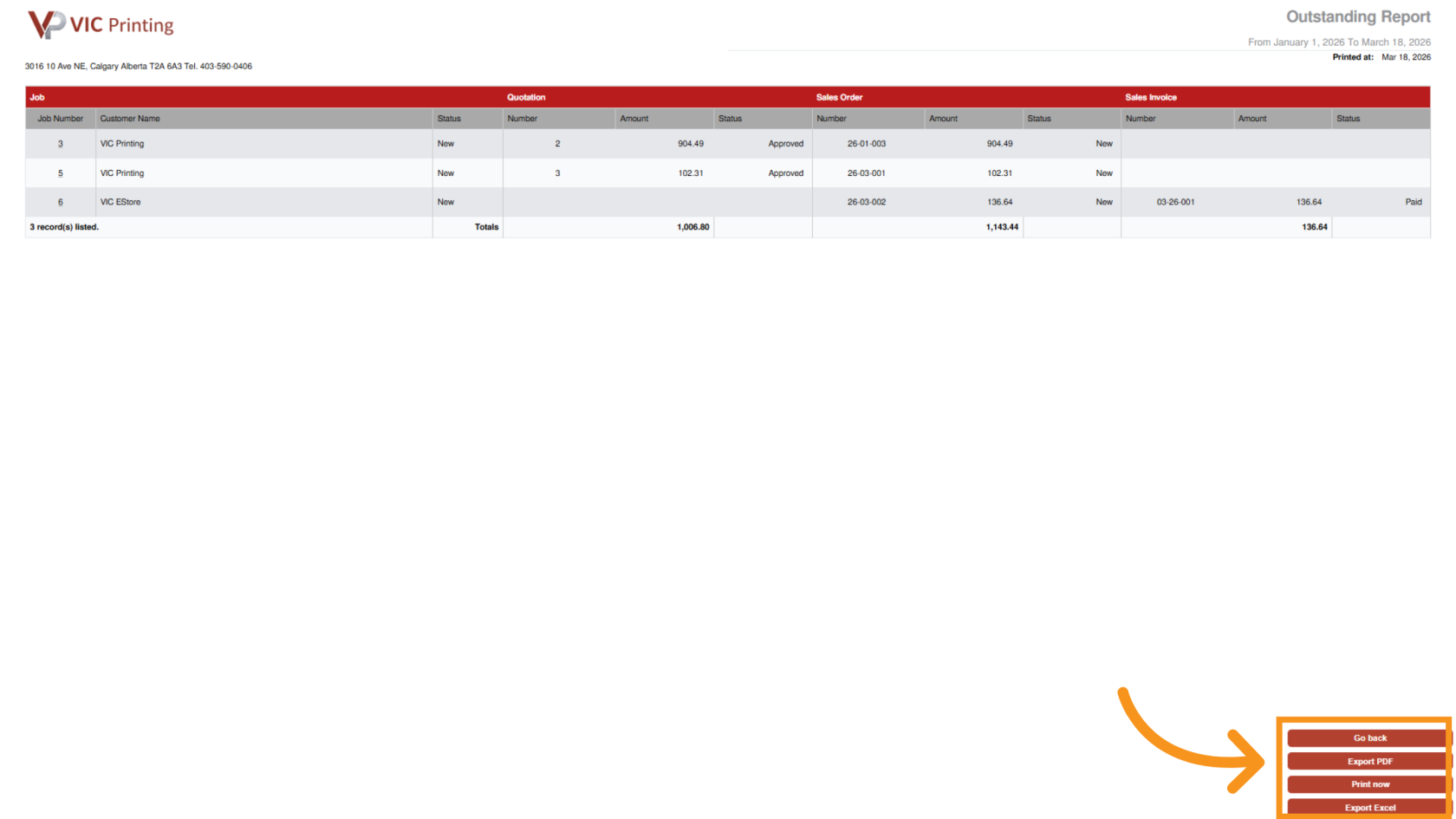
6. Export Report
- Export PDF
- Print now
- Export to Excel
You have successfully generated an outstanding job report in Worktraq, allowing you to track incomplete jobs and manage follow-ups effectively.