
Job Month Ending Report
This tutorial shows you how to generate a monthly job report in the Worktraq App, giving you a clear overview of your business activity for the selected period.
Video Tutorial
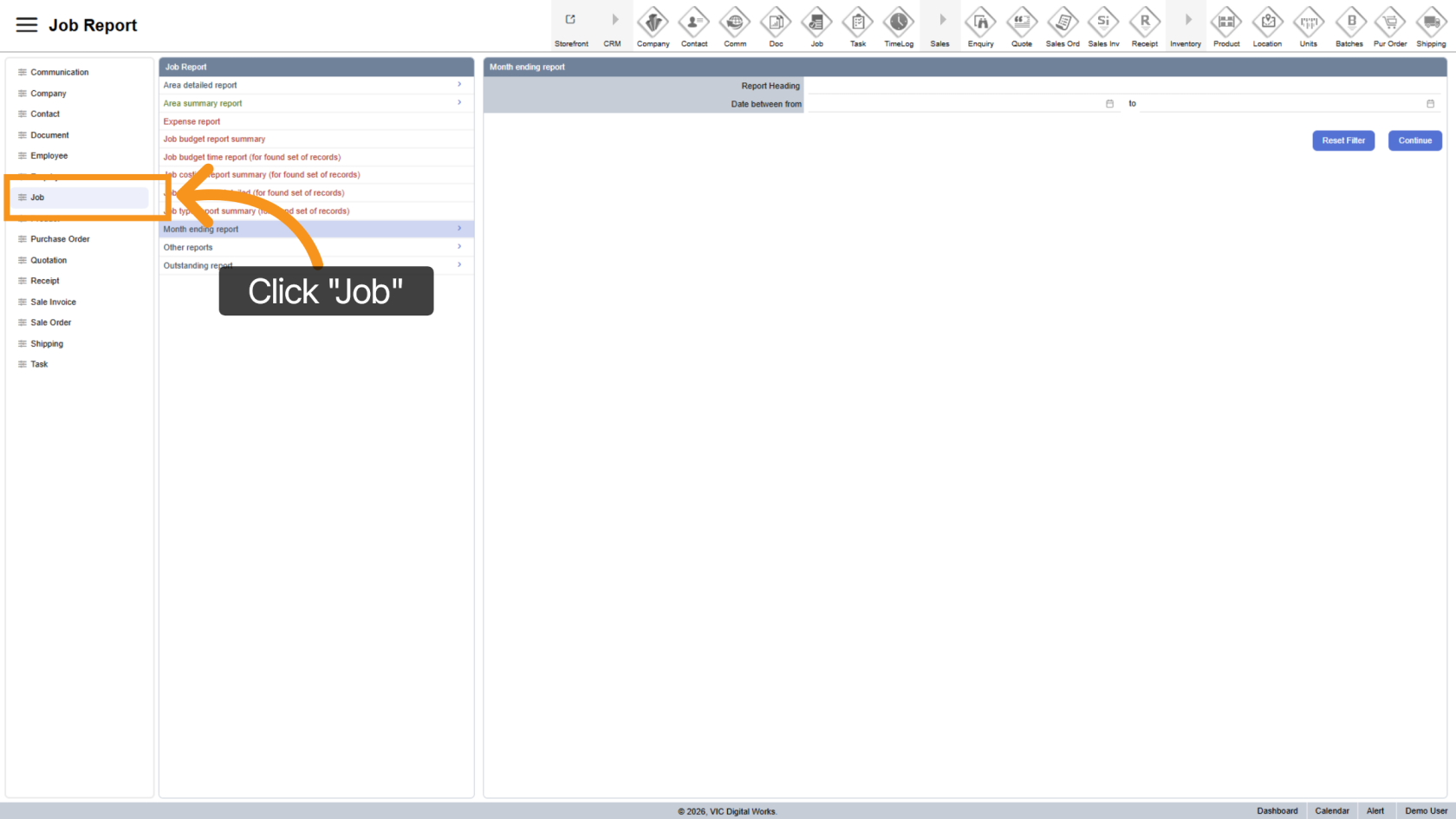
1. Open Job Section
Click "Job" to access the job reporting area.
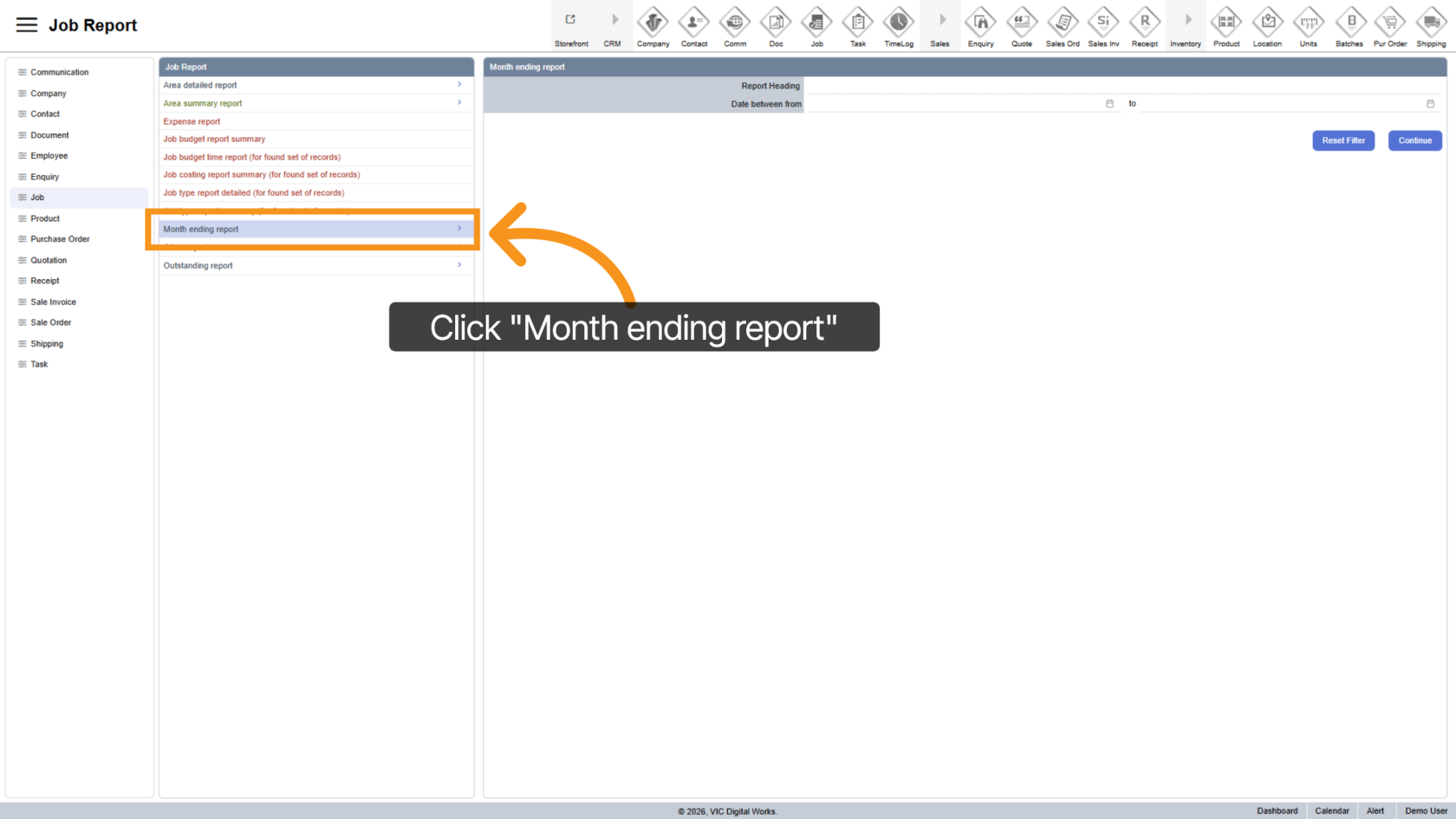
2. Select Month Ending Report
Click "Month Ending Report" to view monthly summary options.
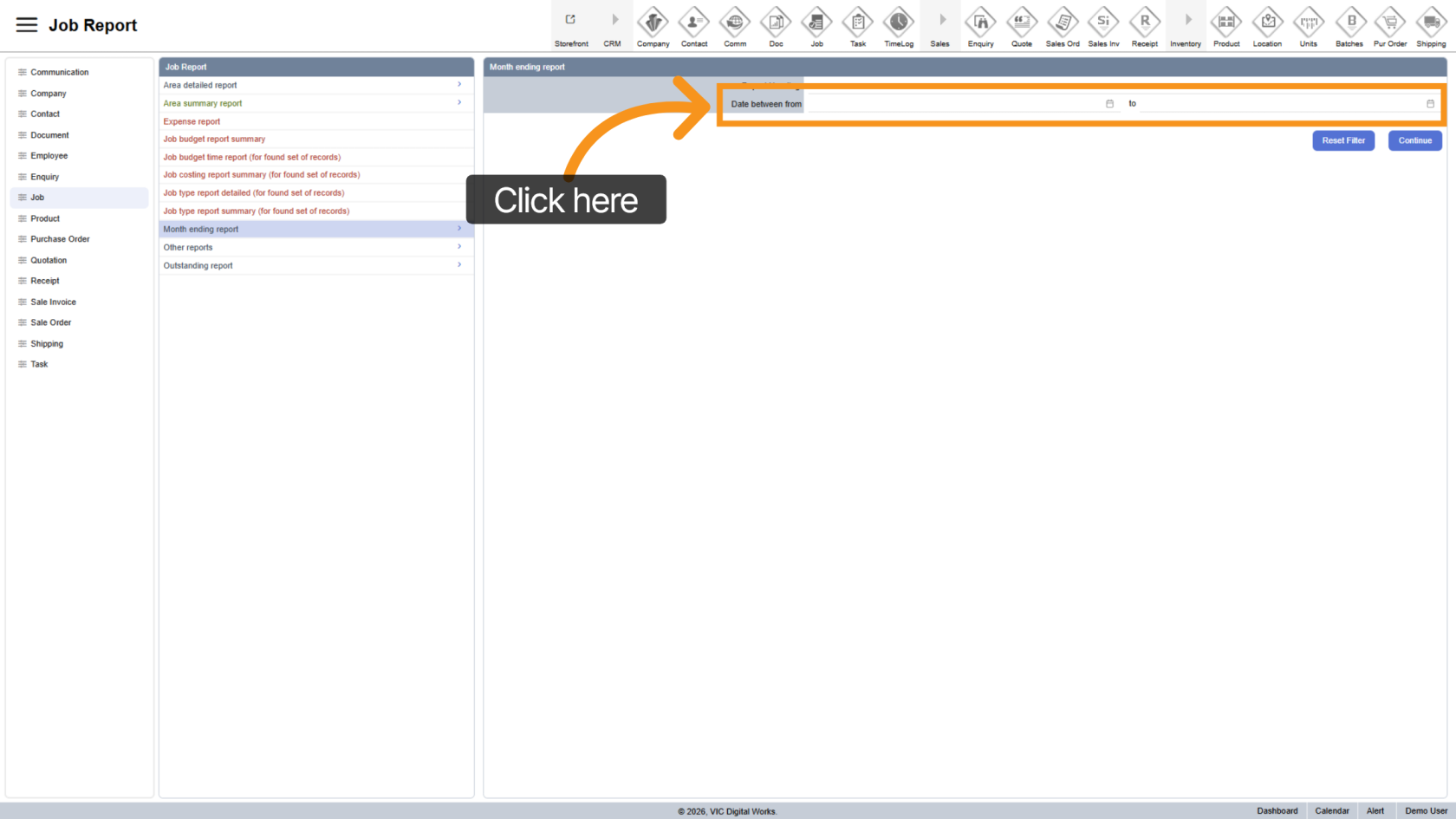
3. Select Date Range
Choose the start and end dates for the reporting period.
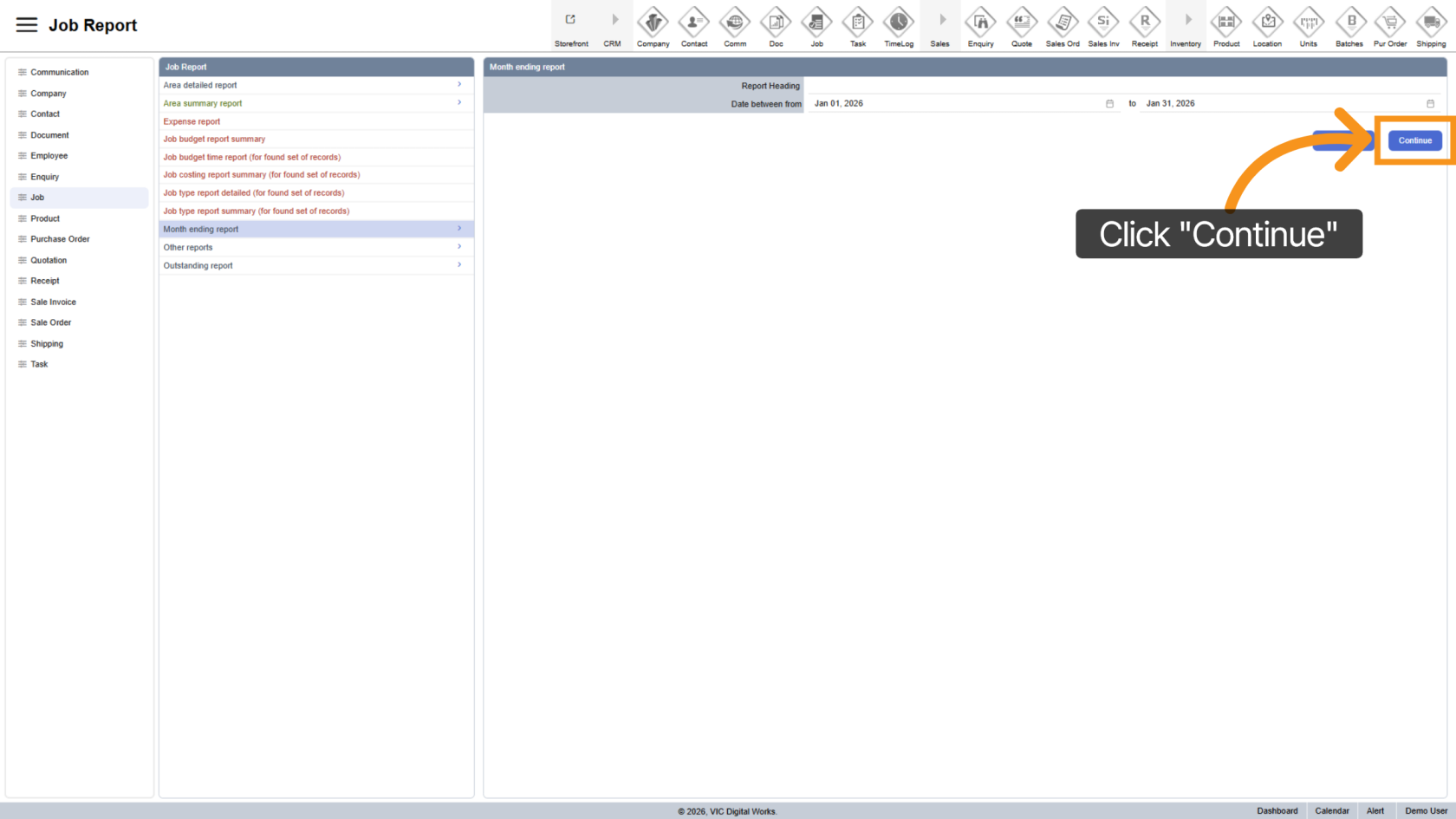
4. Generate Report
Click "Continue" to generate the report based on your selected dates.
5. Review Report
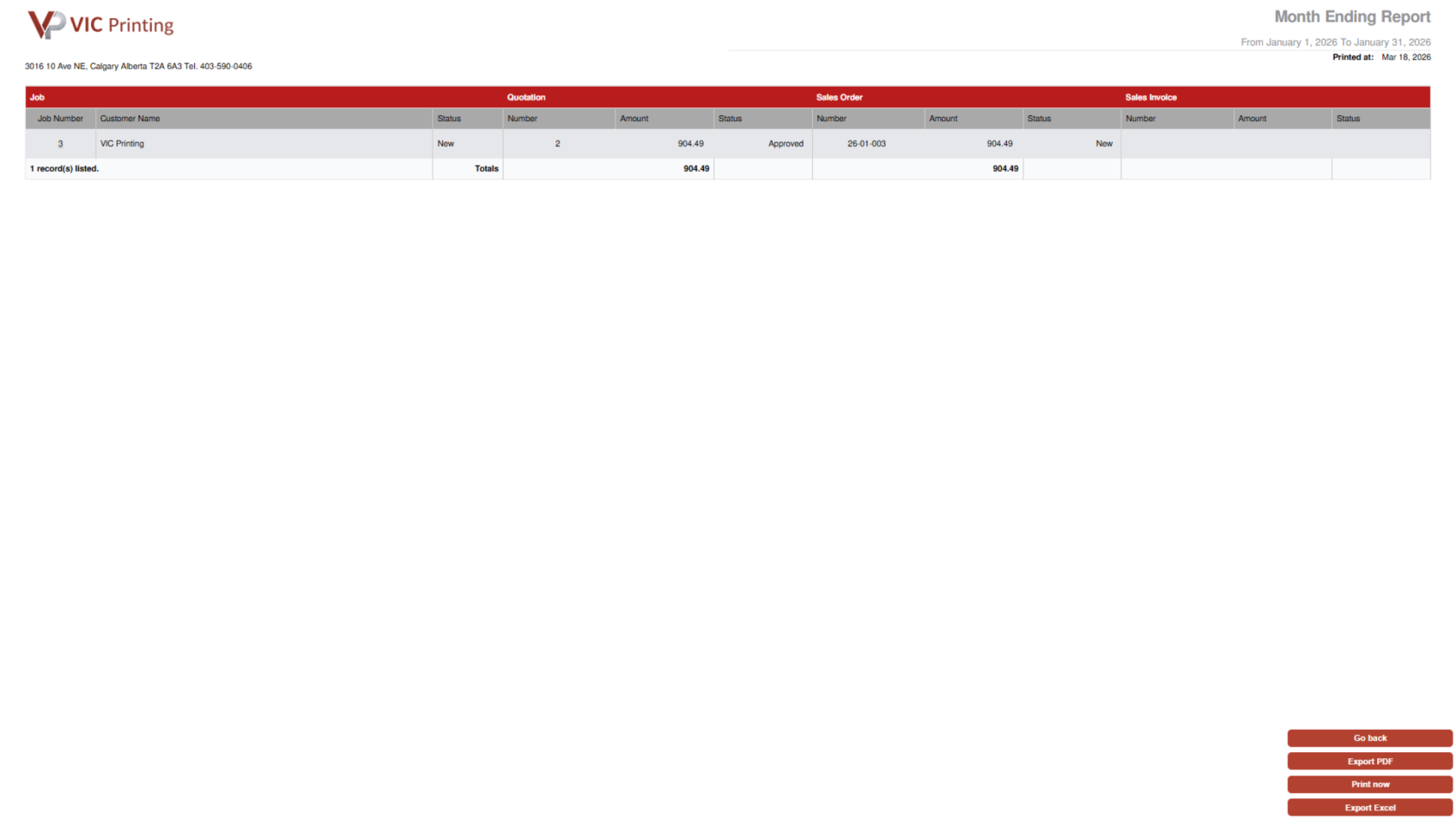
The report displays all jobs within the selected range, including related quotations, sales orders, and invoices.
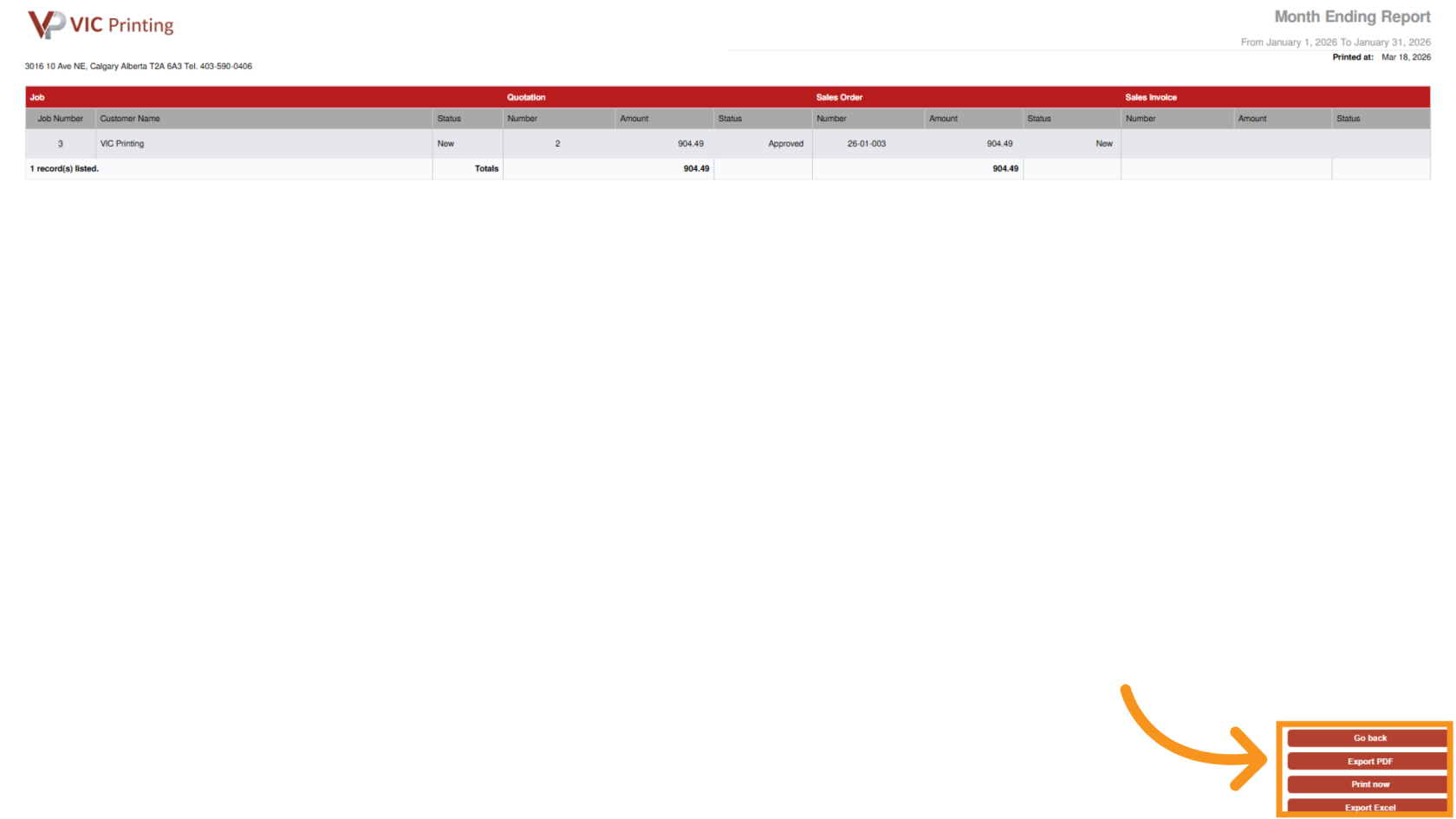
6. Export Report
- Export to PDF
- Print now
- Export to Excel.
You’ve successfully generated a month-end job report in Worktraq, helping you analyze overall business performance for the selected period.