
Export Invoice PDF
This tutorial guides you through exporting sales invoice PDF documents.
Video Tutorial
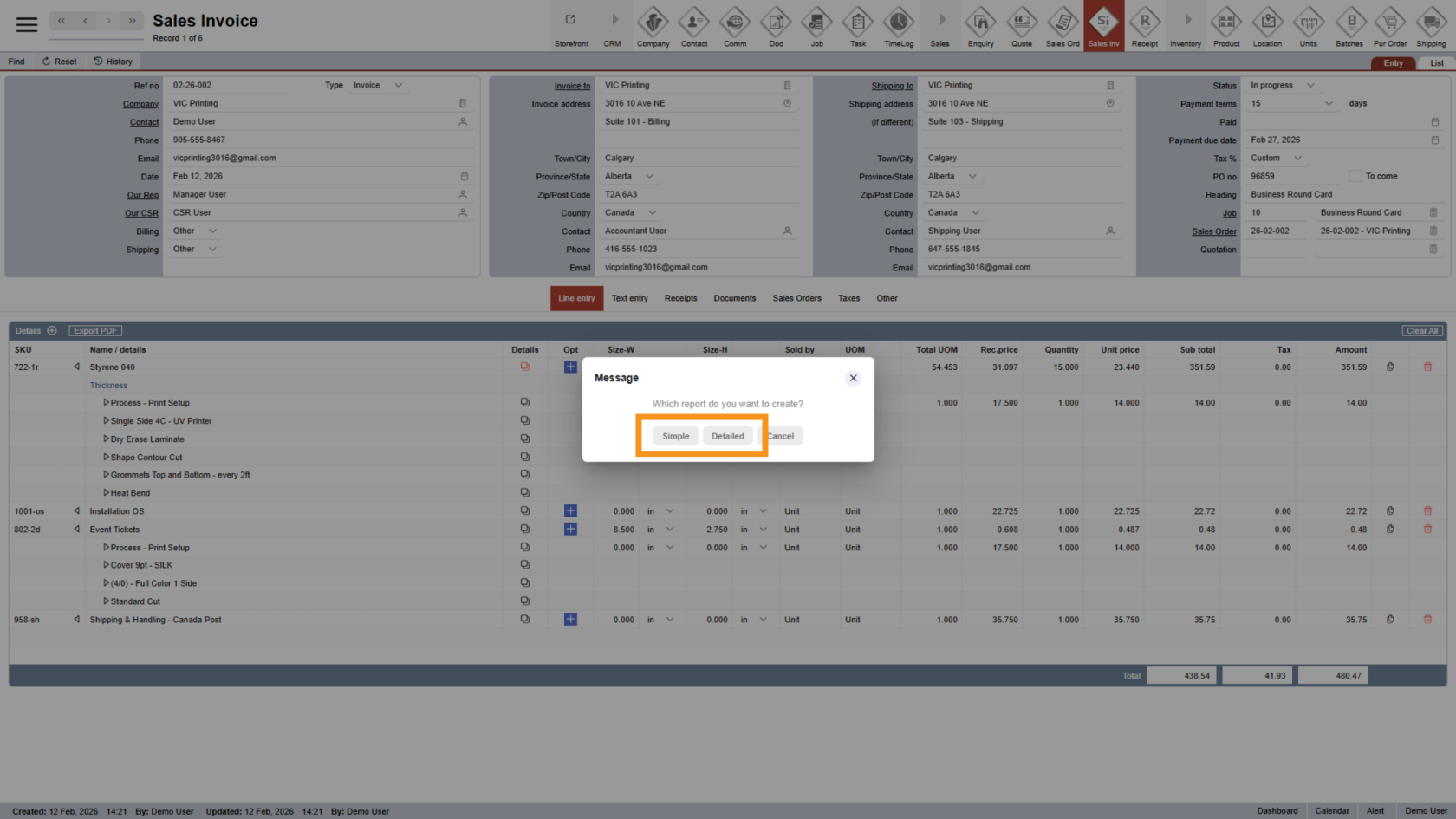
1. Understand PDF Types
Before export, it’s helpful to understand the available PDF formats:
- Simple PDF: Shows only the products and options, with hidden charges not displayed. This is useful when you do not want customers to see internal fees or option costs. This is useful when you do not want customers to see hidden charges.
- Detailed PDF: Displays all product options and their pricing details.
Choose the PDF type based on what information you want to share with your customer.
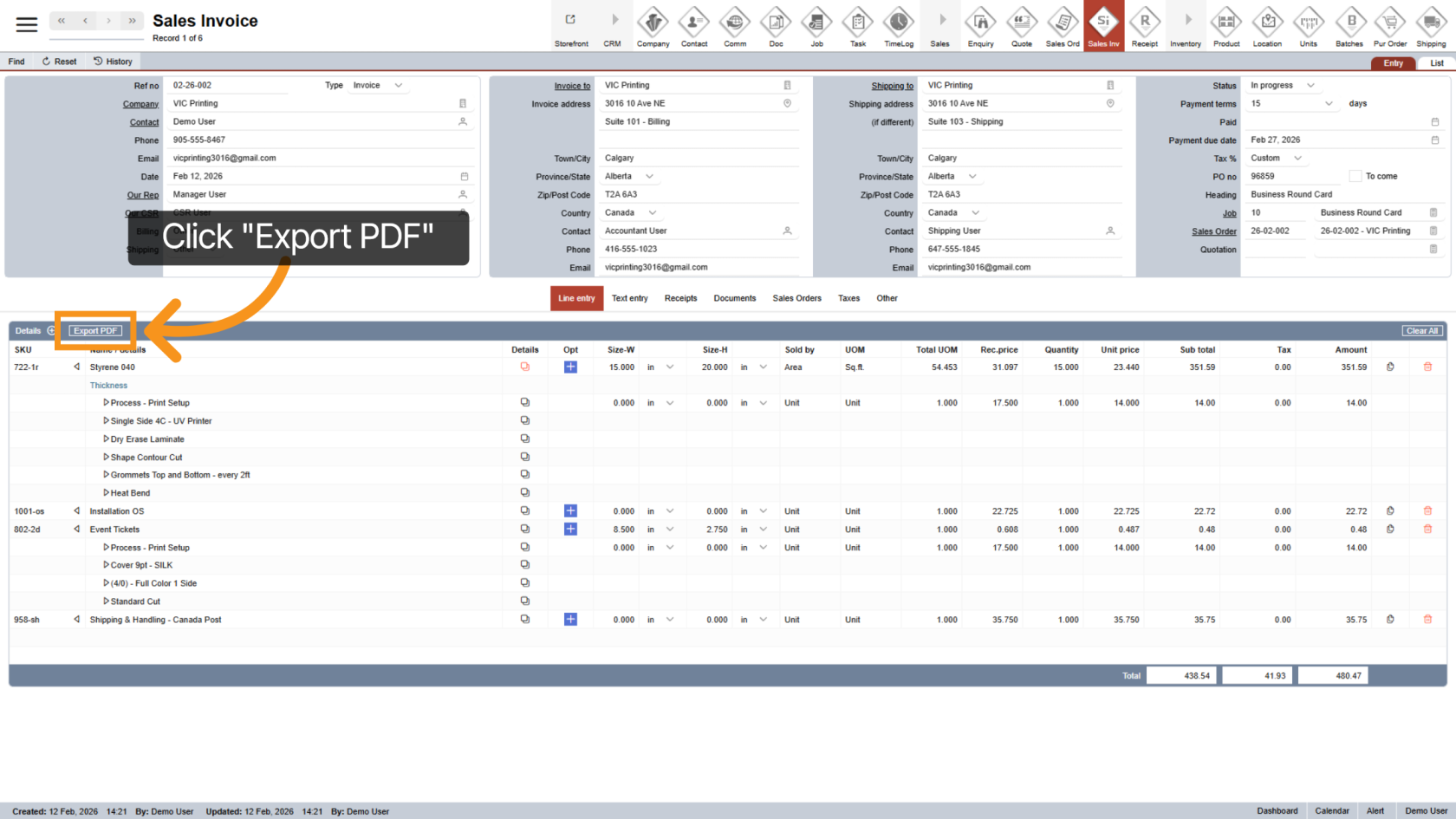
2. Select Export PDF
Click the "Export PDF" to initiate the process of exporting the invoice as a PDF file for download or sharing.
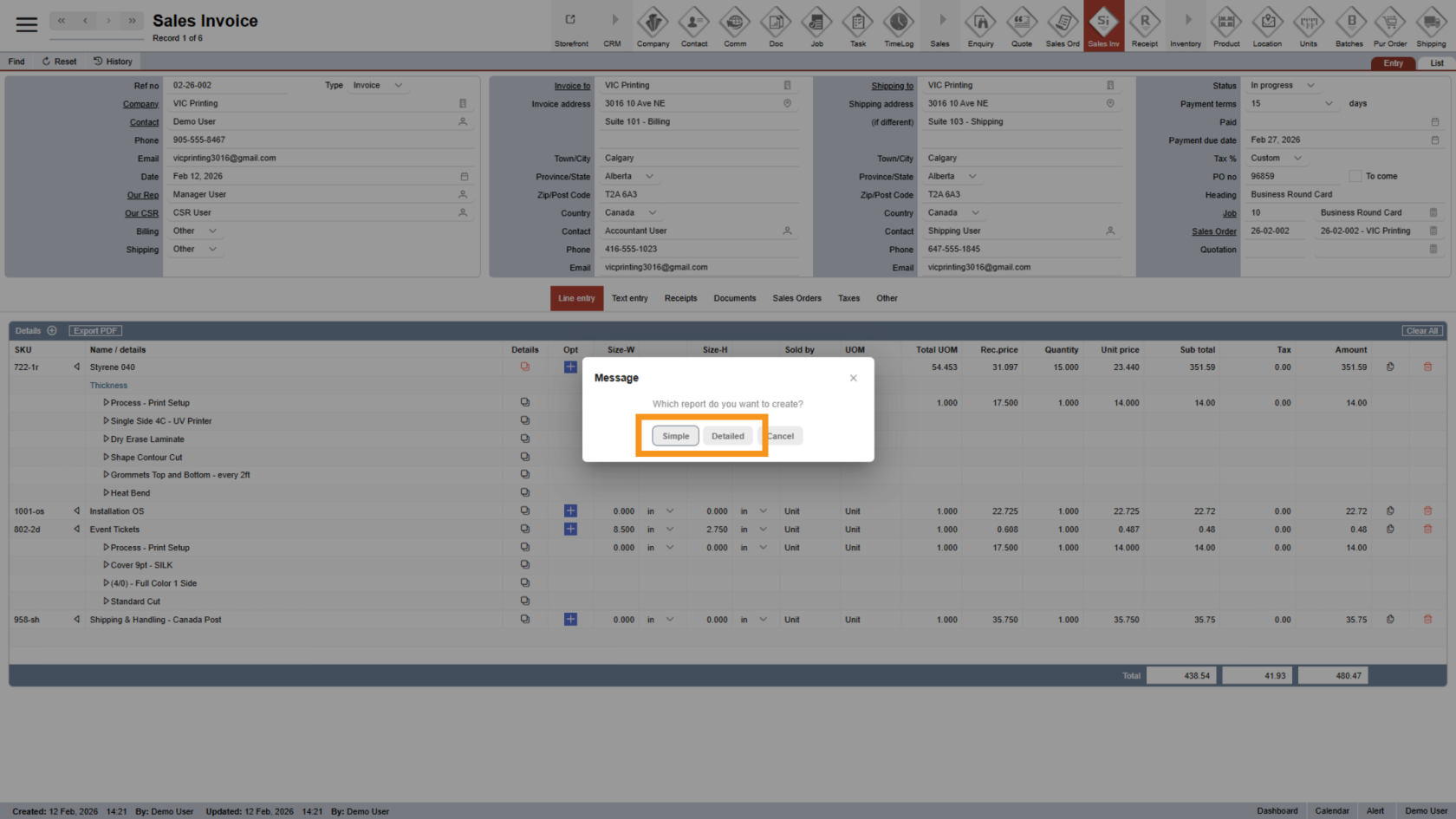
3. Choose PDF Type
Select the PDF type (Simple or Detailed).
The file will be generated and ready to download to send to the customer.
You have successfully exported an invoice PDF. This process enables efficient document management and communication related to invoices.