
Monthly Sales Invoice Reports
This tutorial walks you through how to generate a Monthly Invoice Report in the Worktraq App.
Video Tutorial
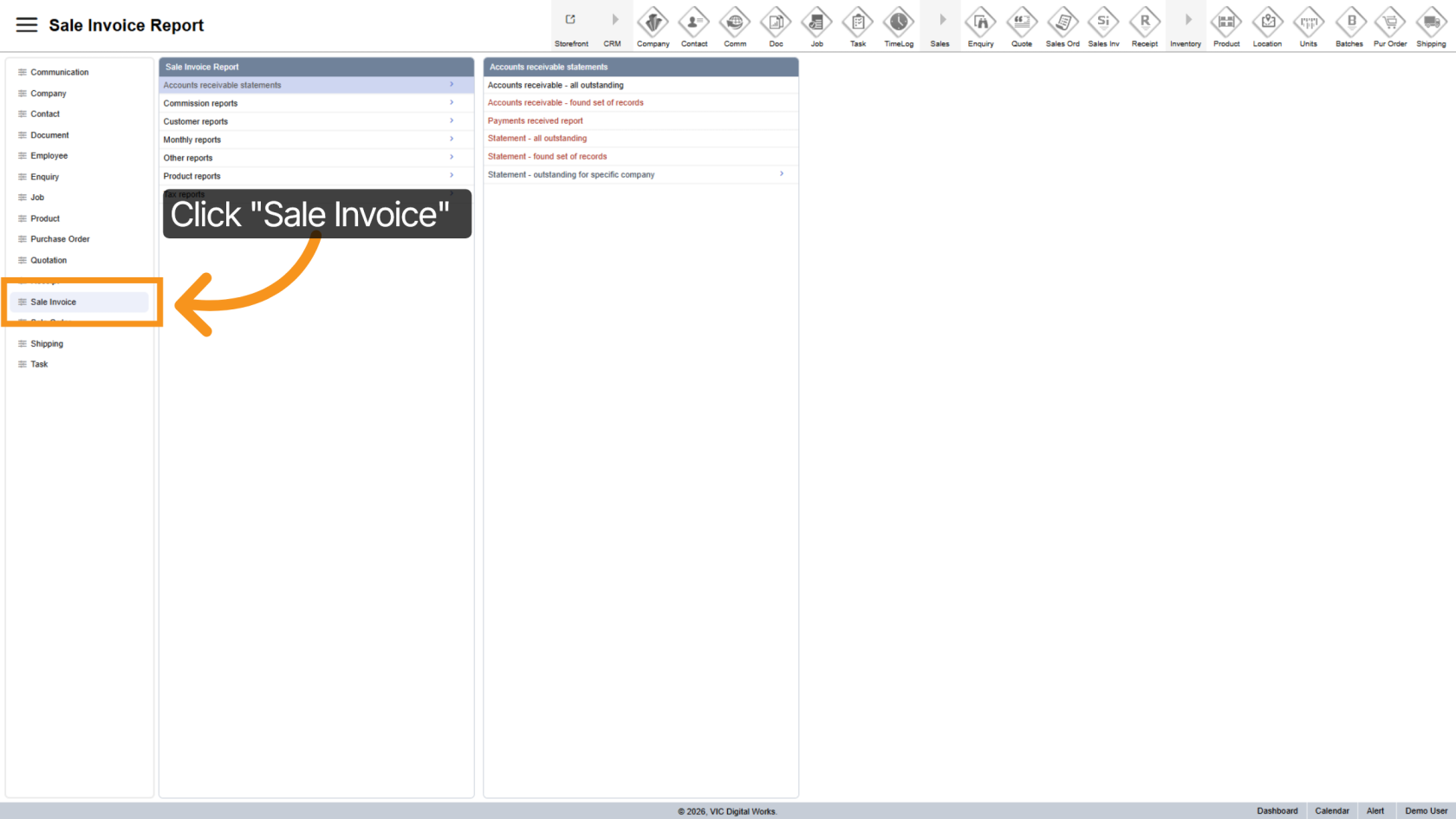
1. Open Sales Invoice
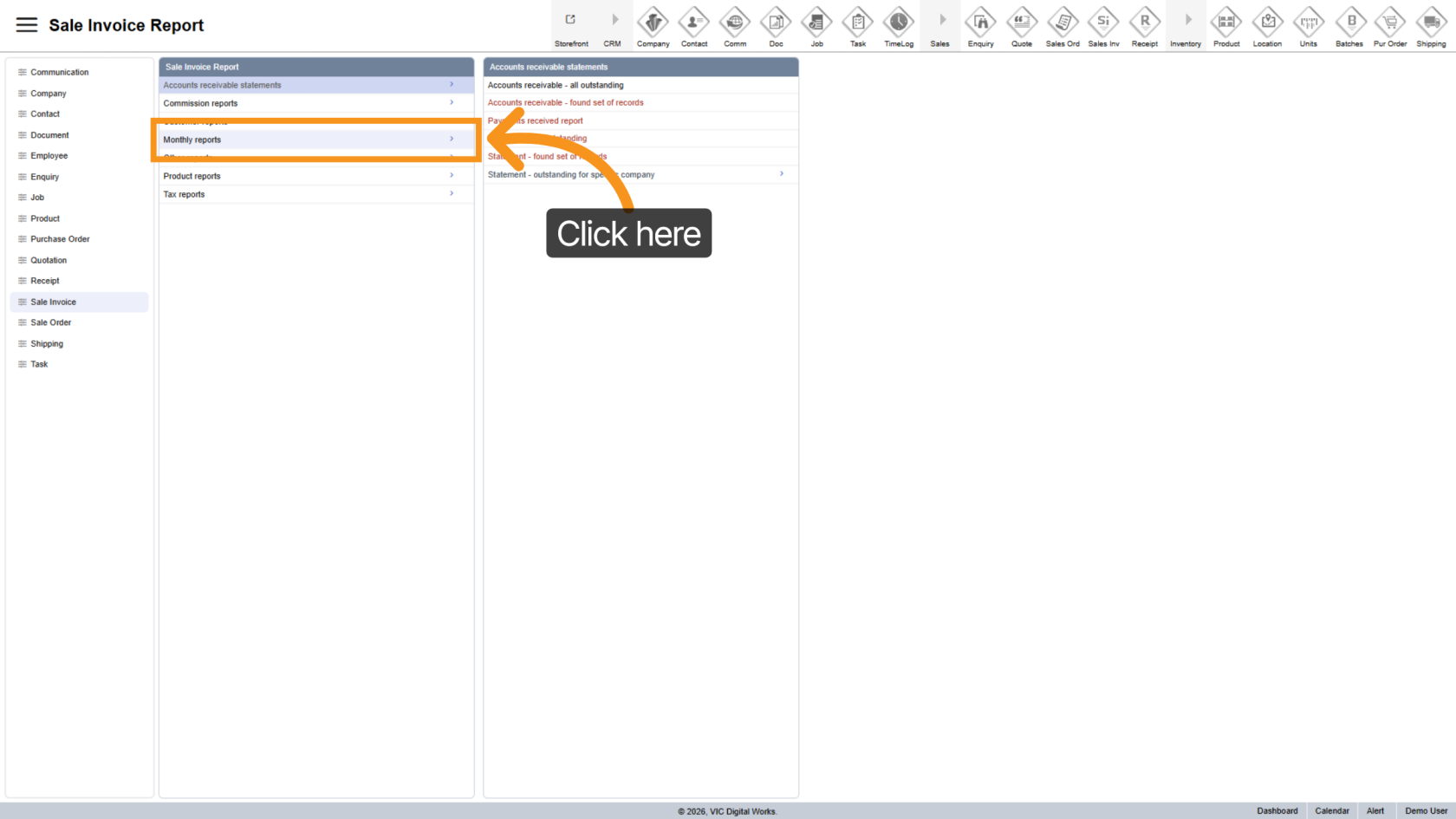
2. Go to Monthly Reports
Select "Monthly Reports" to view available reporting options.
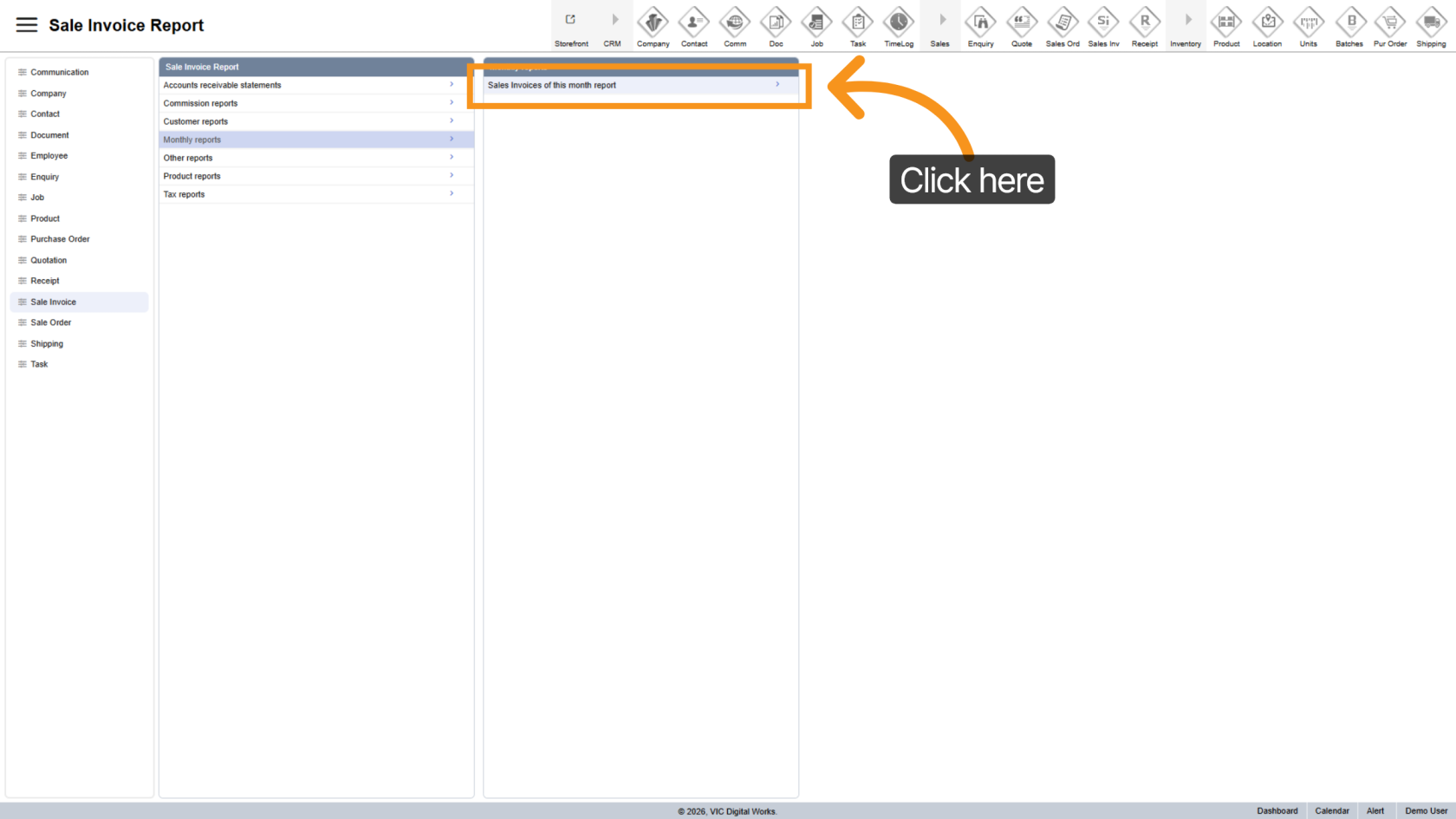
3. Open Report Options
Click "Sales Invoices of this month report" to open the report configuration panel
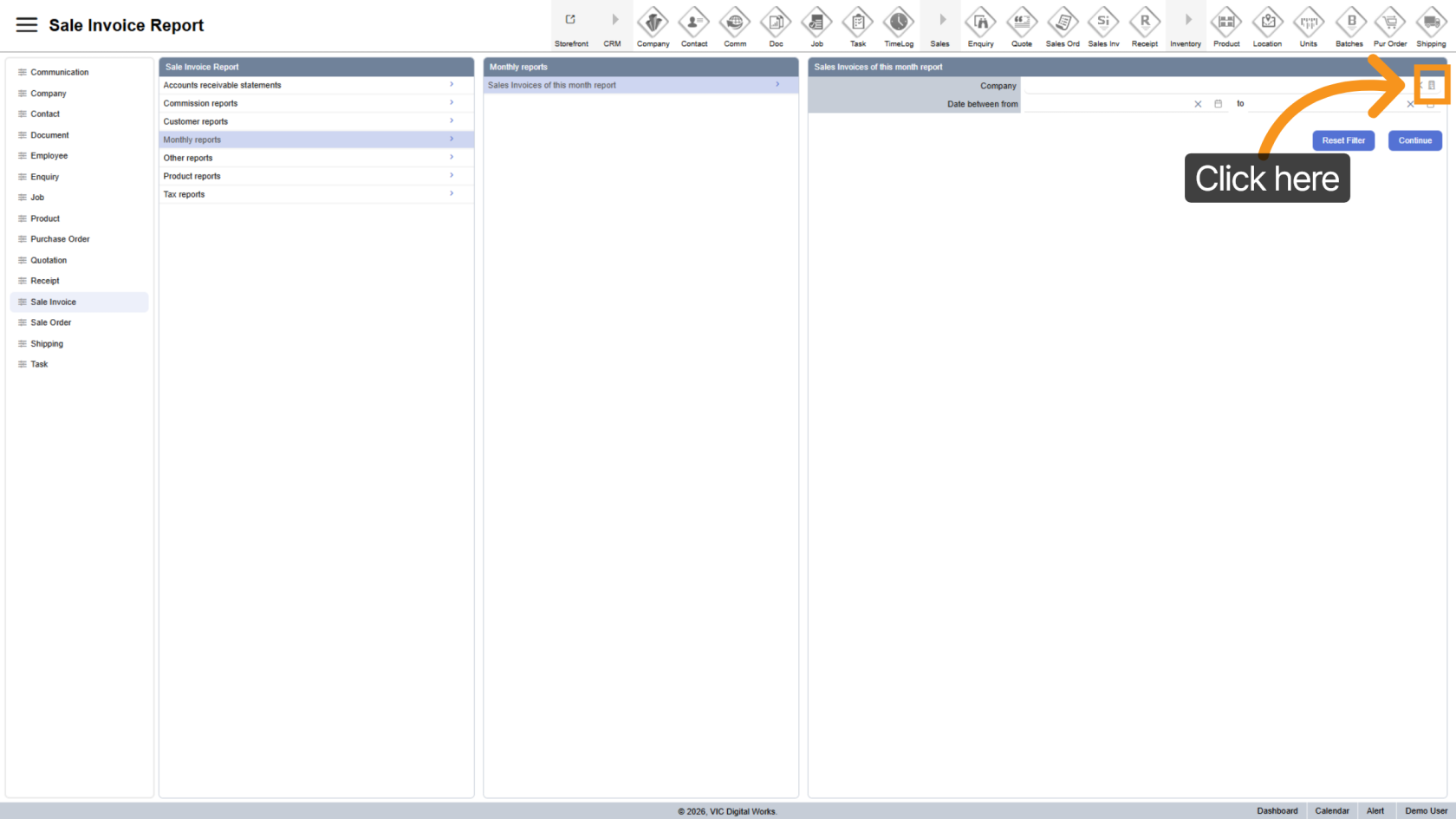
4. Select Company
Click the  company icon to choose a specific company.
5. Apply Date Range
Select a date range option to filter invoices over a period of time.
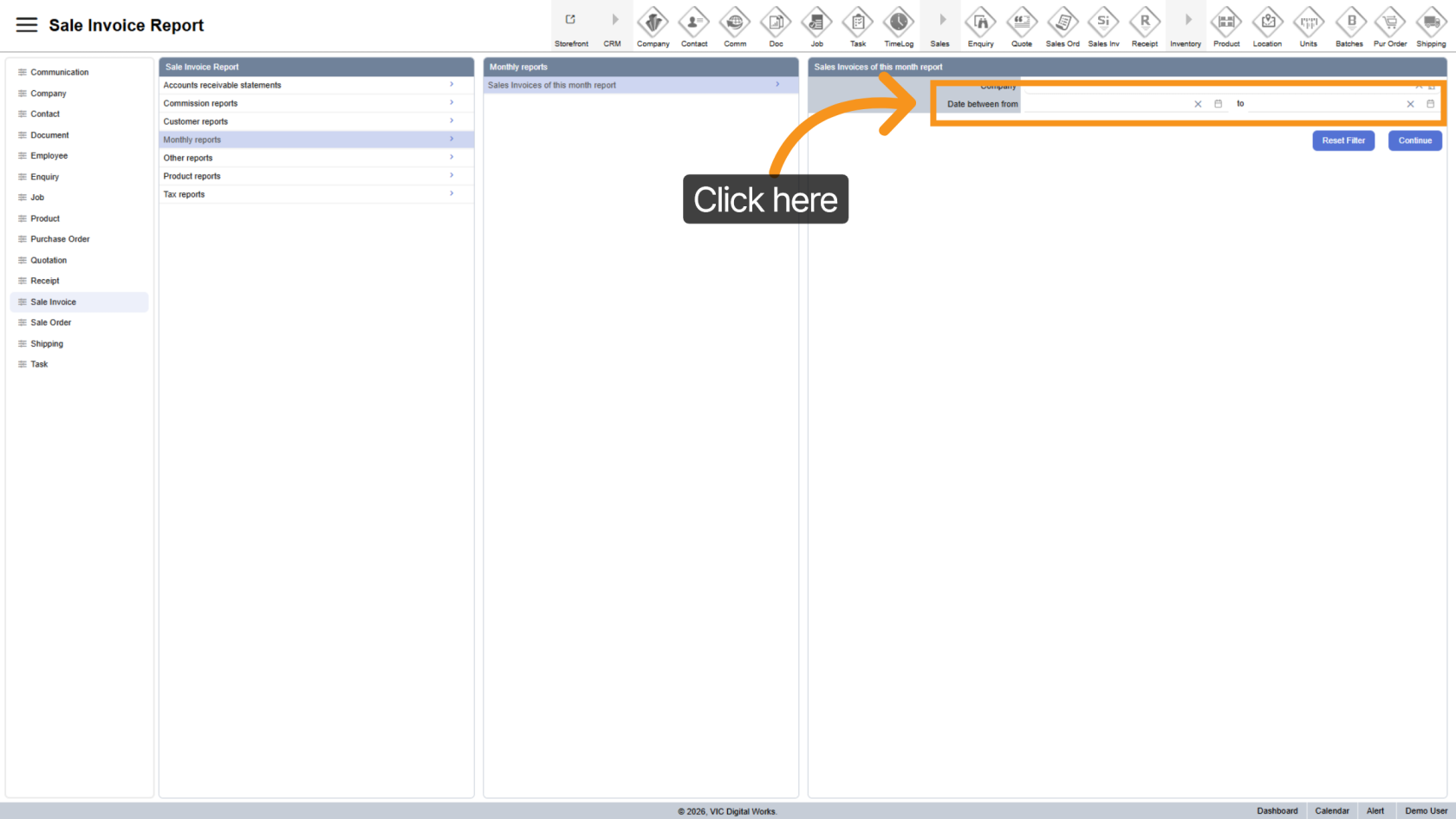
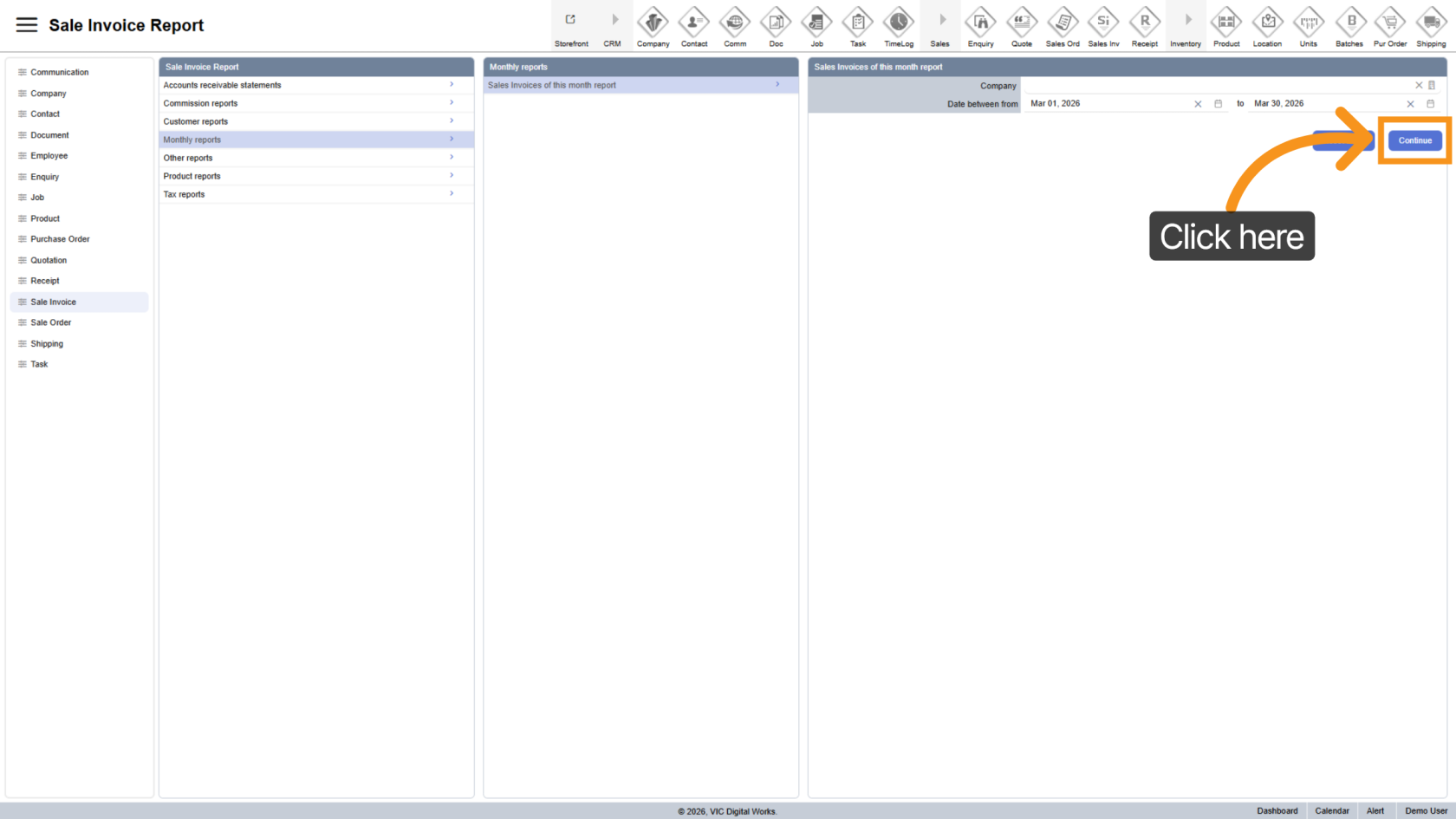
6. Generate Report
Click "Continue" to generate the report based on your selected filters.
7. Export Report
- Excel
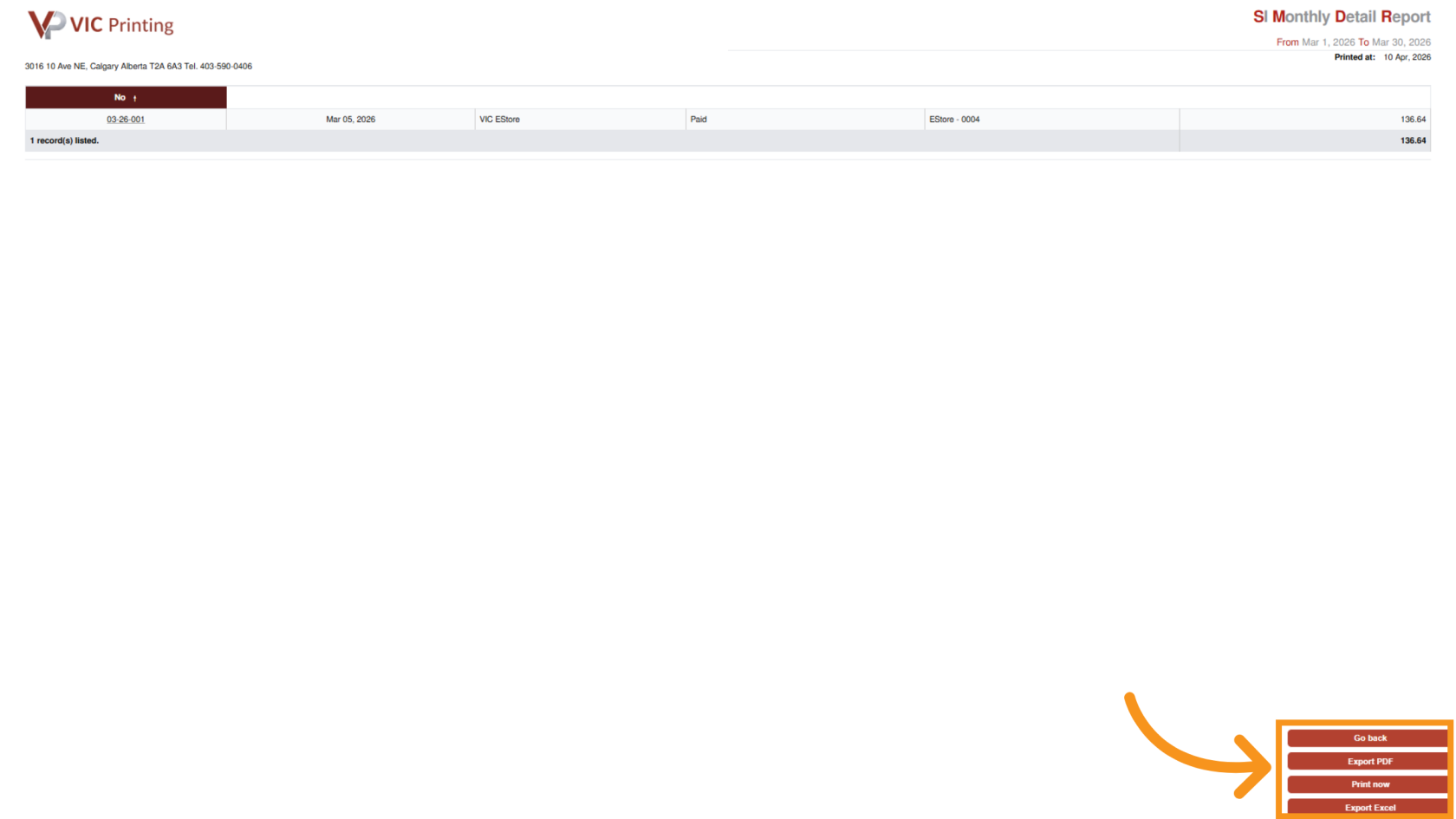
You have successfully generated and reviewed the monthly sales invoice report in the Worktraq App.