
Pricing Tables Workspace
This tutorial walks you through managing and configuring pricing tables in the Worktraq App, allowing you to control pricing structures and reuse them across products.
Video Tutorial
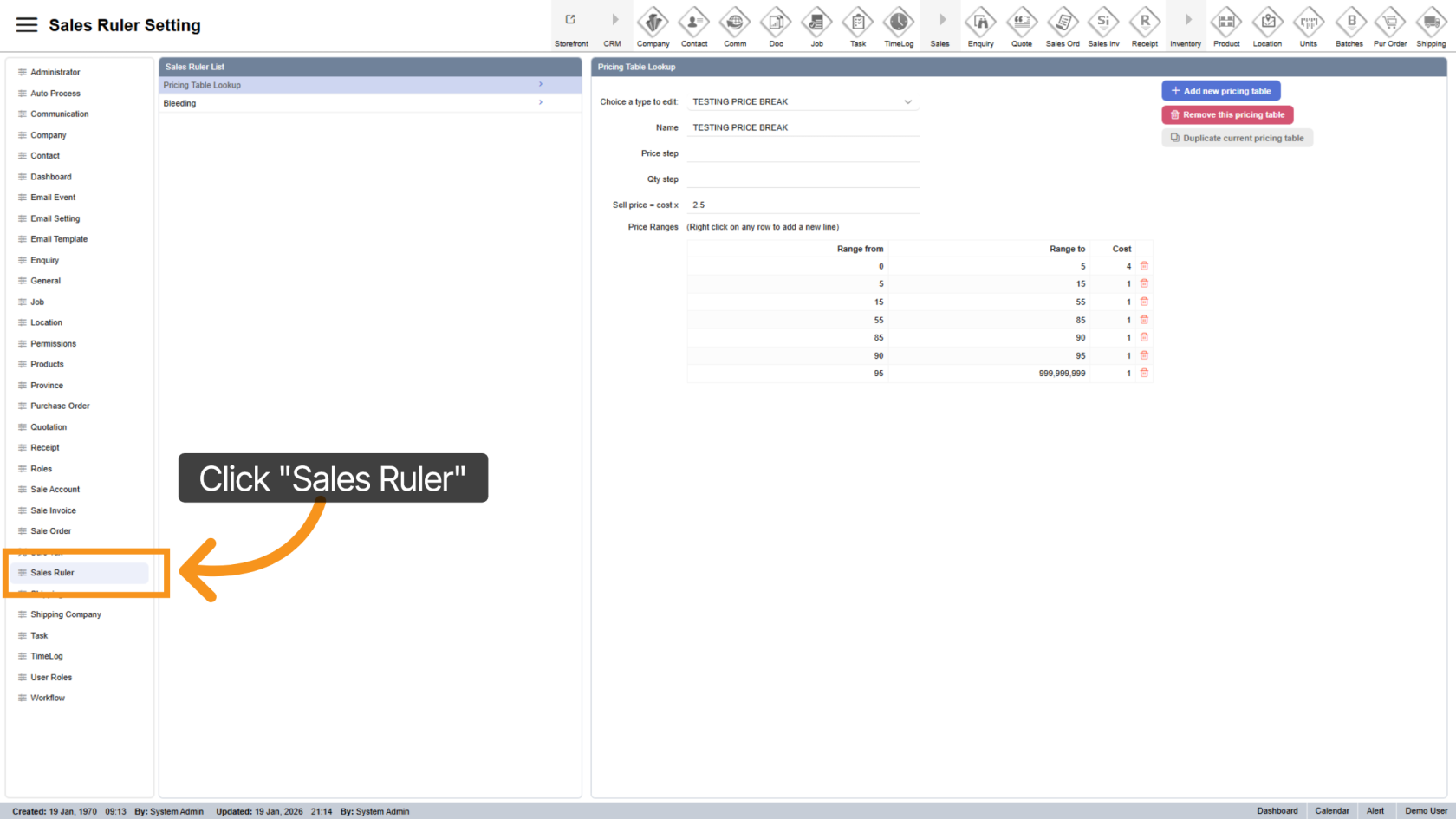
1. Access Sales Ruler Module
Click "Sales Rule" to open the sales management section.
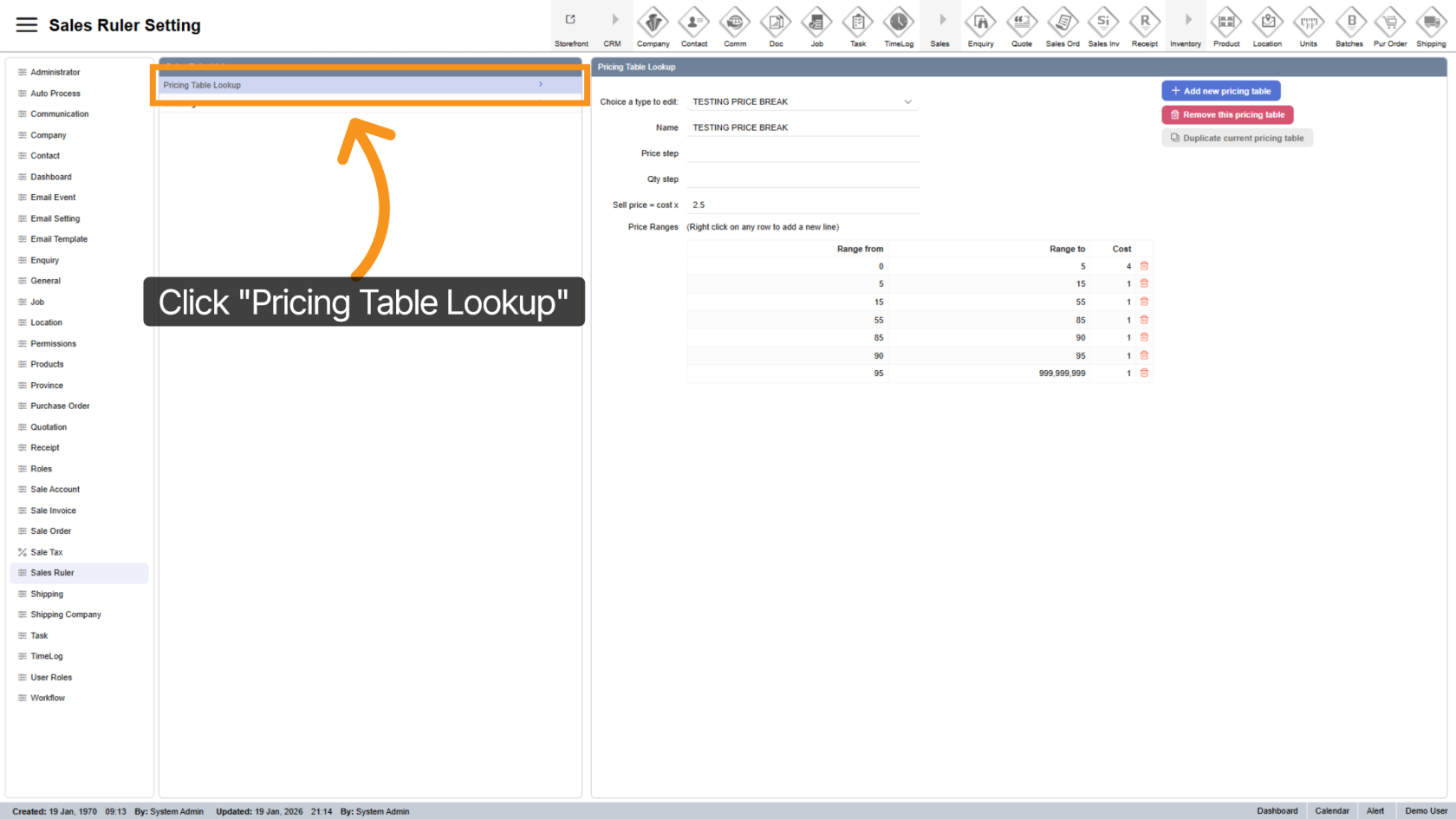
2. Open Pricing Table Lookup
Select Pricing Table Lookup to view and manage all pricing tables.
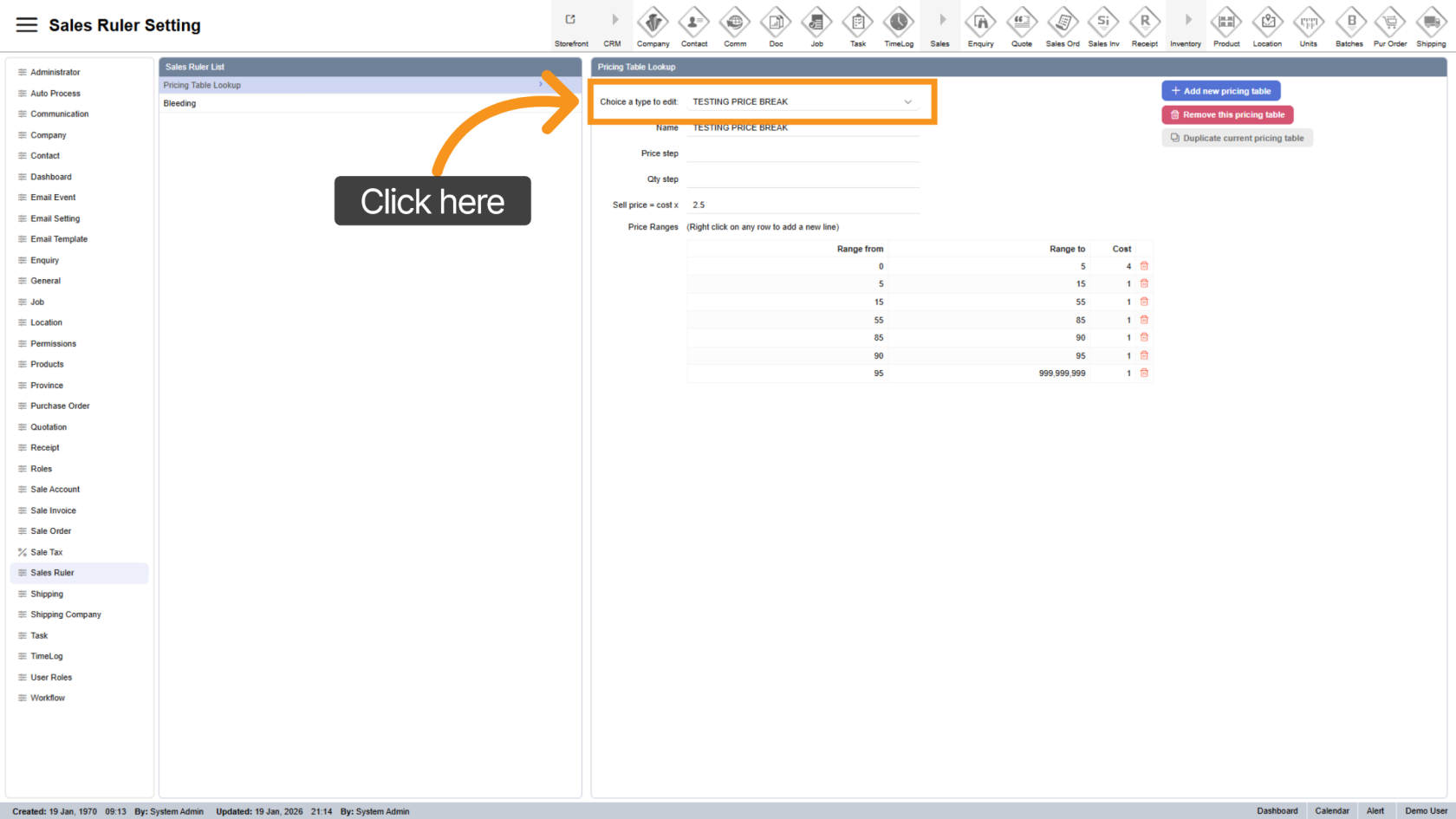
3. Select Pricing Table
Choose a pricing table to view its details.
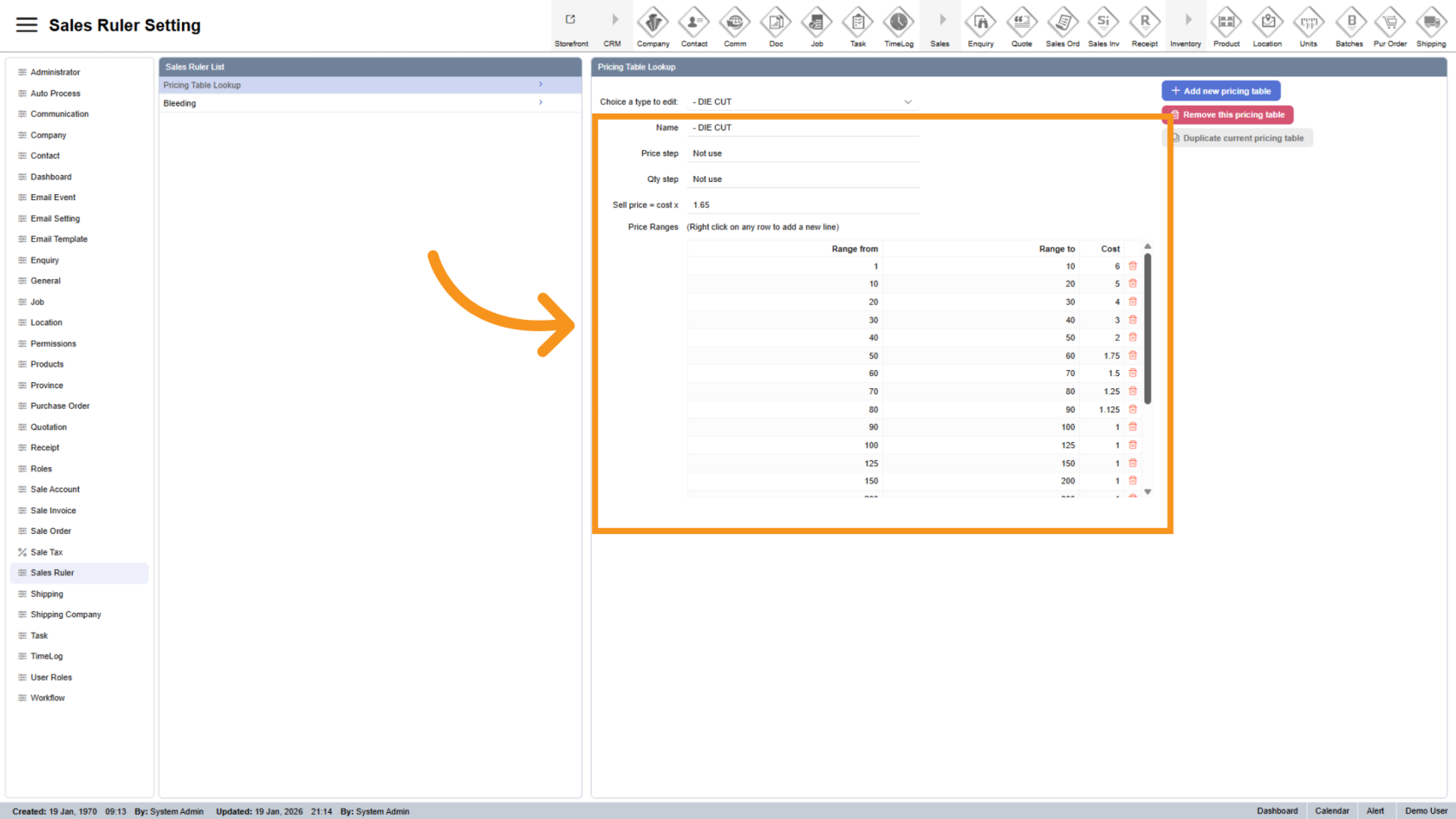
4. View Pricing Table Detail
All configuration details of the selected pricing table will be displayed below.
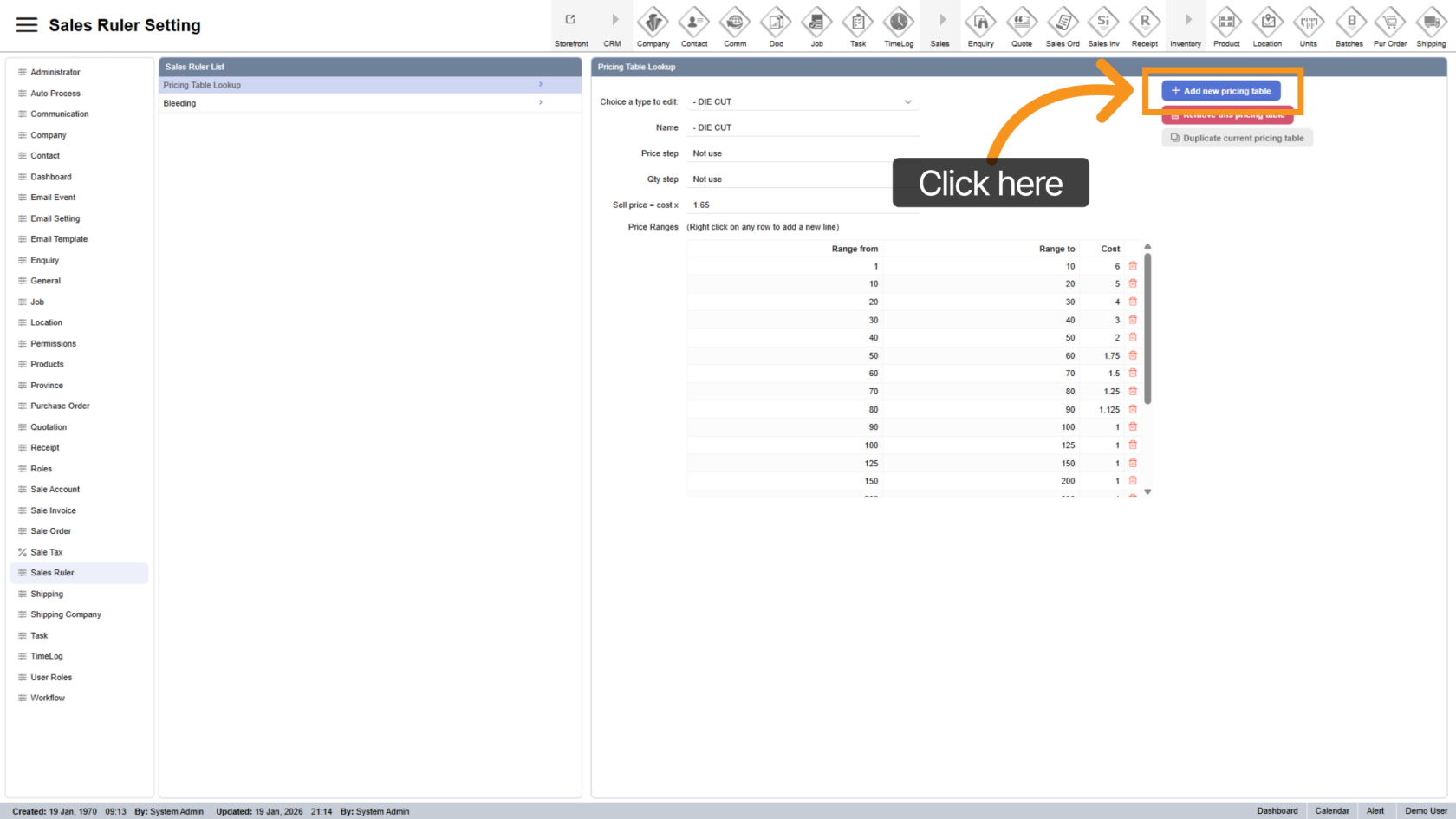
5. Add New Pricing Table
Click Add New Pricing Table to create a new table.
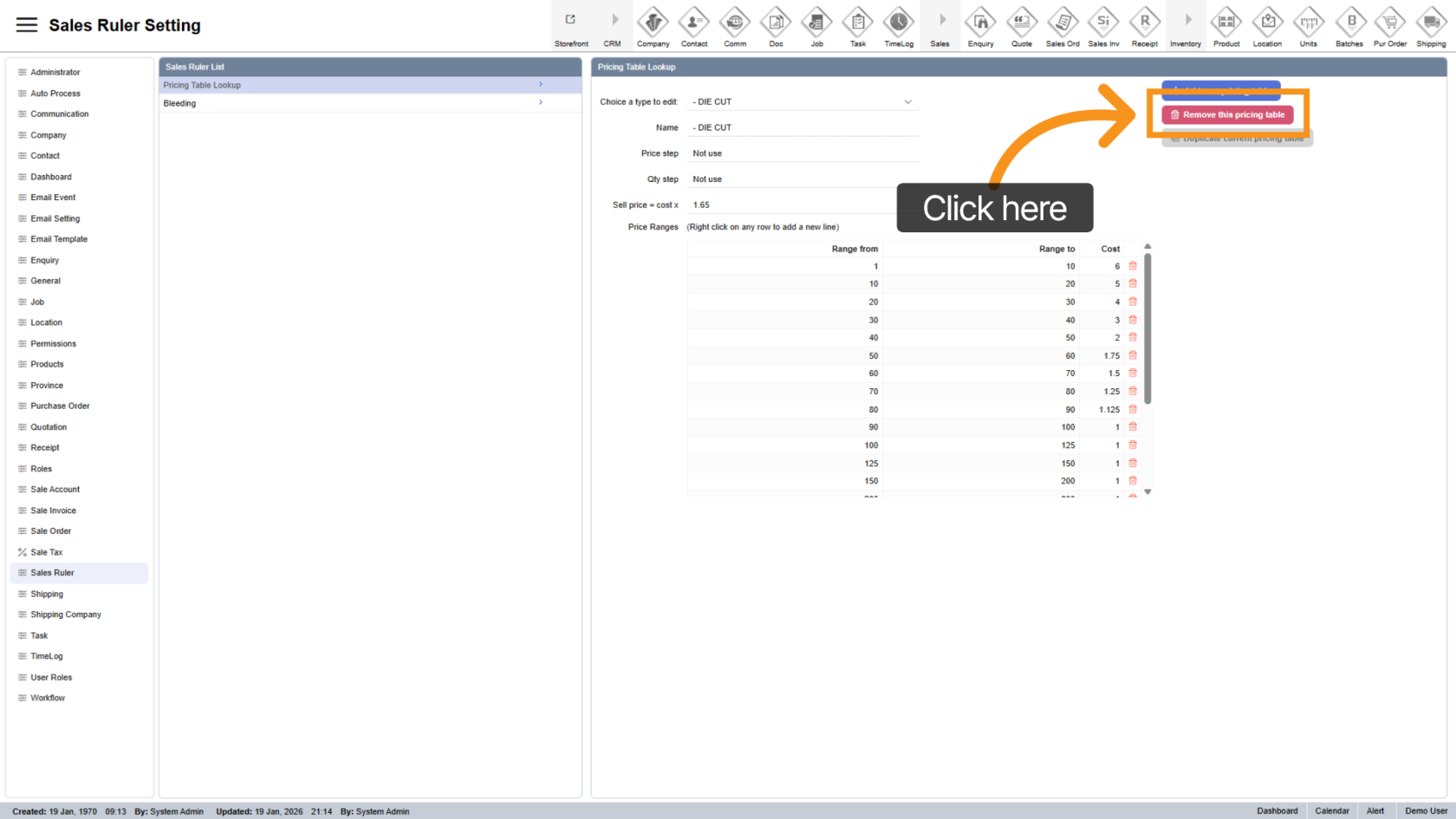
6. Remove Pricing Table
Click Remove This Pricing Table to delete the selected table.
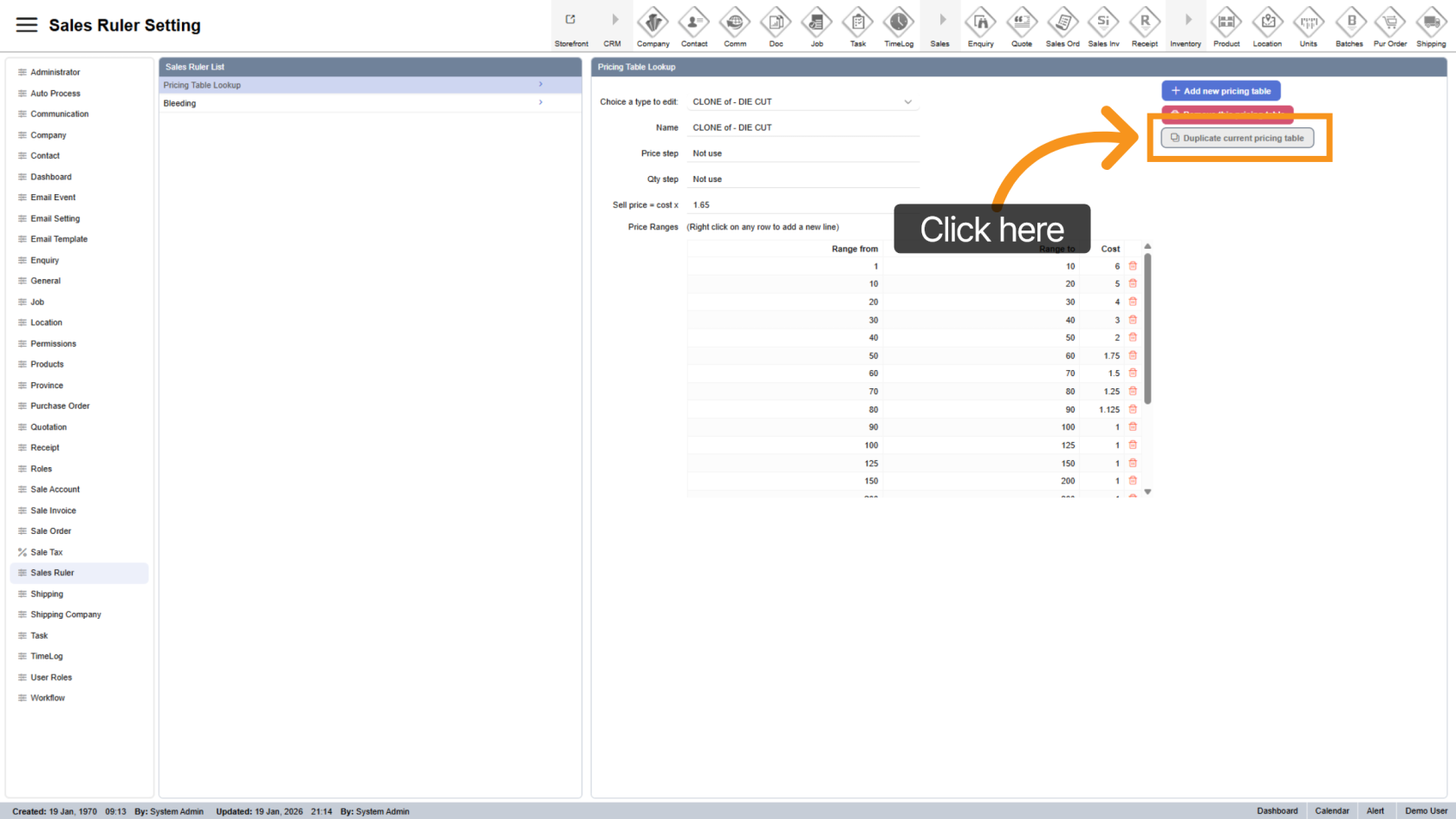
7. Duplicate Pricing Table
Click Duplicate Pricing Table to clone the current table.
This helps you quickly create a new table based on an existing configuration.
You have successfully managed pricing tables in the Worktraq App. Ensure your pricing structures are properly configured for accurate and consistent product pricing.