
Open E-Store Management
This tutorial explains how to open the E-Store dashboard in the application.
Video Tutorial
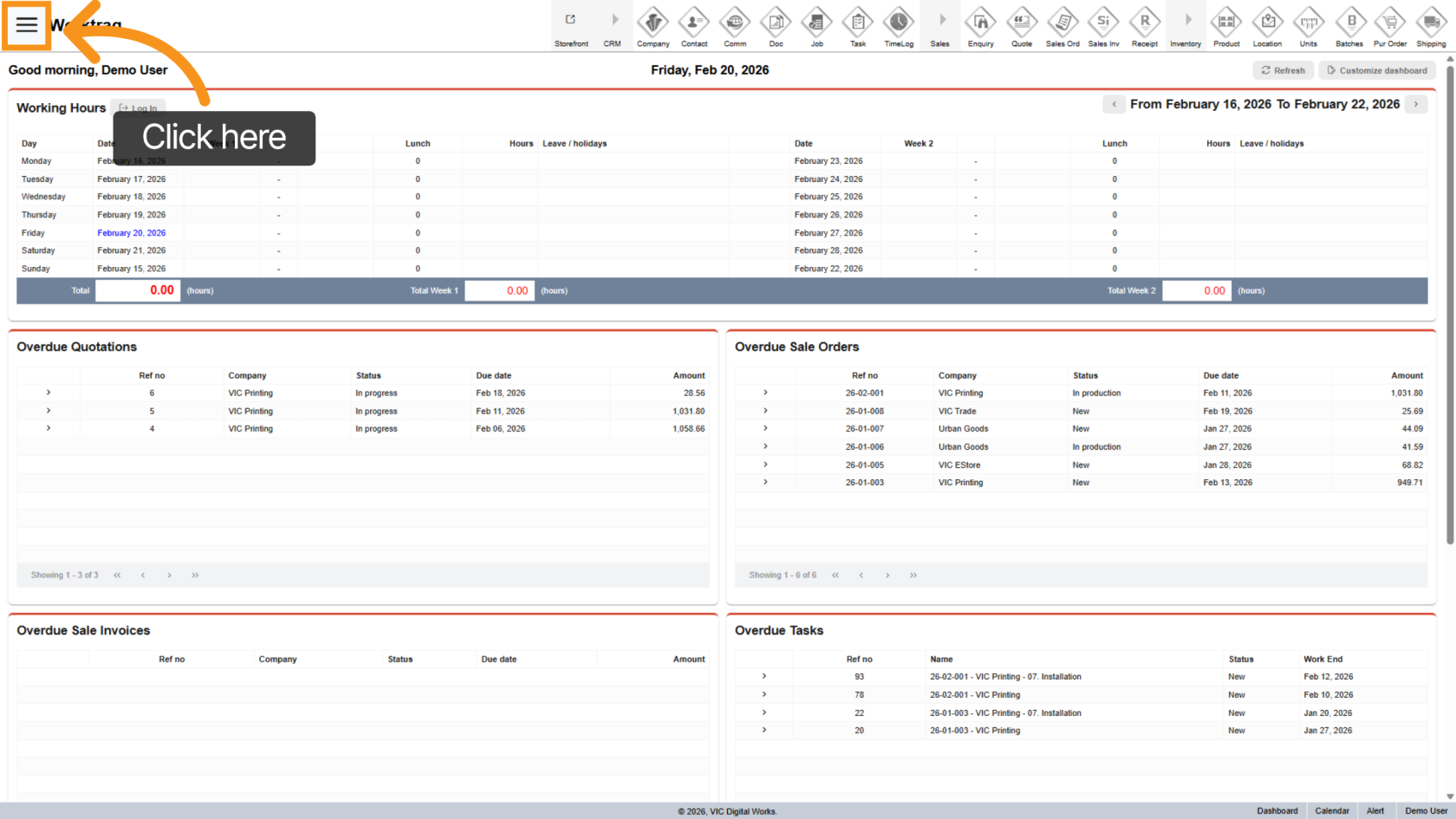
1. Open the Main Navigation Menu
Click the  main navigation menu to access application options.
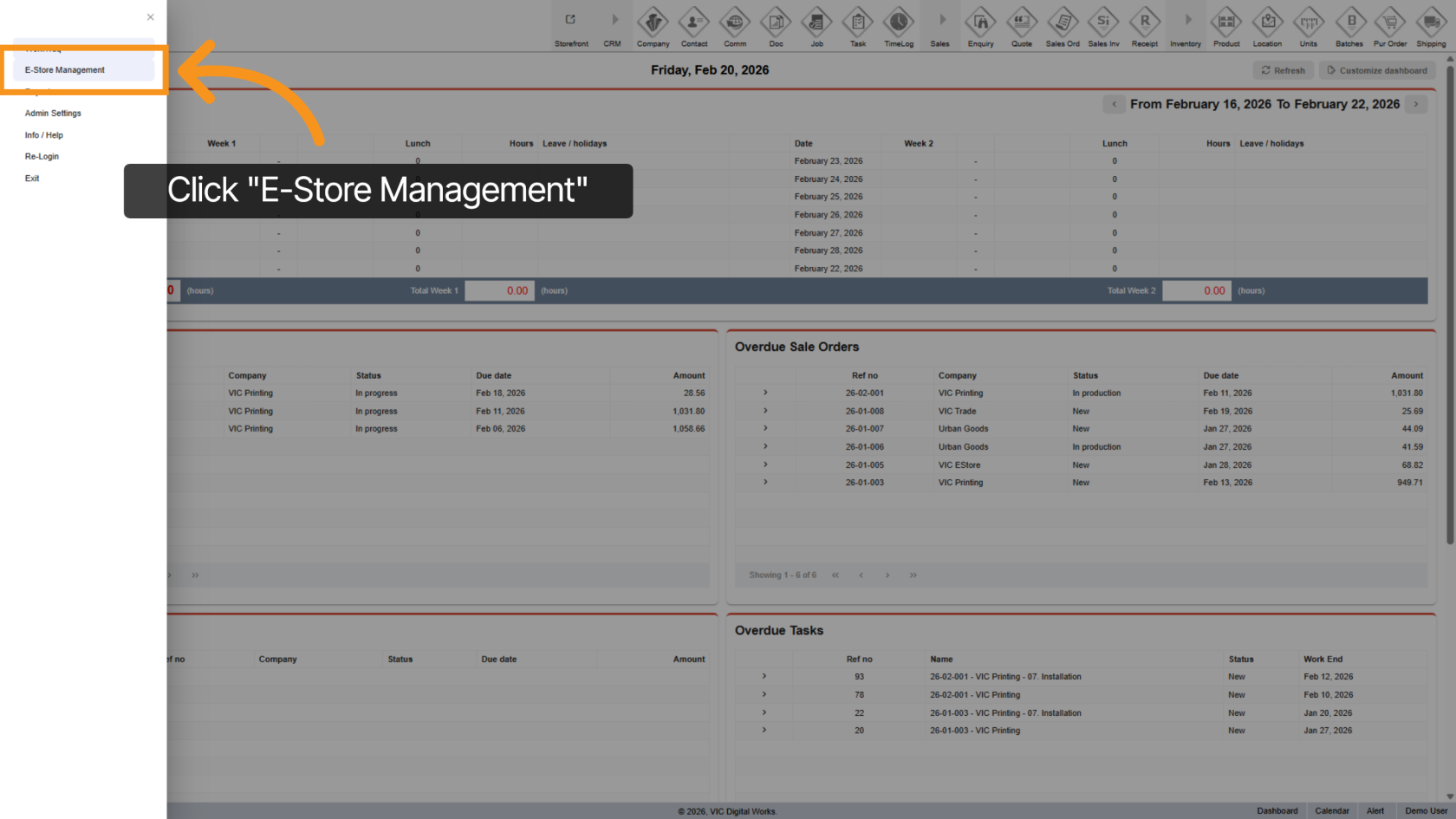
2. Select E-Store Management
Choose E-Store Management from the menu to enter the E-Store management area.
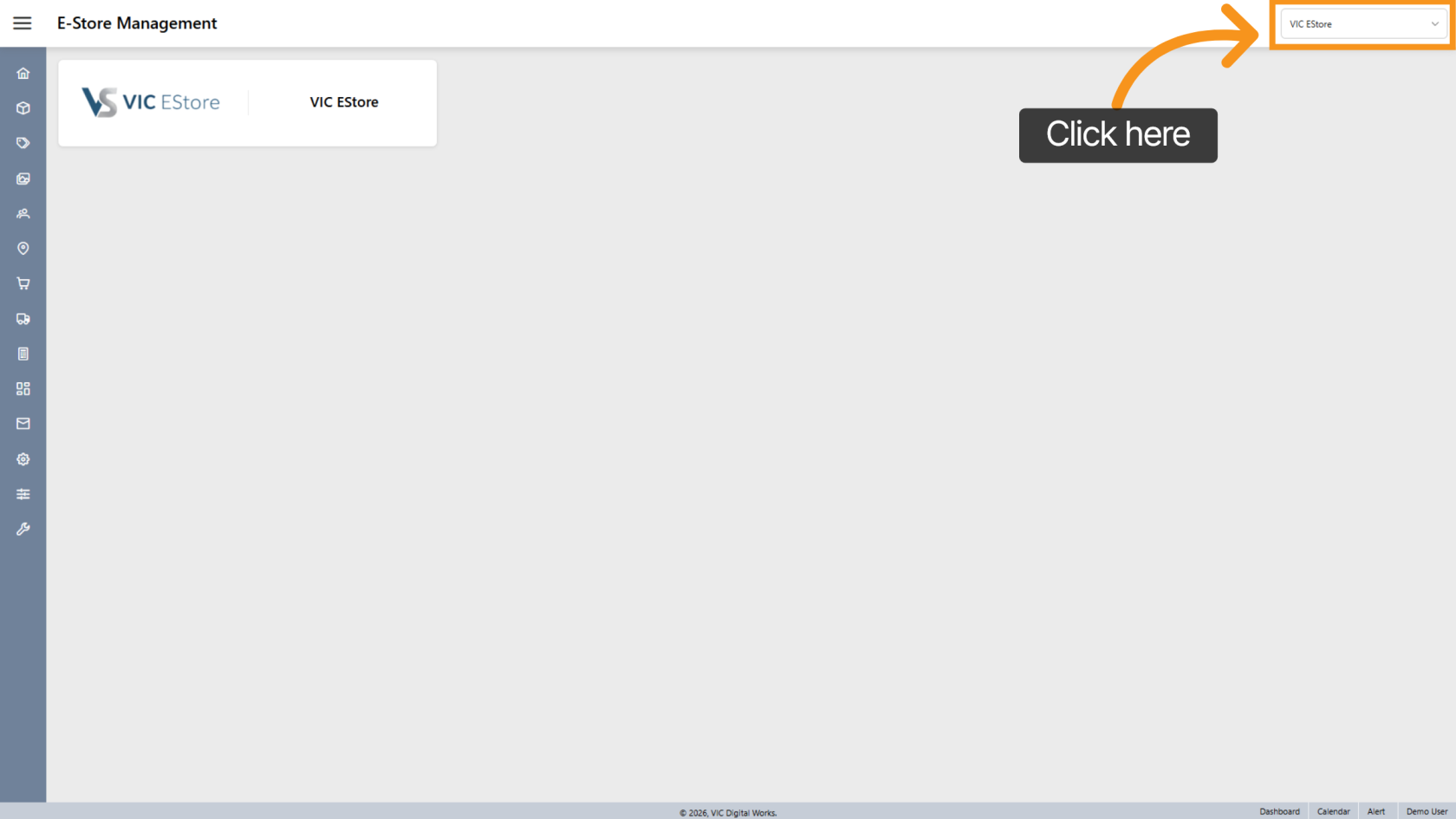
3. Select Your E-Store
Click the dropdown menu to select your specific E-Store company and access its settings and features.
4. Open Dashboard Menu Options
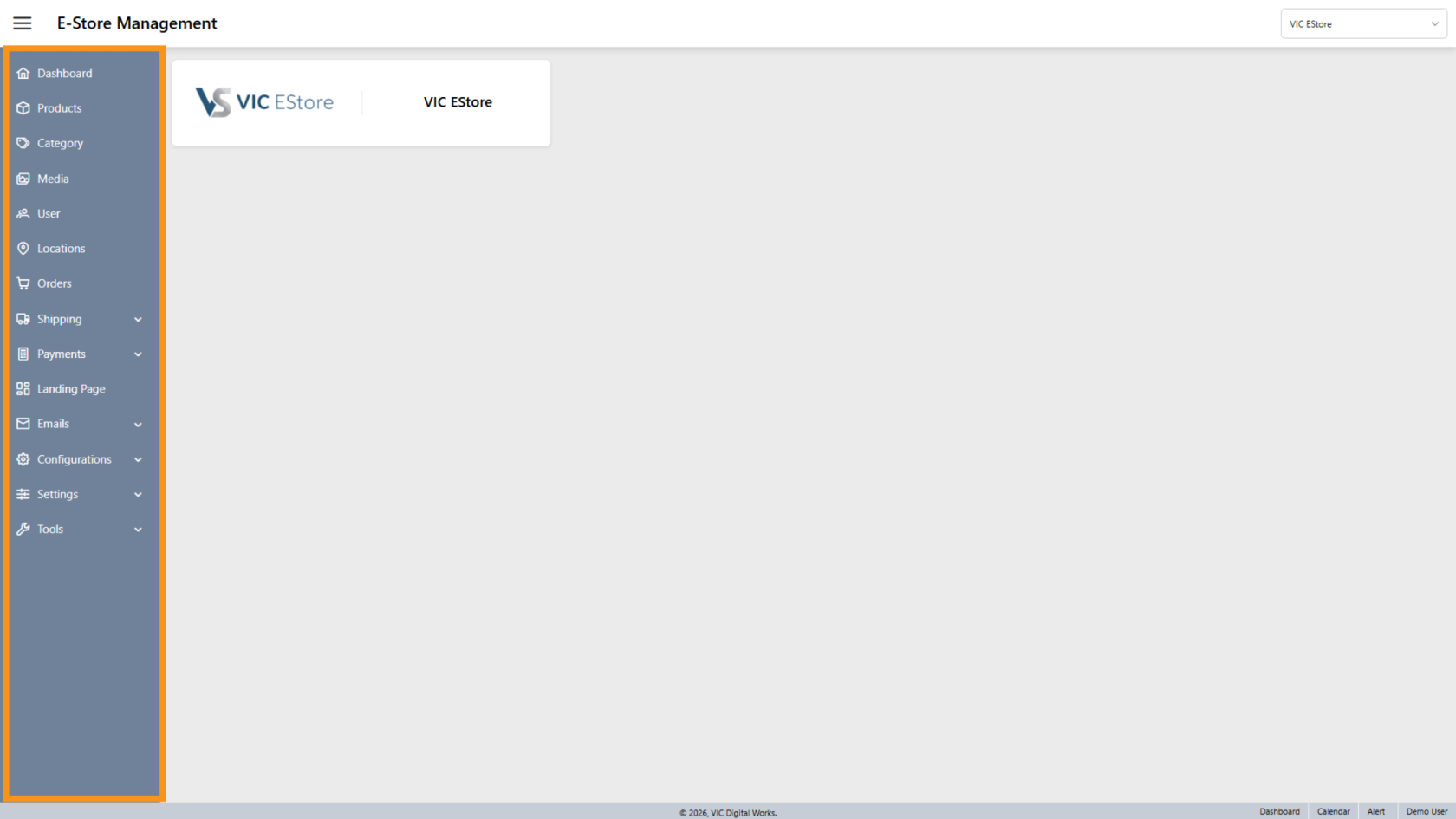
Hover over the sidebar to expand and view the available menu options.
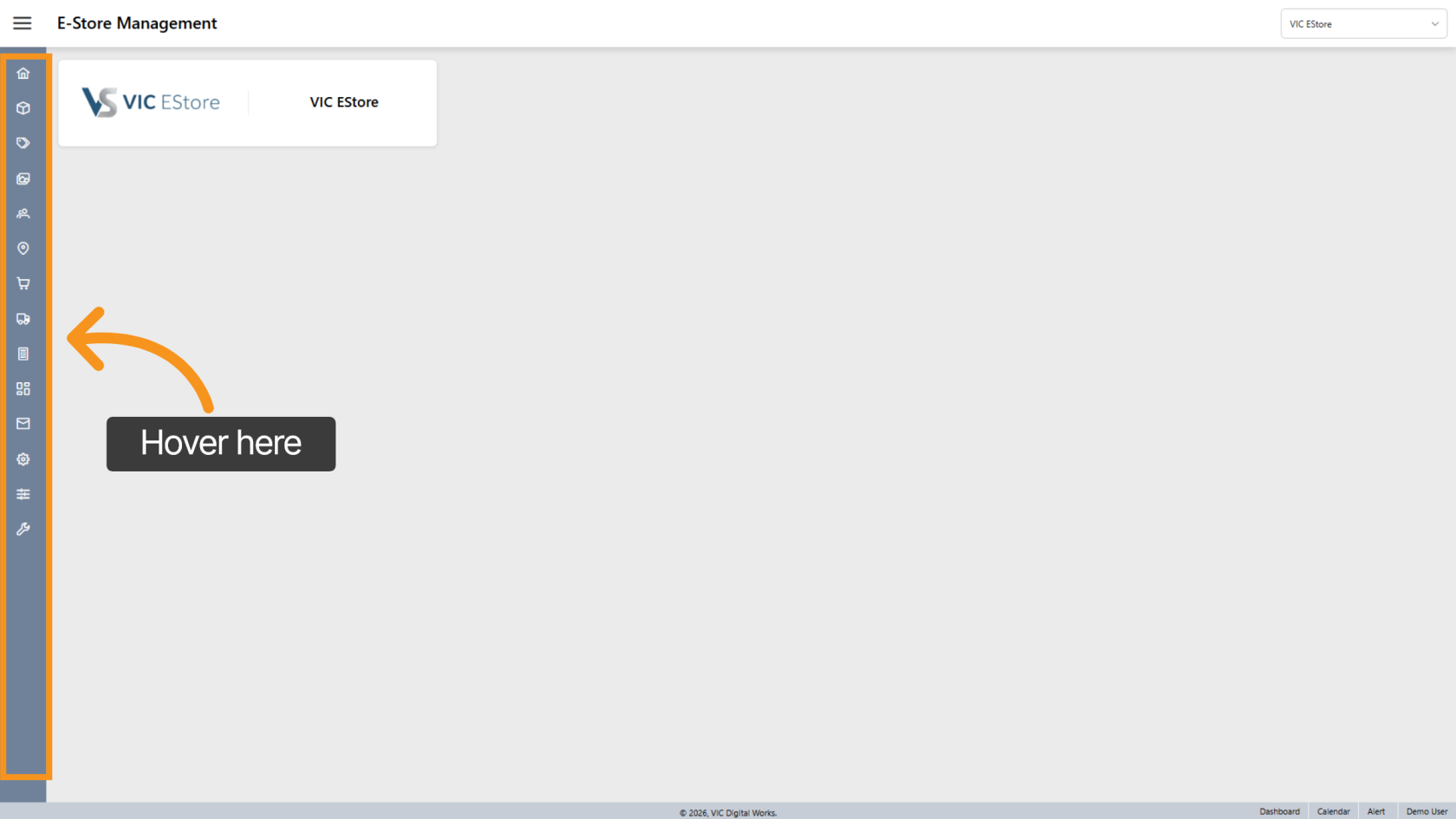
5. View Menu Options
You will see categories such as:
- Products
- Category
- Media, User
- Locations
- Orders
- Shipping
You have successfully opened the E-Store Management. You can now manage your store’s products, orders, and settings efficiently.