
Company Workspace
Video Tutorial
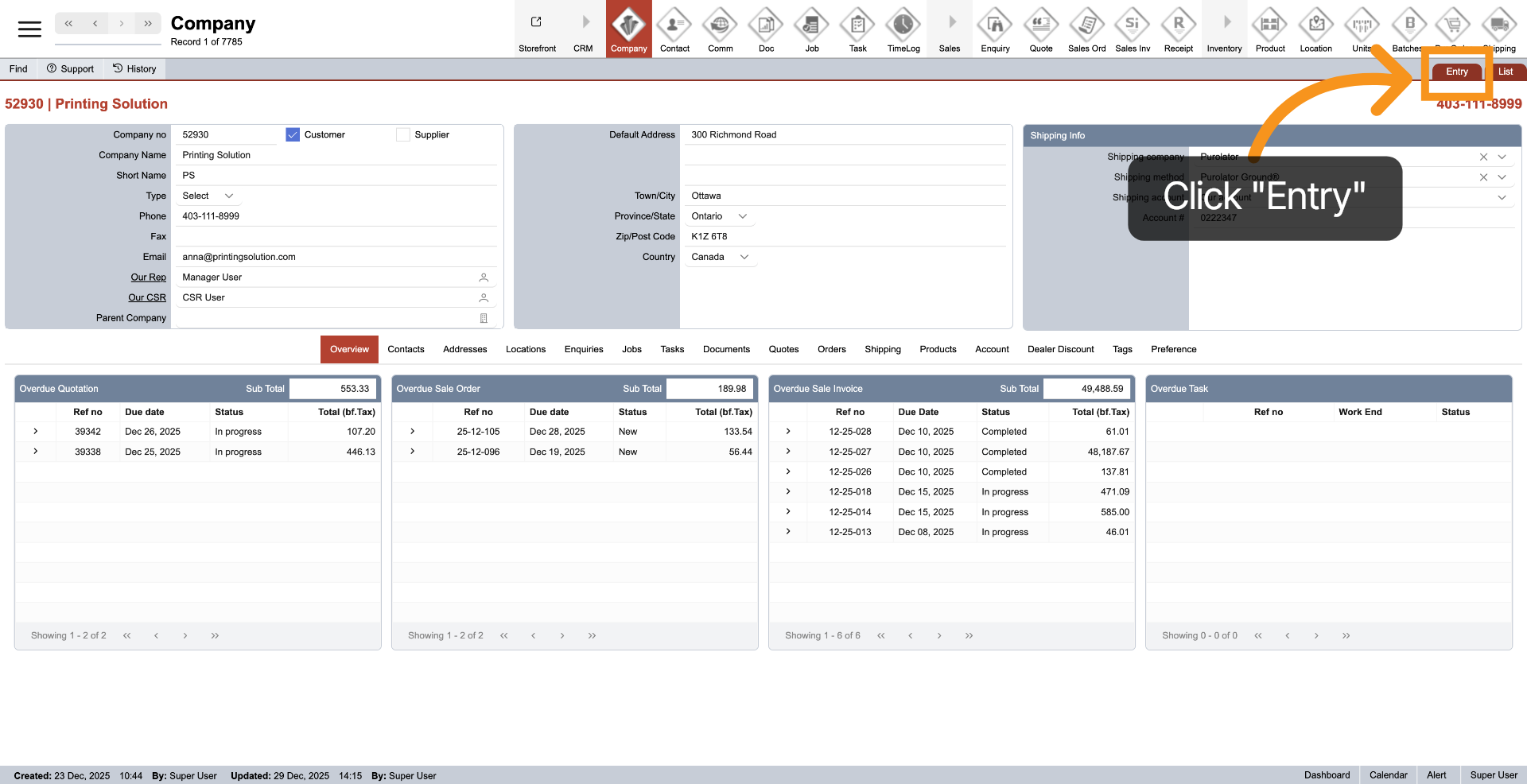
1. Entry section
"Entry" displaying all details of the selected company.
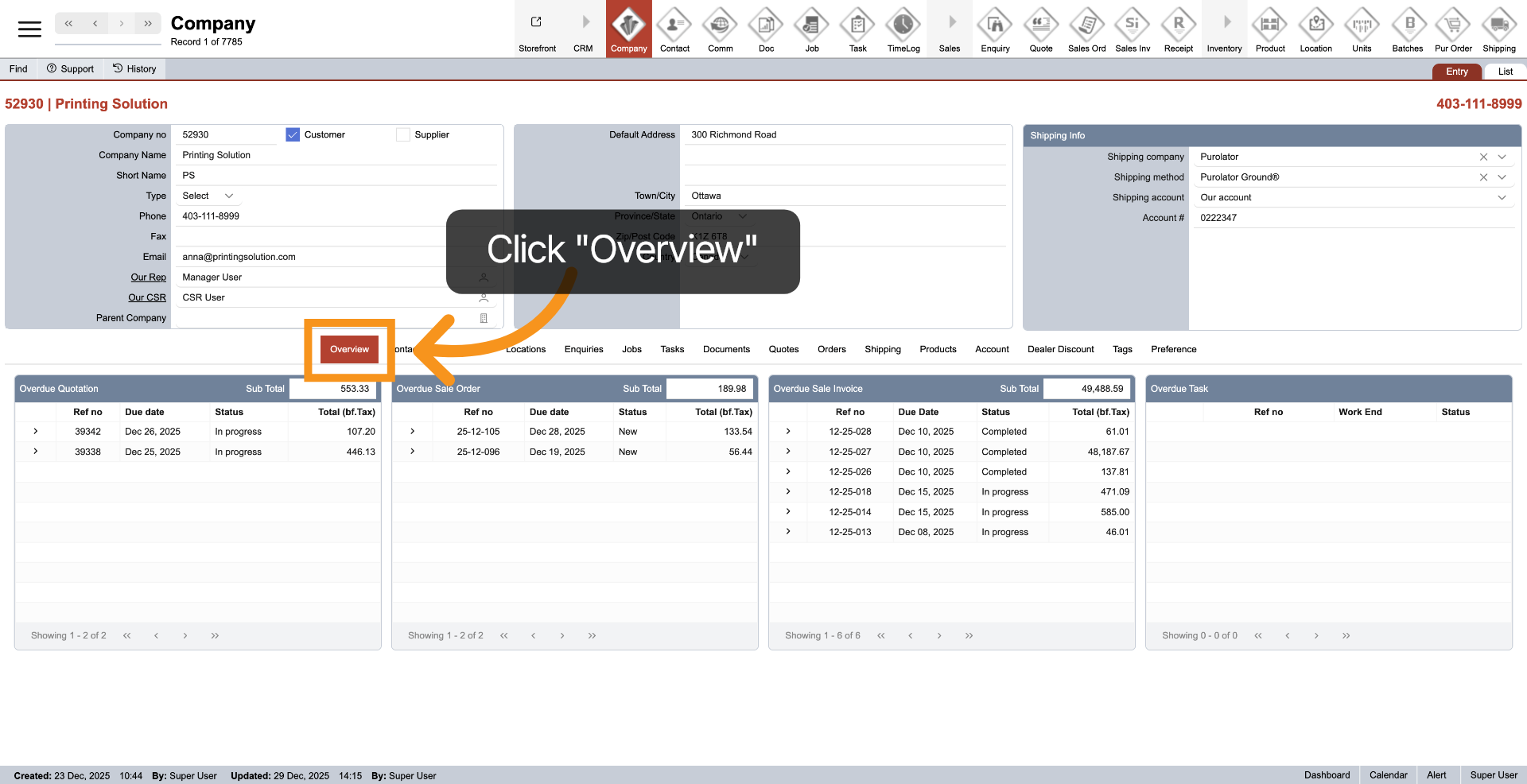
2. Overview Section
Under the Entry section, the Overview serves as a company dashboard, providing a quick summary of overdue quotations, sales orders, sales invoices, and tasks related to the company. This feature helps you make swift decisions for the company.
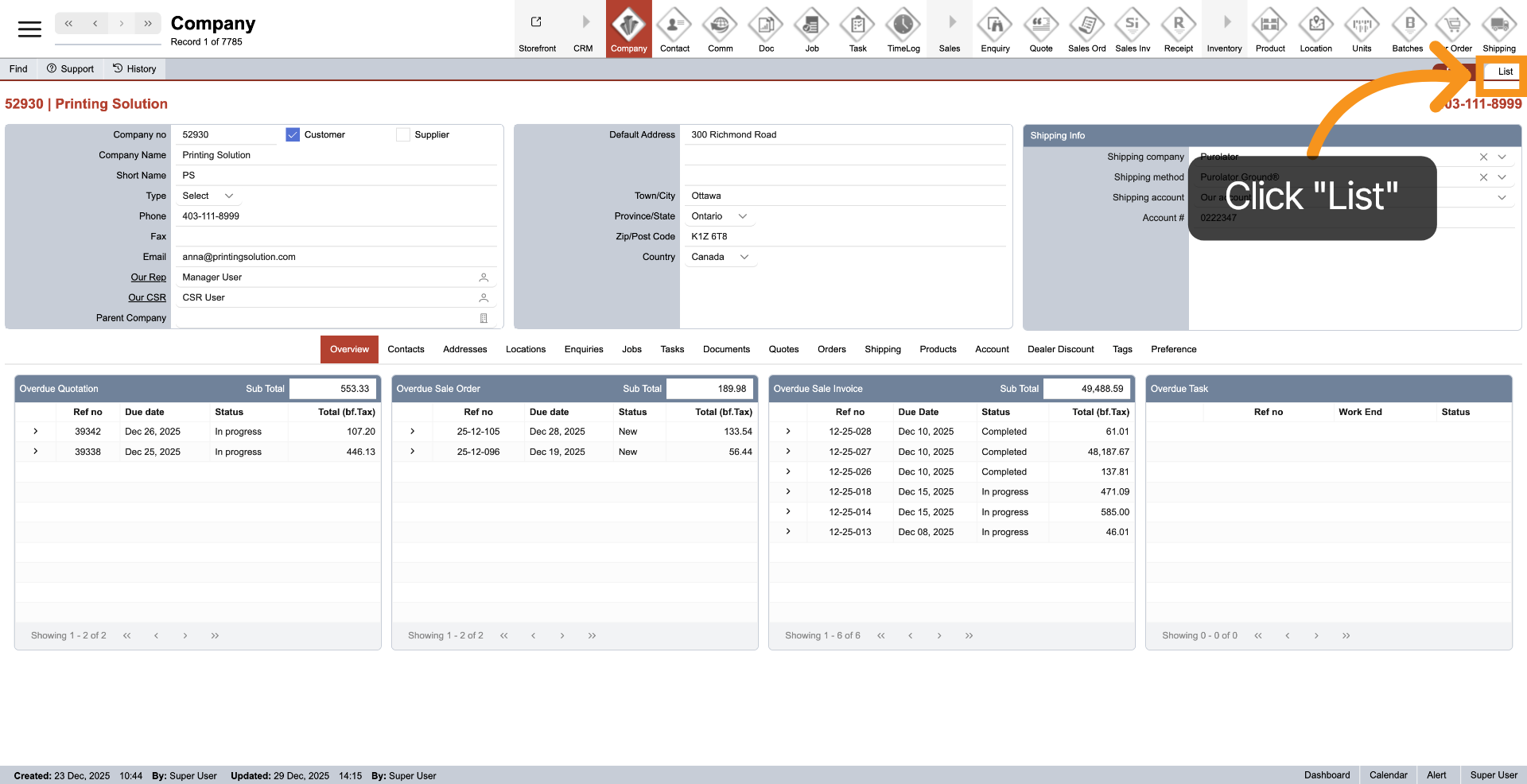
3. Company List
Clicking on "List" will navigate to all the companies in the system.
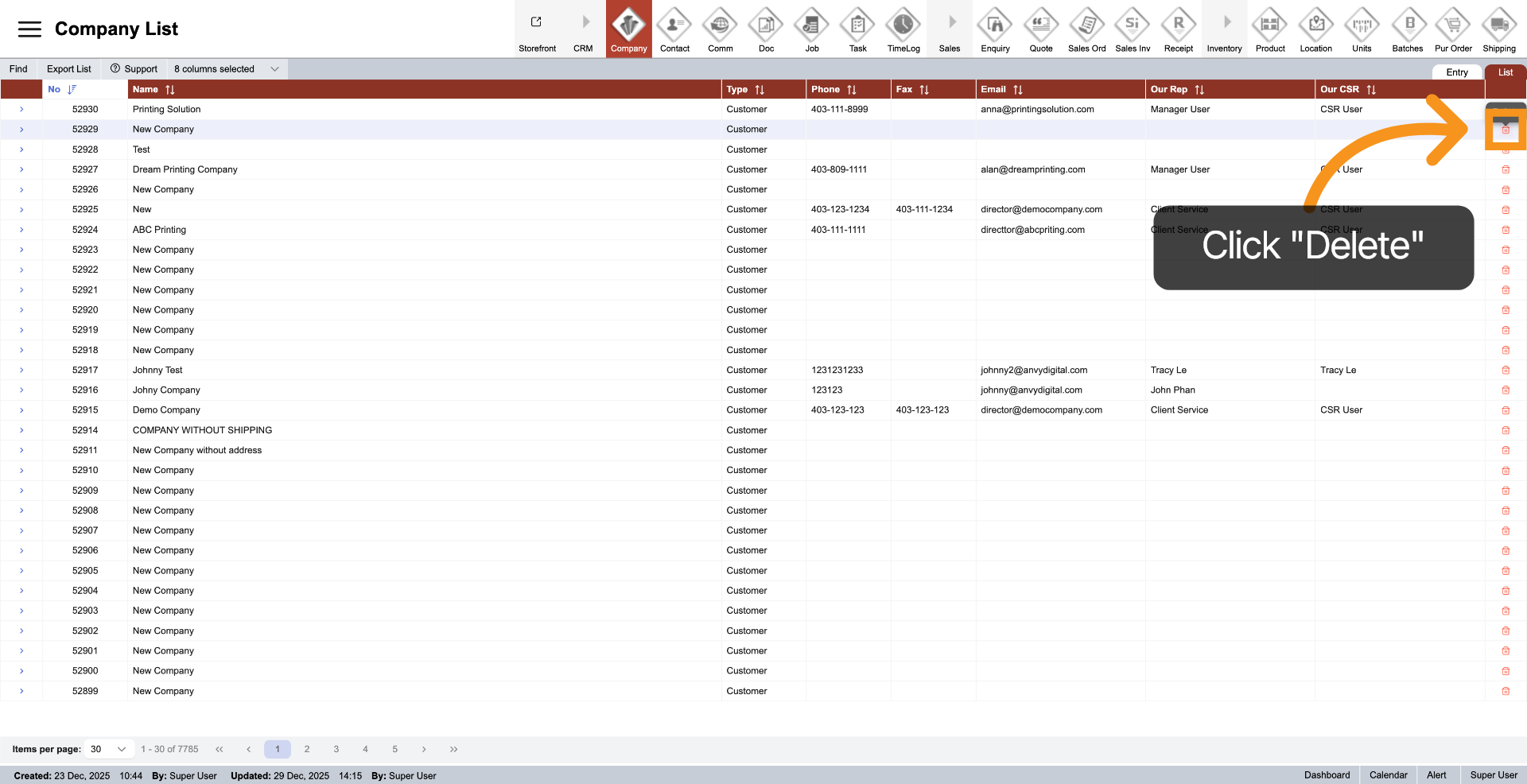
4. Delete Company
Under the Company List, click "Delete" to remove the company from the system.
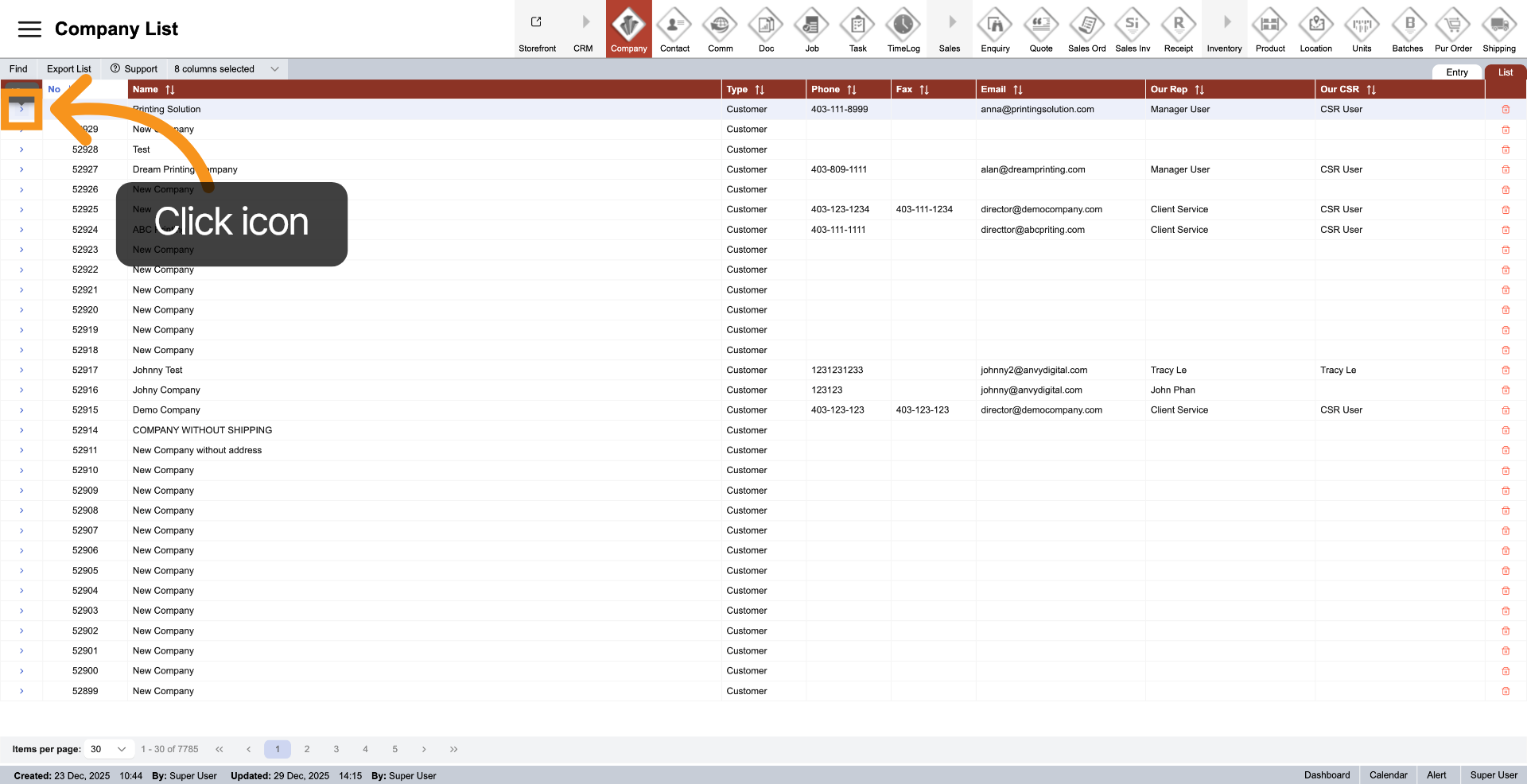
5. Navigate to Specific Company
Under the Company List, click the arrow next to the company you wish to view to access the company entry.
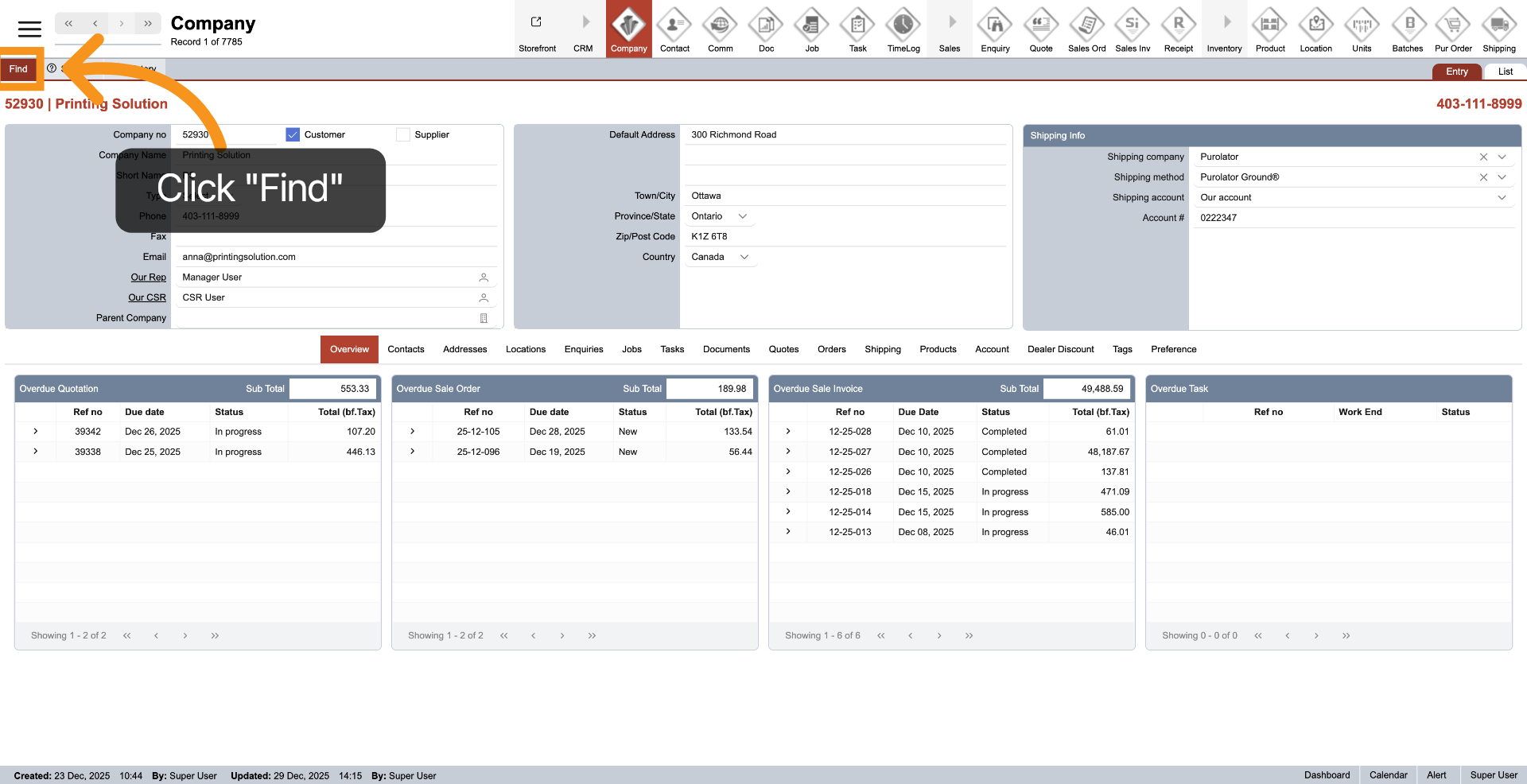
6. Open Find Function
Click "Find" to start a search within the company workspace for specific records or information.
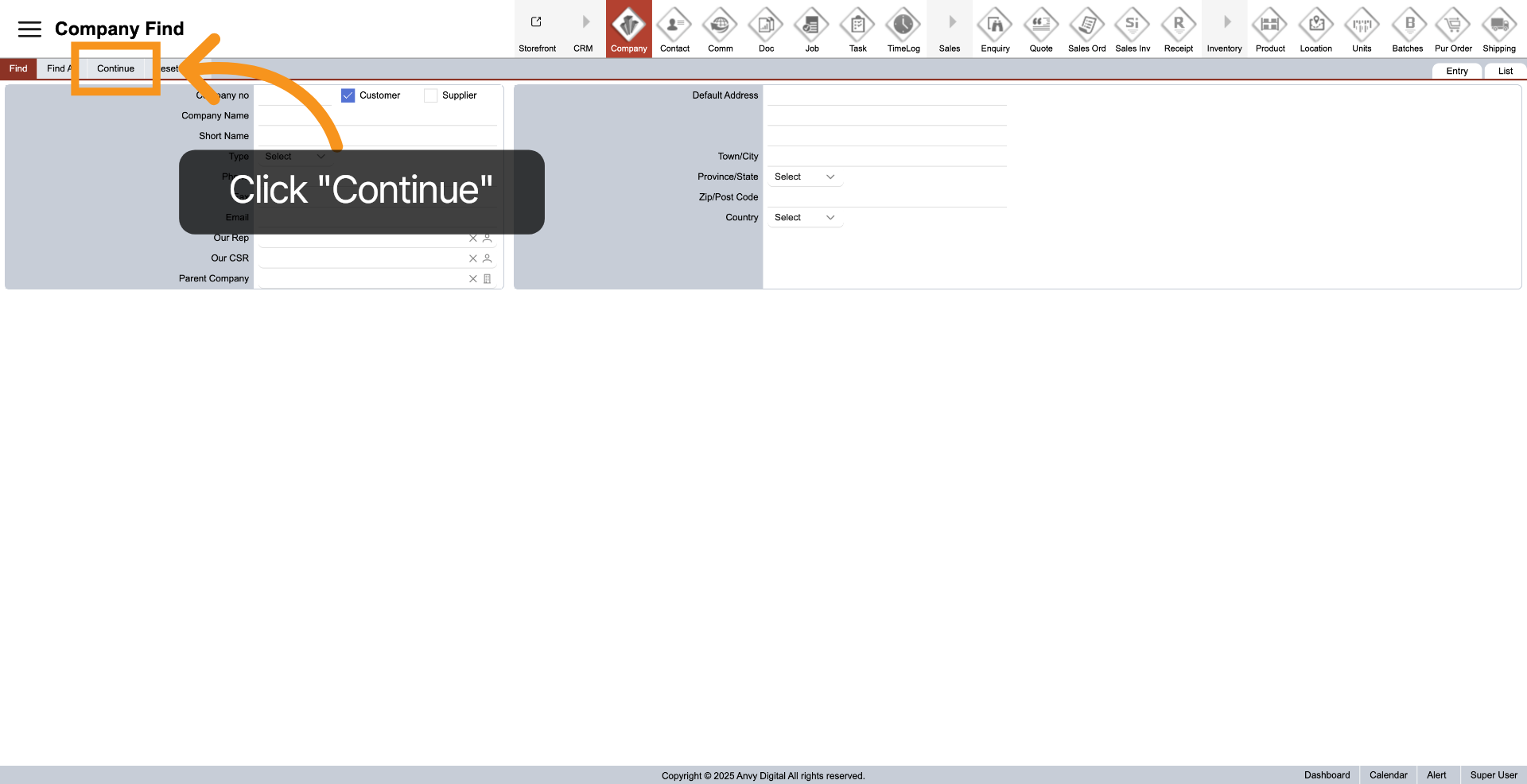
7. Start Find
In Company Find, after entering your requirements in the form, you can combine multiple fields to refine the results. Click "Continue" to view the outcomes.
You have successfully navigated the company workspace within the WorkTraq system.