
Duplicate a Quotation
This guide explains how to duplicate an existing quotation in the WorkTraq application.
Video Tutorial
1. Open the Quotation Module
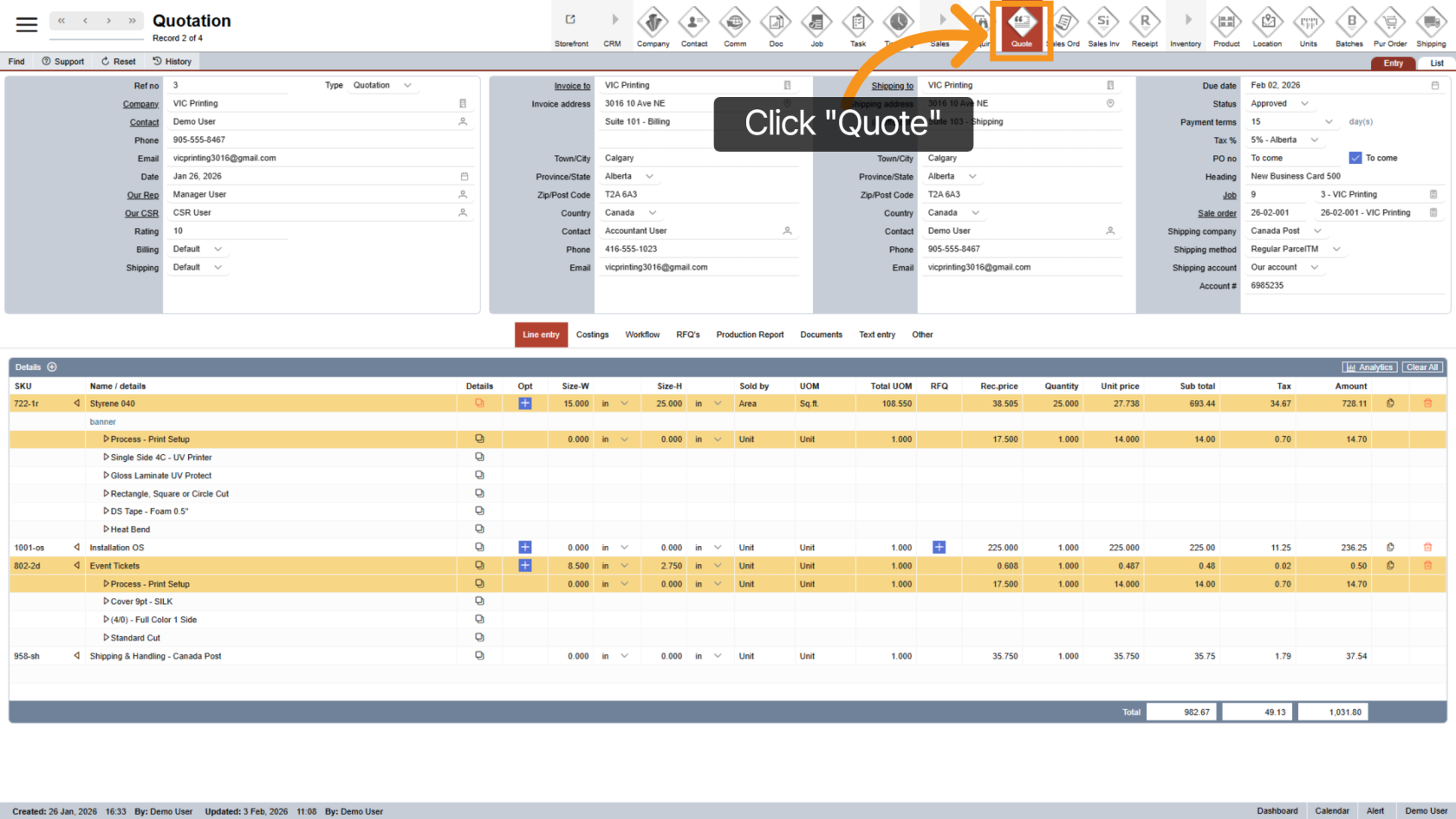
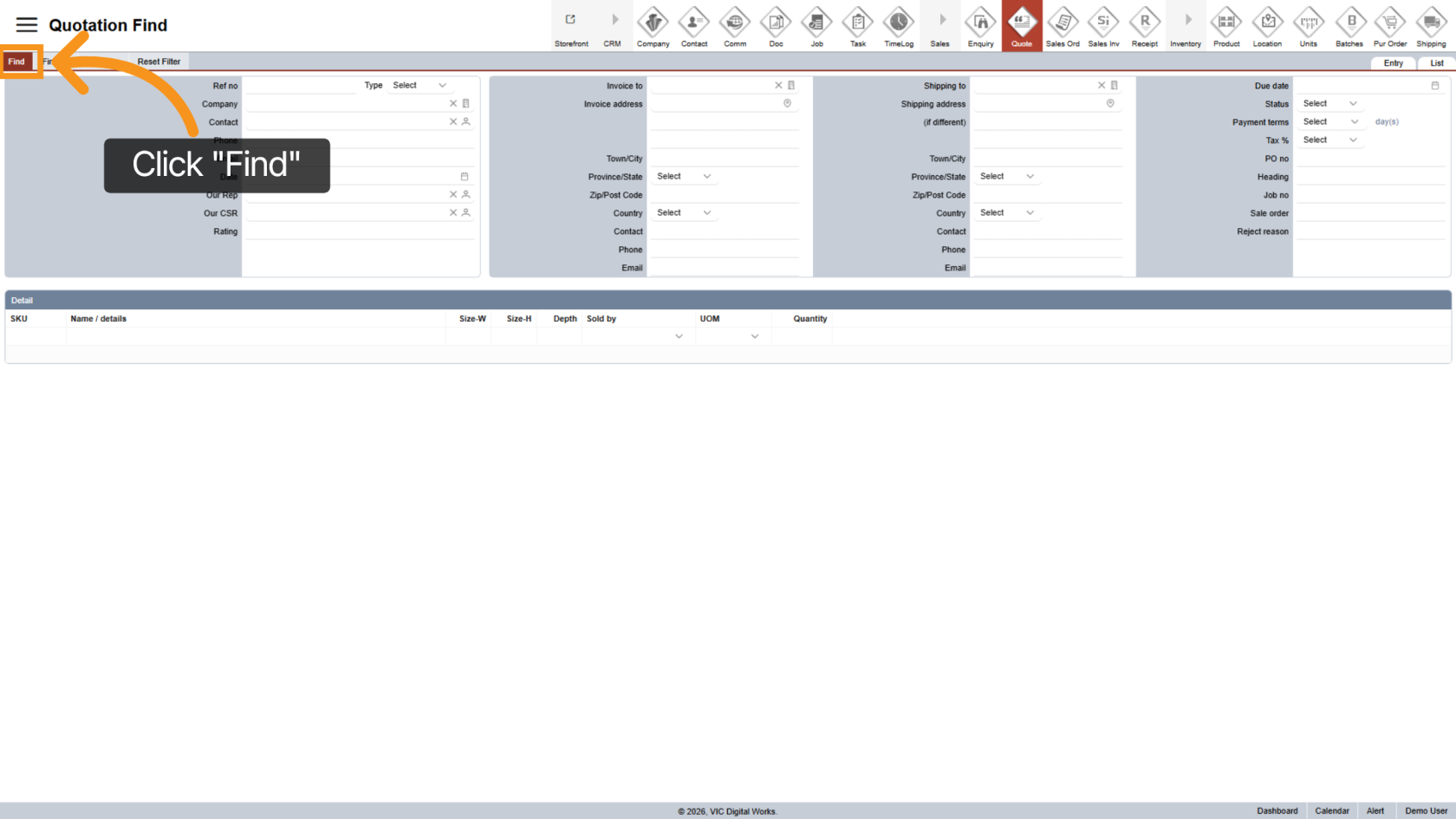
2. Find the Quotation
Click "Find" to search for the quotation you want to duplicate.
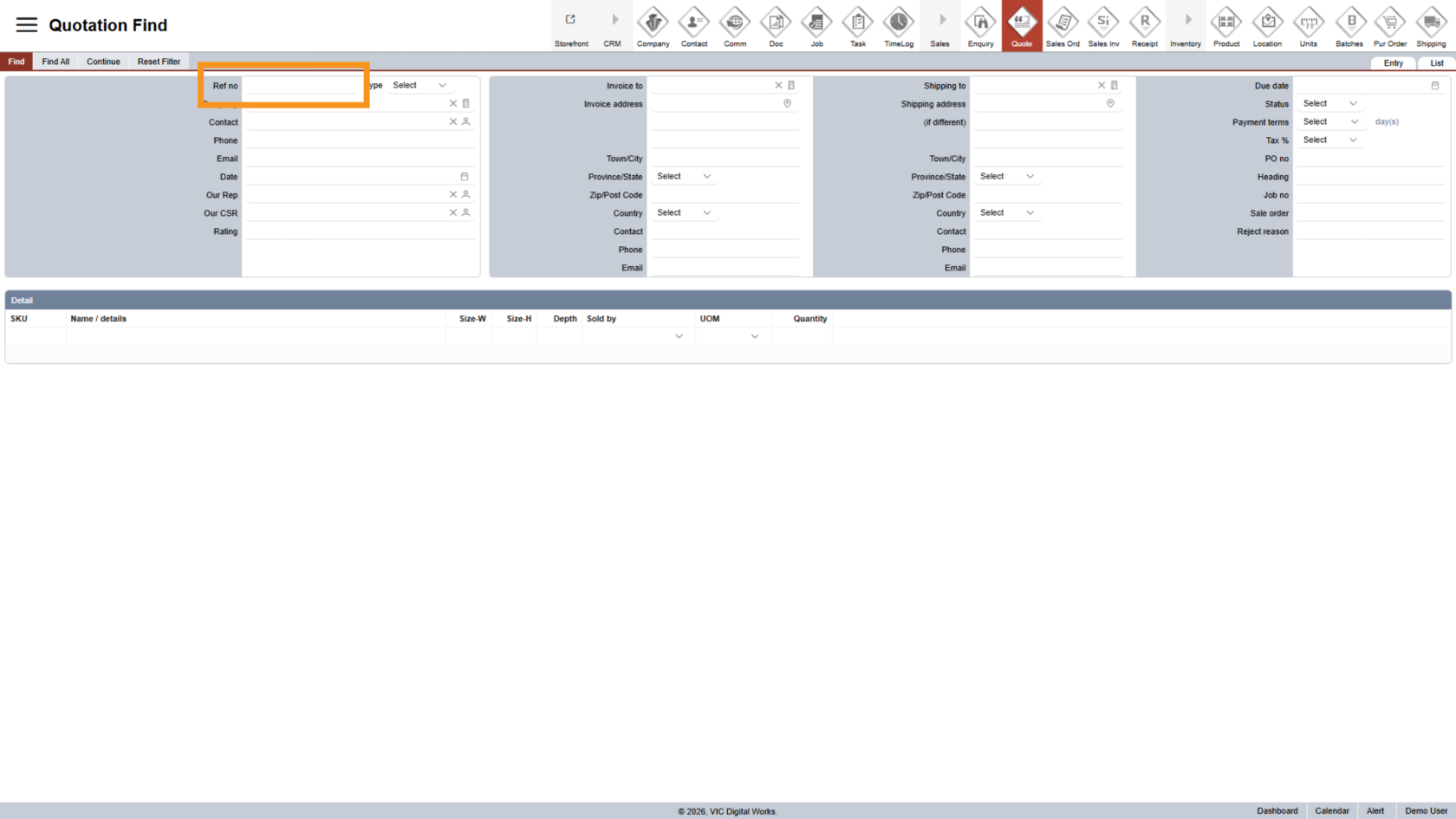
3. Enter Quotation Reference Number
In the search field, enter the quotation reference number to locate the correct quotation.
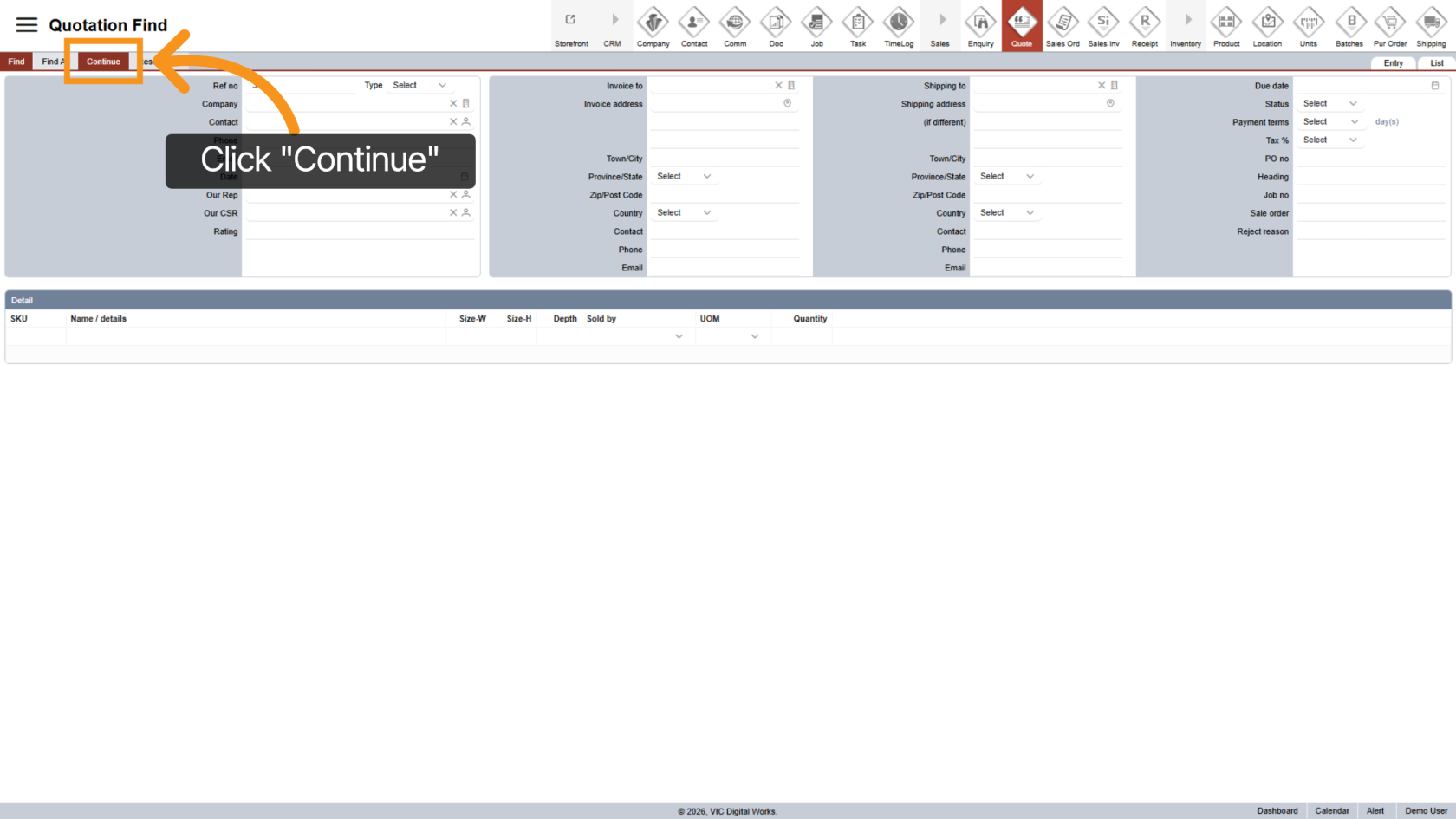
4. Start the Search
Click "Continue" to open the selected quotation.
5. Open the Other Section
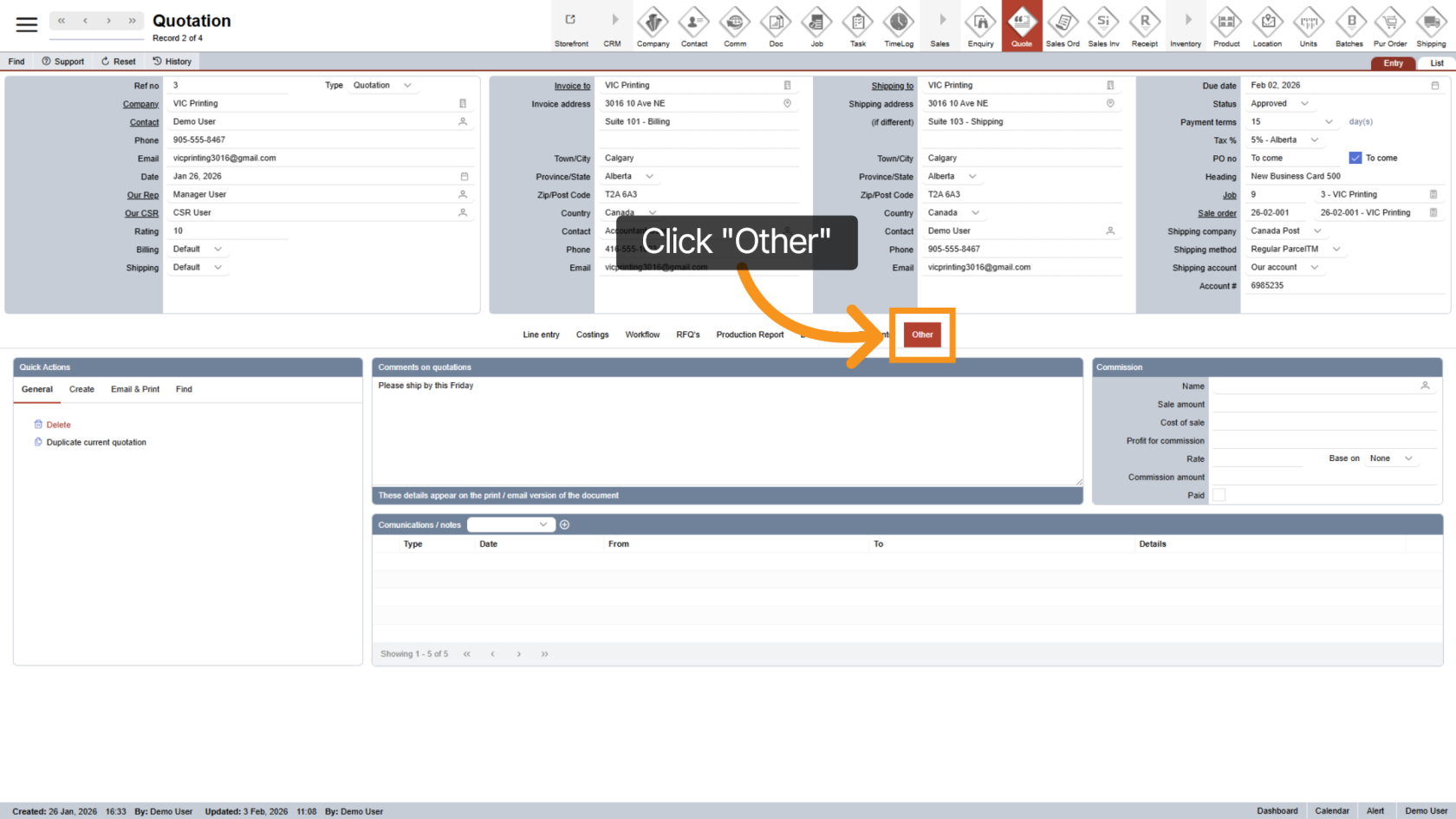
Once the quotation is open, click "Other" in the middle menu.
6. Open the General Tab
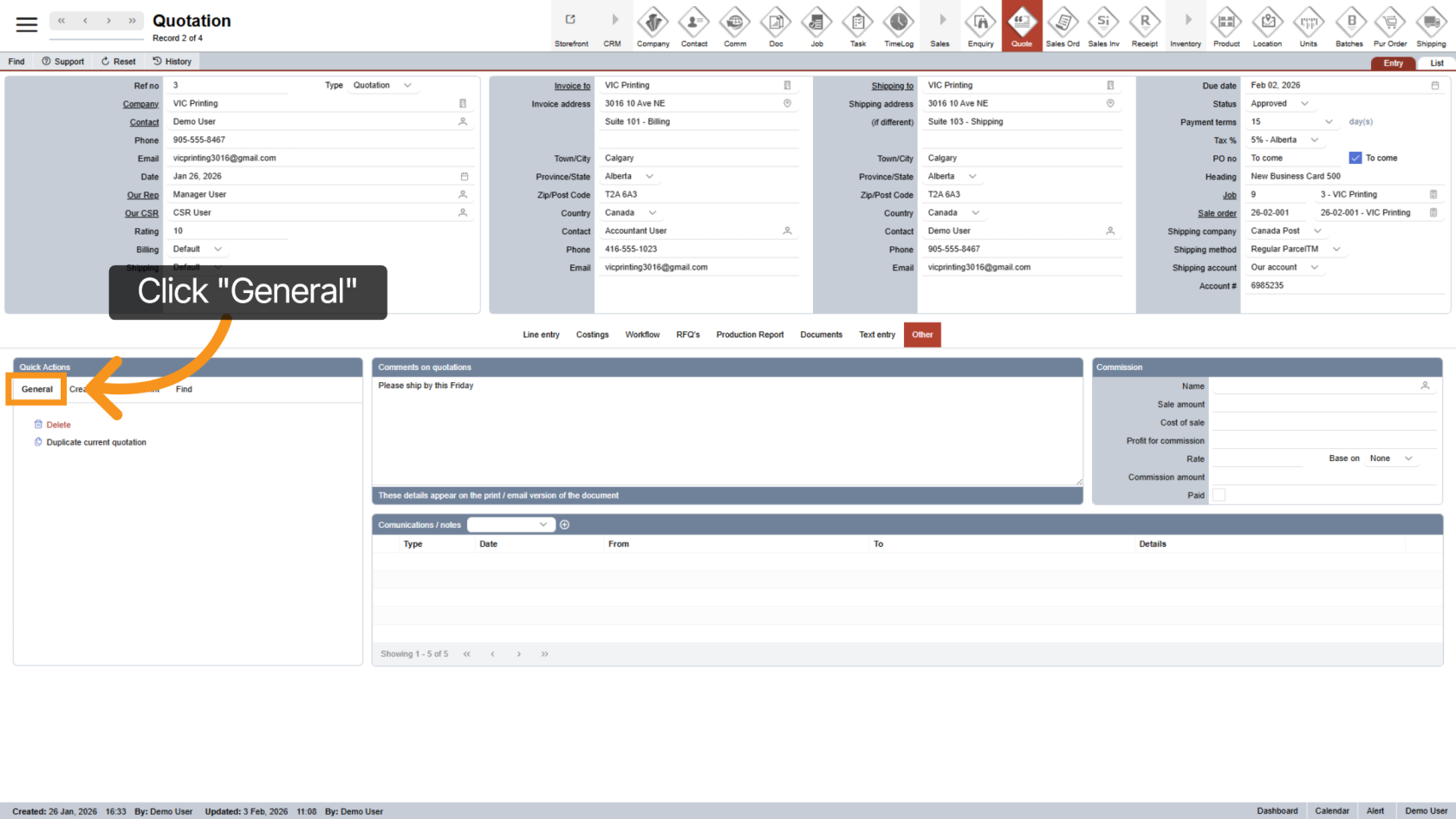
Click the "General" tab to view general quotation quick actions.
7. Duplicate the Quotation
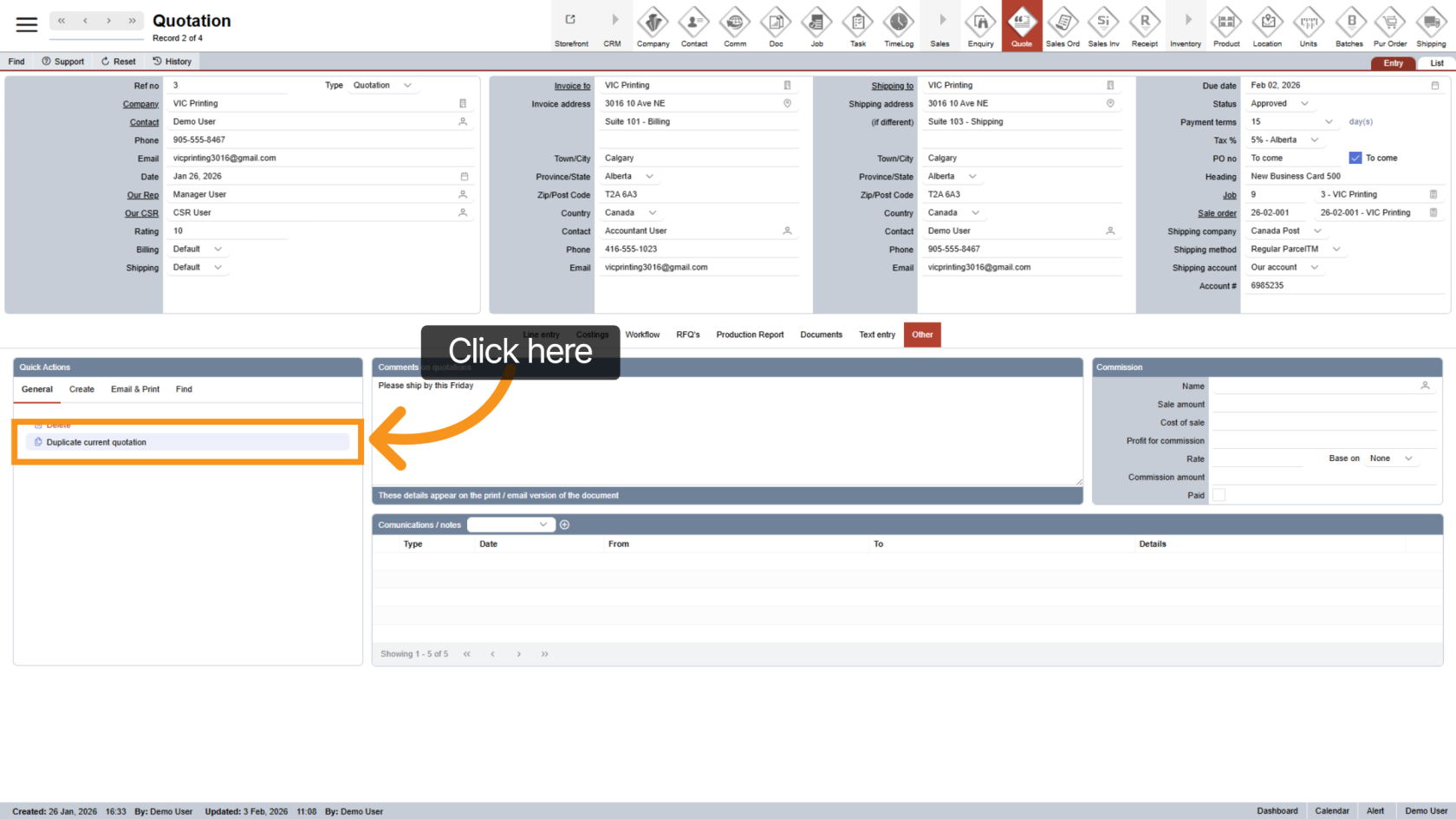
Click "Duplicate Current Quotation" to start the duplication process.
8. Choose Pricing Option
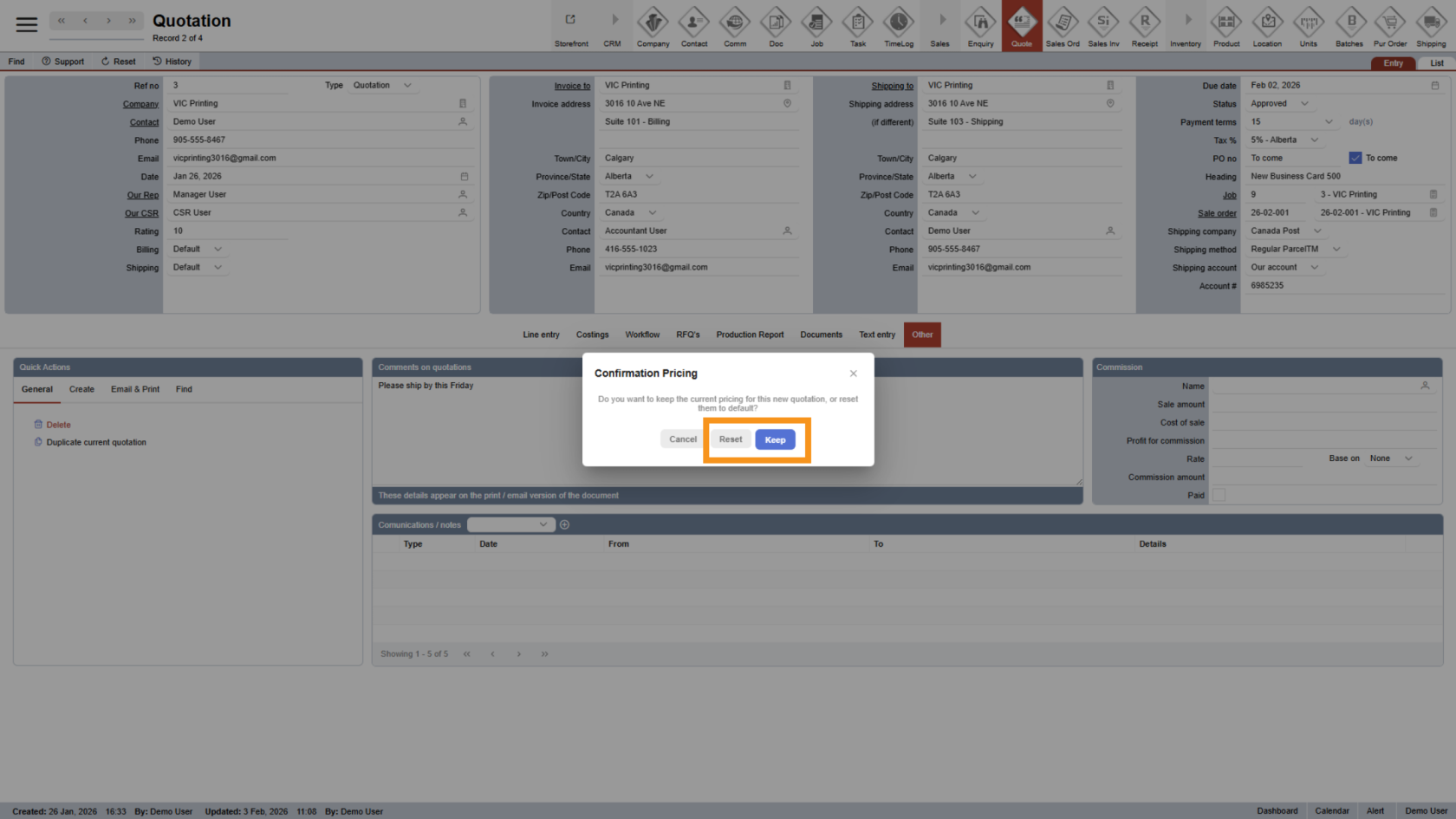
You will be asked to select one of the following options
- Keep - Keeps the same pricing as the original quotation.
- Reset - Updates pricing based on the latest price setup.
Choose the option that best fits your needs.
9. New Quotation Created
After duplication, WorkTraq will automatically open the new quotation, ready for editing or submission.
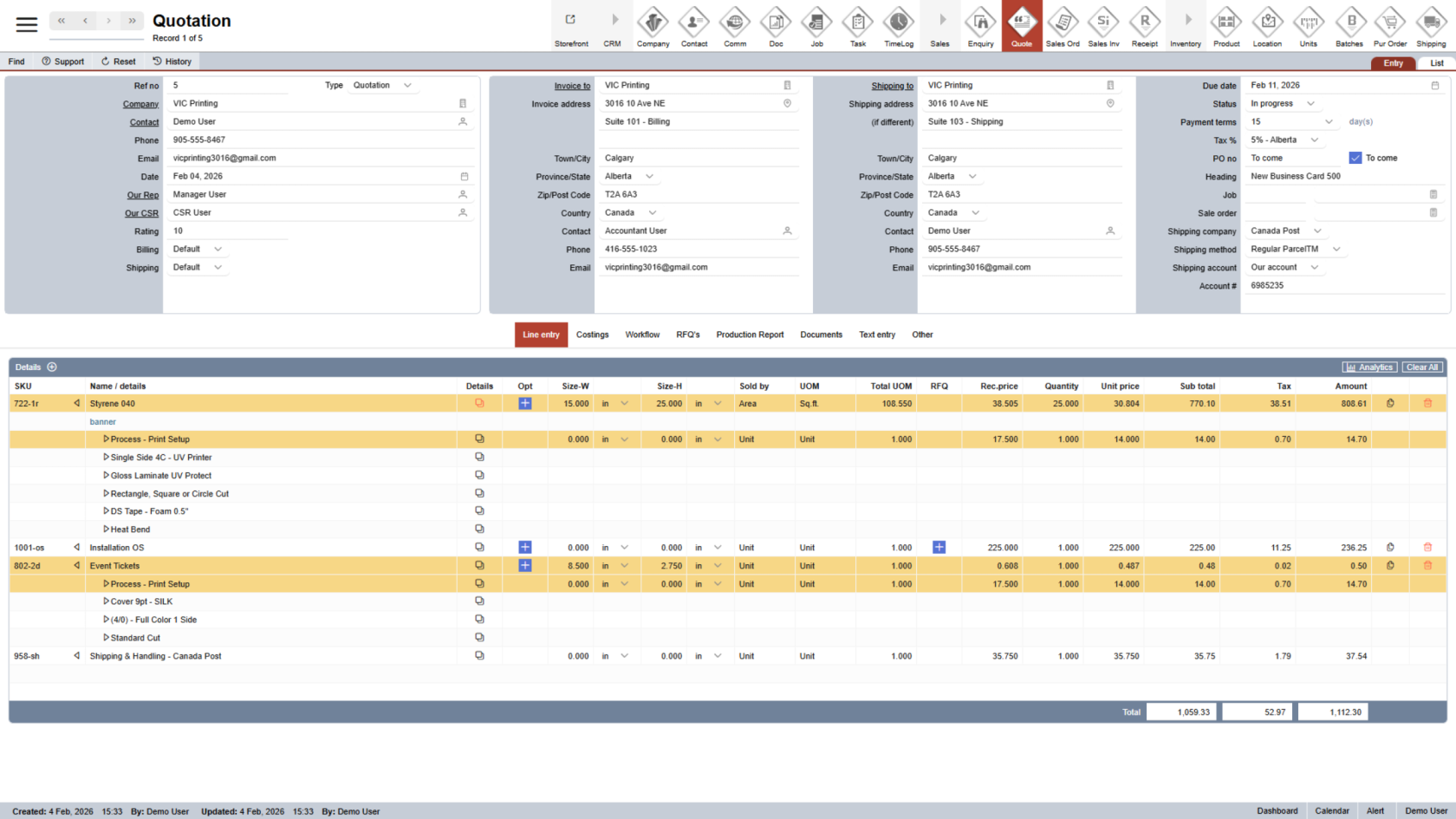
You have successfully duplicated a quotation in WorkTraq.This allows you to quickly create a new quotation using existing information, saving time and reducing manual entry.