
Sales Invoice Workspace
This guide explains how to navigate and use the Sales Invoice Workspace in WorkTraq.
Video Tutorial
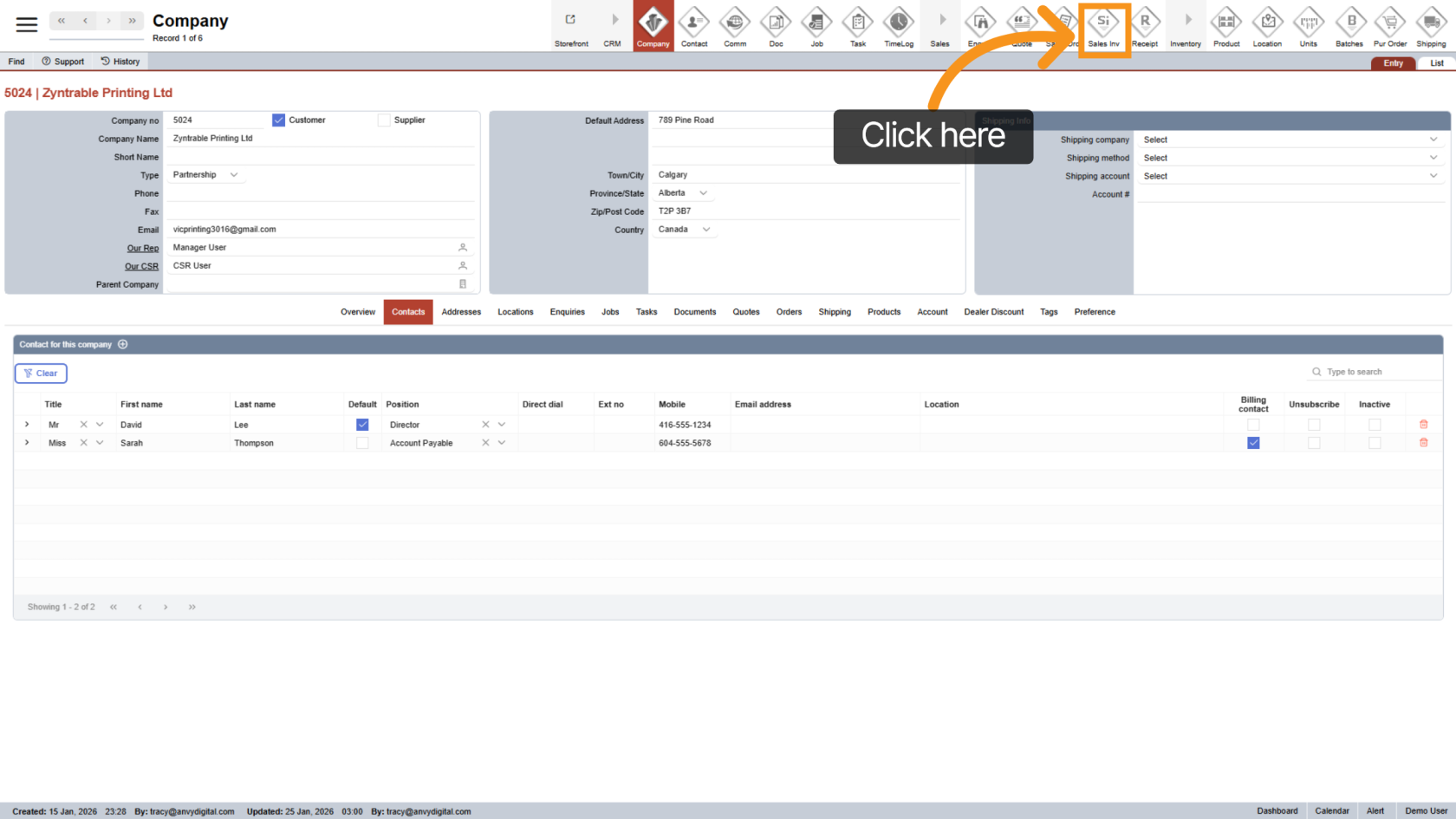
1. Open Sales Invoice
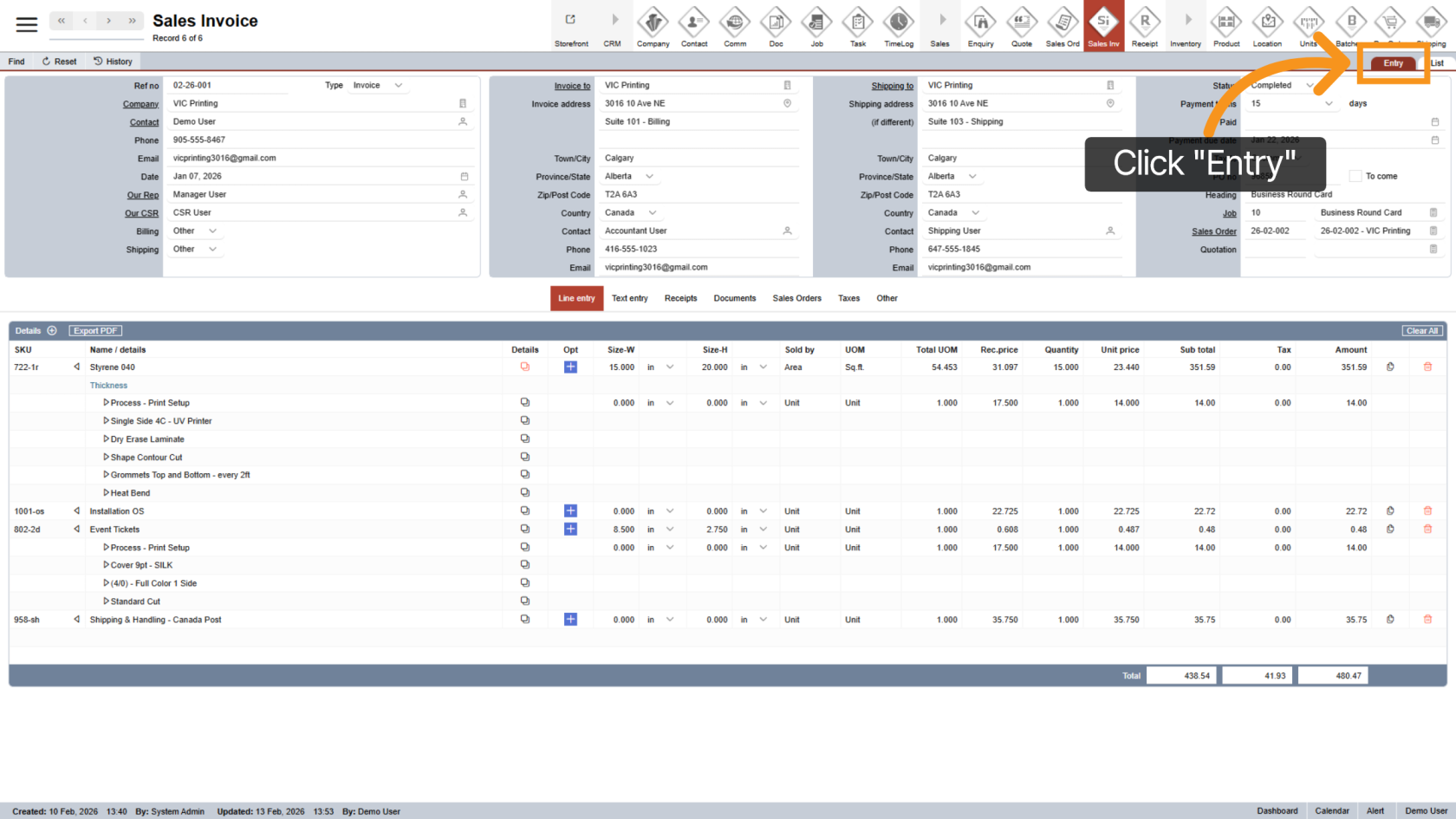
2. Open Entry Section
Click "Entry" to view detailed sales invoice information.
3. Review Sales Invoice Details
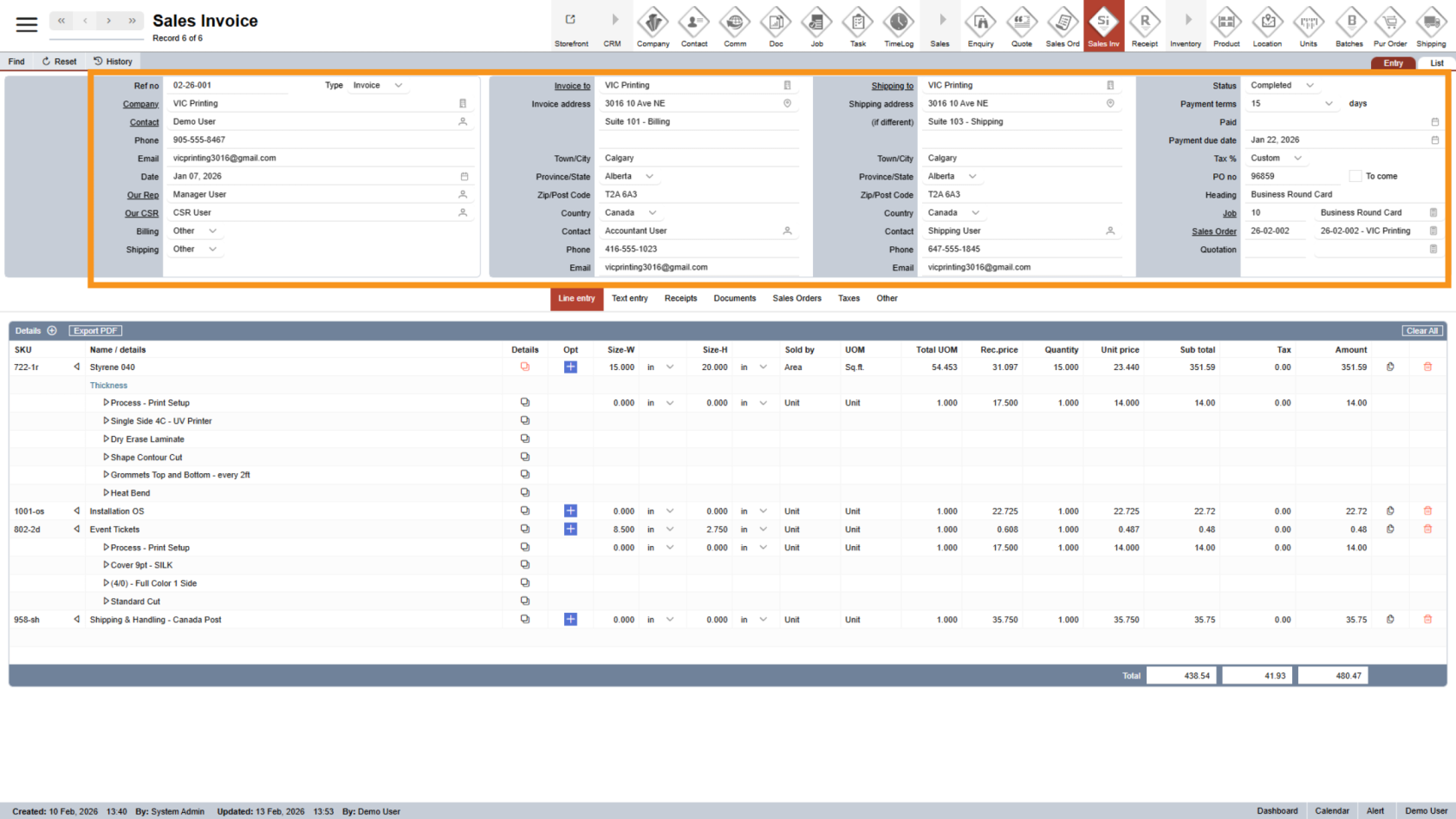
At the top of the page, you’ll see all invoice details, including:
- Company and contact information
- Billing and shipping details
- Payment terms and other key information
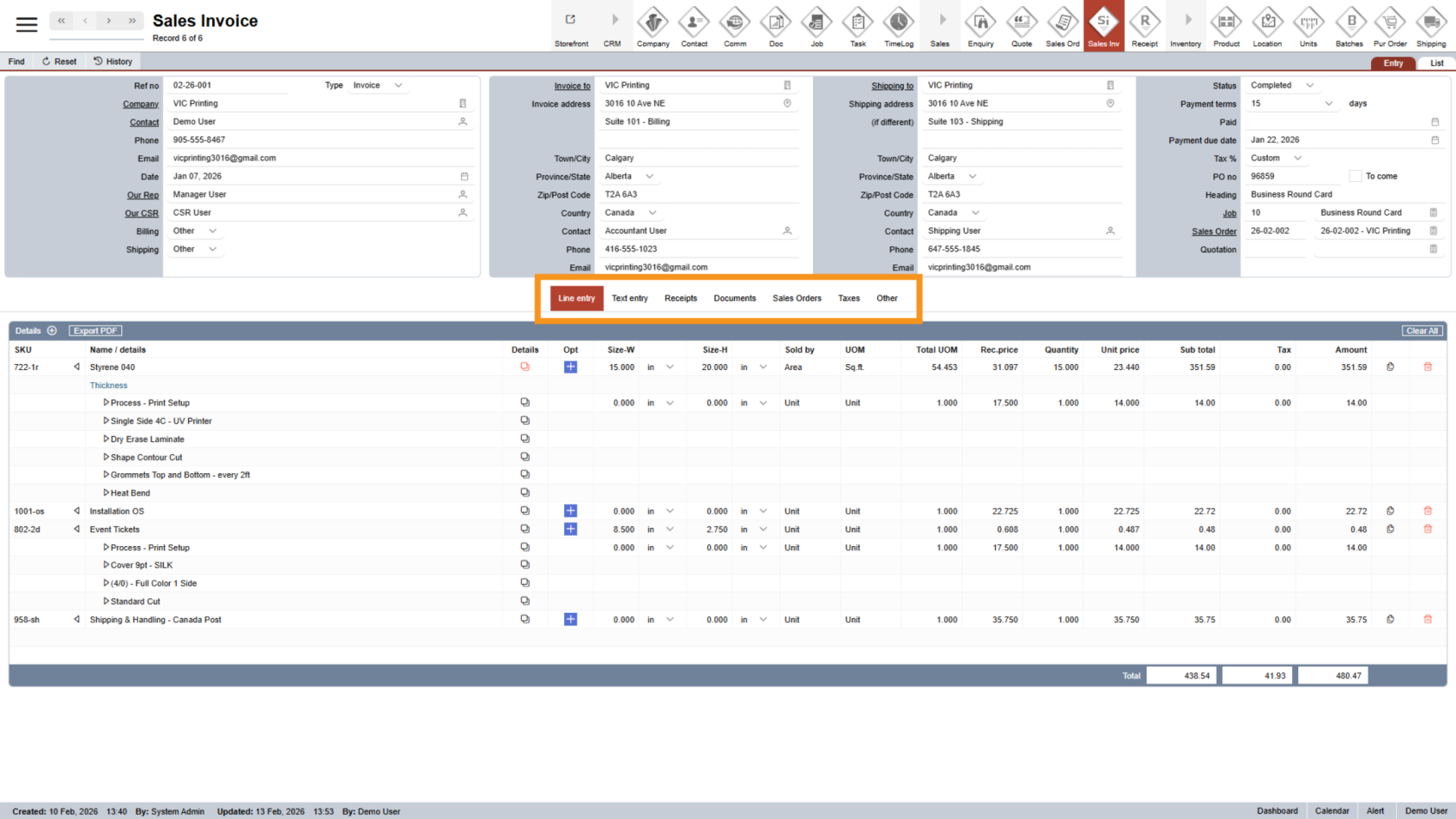
4. Use the Middle Menu
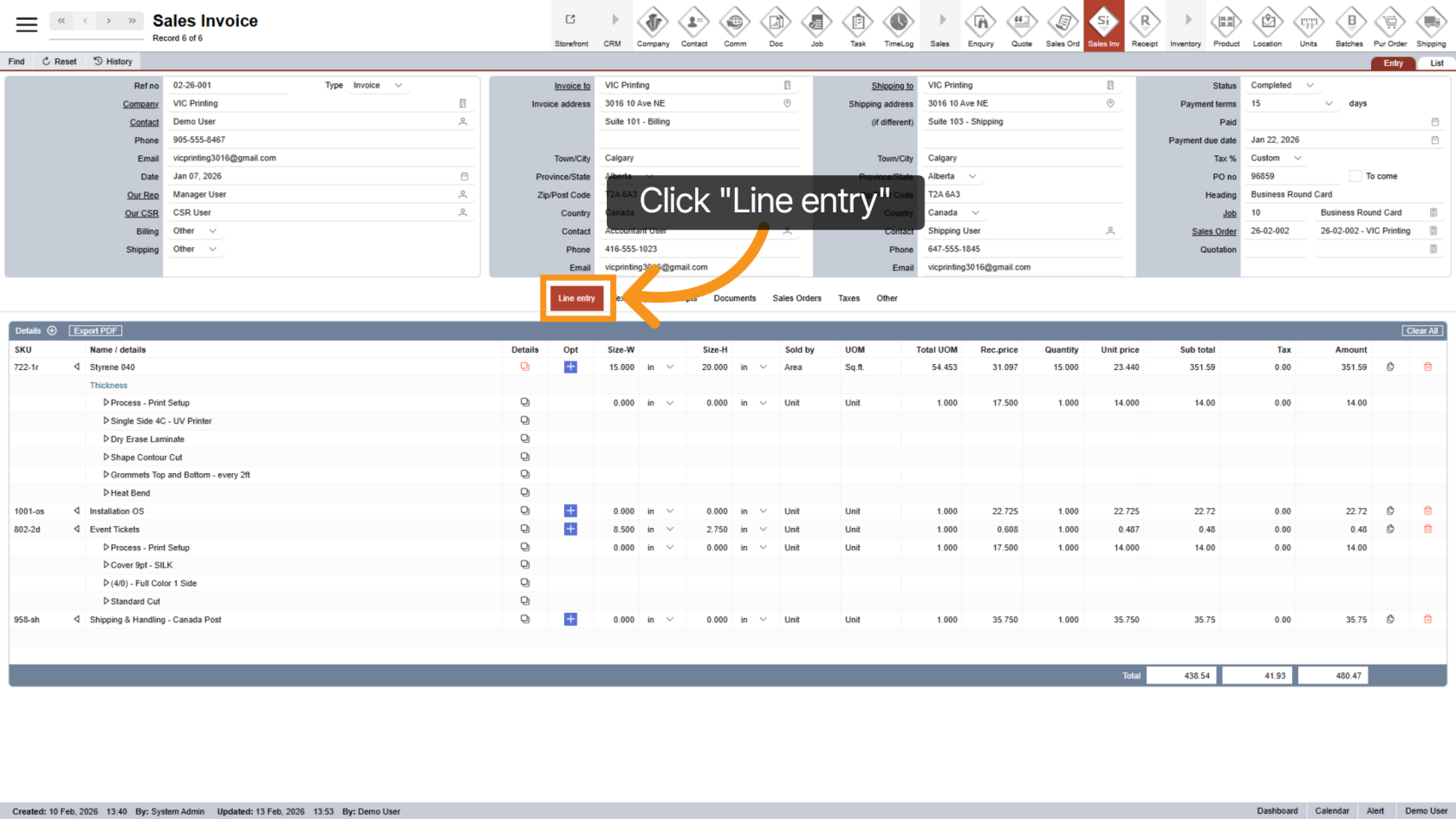
5. Line Entry Section
Click "Line Entry" to add or manage individual line items in the sales invoice.
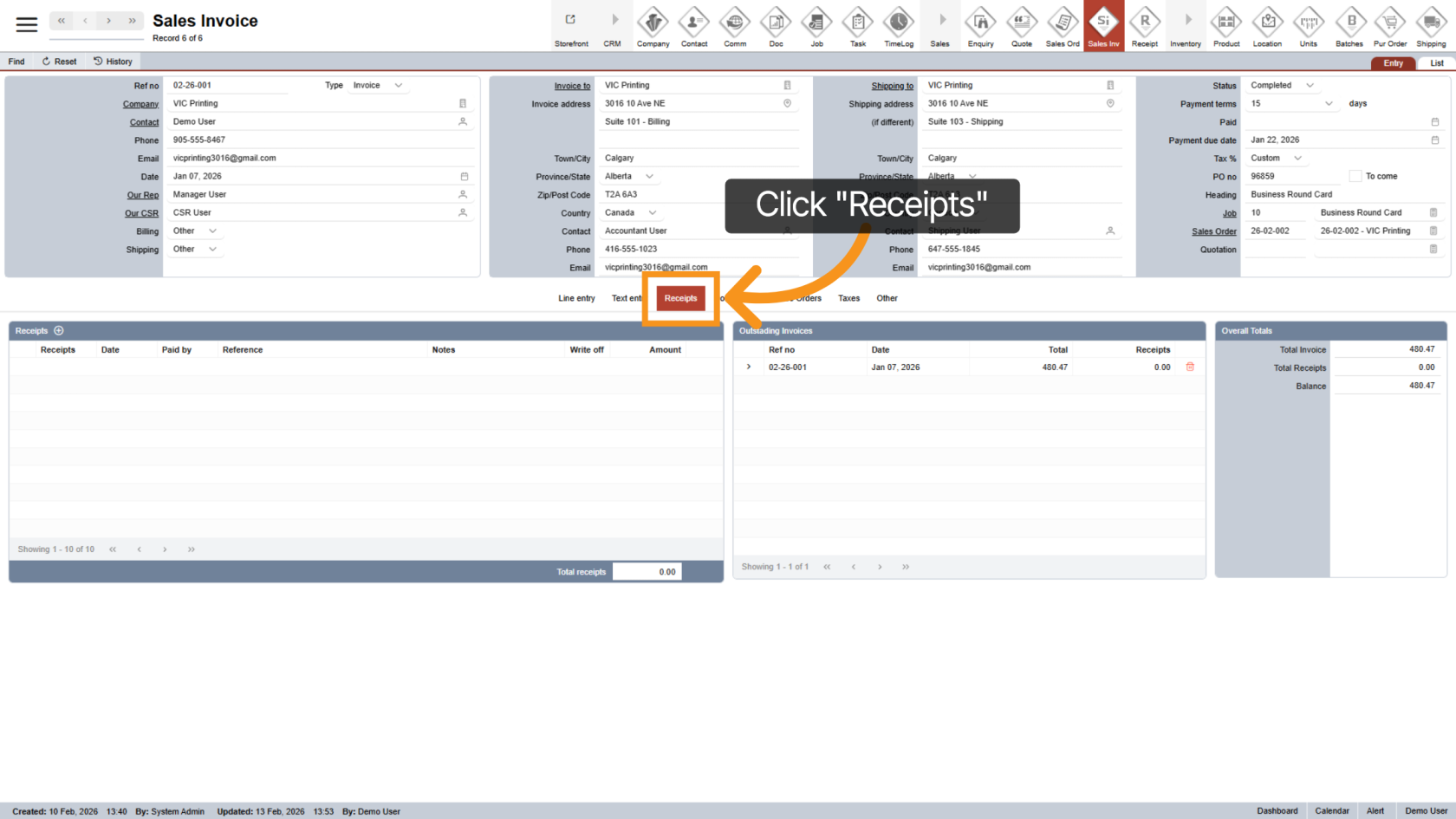
6. Receipts Section
Click "Receipts" to view all receipts related to the current invoice.
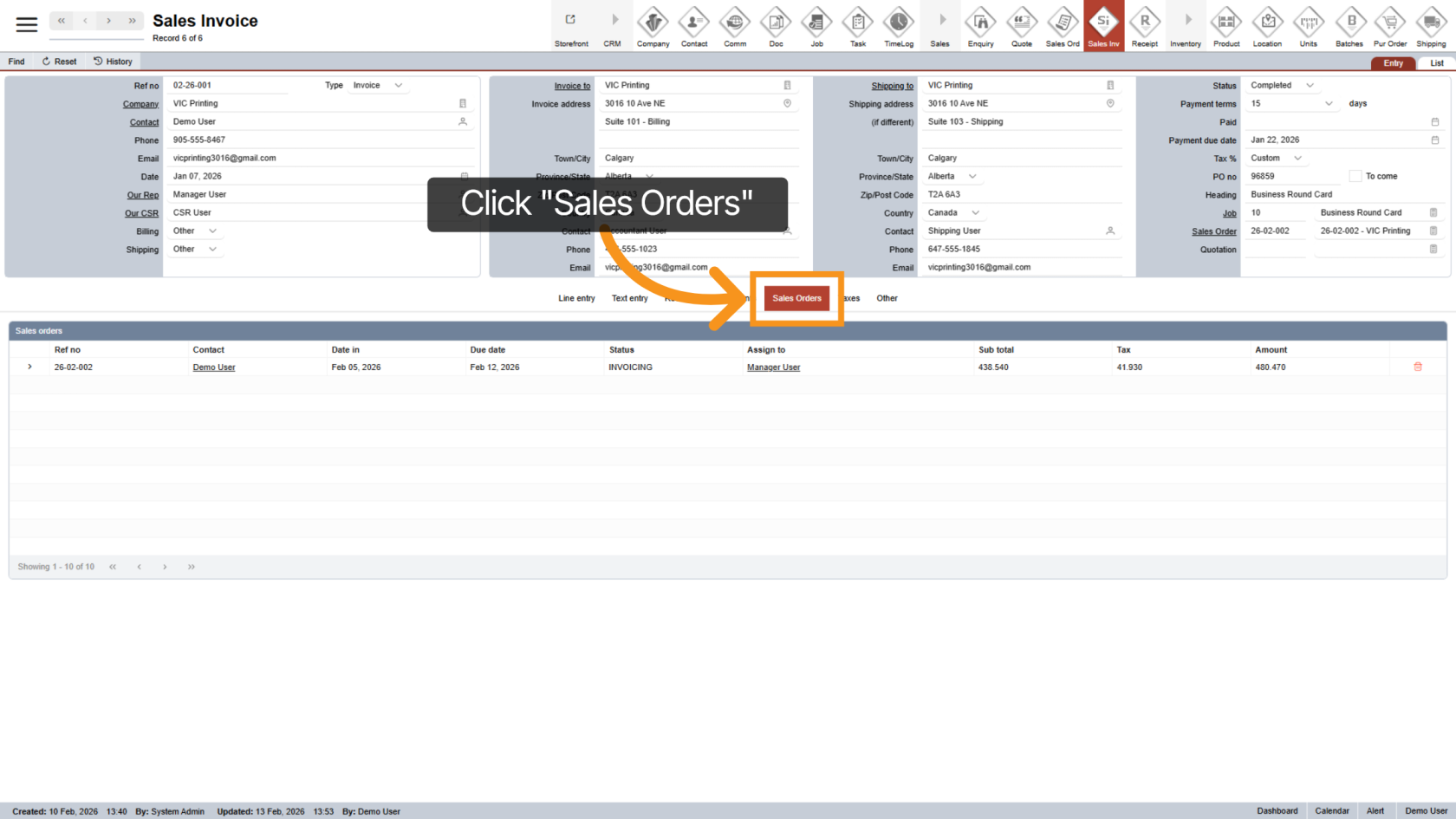
7. Sales Orders Section
Click on "Sales Orders" to to view related order information.
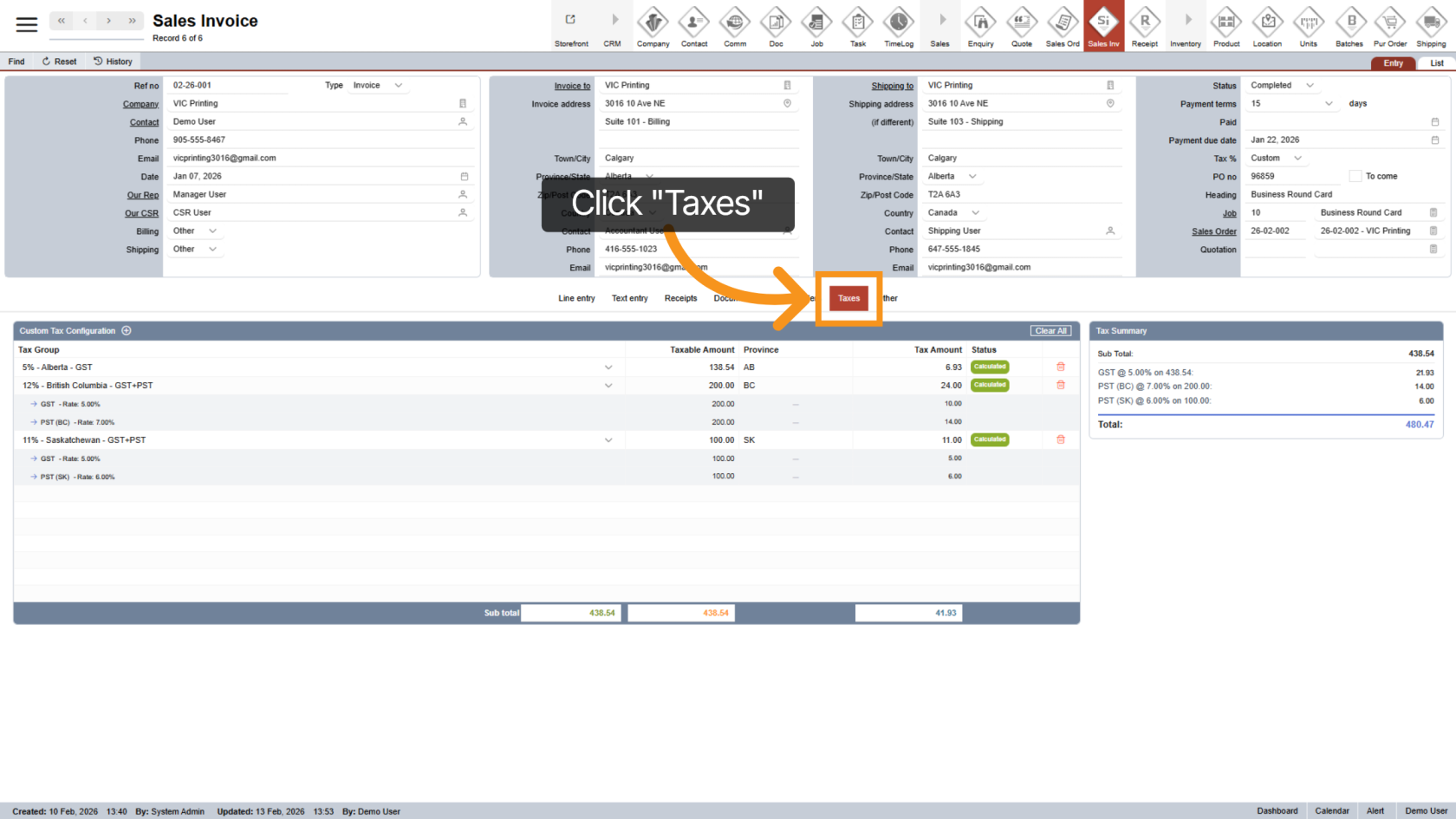
8. Taxes Section
Click "Taxes" to review the tax breakdown. This is a hidden tab that appears only when the invoice includes custom taxes for multi-location shipping.
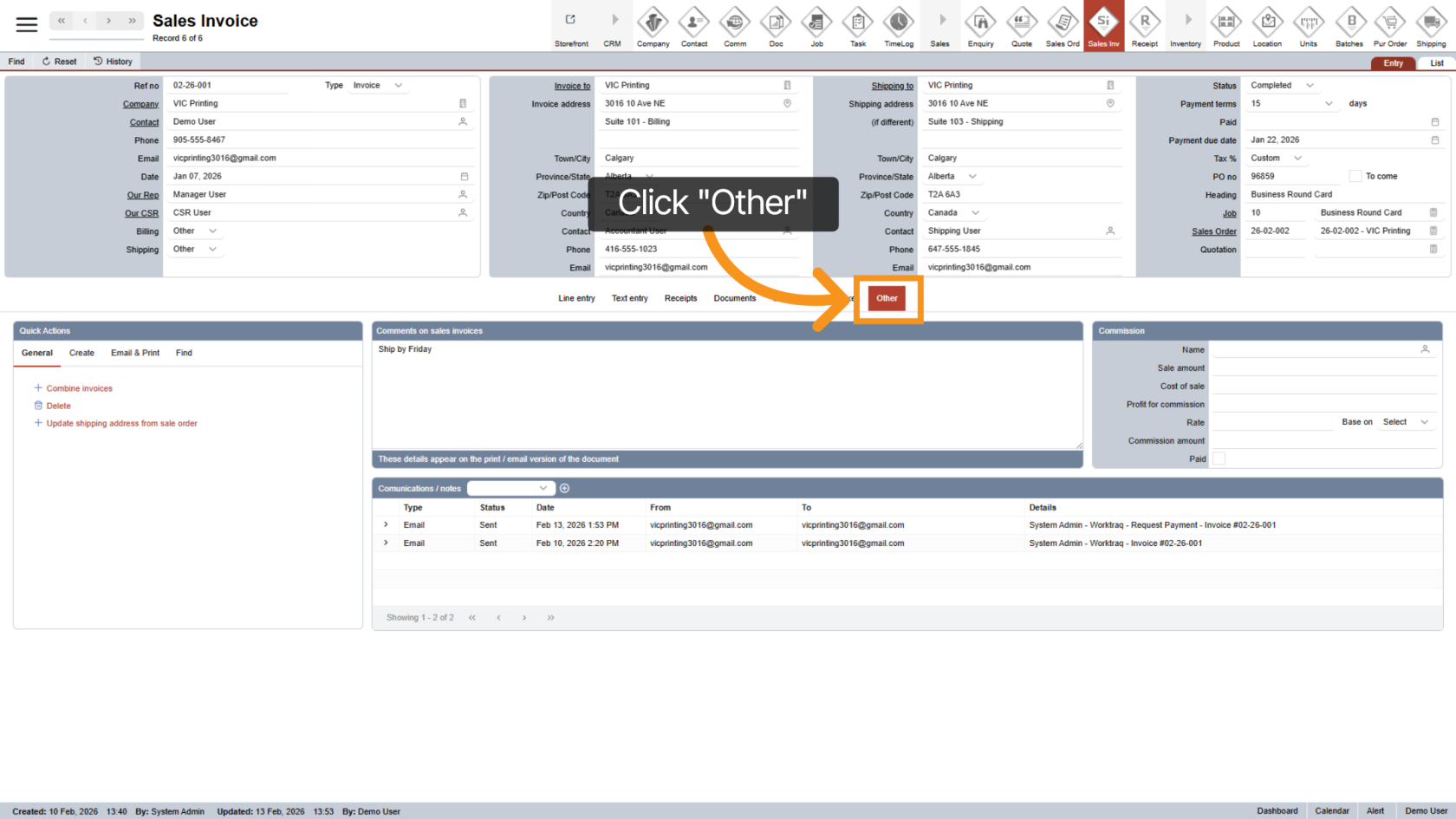
9. Open Other Section
Click "Other" to access additional options and communication related to the sales invoice.
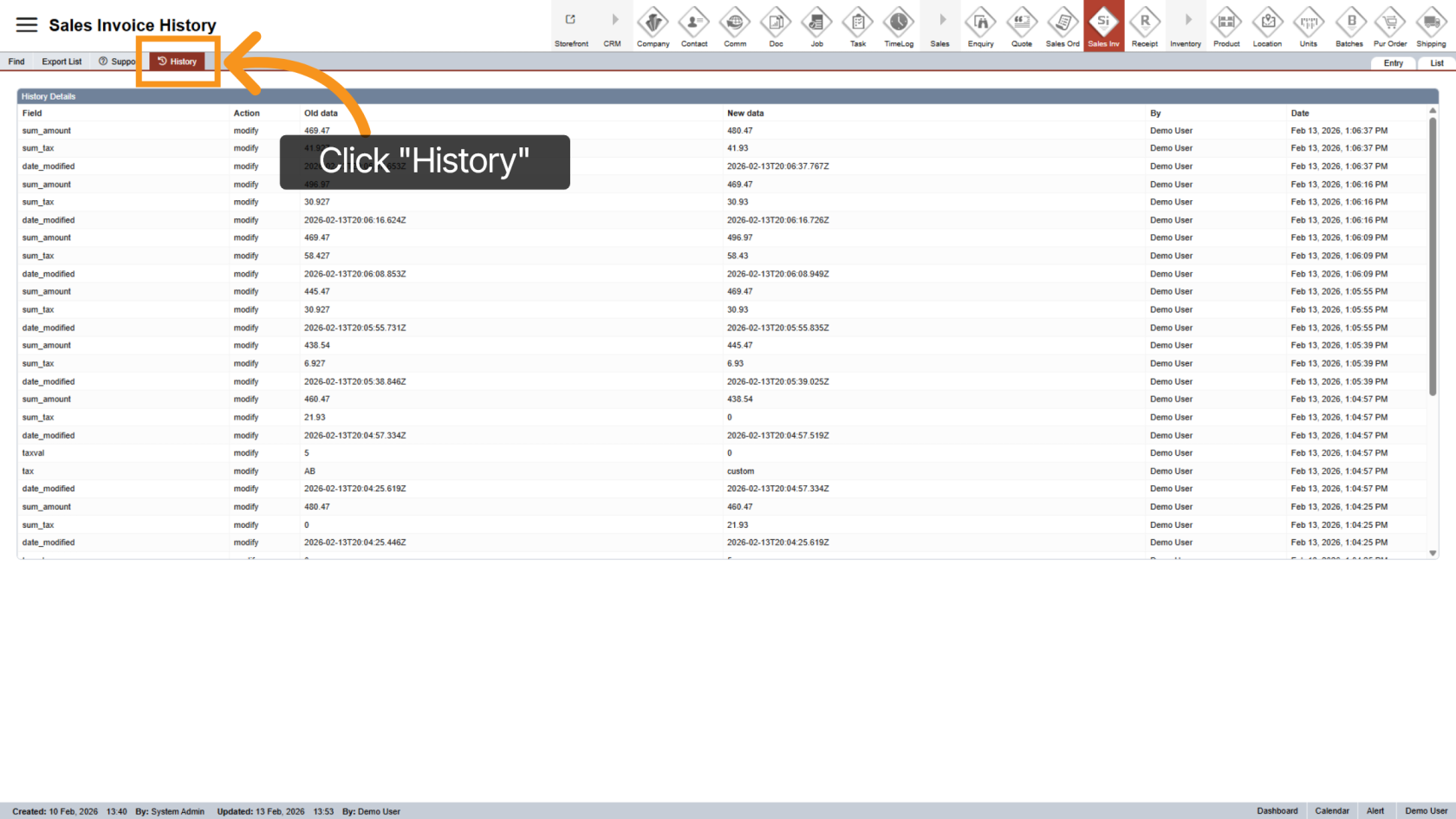
10. View History
Click "History" to review the invoice’s activity log and change history.
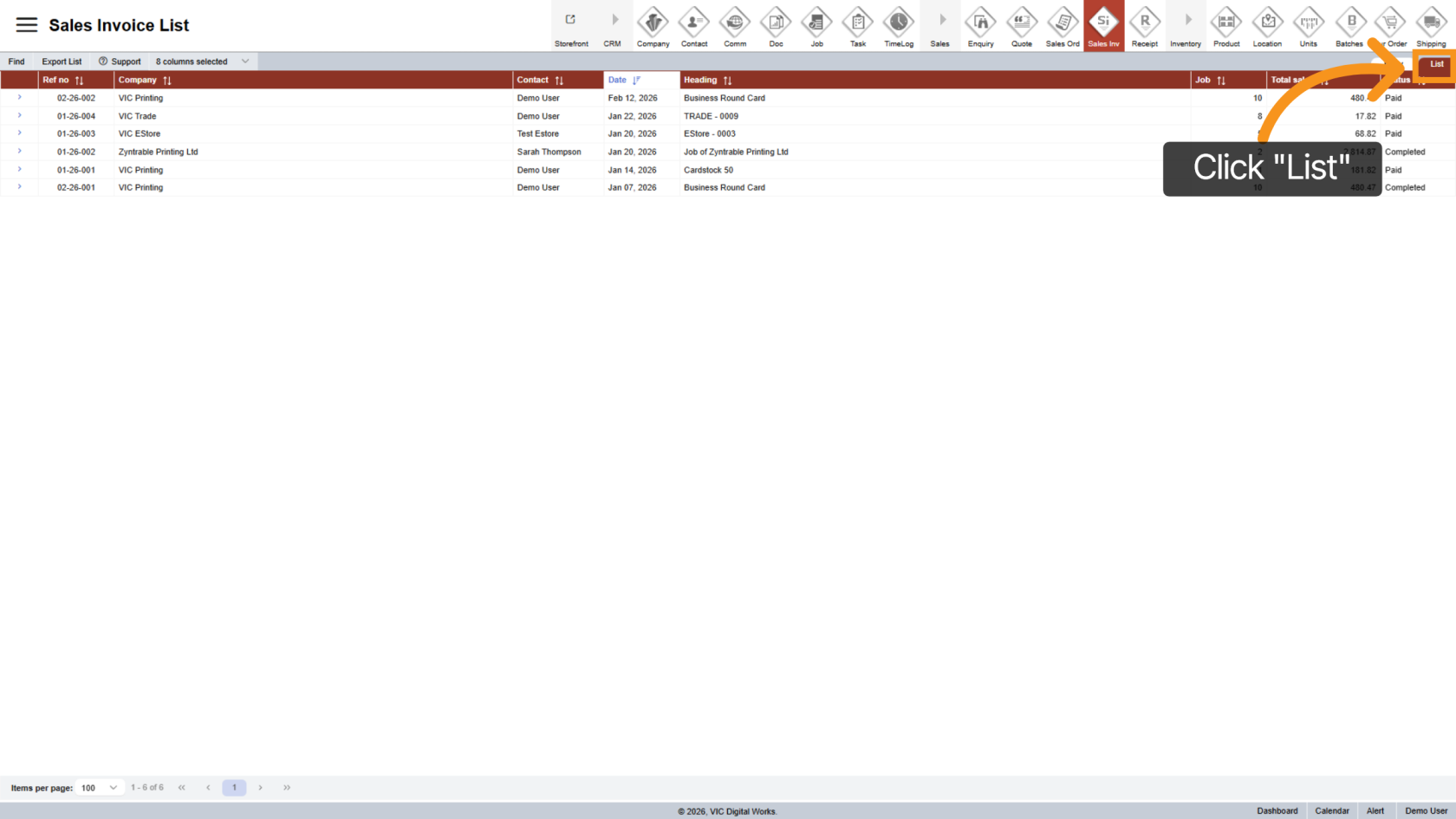
11. List View
Click "List" to view all sales invoices in a clear, list-style format.
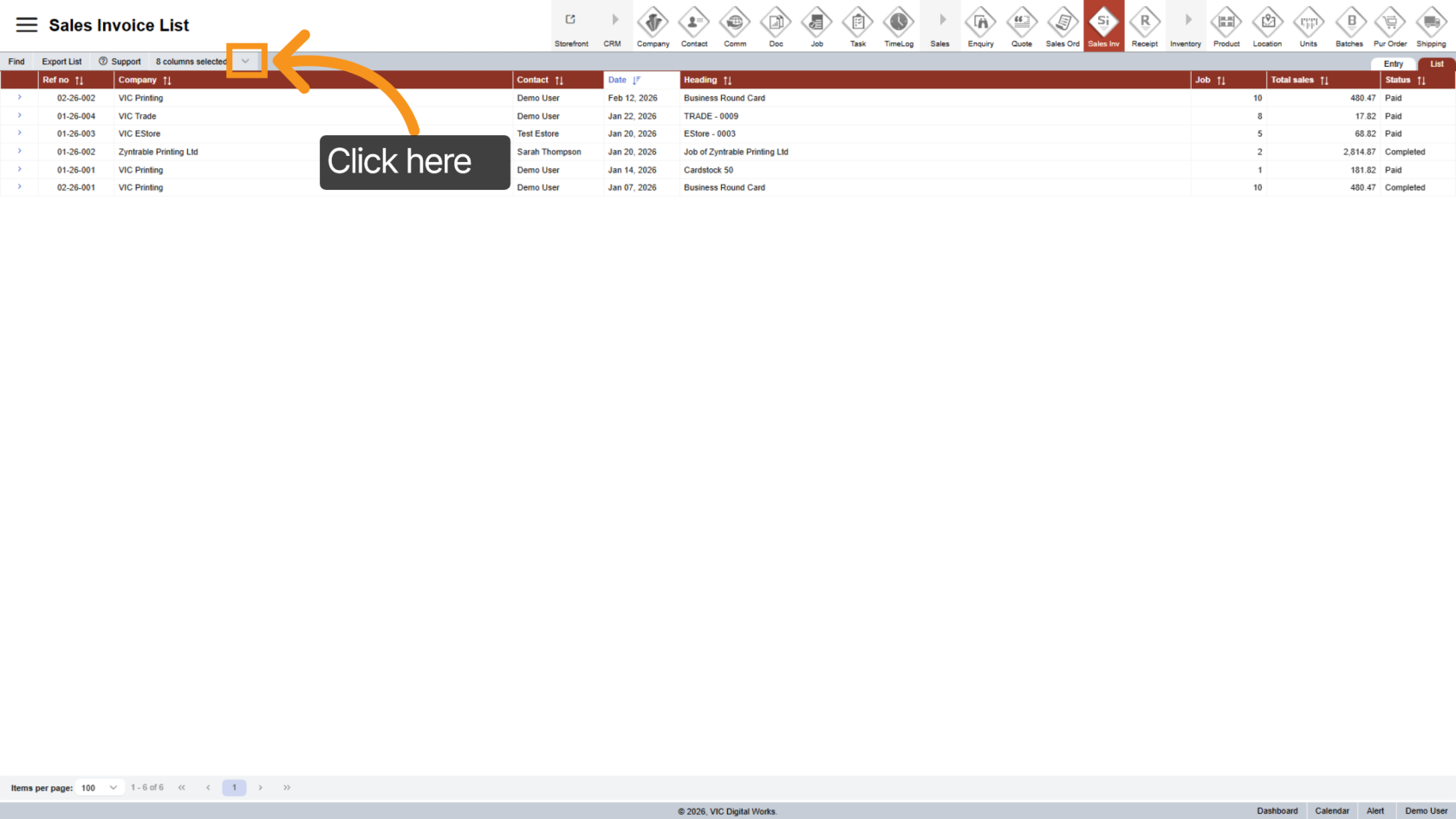
12. Customize List View
Click the  arrow icon to choose which invoice columns you want to display.
13. Open a Specific Sales Invoice
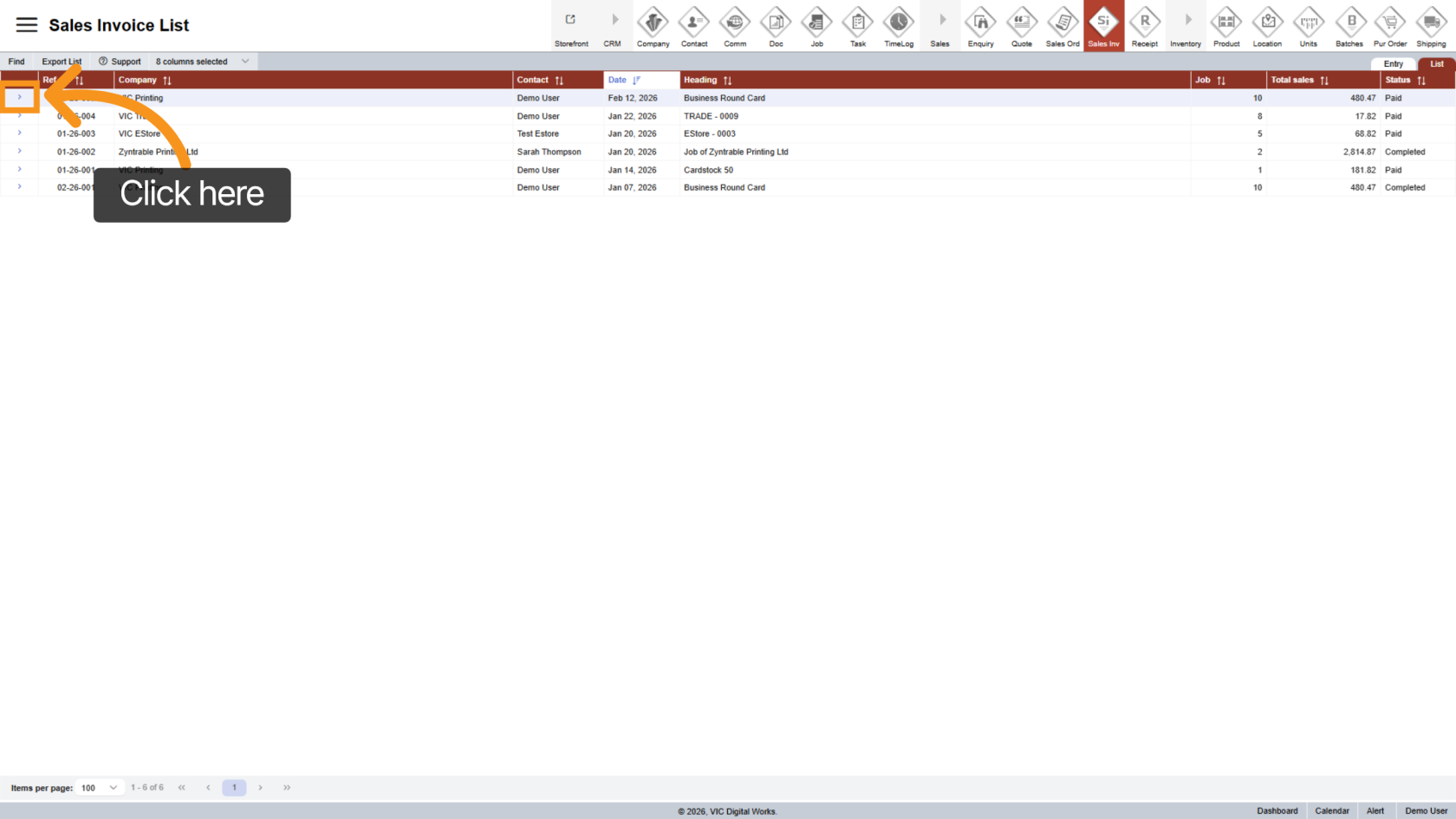
In the list view, click the  arrow icon next to a sales invoice to open its details.
14. Find a Sales Order
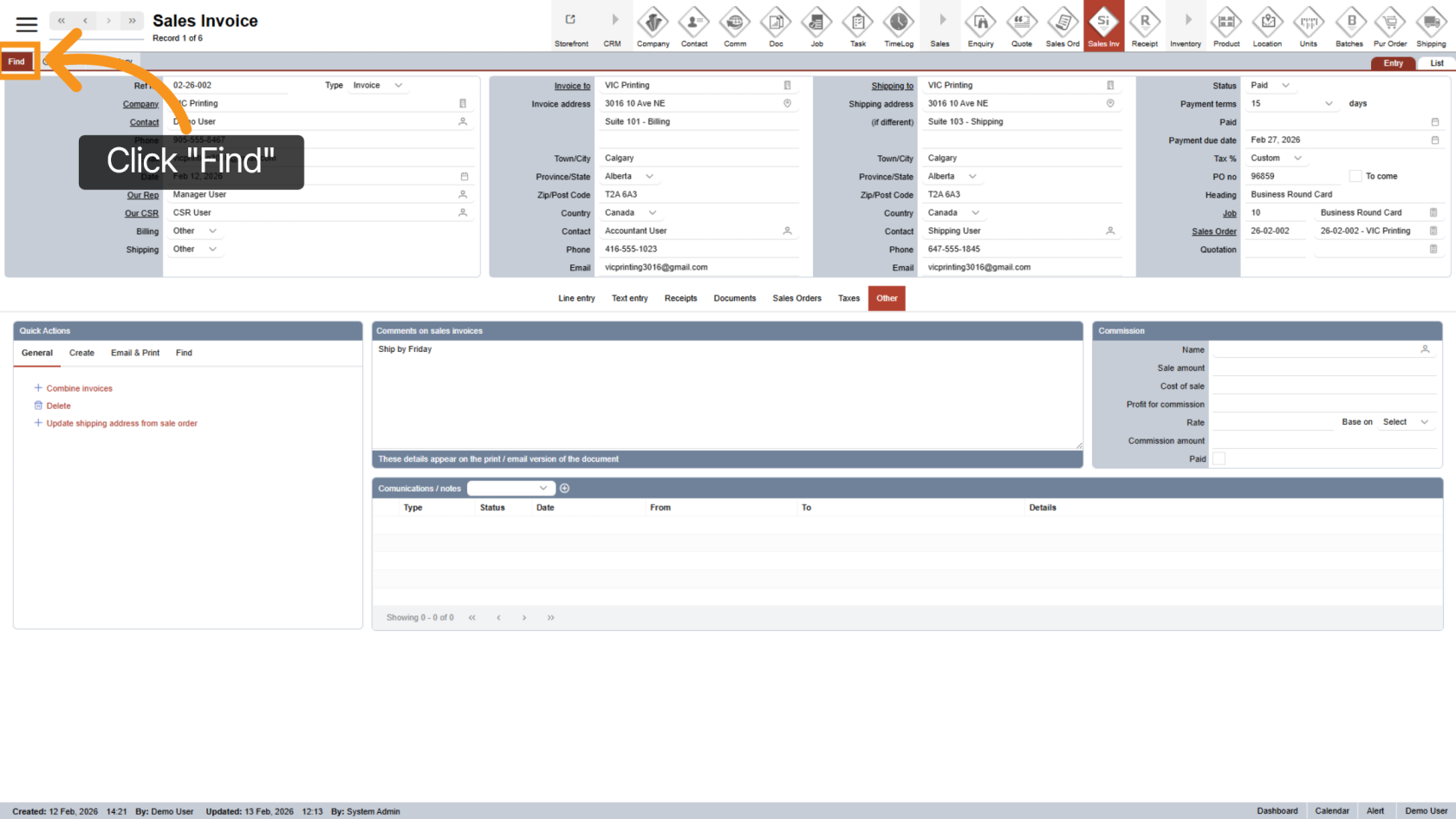
Click "Find" to search for invoices or related records.
15. Enter Search Criteria
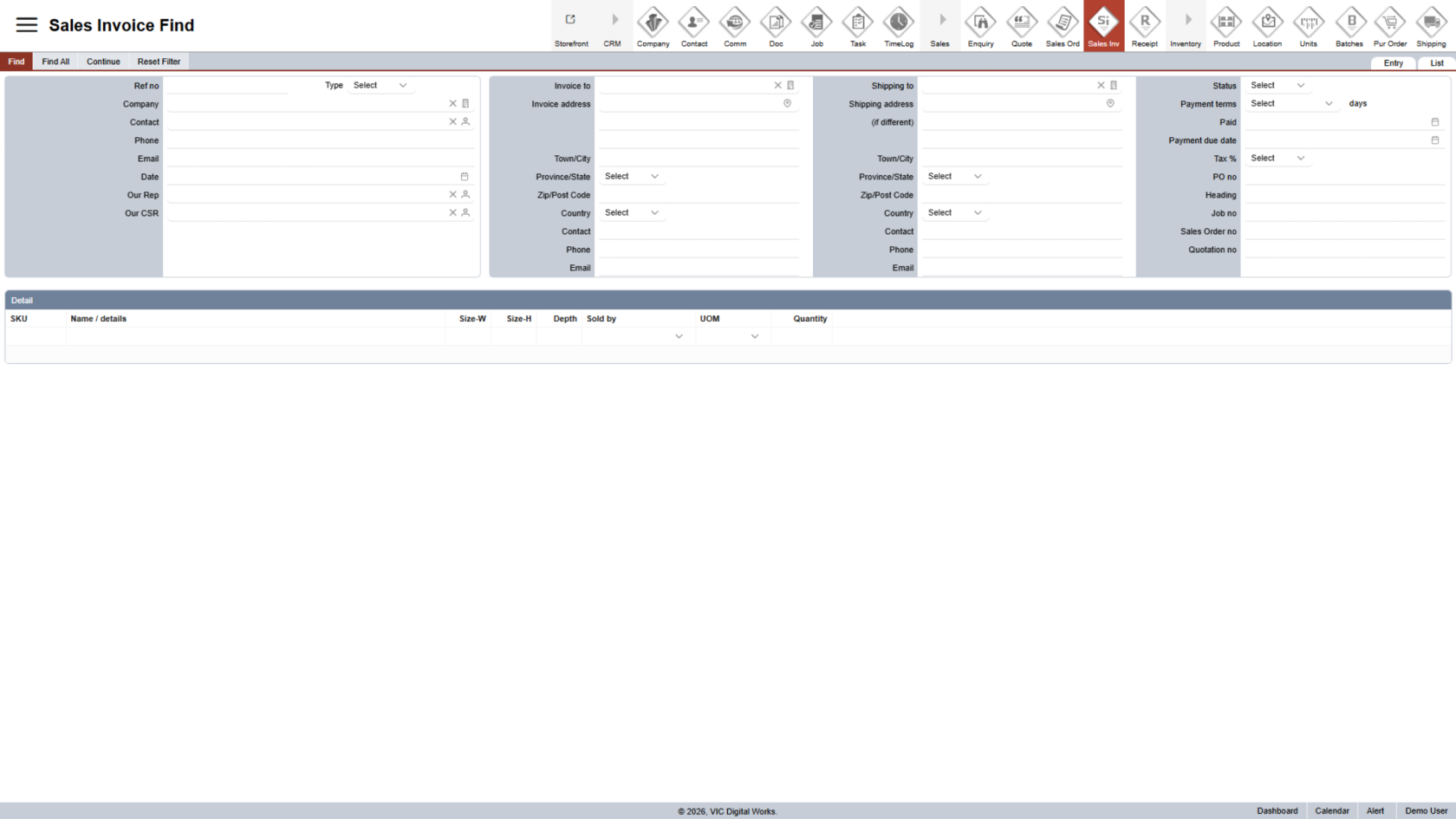
Fill in one or more fields to narrow down your search results.
16. View Search Results
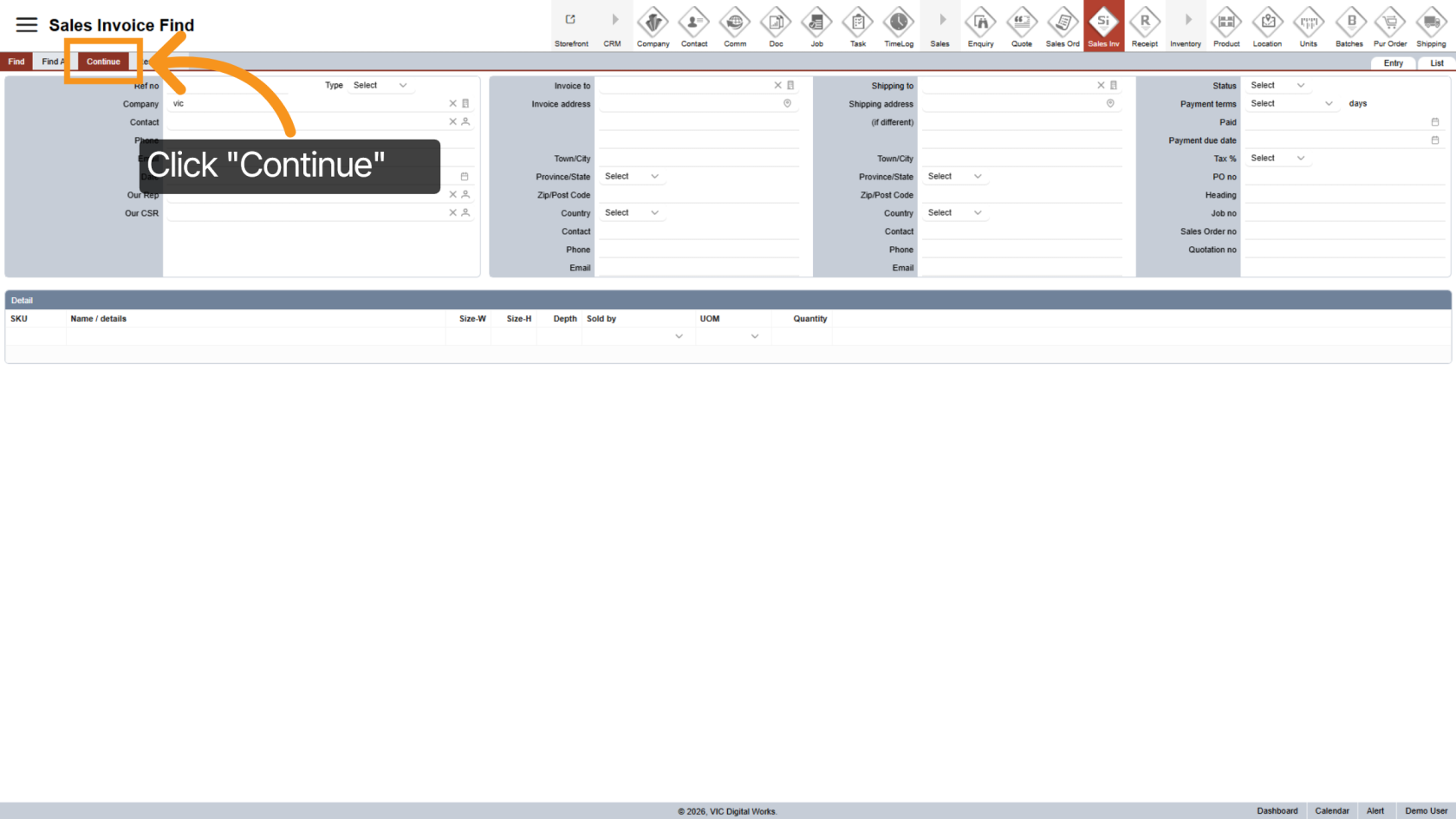
Click "Continue" to display the search results.
You have successfully navigated the Sales Invoice Workspace in WorkTraq. You can now manage invoices, review details, and use search tools efficiently.